Salesforce Automated Quote Generation | SilkQuote
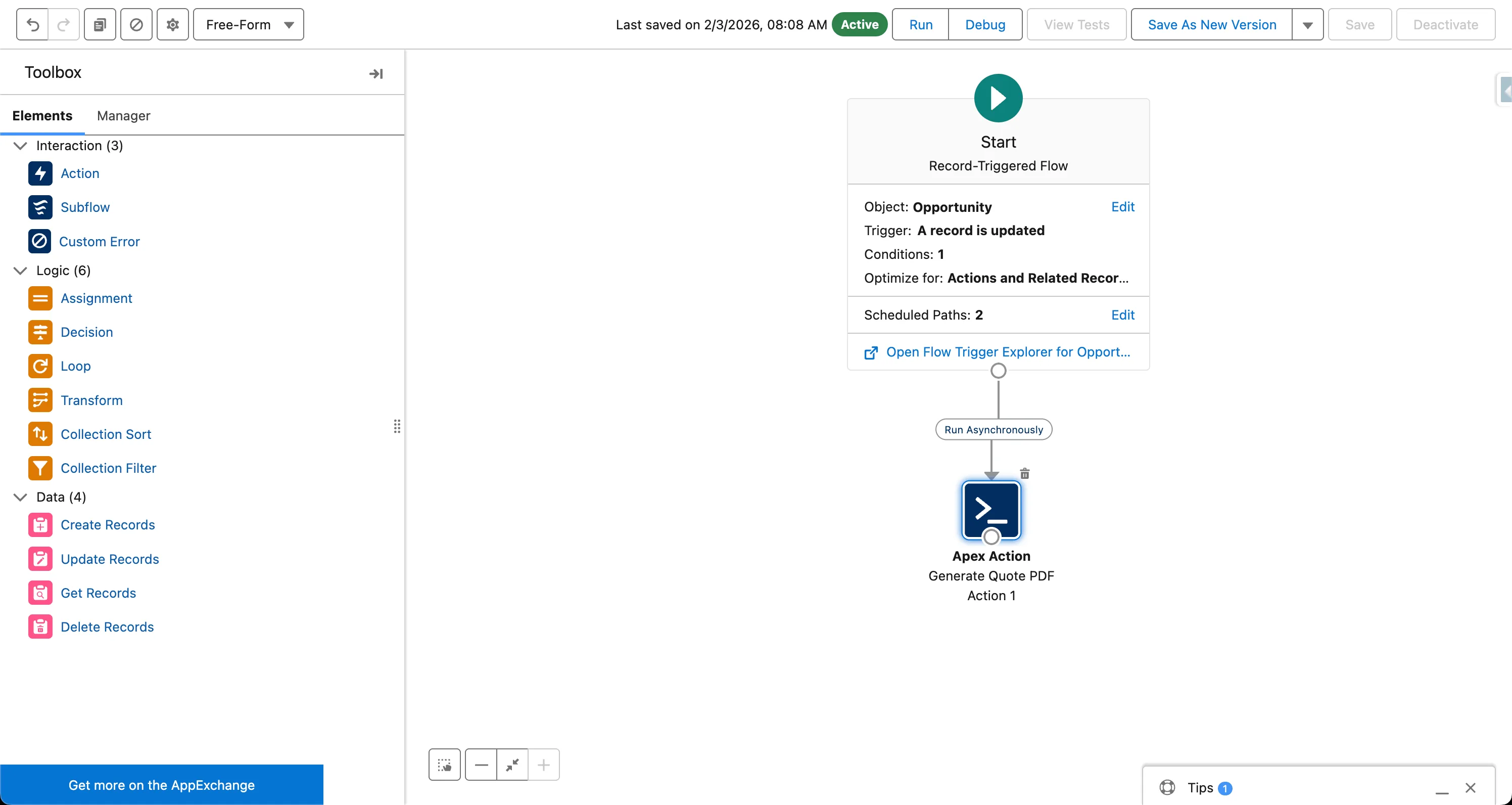
Automate Salesforce quote generation with SilkQuote's Flow invocable action. Trigger PDF quote creation automatically based on Opportunity stage or criteria.

Automate Salesforce quote generation with SilkQuote's Flow invocable action. Trigger PDF quote creation automatically based on Opportunity stage or criteria.
Looking for a Salesforce CPQ alternative? SilkQuote delivers professional quote generation free, with no CPQ complexity, no licensing costs, and fast setup.
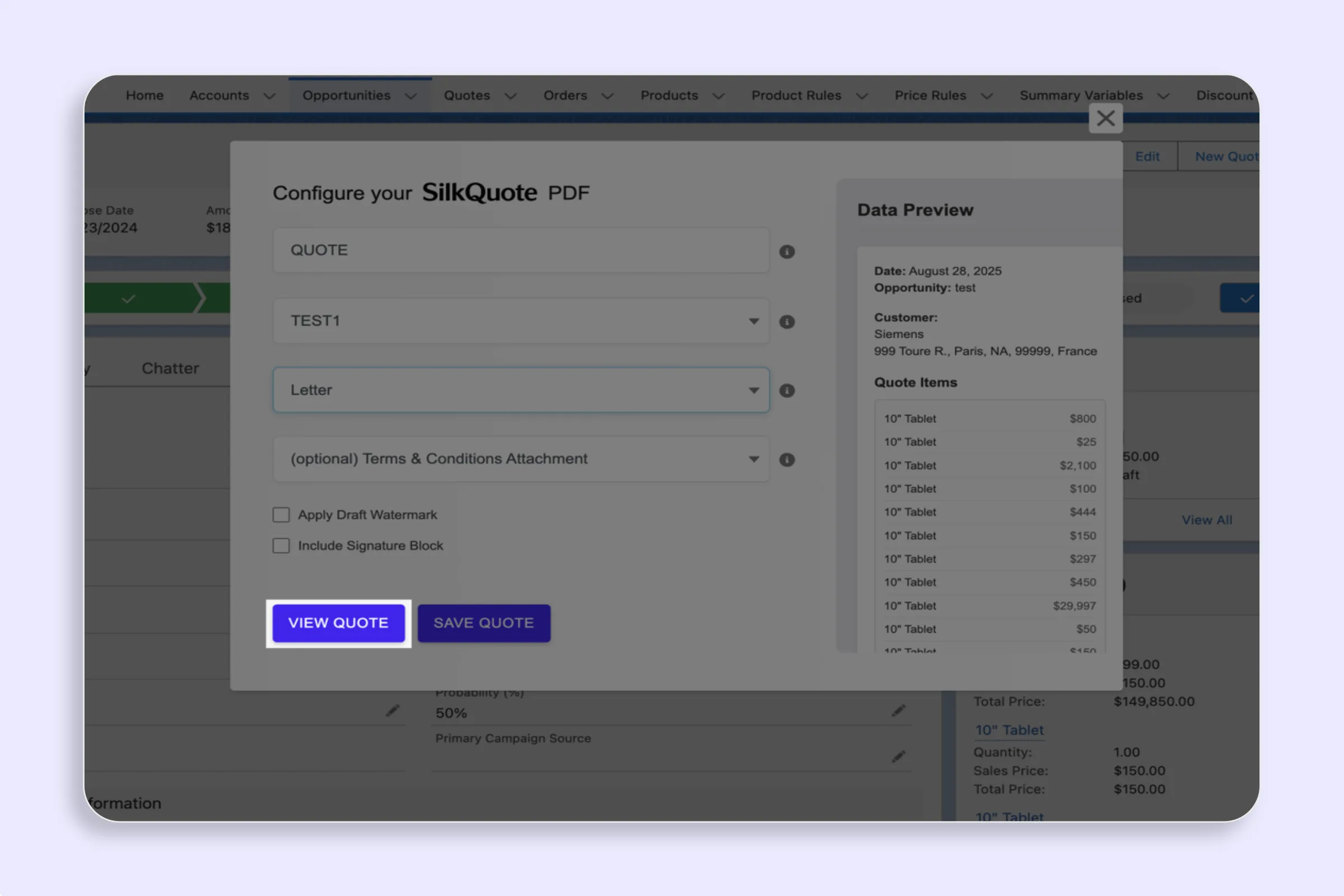
Generate professional PDF quotes directly in Salesforce with SilkQuote. One-click PDF creation, branded templates, and automatic file attachment to records.
Build Salesforce quote automation workflows with SilkQuote and Flow. Trigger generation, approval routing, delivery, and activity logging automatically.
Generate professional Salesforce quotes in one click. SilkQuote is a free native quote generator for Salesforce with drag-and-drop templates and PDF output.
Design Salesforce quote templates with SilkQuote's no-code drag-and-drop builder. Map fields, add branding, and set conditional logic without any coding.
Build branded Salesforce quote templates without code. SilkQuote's drag-and-drop template designer maps Opportunity data into polished PDFs in minutes.
Compare Salesforce quoting tools and see why SilkQuote is the fastest path to professional quotes. Free, native, no-code, and live in under an hour.
Learn how to automate your Salesforce quoting process with Flow, invocable actions, and SilkQuote. Eliminate manual quote creation, reduce errors, and close deals faster.
Learn how to create a quote PDF in Salesforce, from native limitations to one-click generation with SilkQuote. Step-by-step guide for sales reps and admins.
Step-by-step guide to generating professional PDF quotes in Salesforce using SilkQuote. Build branded templates, configure line items, and deliver polished quotes in one click.
How to integrate e-signatures with Salesforce quotes. Options for capturing prospect acceptance, connecting to DocuSign or Conga Sign, and when a native acceptance flow is better than e-signature.
Compare Salesforce CPQ and standard Salesforce Quotes. Understand the key differences in pricing rules, approvals, templates, and total cost to choose the right quoting tool.
Step-by-step Salesforce Flow tutorial for automating quote PDF generation with SilkQuote. Configure record-triggered Flows to generate quotes automatically on Opportunity stage changes.
A comprehensive guide to the Salesforce quote-to-cash process for RevOps teams — from opportunity quoting through order management, invoicing, and revenue recognition in Salesforce.
Salesforce quoting best practices for template design, PDF layout, rep efficiency, and prospect experience. Reduce quote turnaround time and increase acceptance rates.
Compare SilkQuote, Conga Composer, and S-Docs for Salesforce document generation: pricing, setup complexity, template design, and which tool fits your quoting needs.
SilkQuote vs Salesforce CPQ — understand the key differences, pricing, setup complexity, and when each tool is the right choice for your Salesforce quoting process.
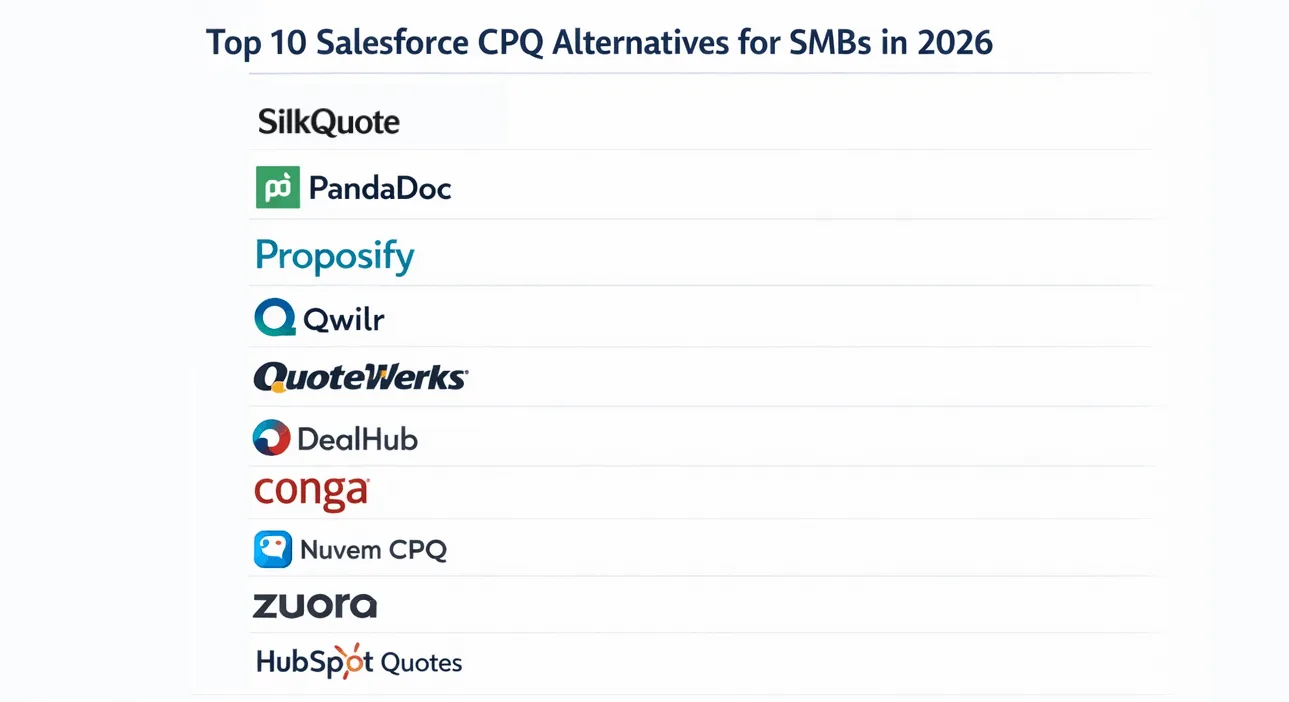
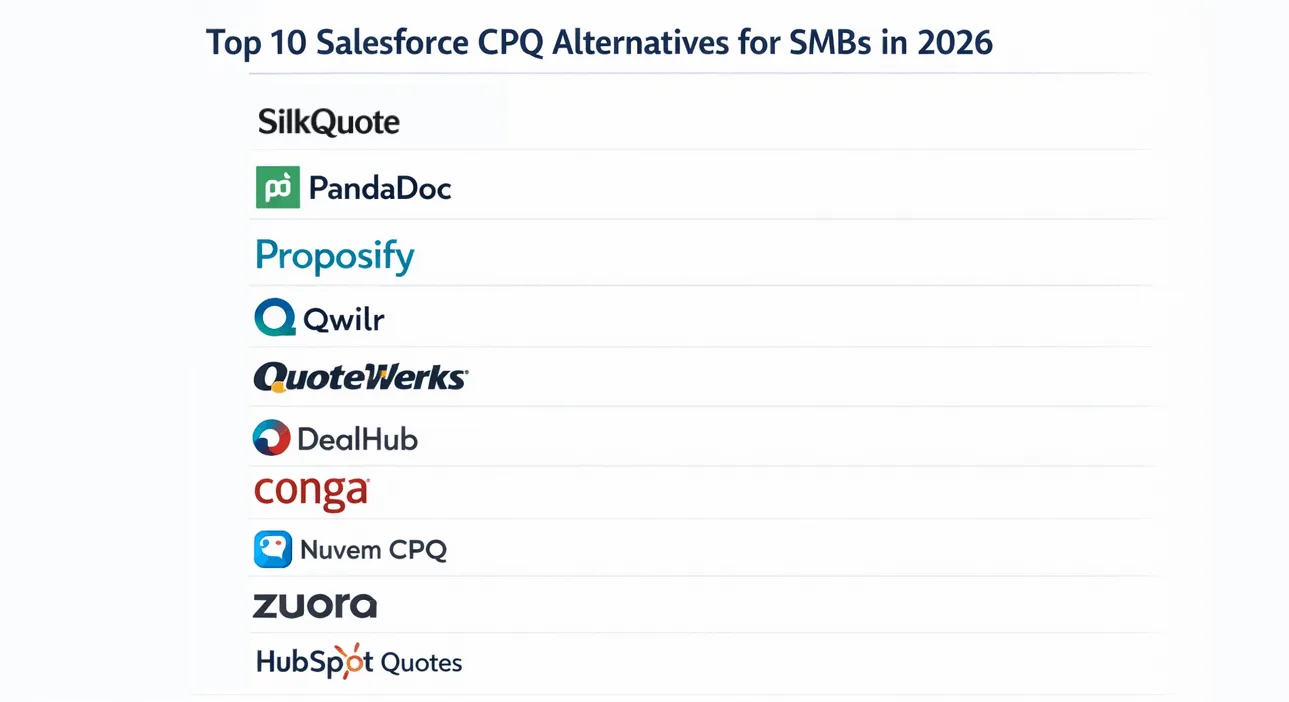
The best Salesforce CPQ alternatives for SMBs in 2026. Compare free and paid quoting tools for Salesforce that deliver professional quotes without CPQ's cost and complexity.
Compare Salesforce proposal generator options — native quotes, CPQ, SilkQuote, and Conga. Find the right tool for your team's size, budget, and quoting complexity.
Learn how to build a Salesforce quote template — configure sections, map fields from Opportunity and Account, add branding, and generate professional PDF quotes.
Understand Salesforce CPQ pricing — license costs, implementation fees, and total cost of ownership — plus lighter alternatives for teams that don't need full CPQ.
Everything you need to know about Salesforce quote PDFs — how to generate them, what to include, how to brand them, and how to share them with prospects.
Automated quotes remove the manual effort from quote generation. Learn how quote automation works, what it requires, and how to implement it in your sales process.
CPQ stands for Configure, Price, Quote. Learn what CPQ software does, which businesses need it, and when a lighter quoting tool is the better choice.
Salesforce CPQ entered End of Sale in 2025. If you only used it for quoting, you don't need another CPQ. SilkQuote is free, Salesforce-native, and installs in hours.
Salesforce CPQ is sunsetting but most small teams never needed full CPQ. Here's how to replace just the quoting part, for free.
Just migrated from HubSpot to Salesforce? Set up professional quoting in under an hour with SilkQuote. Free, no CPQ needed.
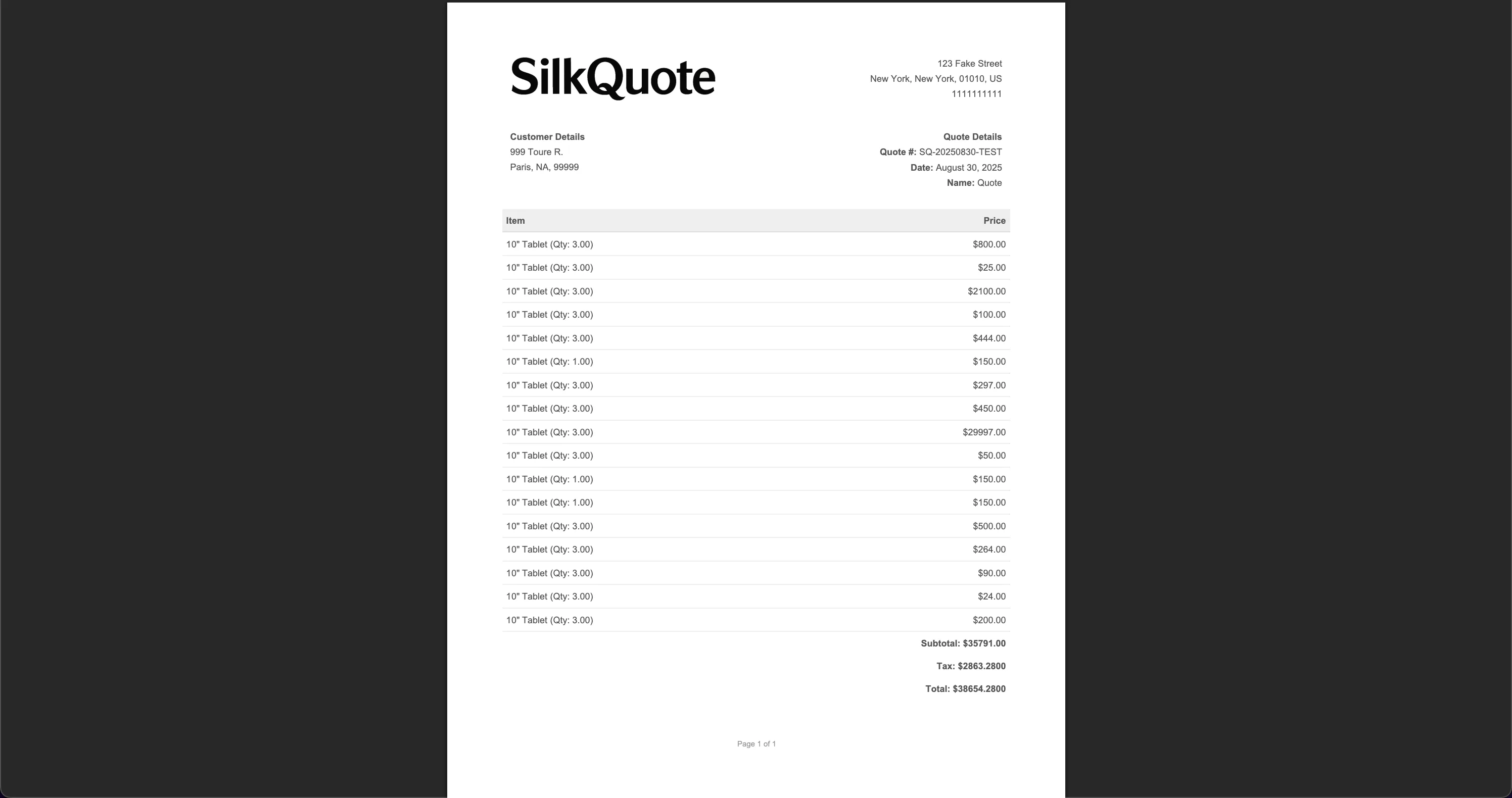
SilkQuote is a Salesforce quote tool that generates branded PDF quotes directly from Opportunity data. No manual entry, no design tools, no Quotes object required.
Learn how Salesforce quotation works with SilkQuote. Generate branded PDF quotations directly from Opportunities, with accurate pricing and consistent formatting every time.
Step-by-step guide to installing and configuring SilkQuote on Salesforce. Set up Salesforce Sites, permissions, Lightning pages, and generate professional quote PDFs directly from Opportunity records.
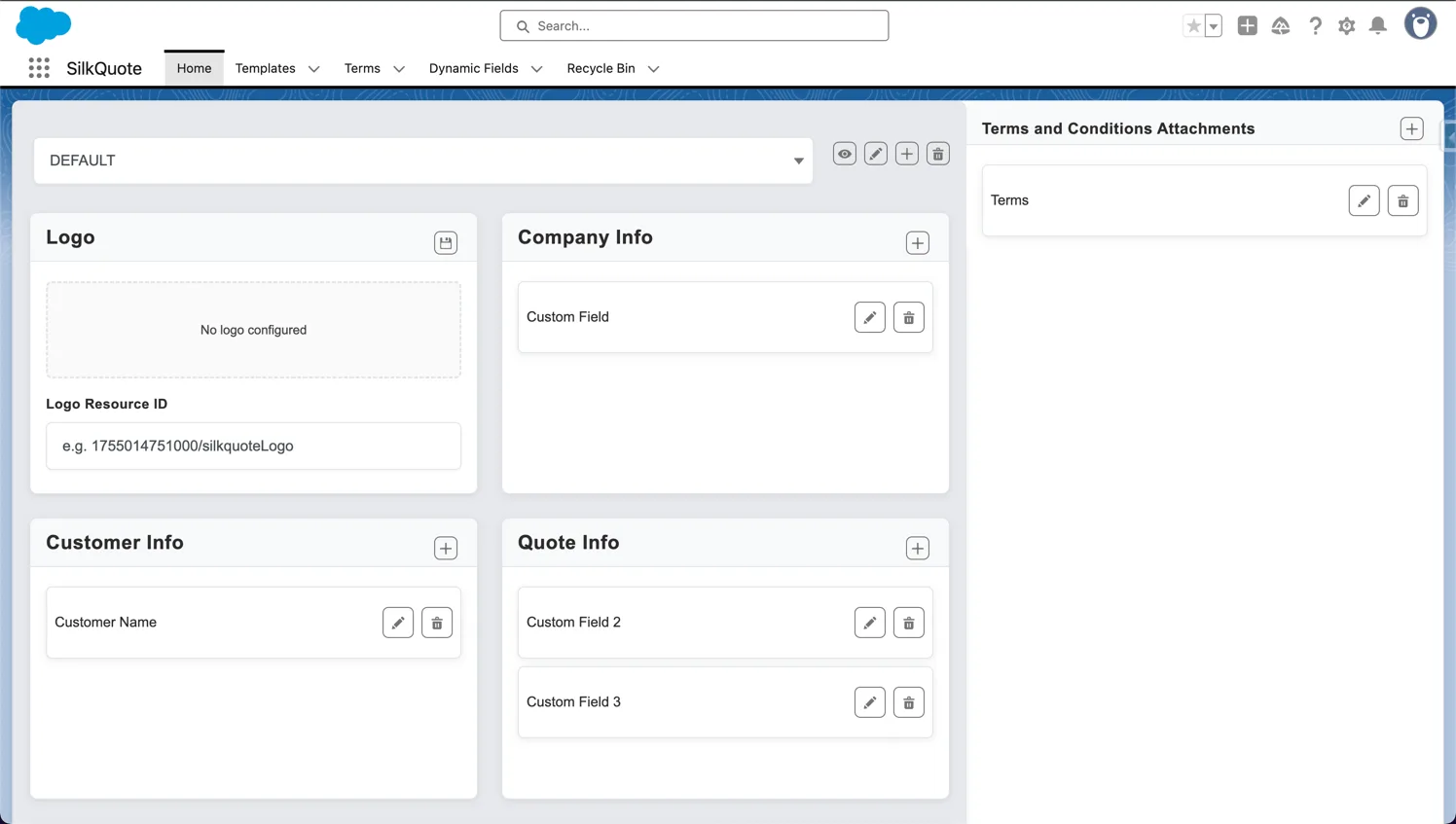
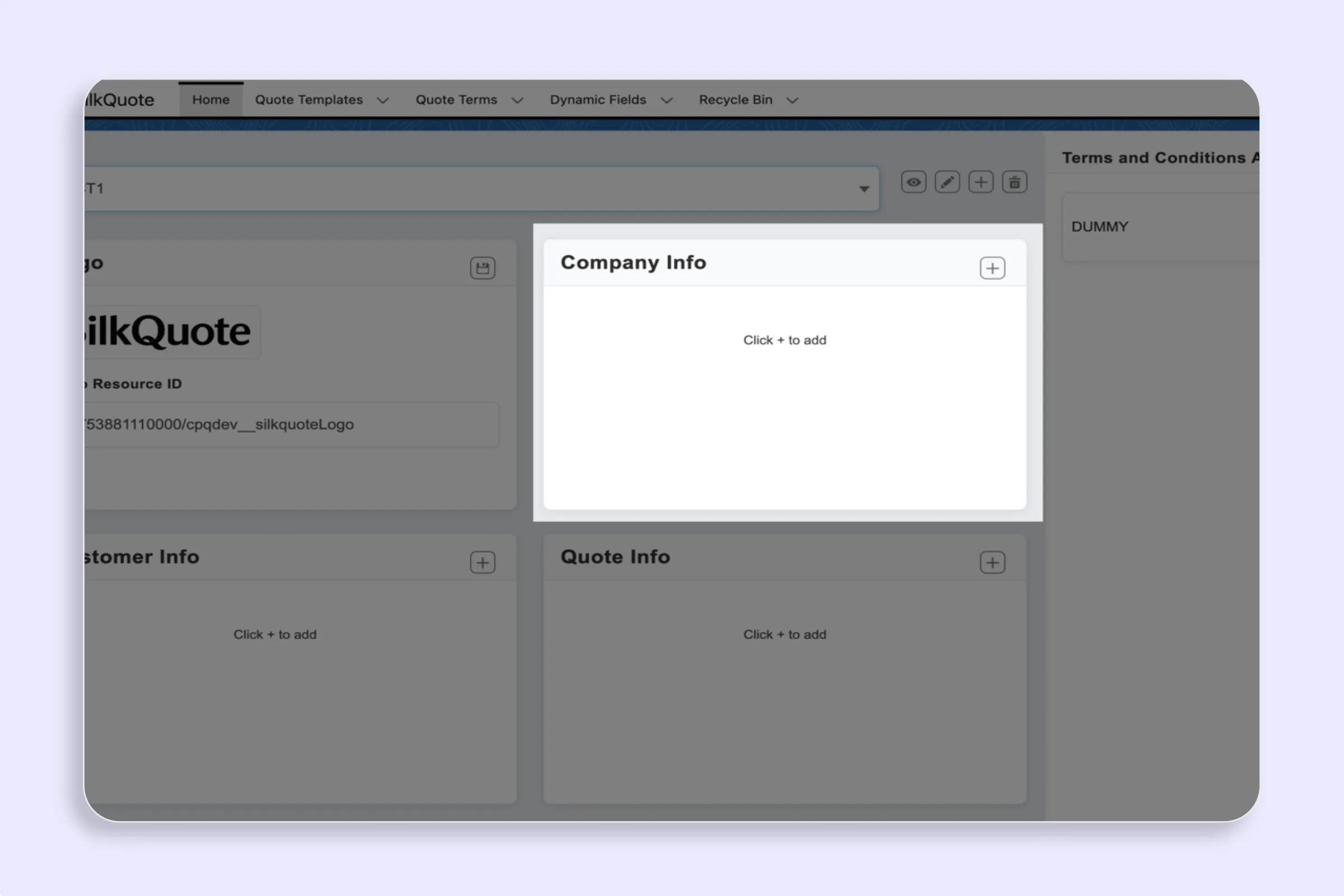
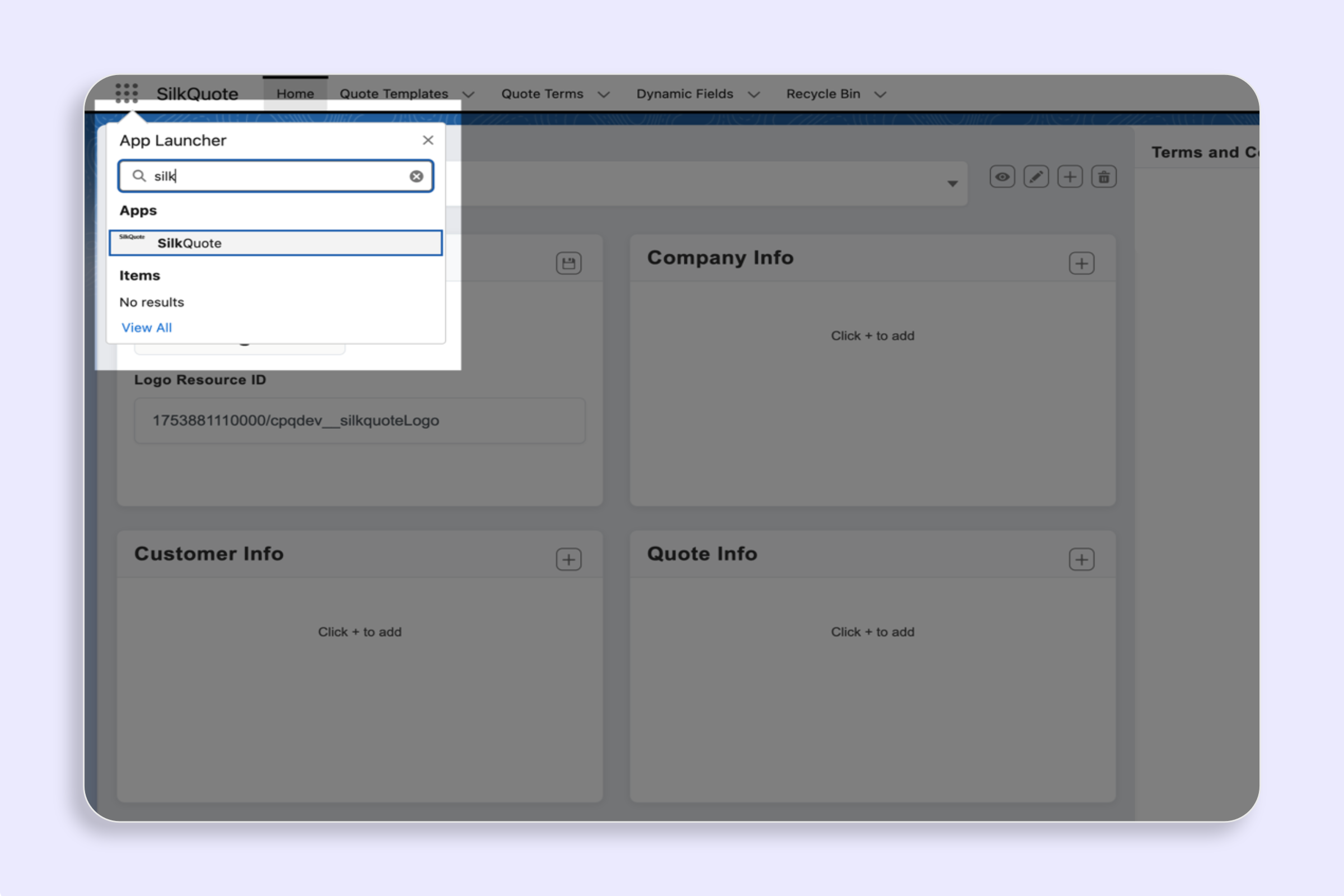
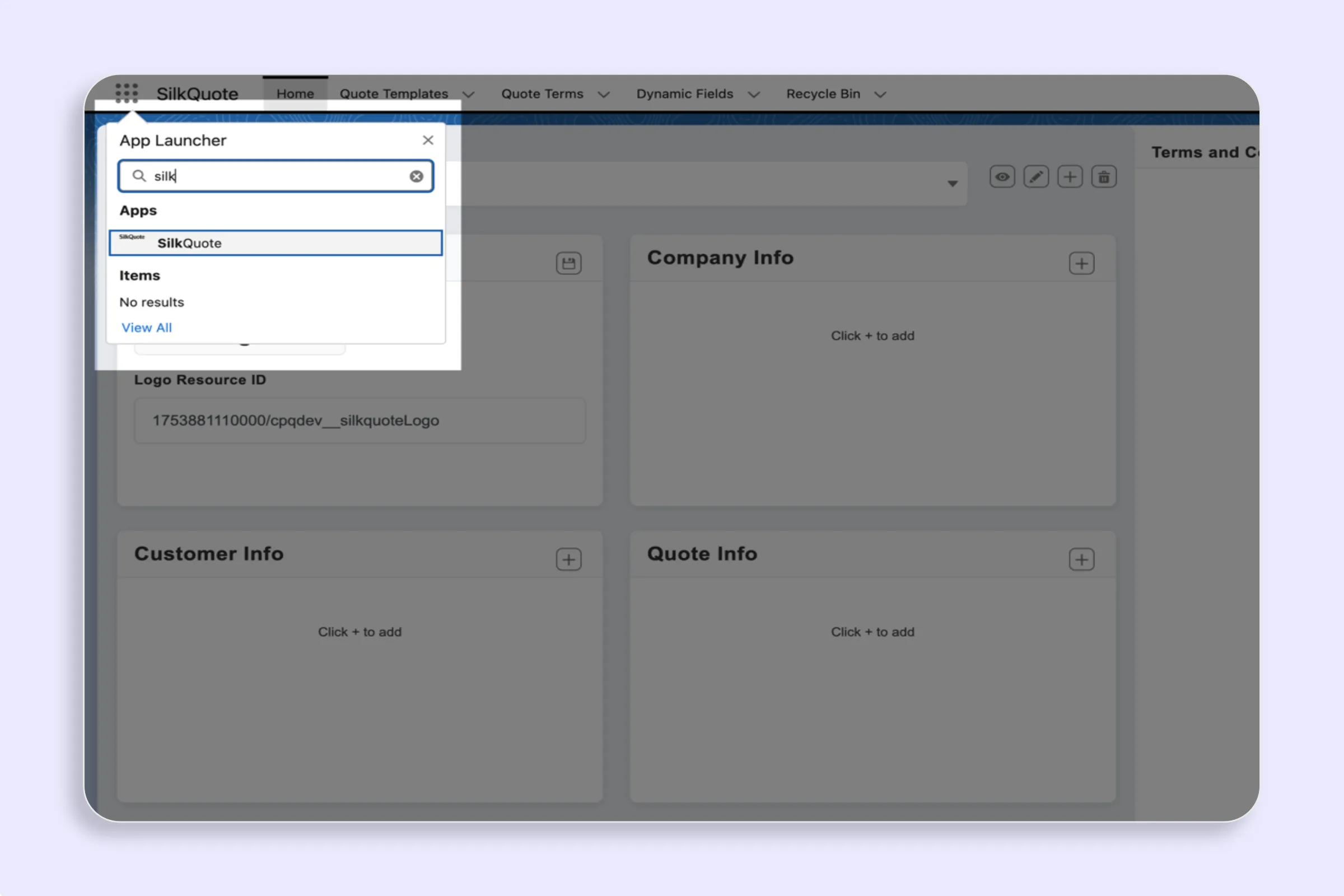
Open the SilkQuote Configuration Manager in Salesforce to manage all quote templates, sections, field settings, logos, and Terms in one central place.
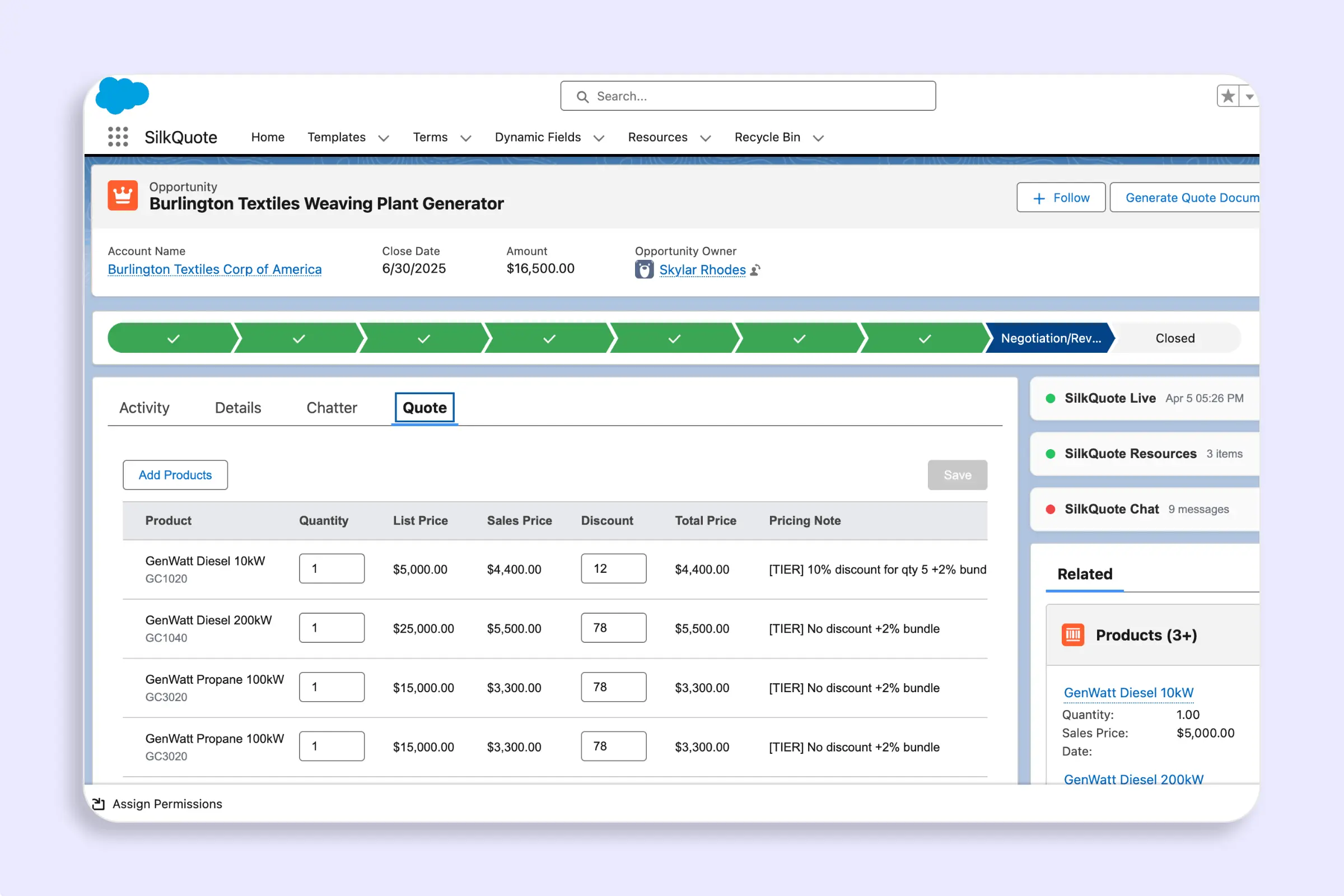
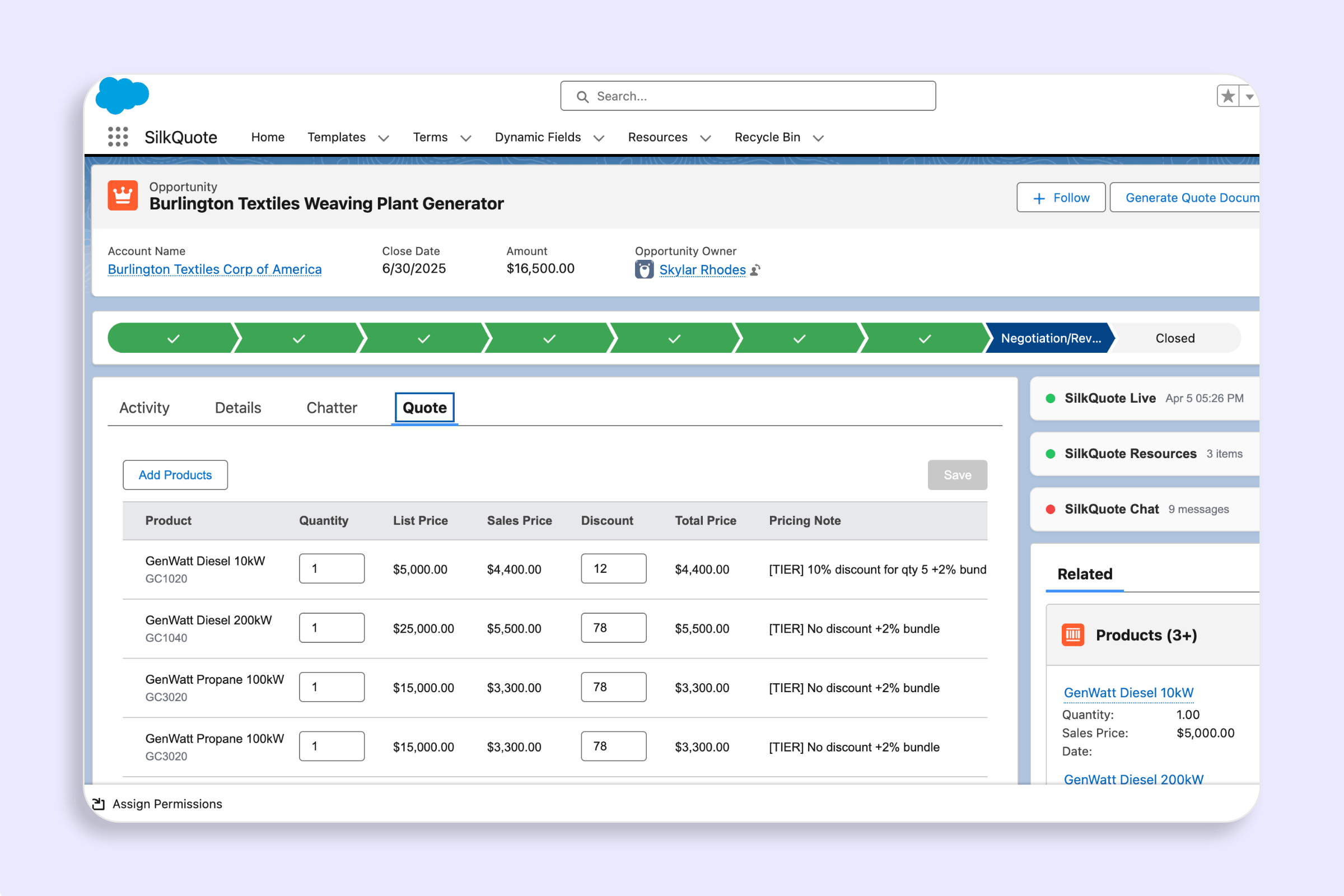
Browse the full pricebook catalog, filter by product fields, and add bundles to a quote — all from the Opportunity using the Add Products panel in SilkQuote.
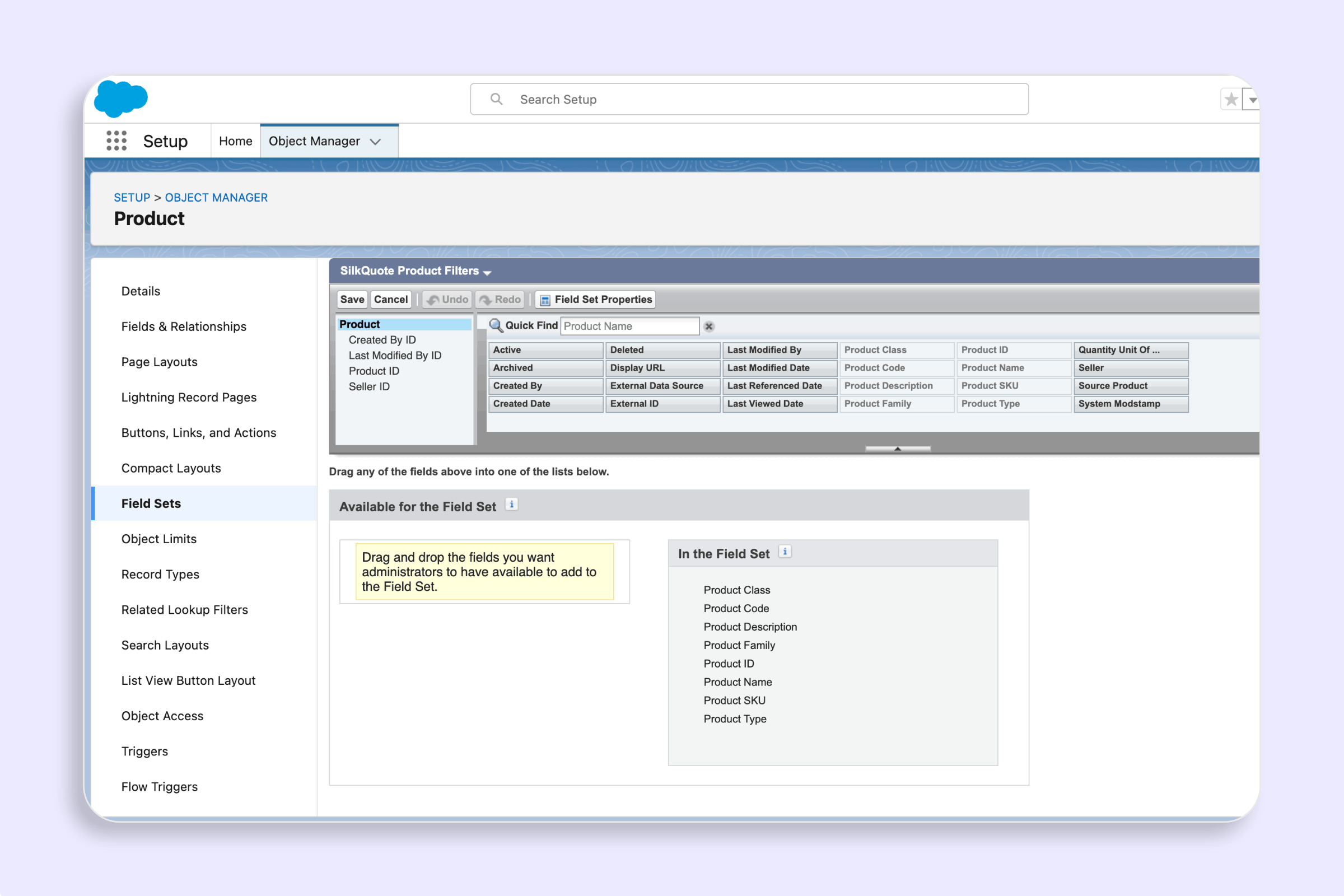
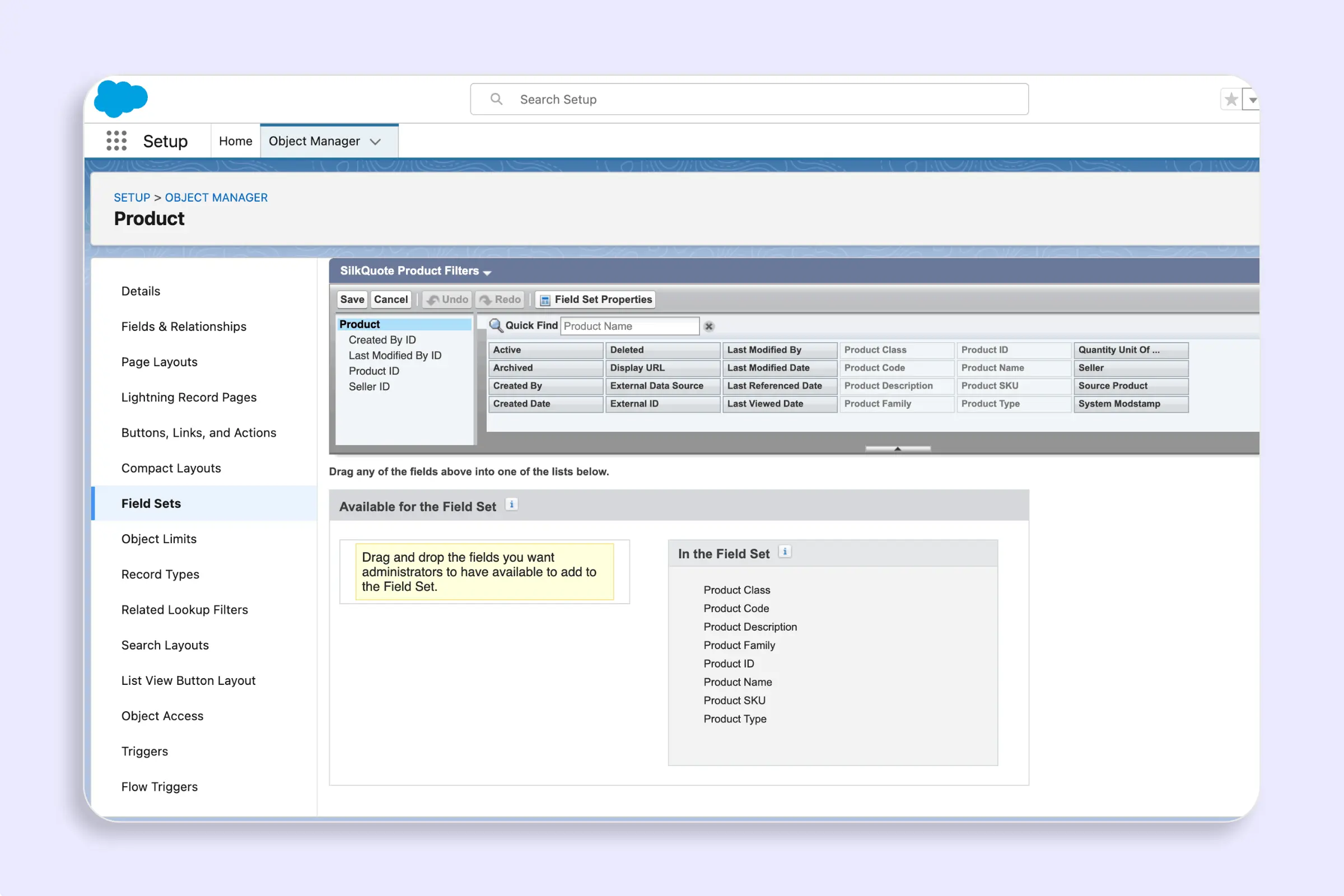
Control which fields appear as filters and display columns in the SilkQuote Add Products panel using two optional field sets on the Product2 object.
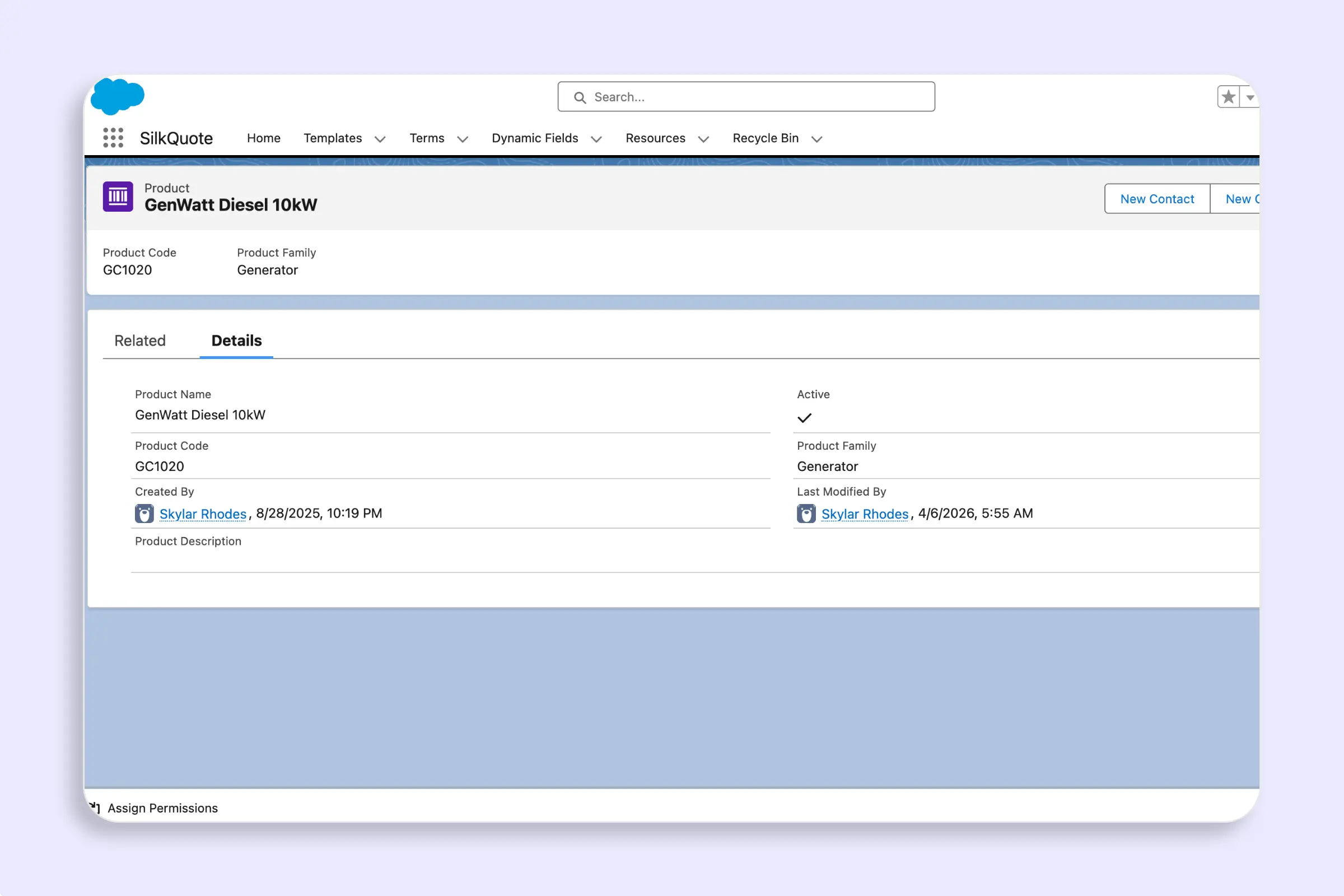
Define bundle relationships between products in Salesforce so SilkQuote automatically expands a bundle's child products when a rep adds it to a quote.
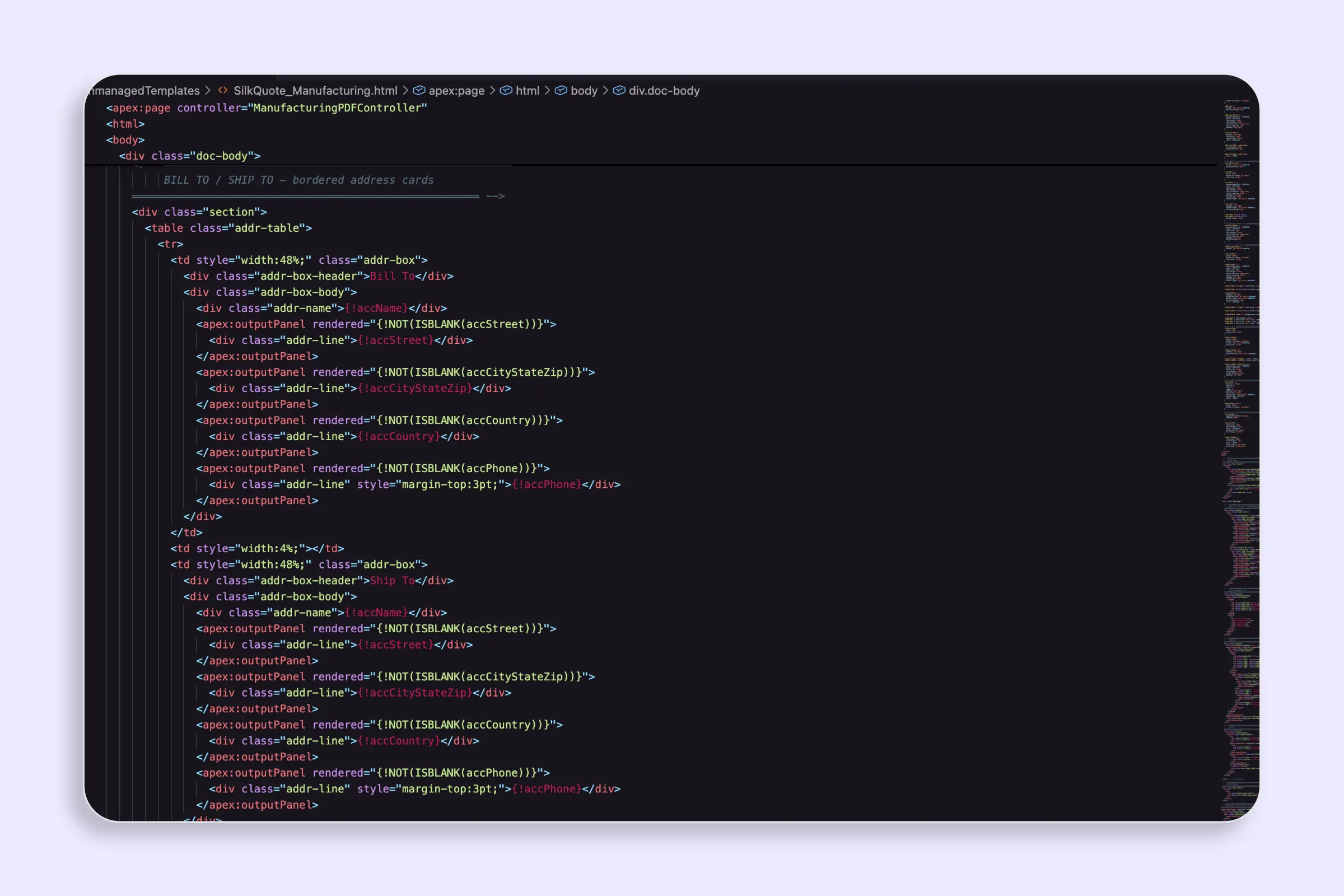
Use a custom Apex controller and Visualforce page to generate fully custom PDF quotes from SilkQuote.
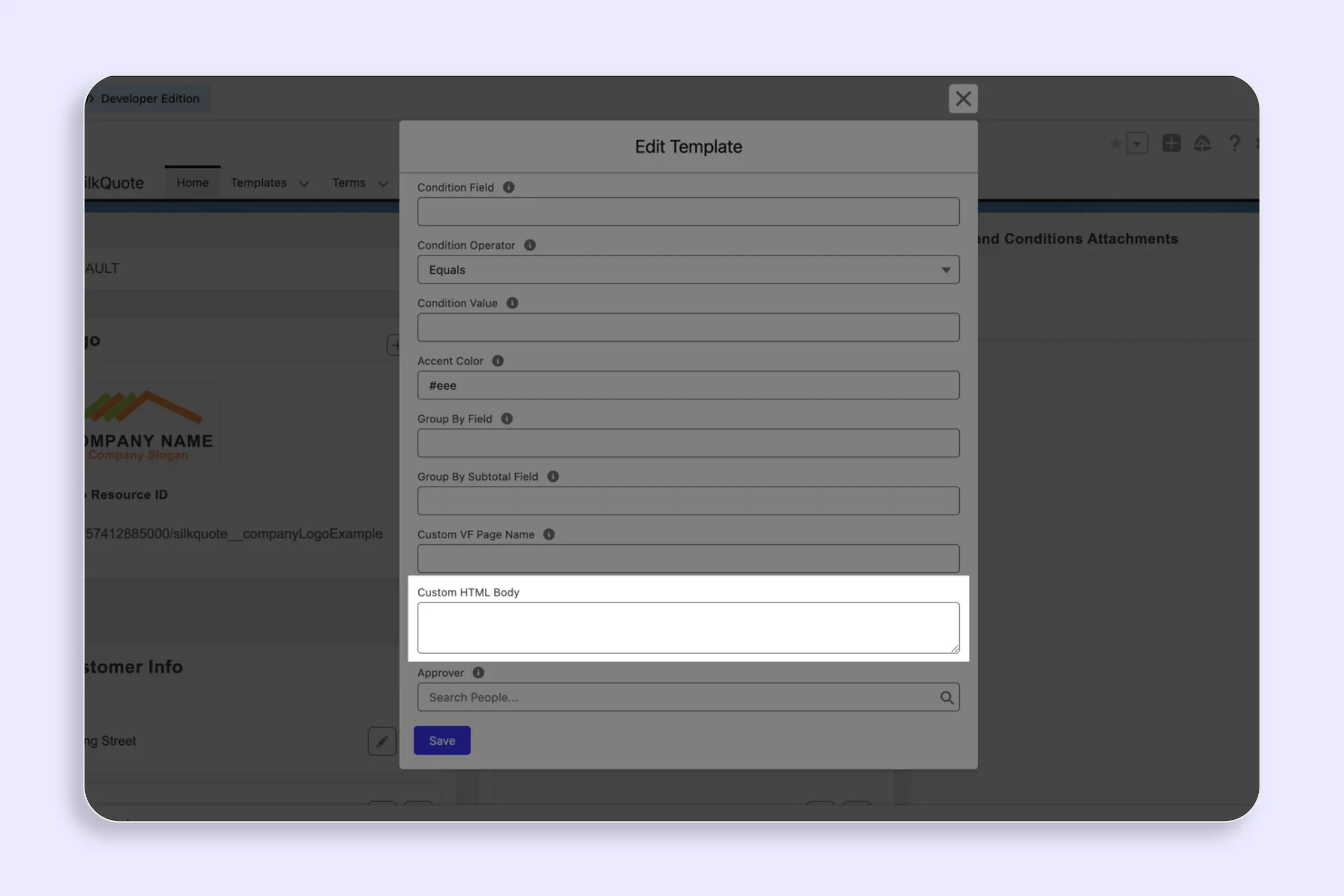
Write HTML templates with merge fields, line item loops, conditional blocks, and custom CSS to generate fully custom PDF quotes from Salesforce data.
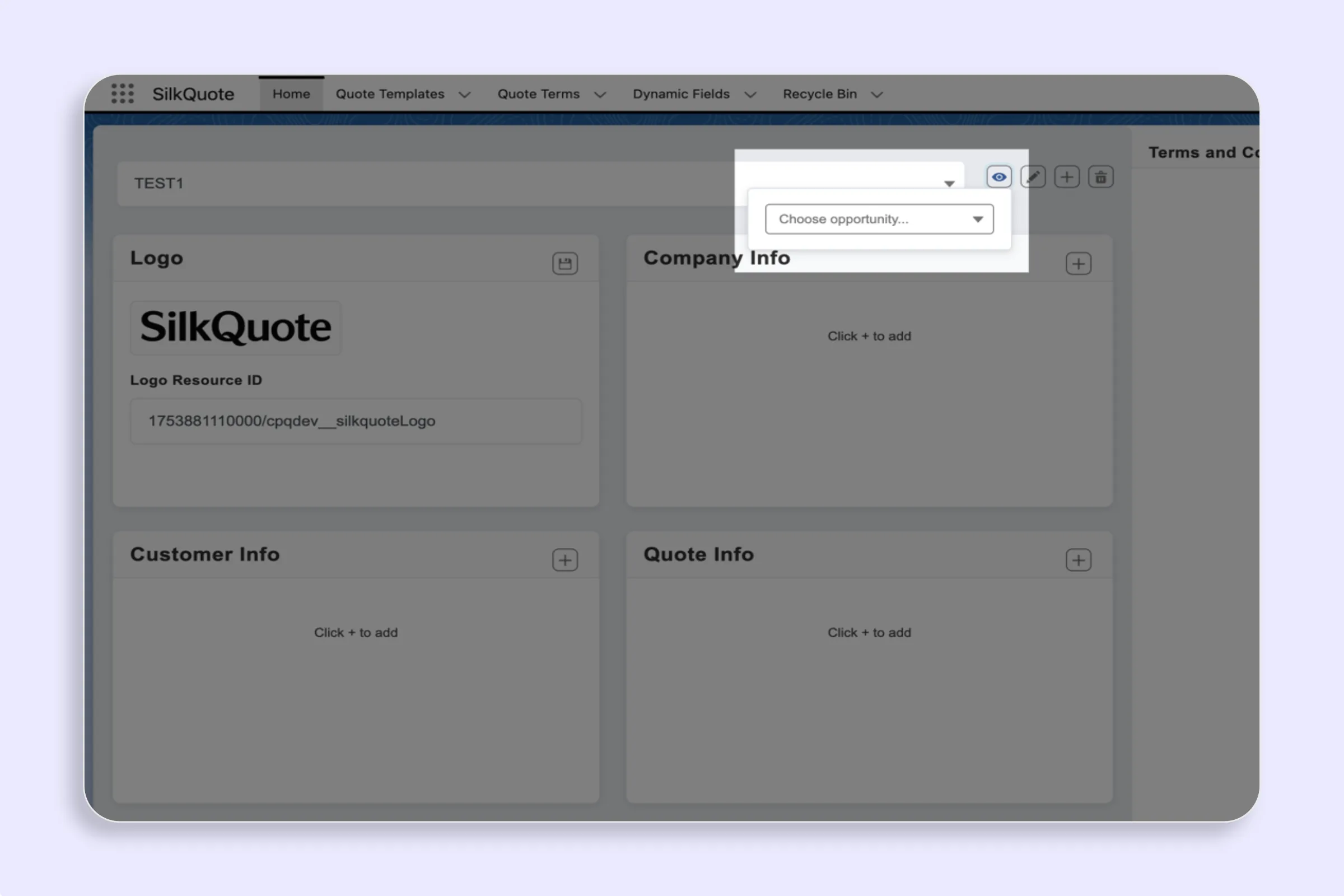
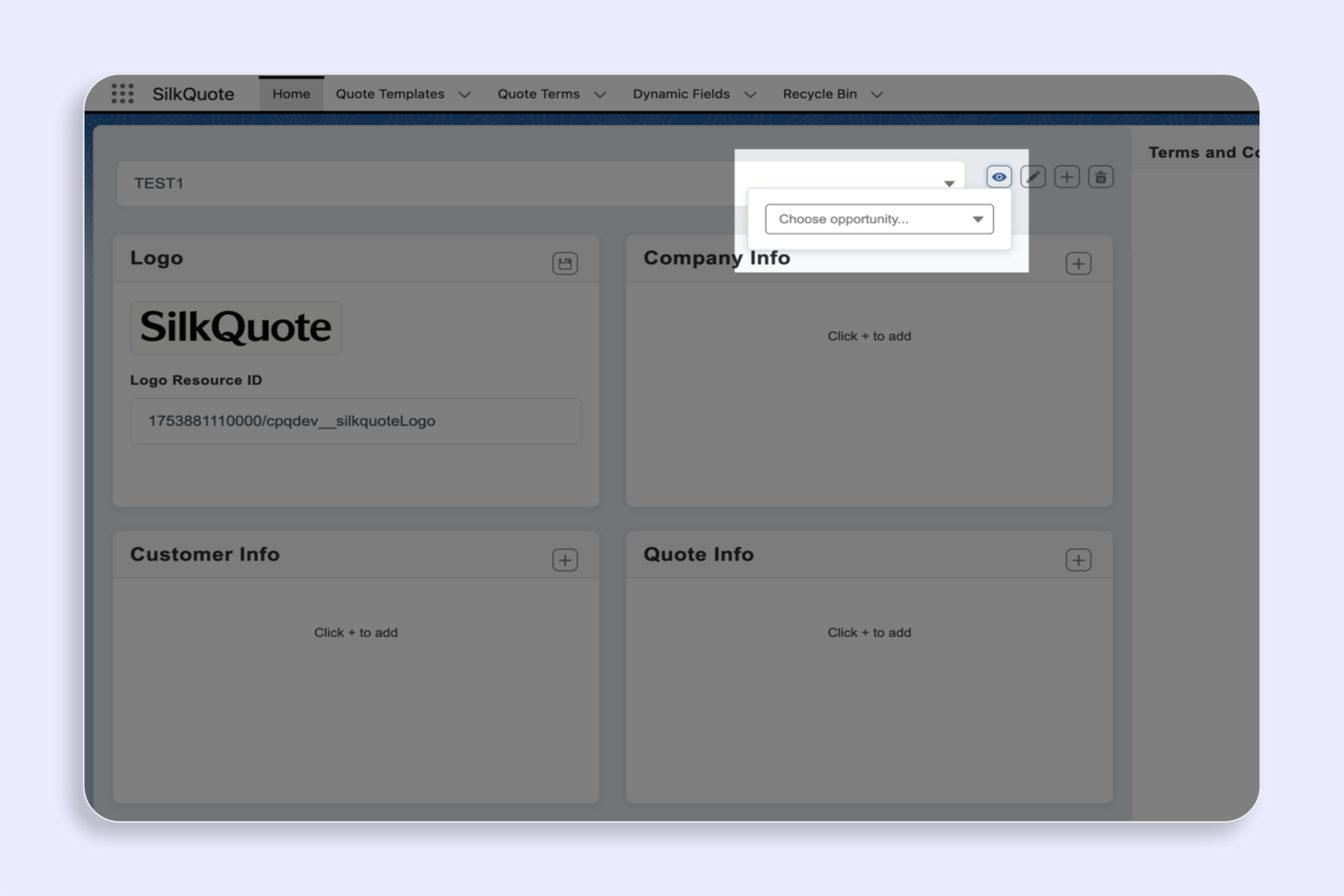
Preview your SilkQuote template using real Salesforce Opportunity data — validate field mapping, PDF layout, and content accuracy before going live.
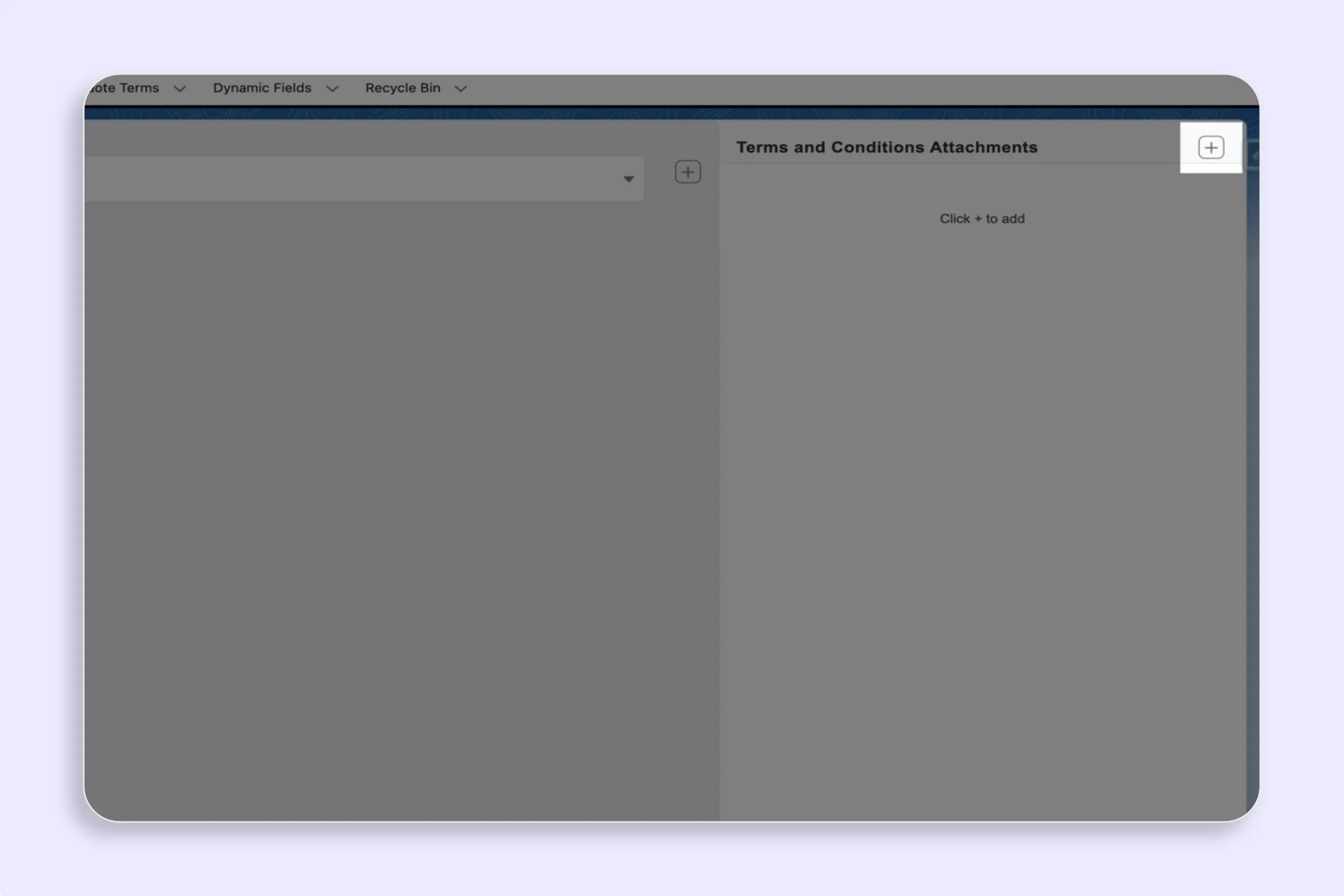
Create Terms Rules in SilkQuote to conditionally include or require specific Terms and Conditions in Salesforce PDF quotes based on Opportunity data.
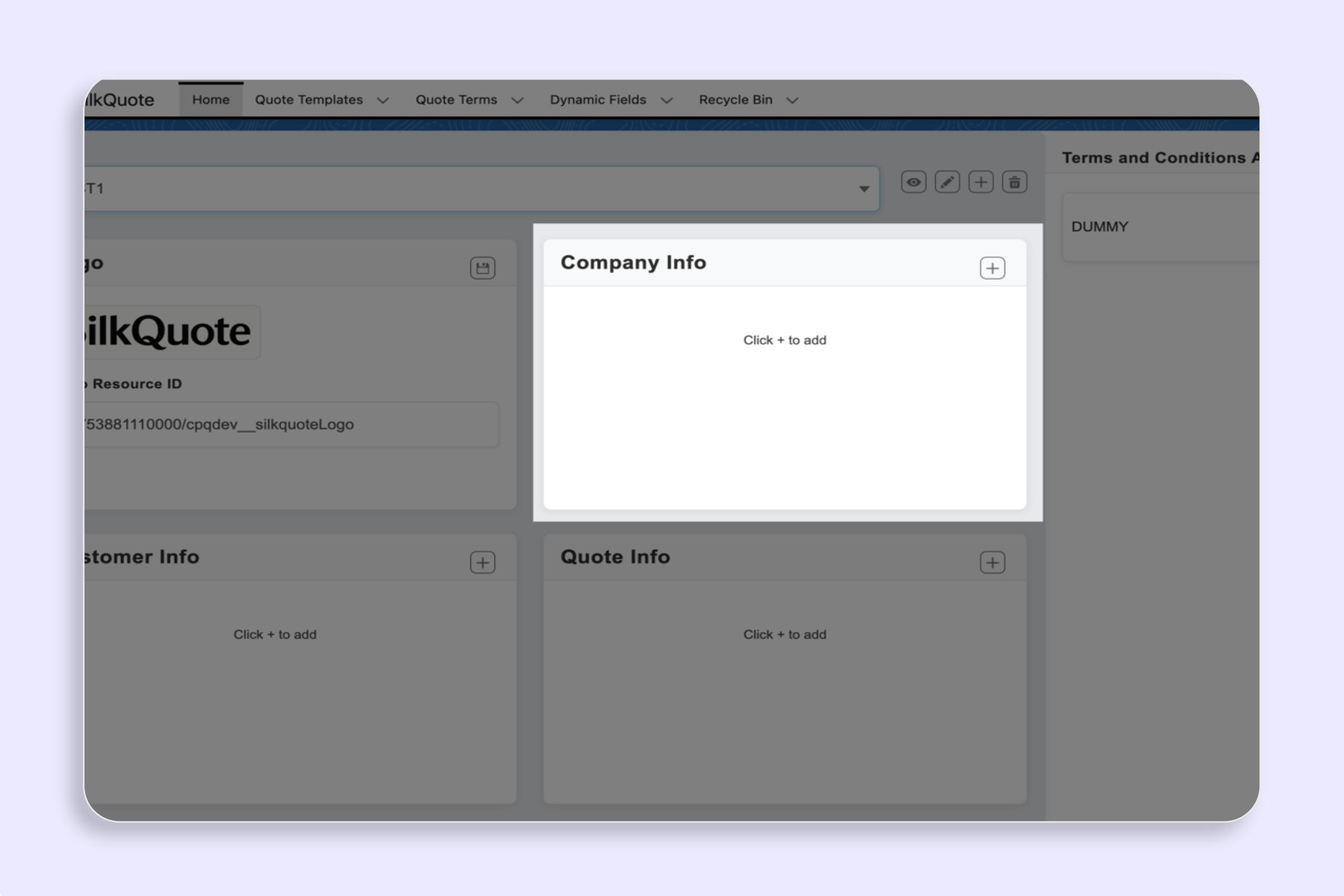
Configure which Salesforce fields appear in each section of your PDF quote template — Company, Customer, Quote, Line Items, Descriptions, and Totals.
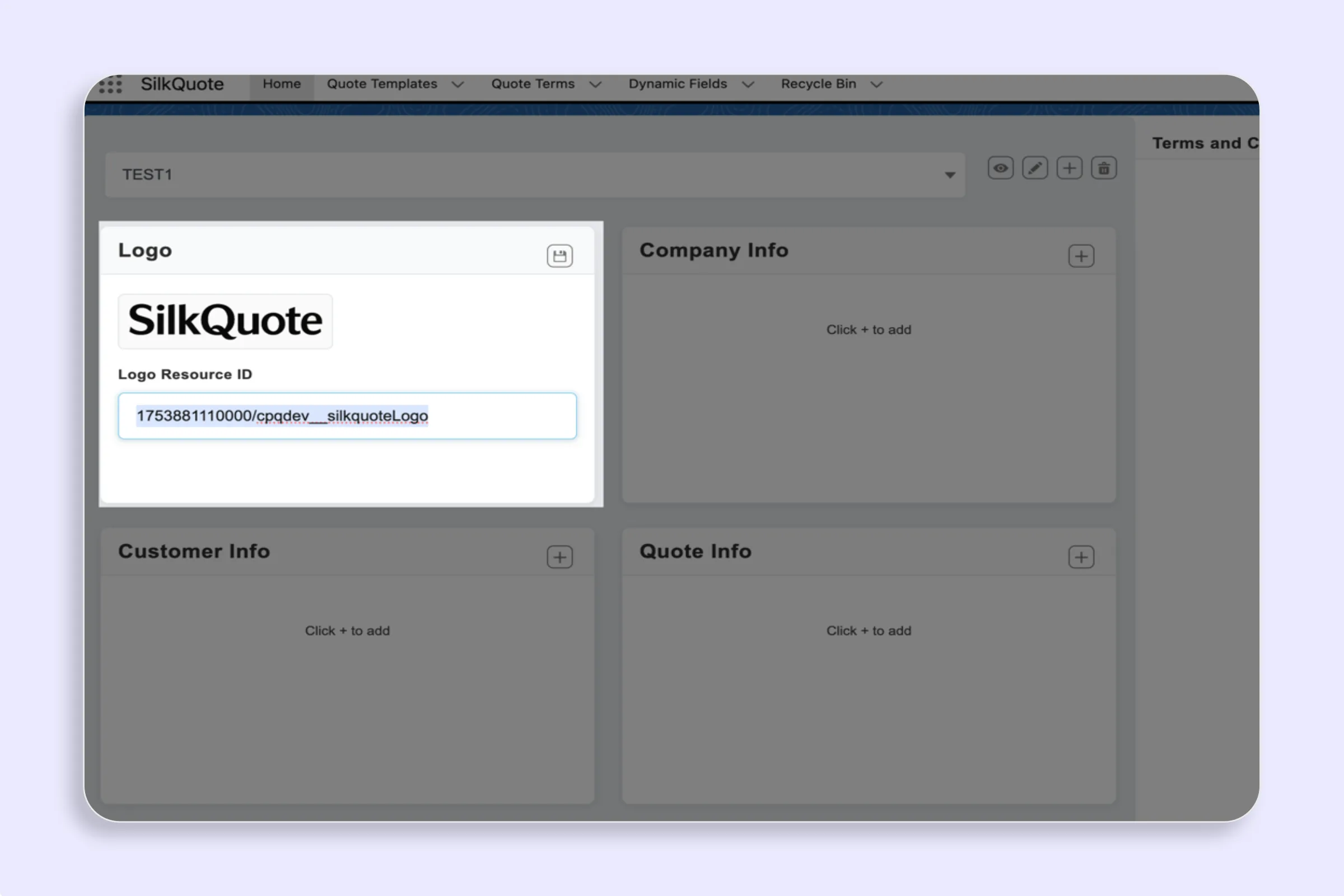
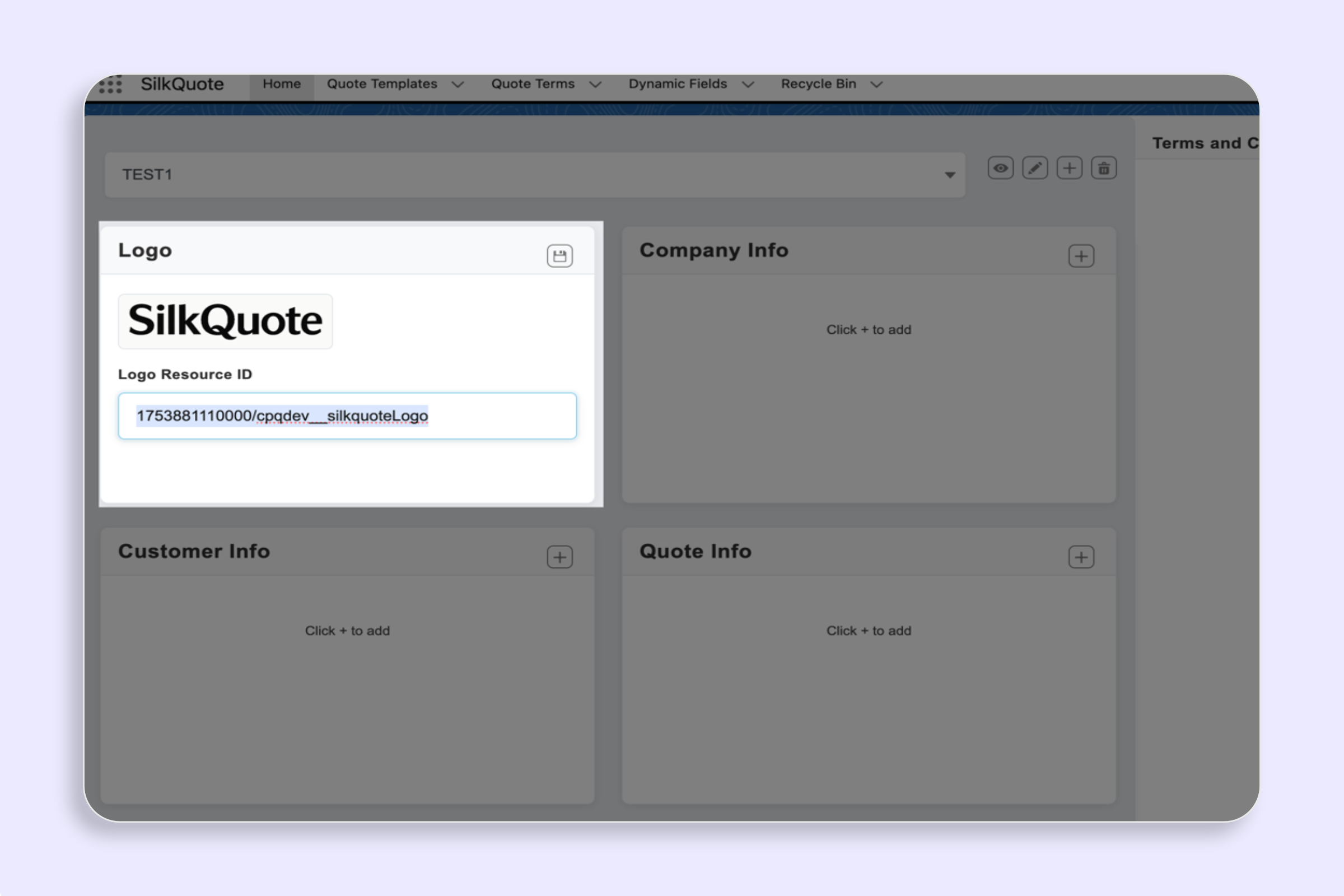
Set or change the logo in your SilkQuote PDF quote template — upload a branded logo per template to ensure every Salesforce quote looks professional.
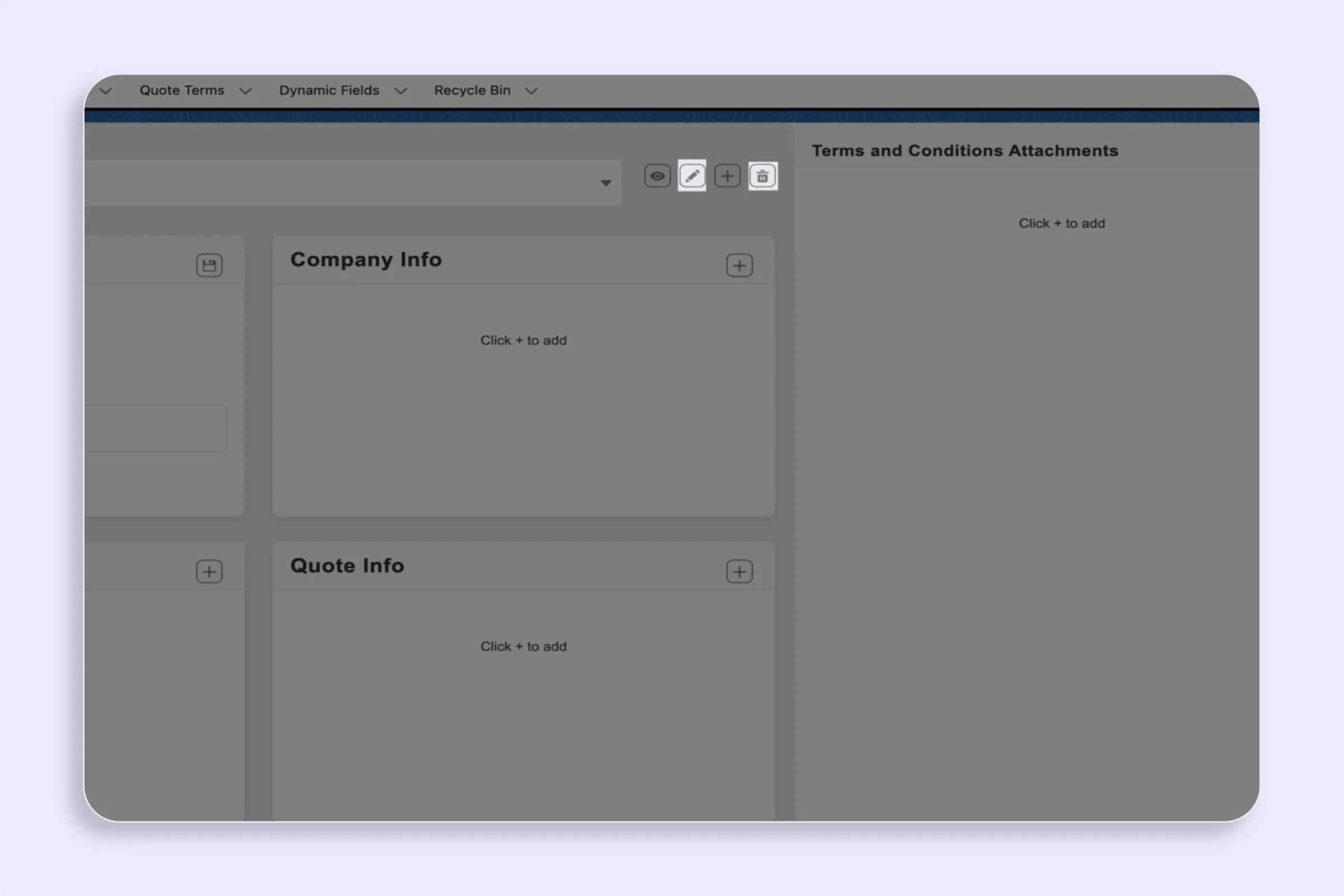
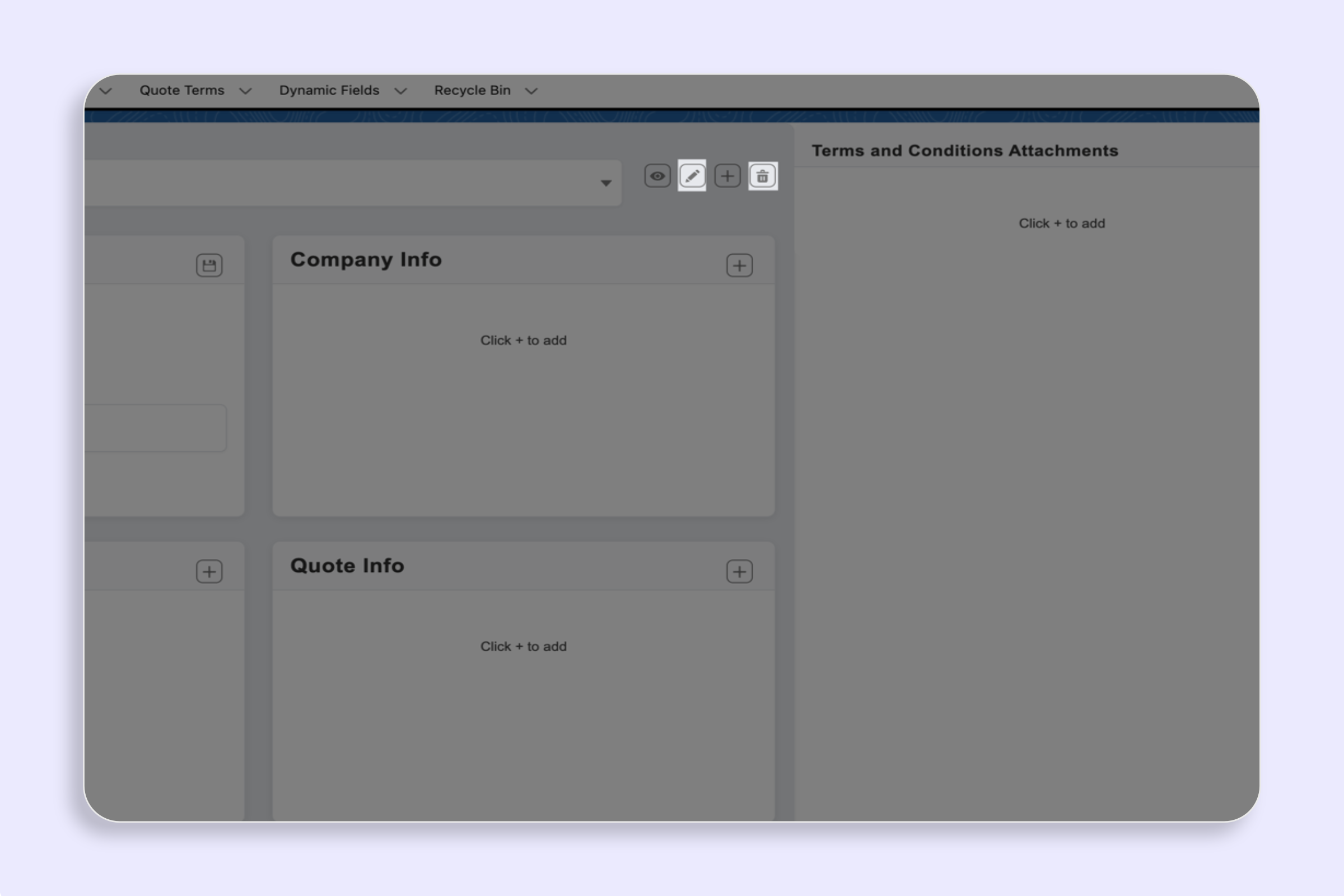
Edit or delete a SilkQuote template in Salesforce to update your quote layout, branding, or field rules — keep your template library current and accurate.
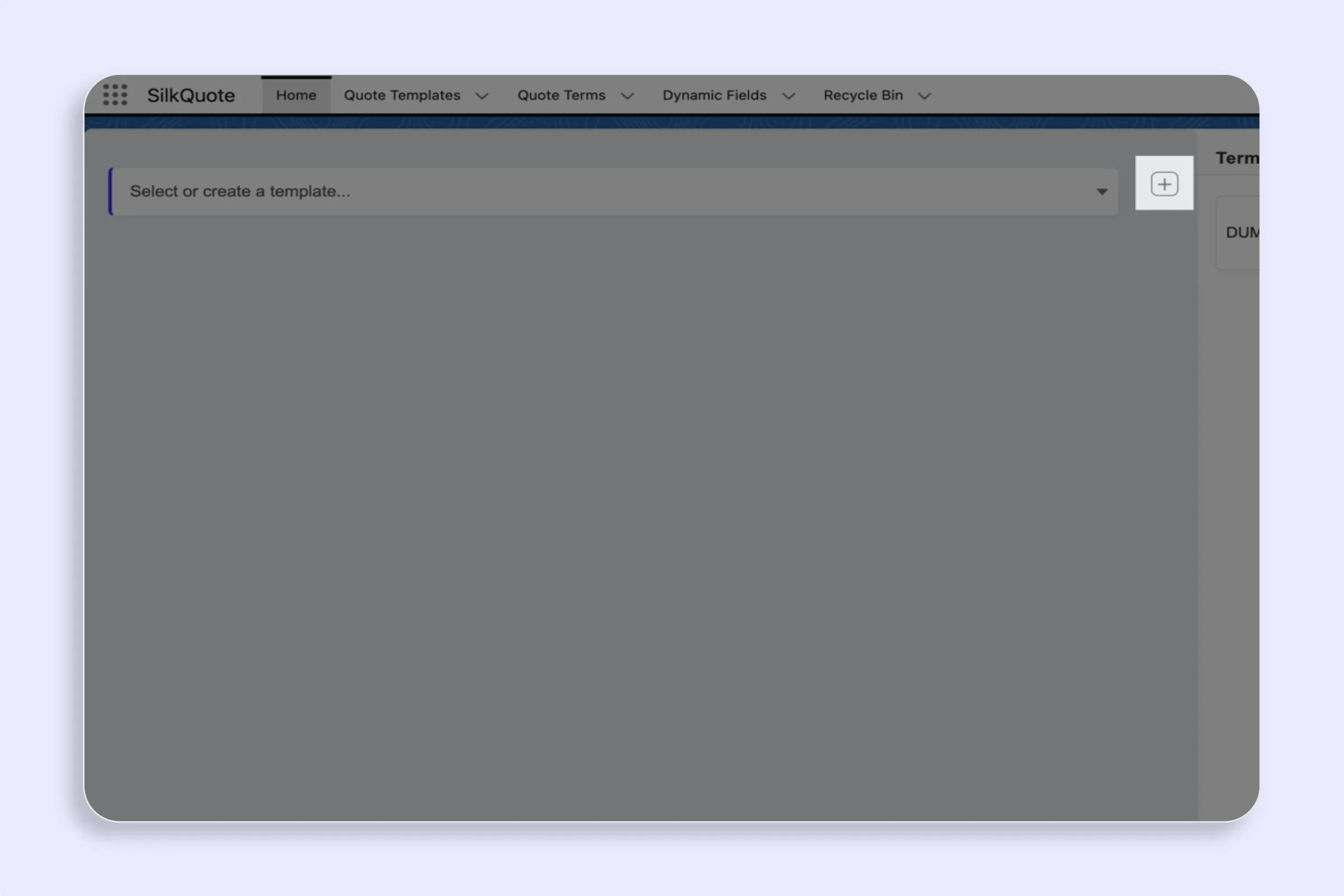
Create a new SilkQuote template in Salesforce to define your PDF quote layout, branding, field grouping, and conditional rules — all without any code.
Open the SilkQuote Configuration Manager in Salesforce to manage all quote templates, sections, field settings, logos, and Terms in one central place.
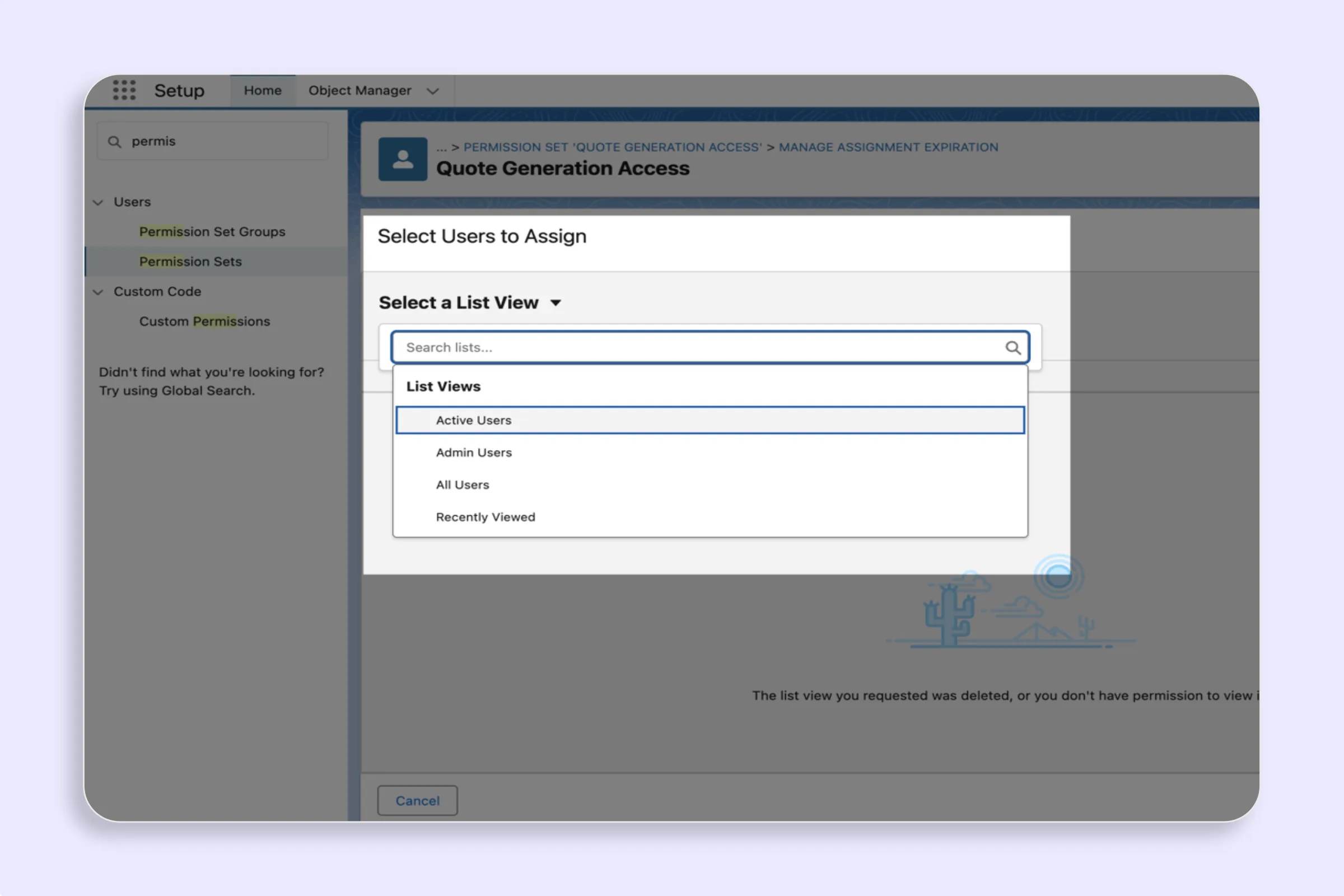
Grant SilkQuote access by assigning the included Salesforce Permission Set. Control which users can generate quotes and manage template configurations.
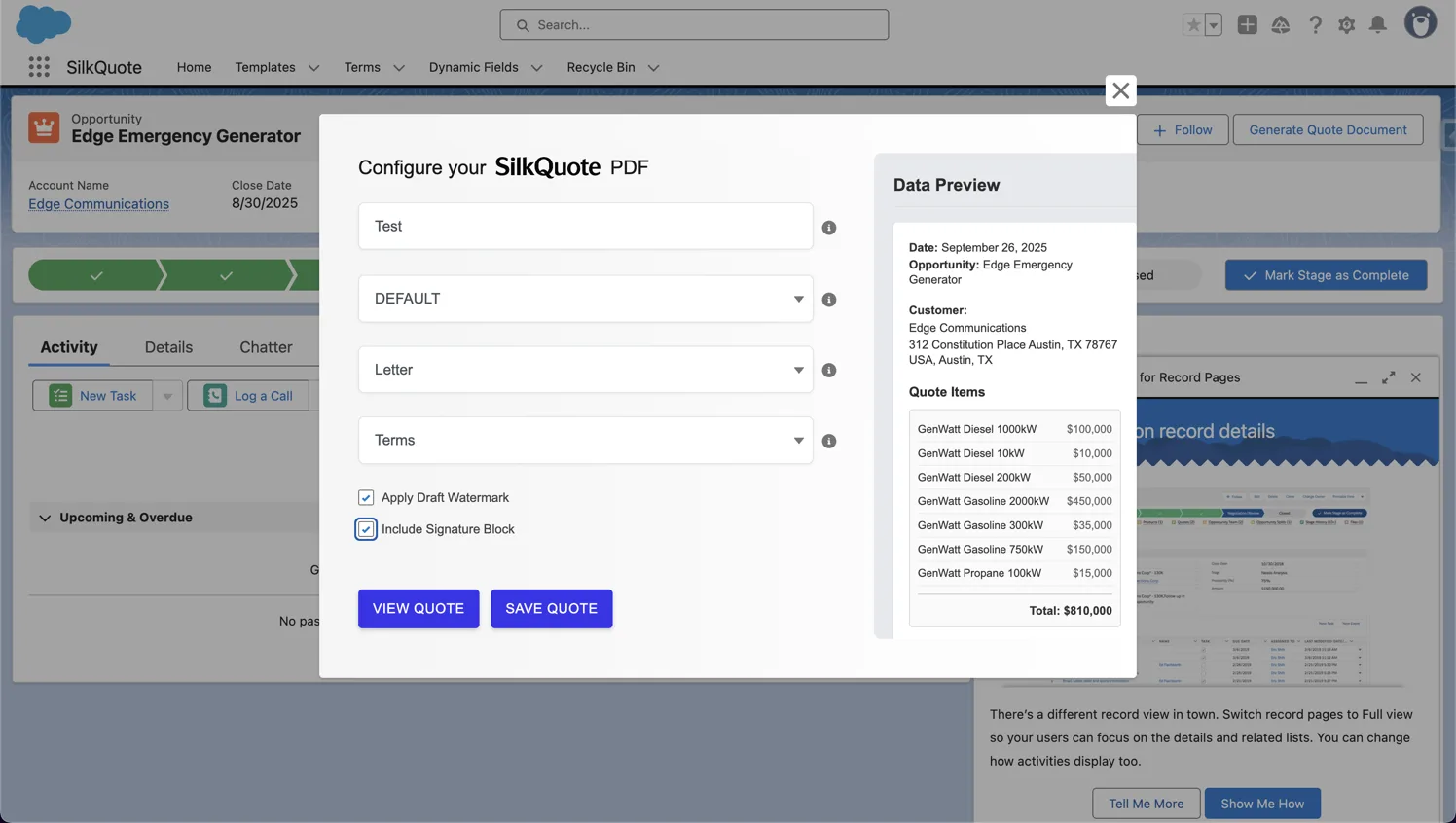
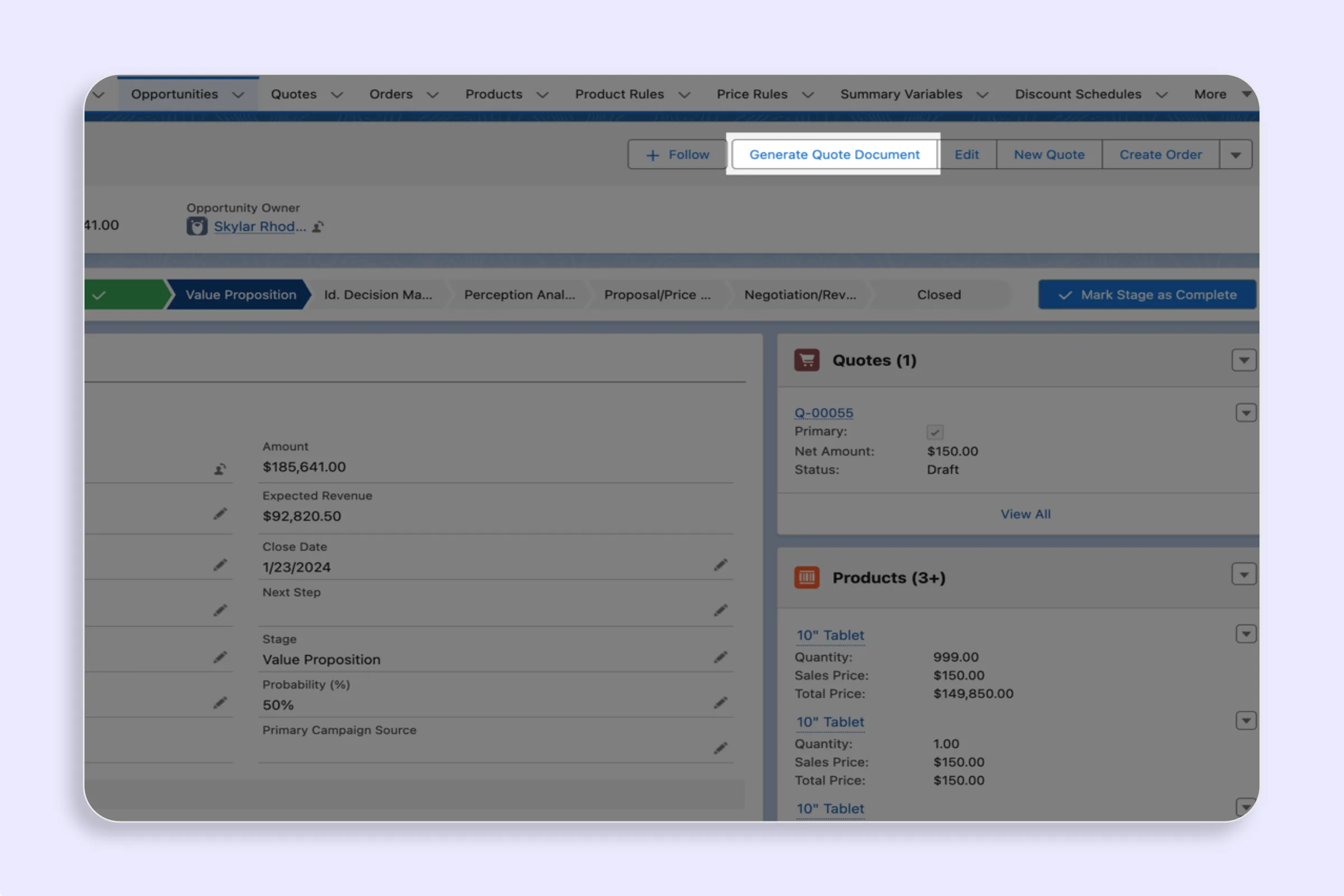
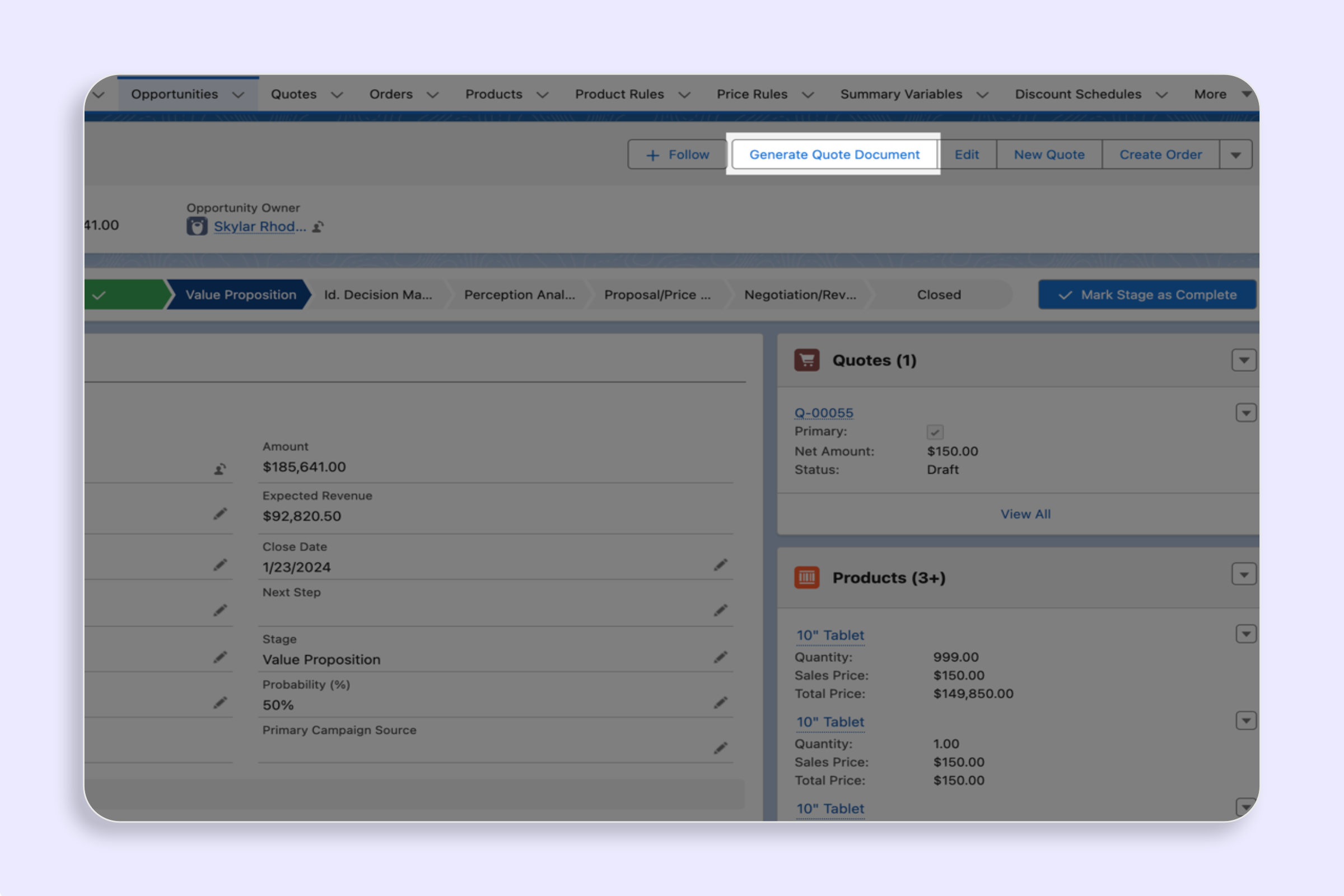
Add the Generate Quote Quick Action to your Salesforce Opportunity page layout and enable reps to create professional PDF quotes in one click.
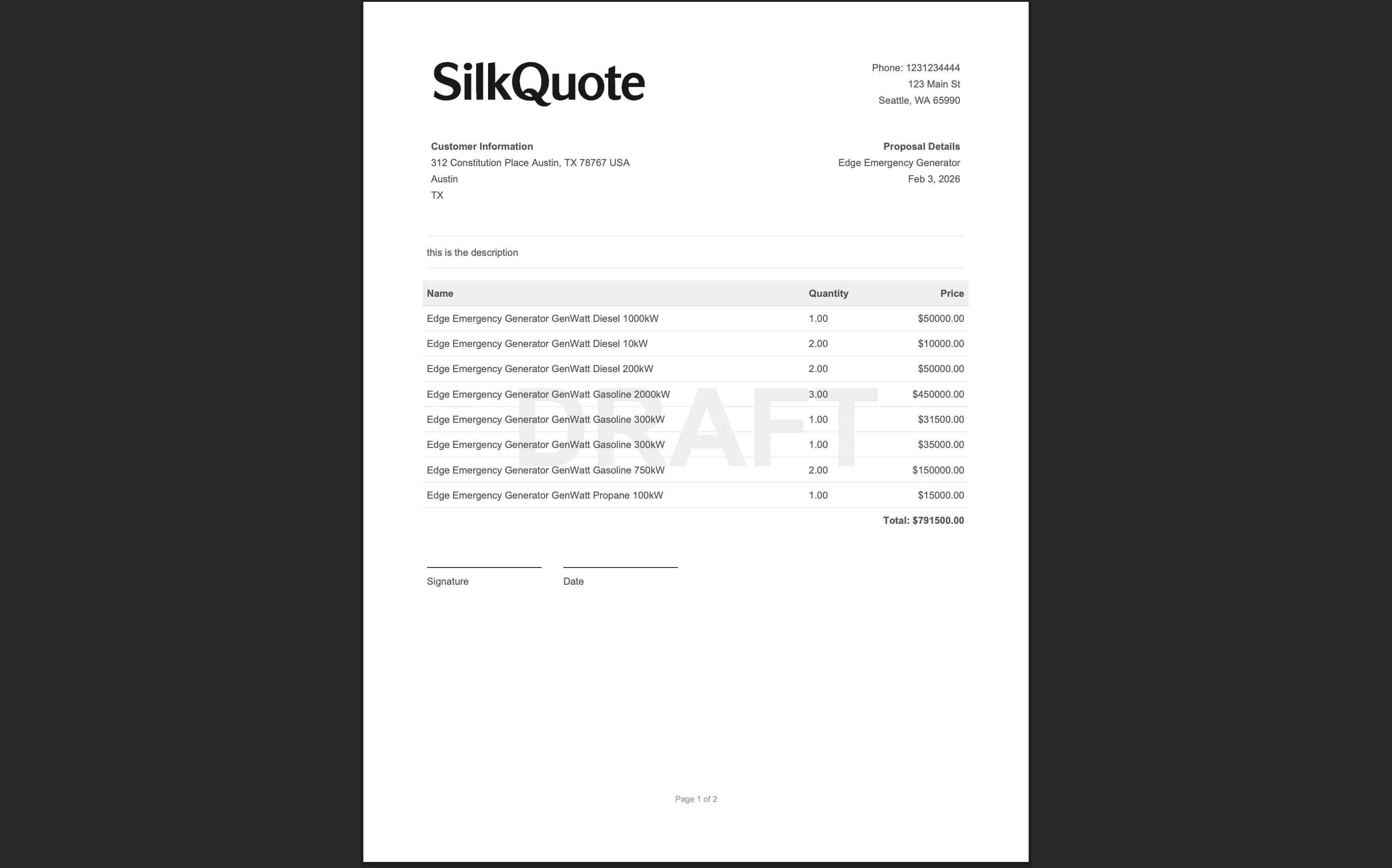
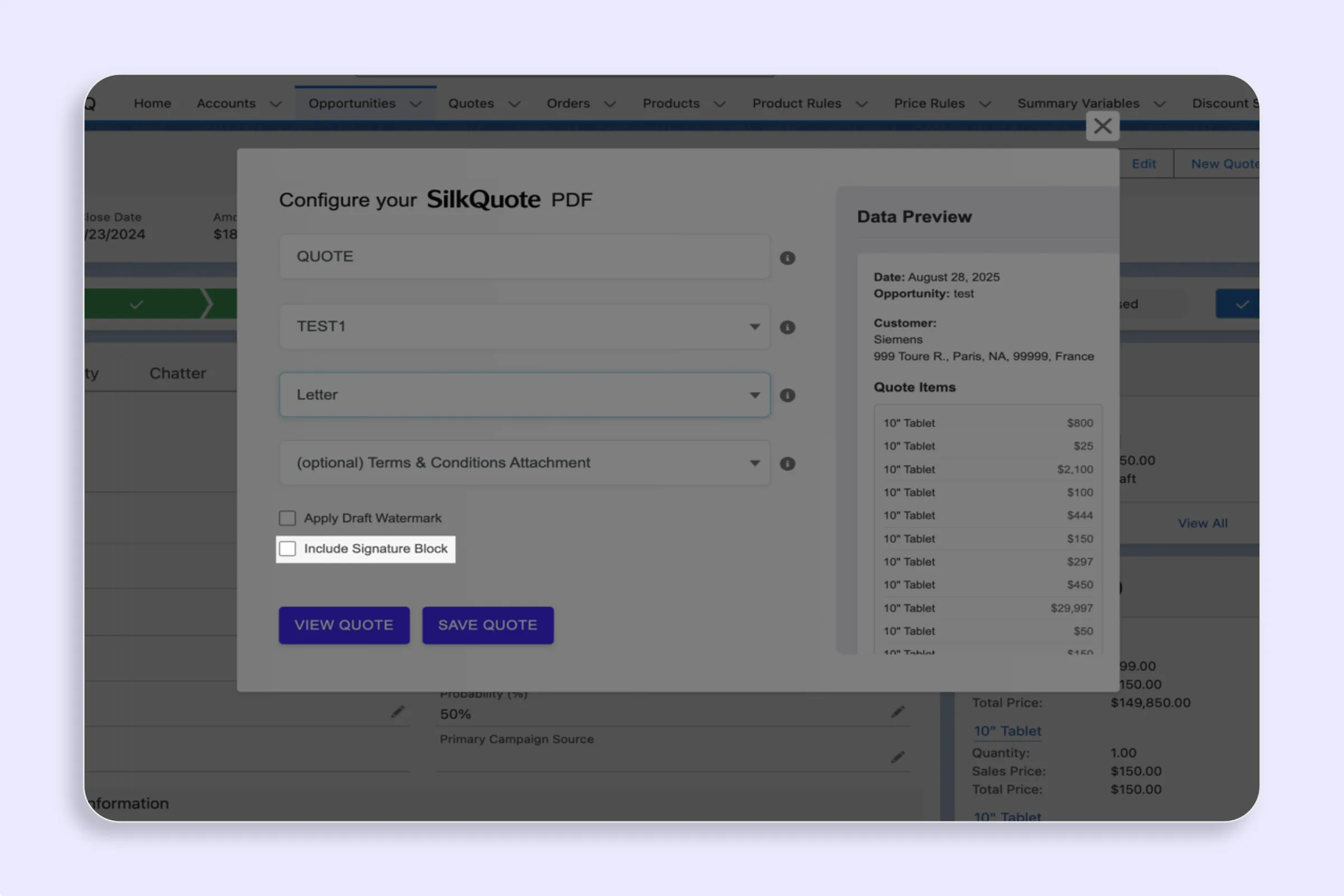
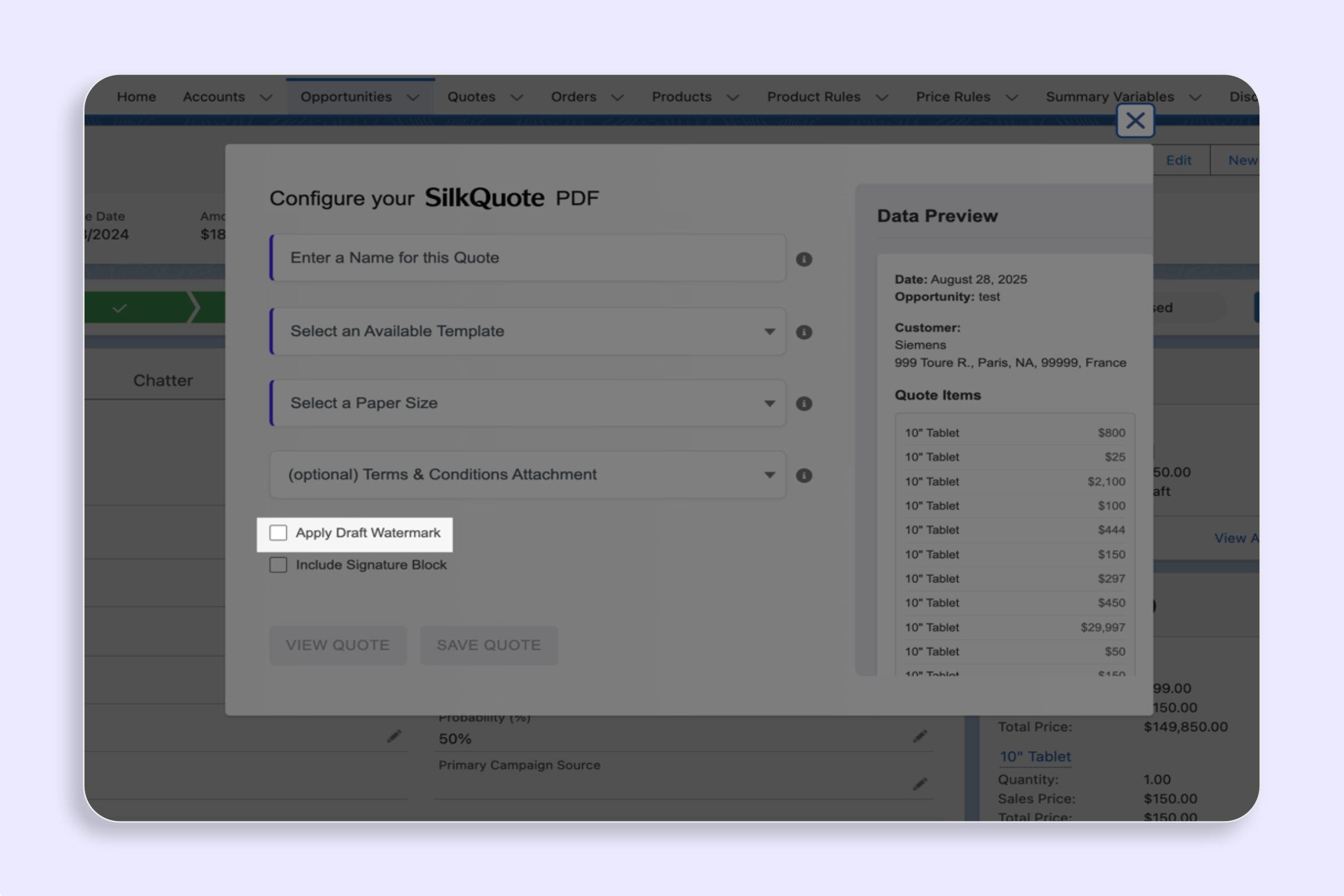
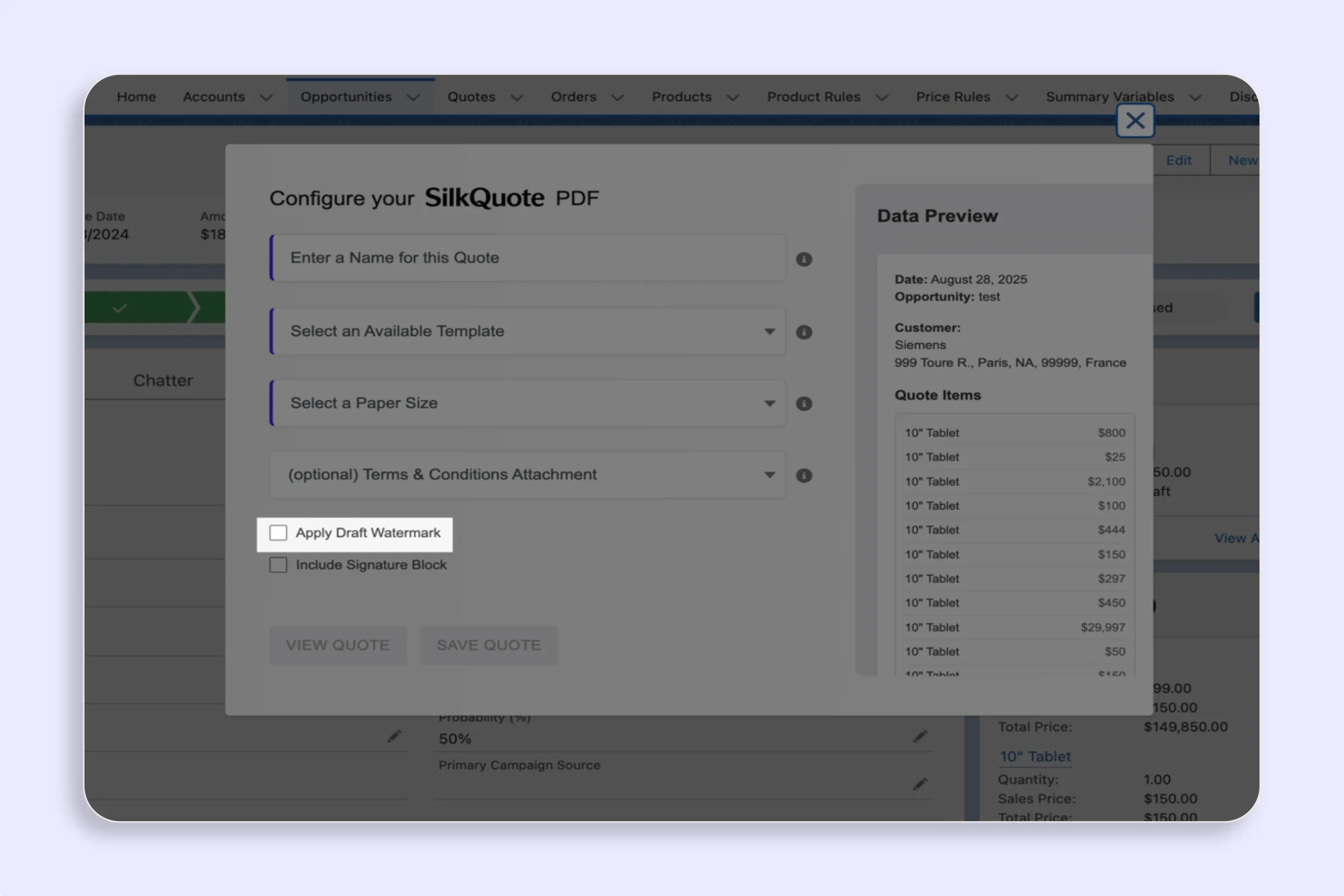
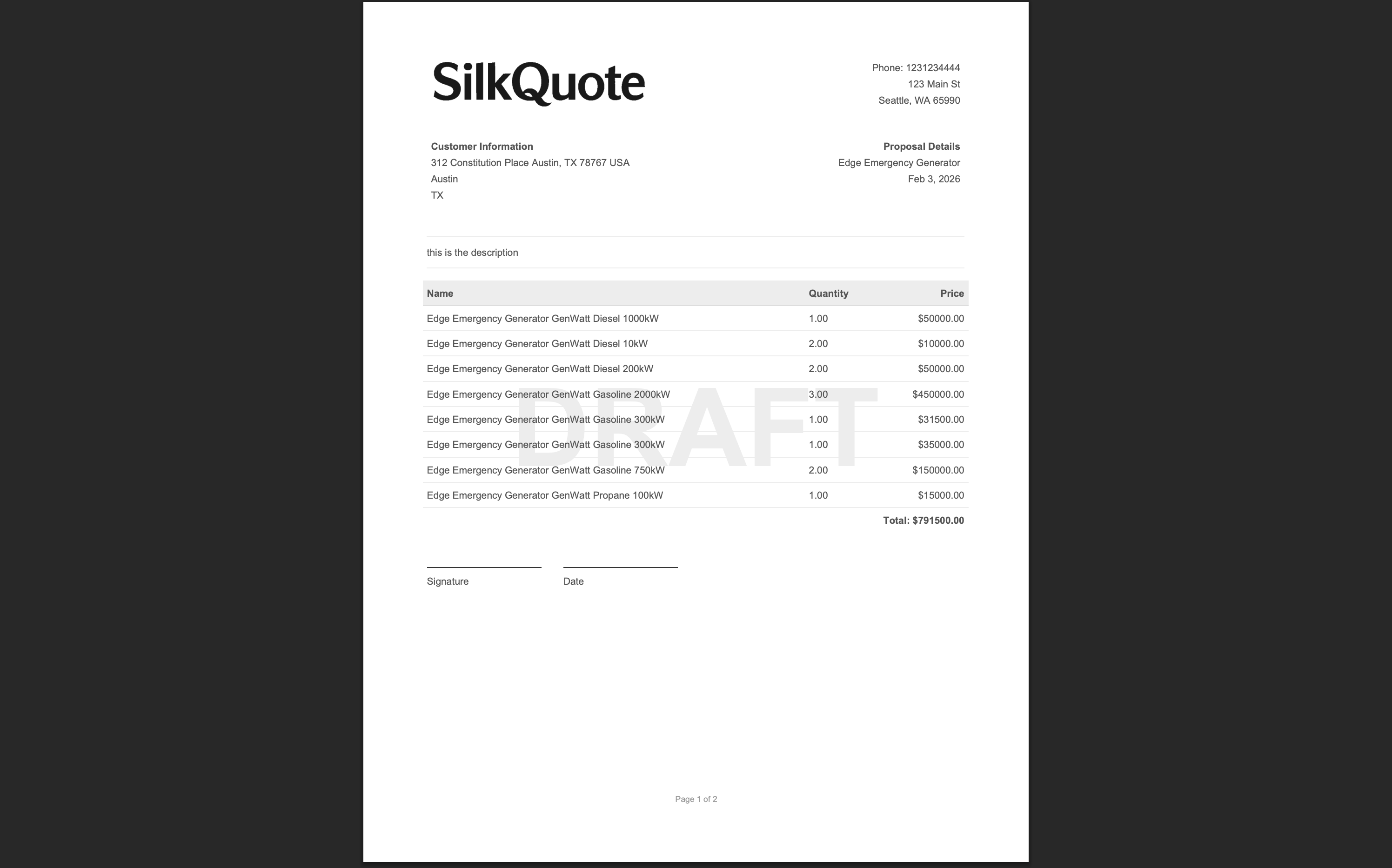
Apply a Draft watermark to Salesforce quotes to clearly mark PDFs as pending approval — keep your review process clean and prevent premature sharing.
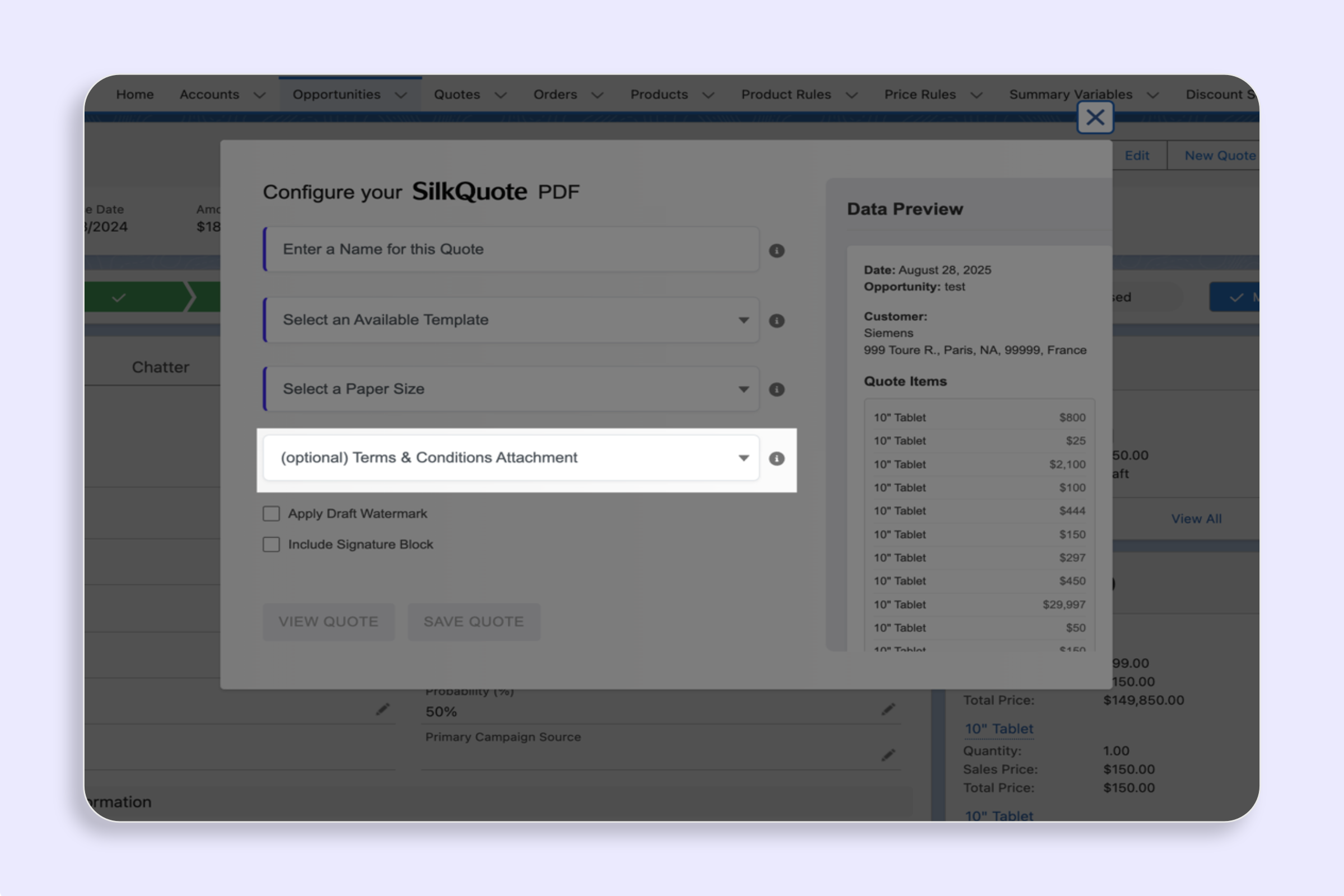
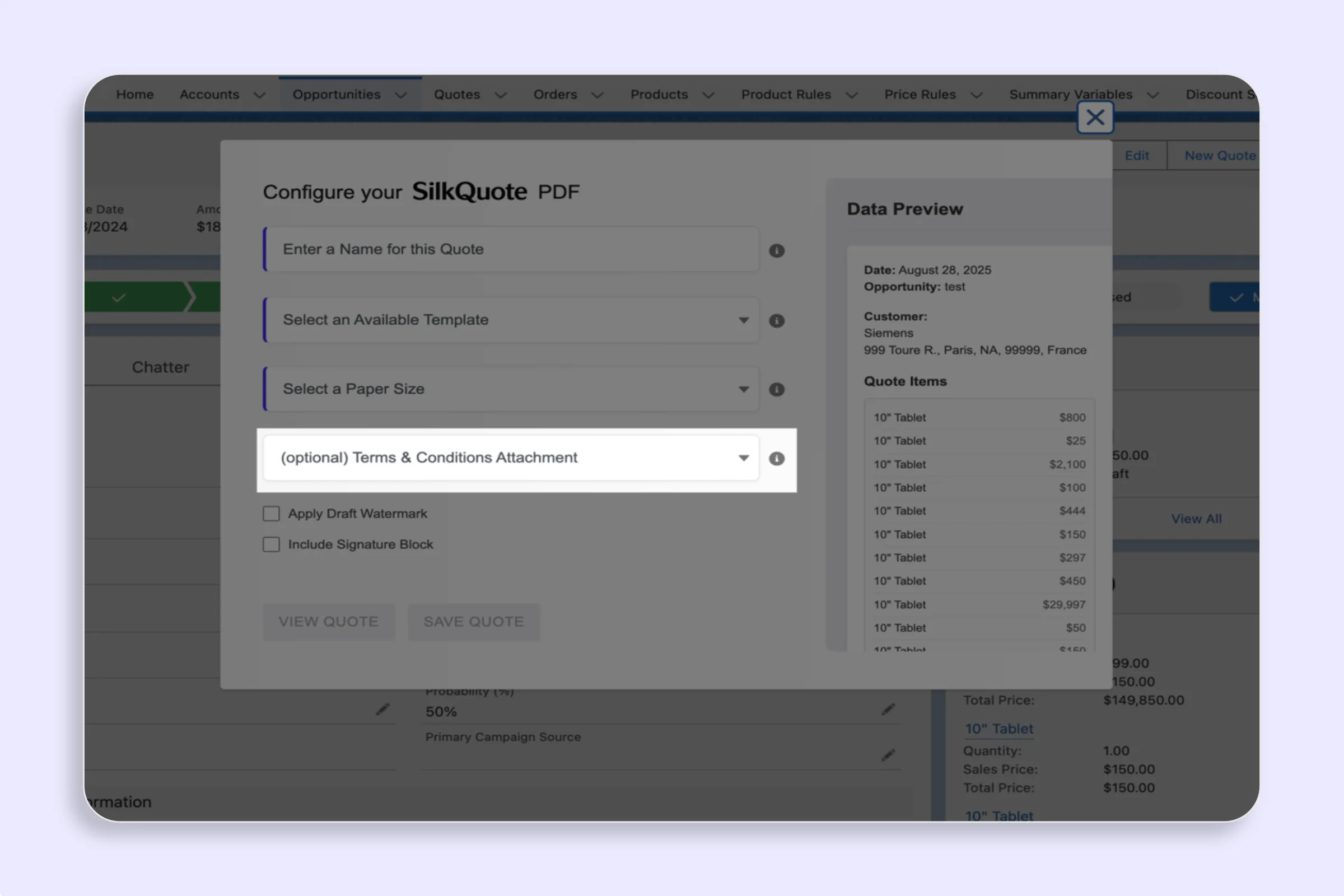
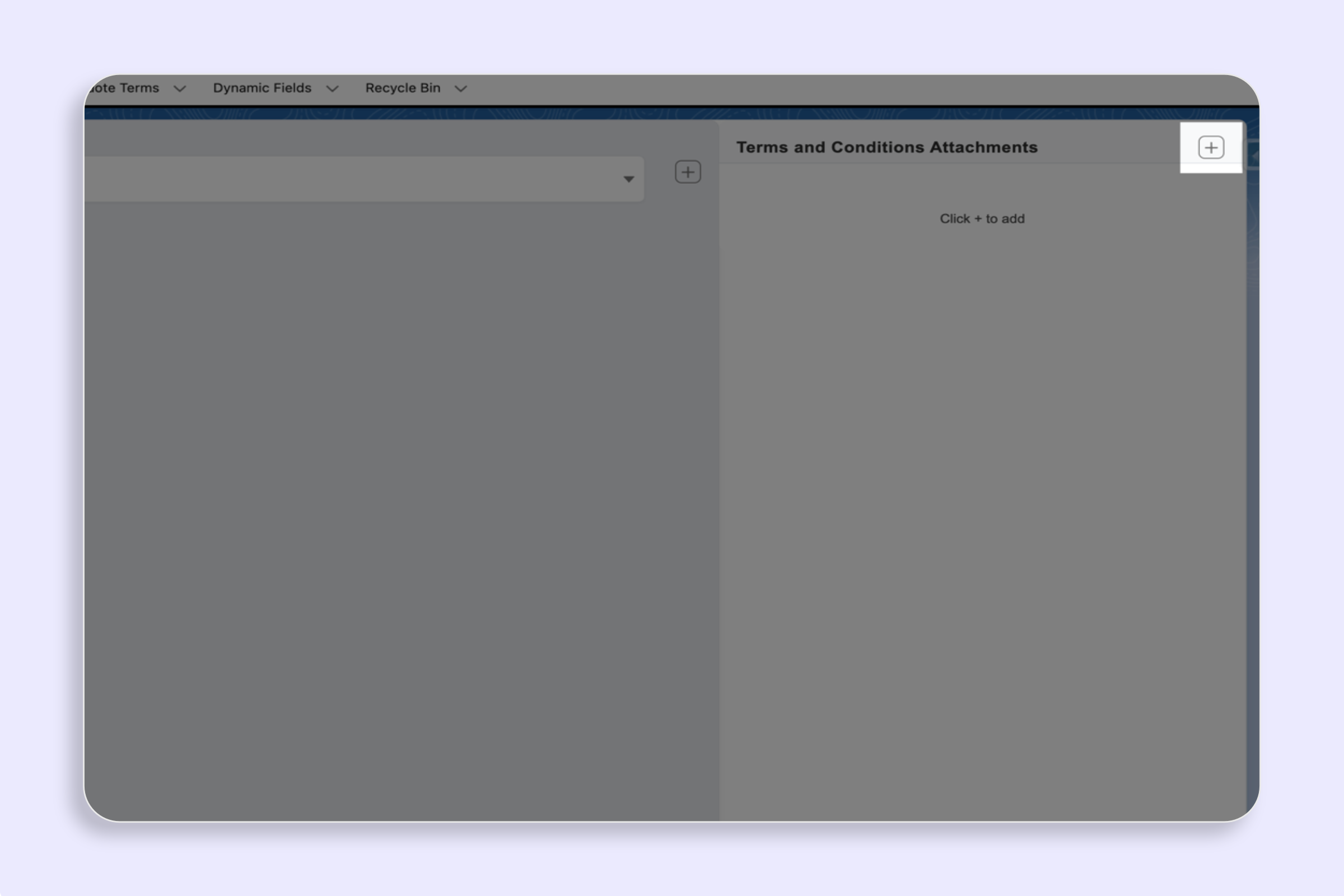
Attach standard or conditional Terms and Conditions to your Salesforce PDF quote. SilkQuote appends terms dynamically based on Opportunity field data.
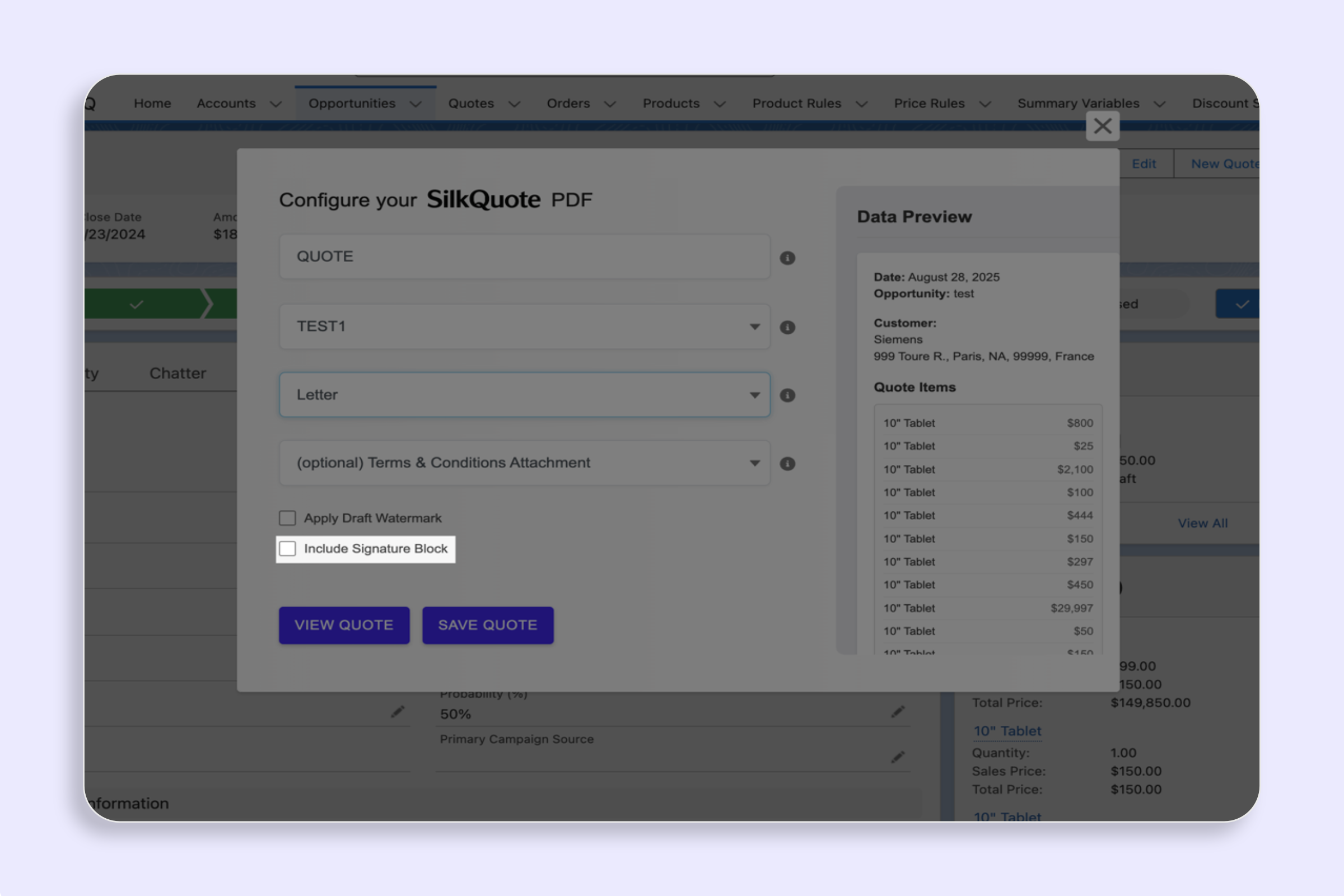
Add a signature block to your Salesforce PDF quotes with SilkQuote — include name, title, date, and signature lines for e-signature-ready documents.
Apply a Draft watermark to Salesforce quotes to clearly mark PDFs as pending approval — keep your review process clean and prevent premature sharing.
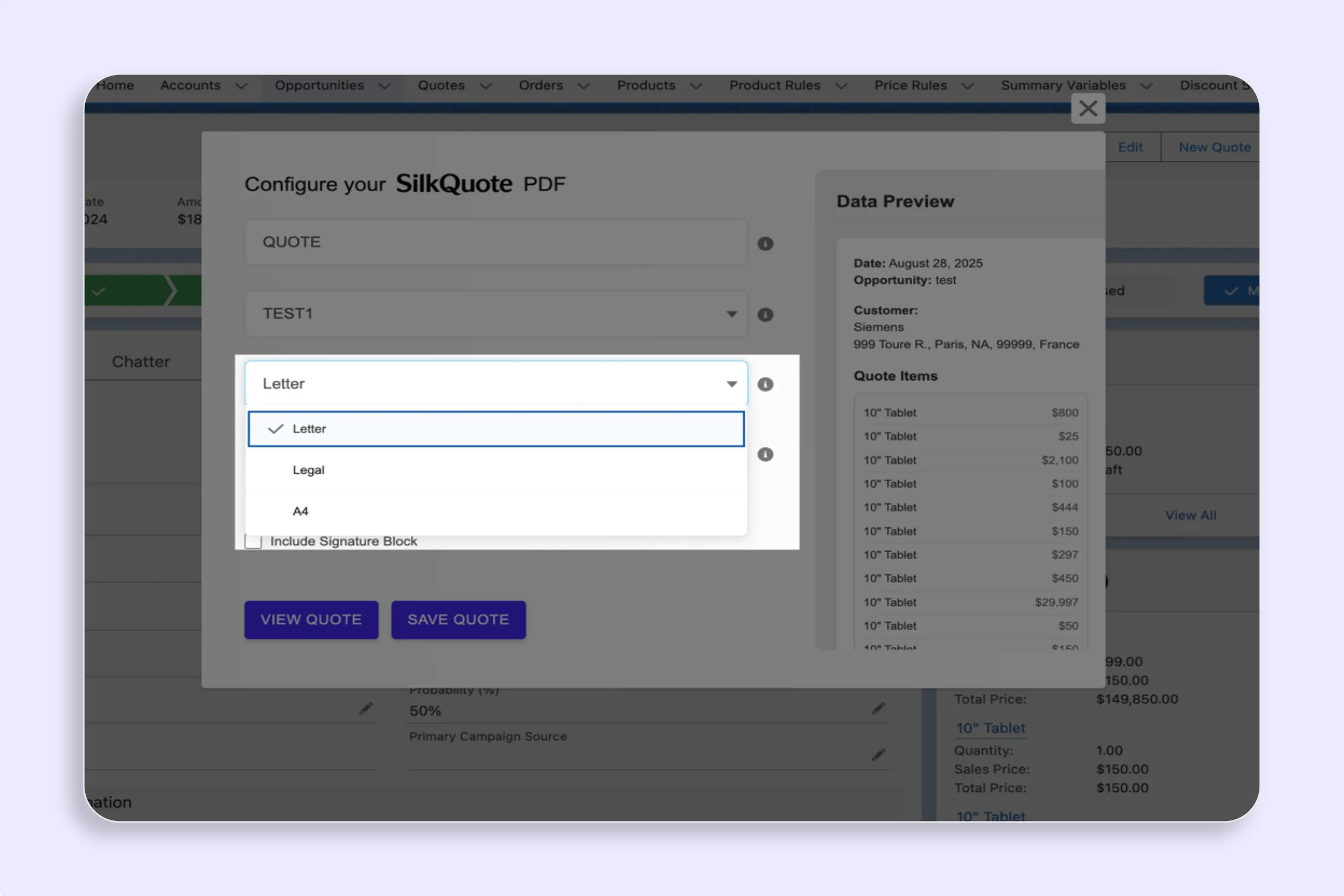
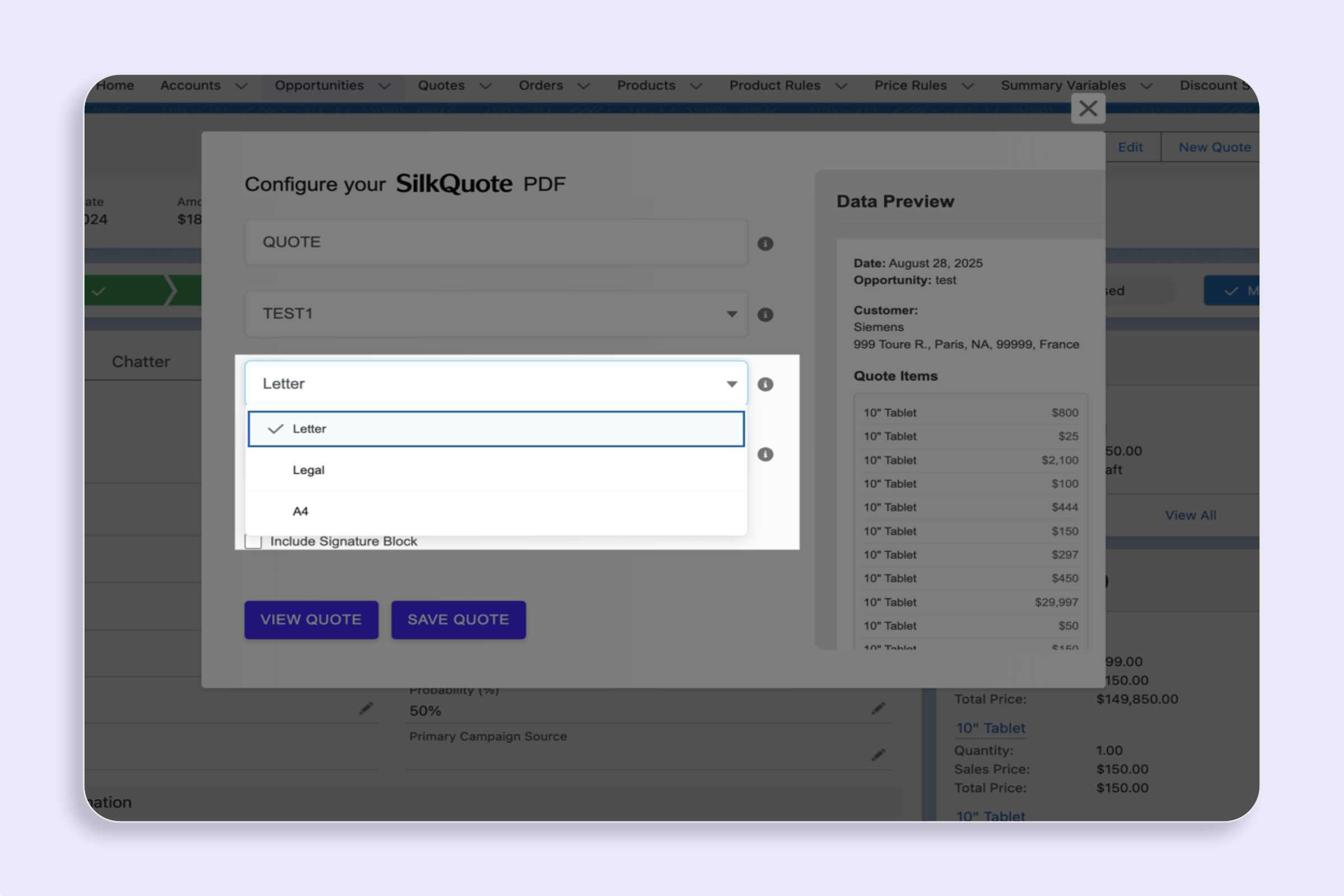
Set the paper size for your SilkQuote PDF quote — choose Letter, Legal, or A4 to match print standards and regional requirements for Salesforce quotes.
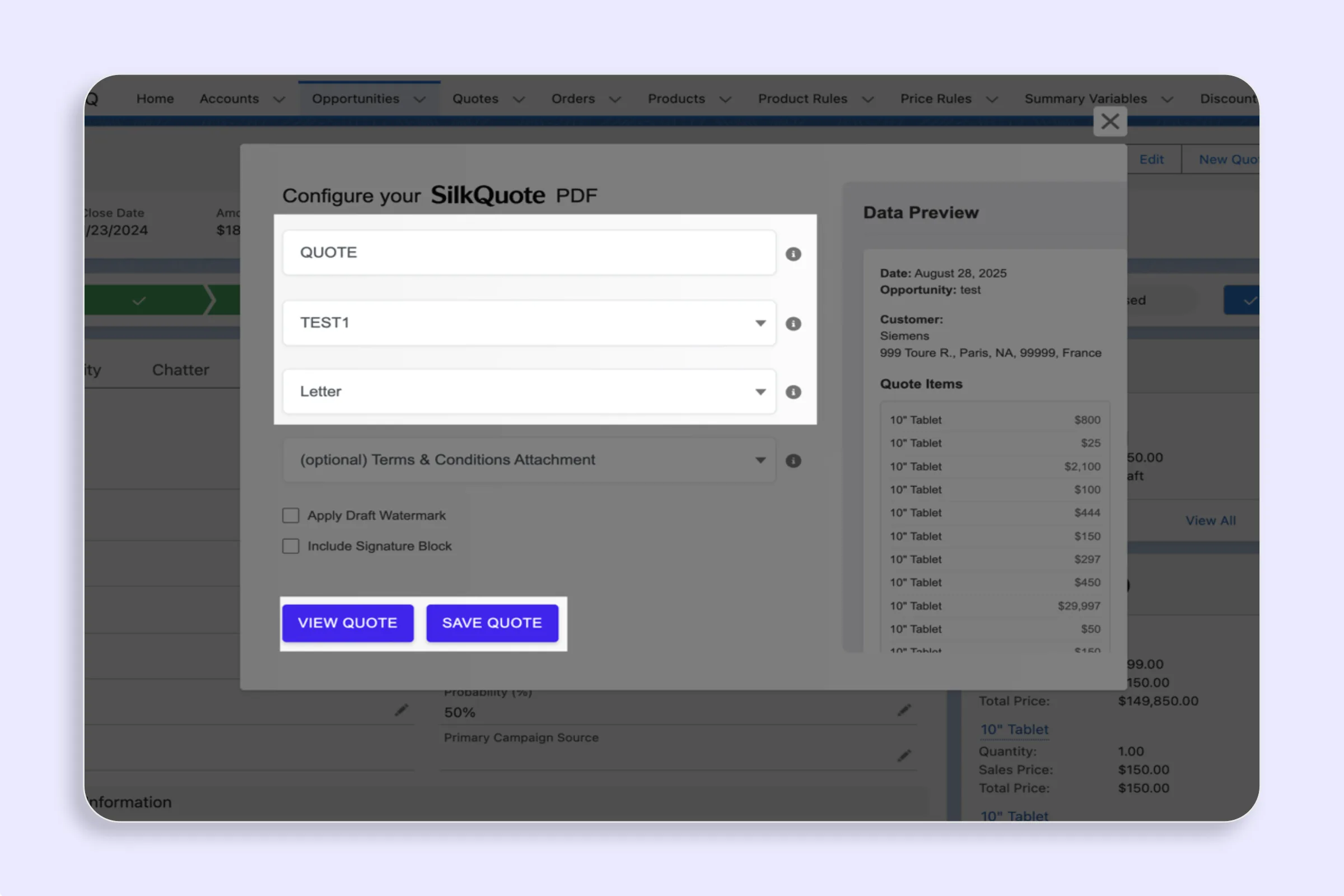
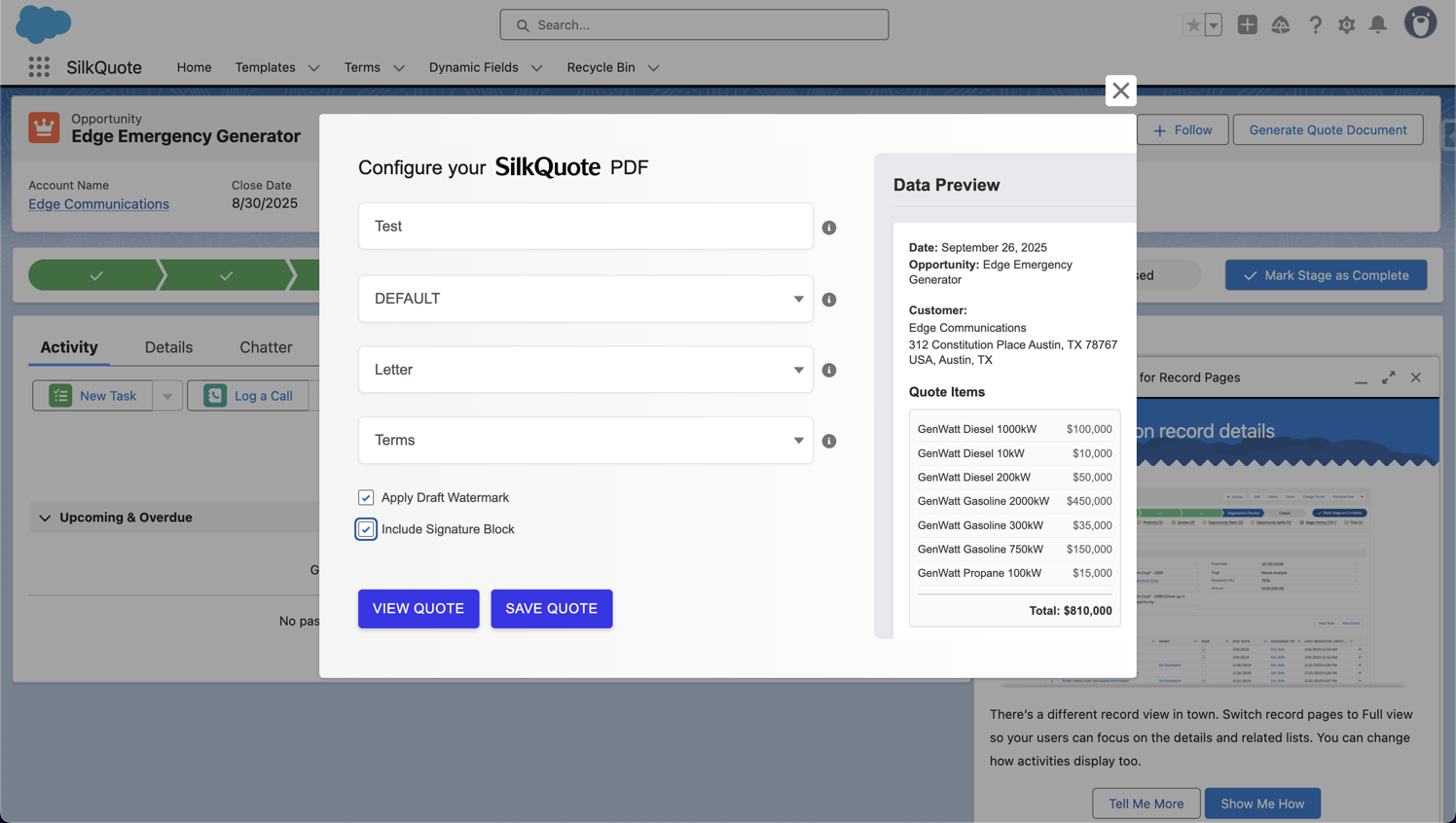
Preview a Salesforce PDF quote without saving it using SilkQuote — instantly generate a temporary PDF to review formatting and content before committing.
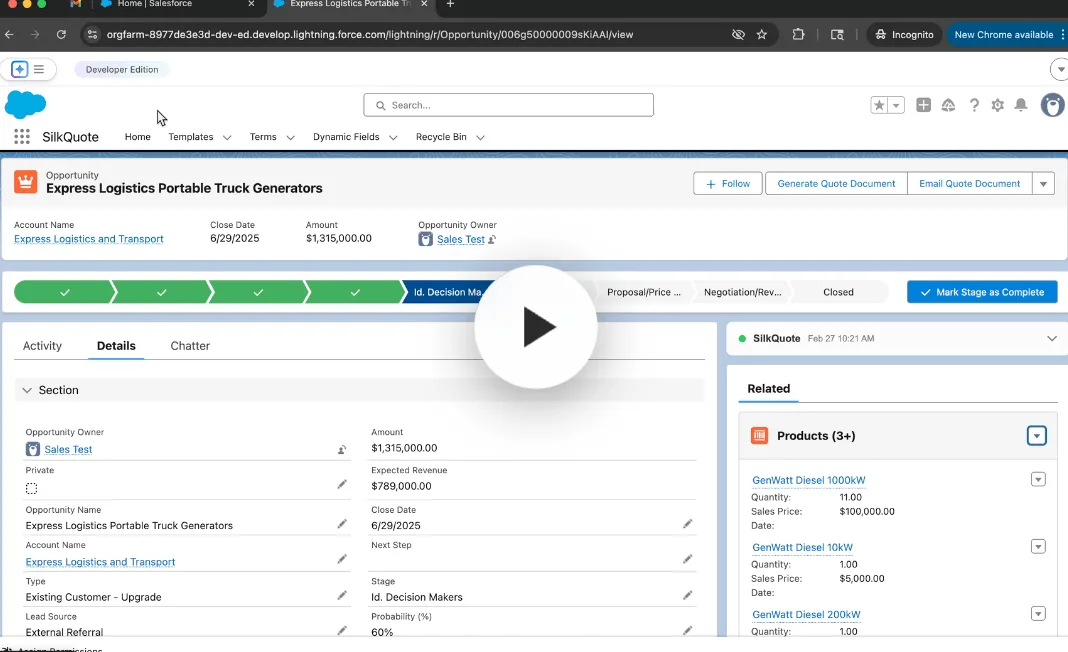
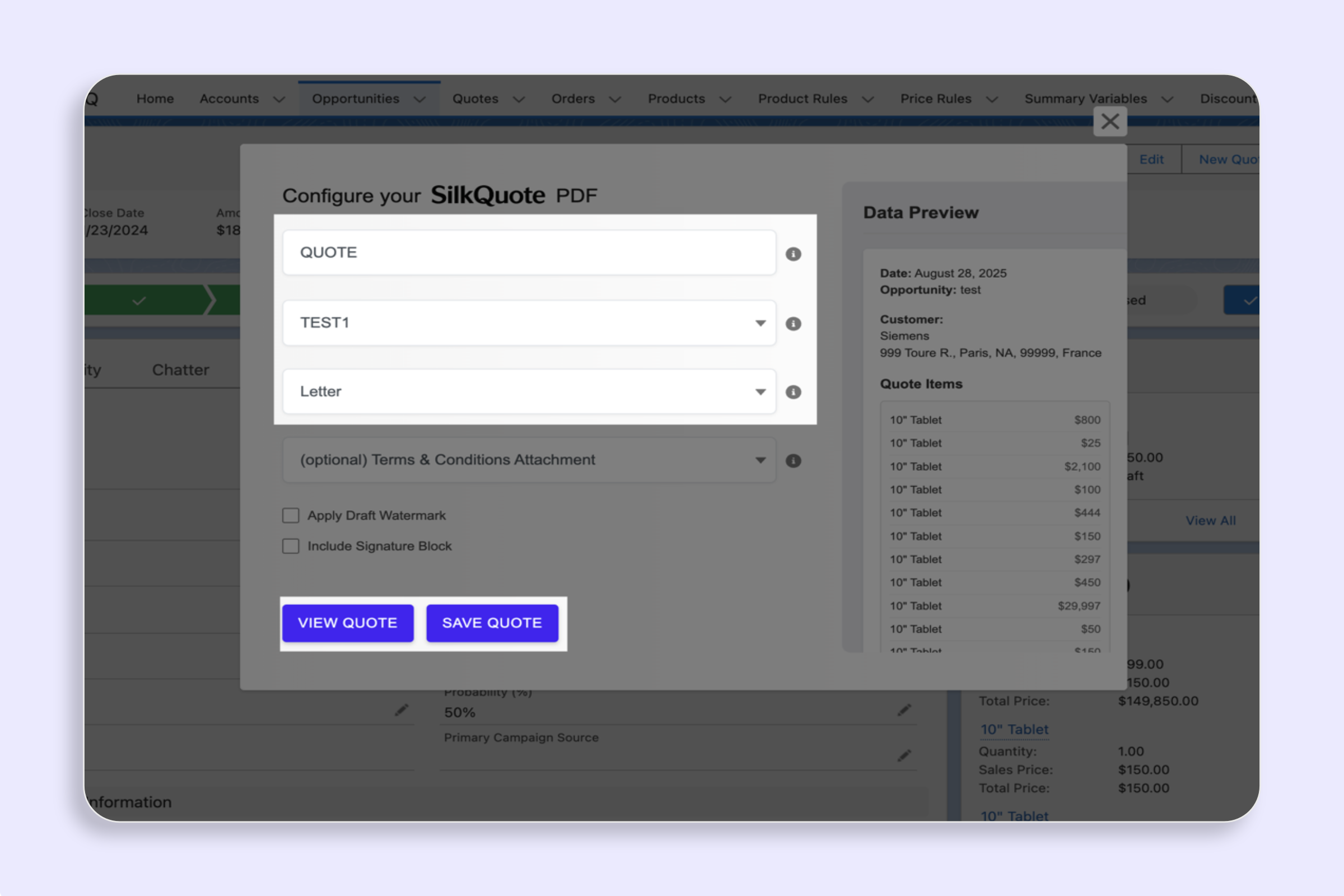
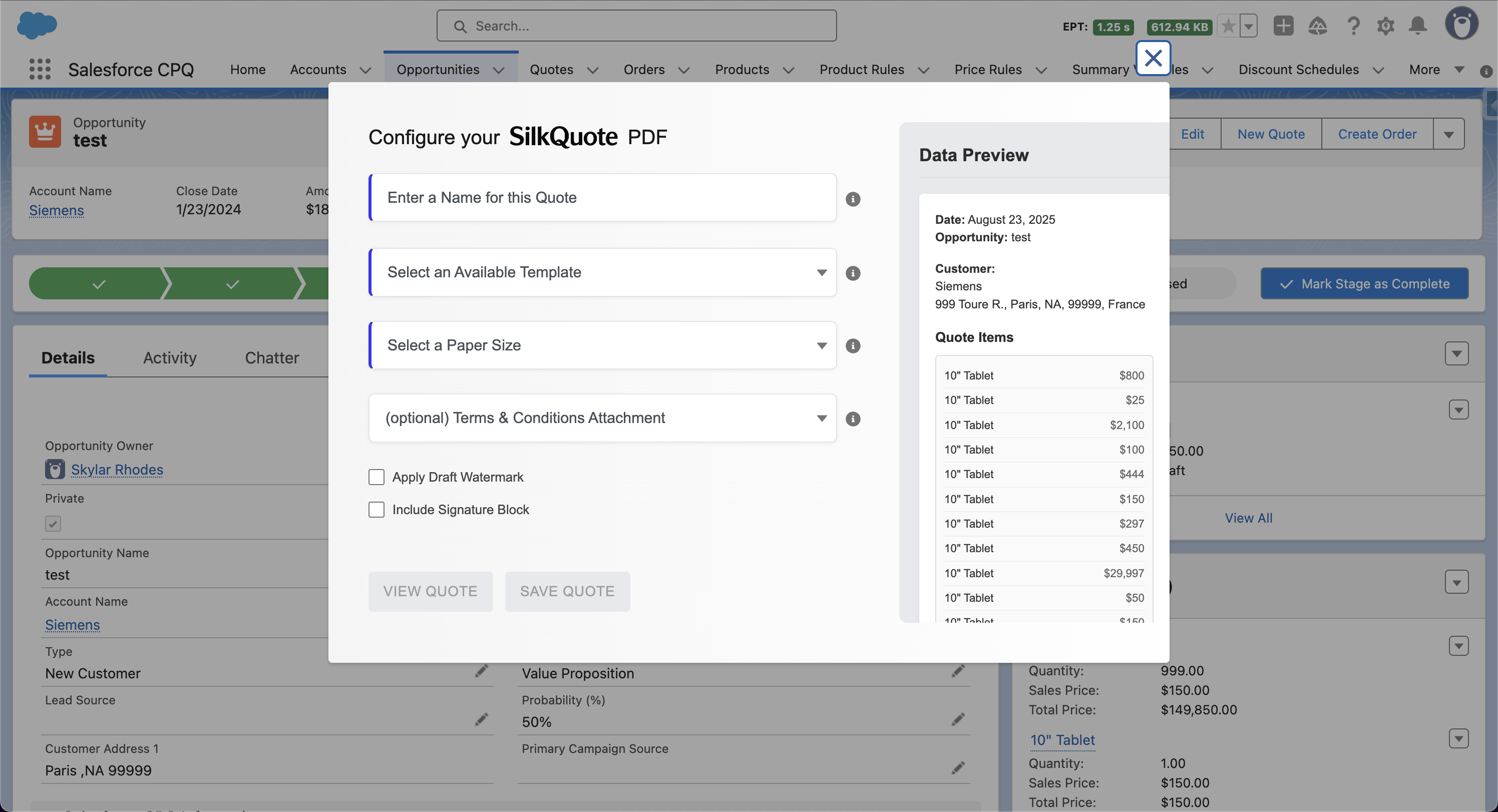
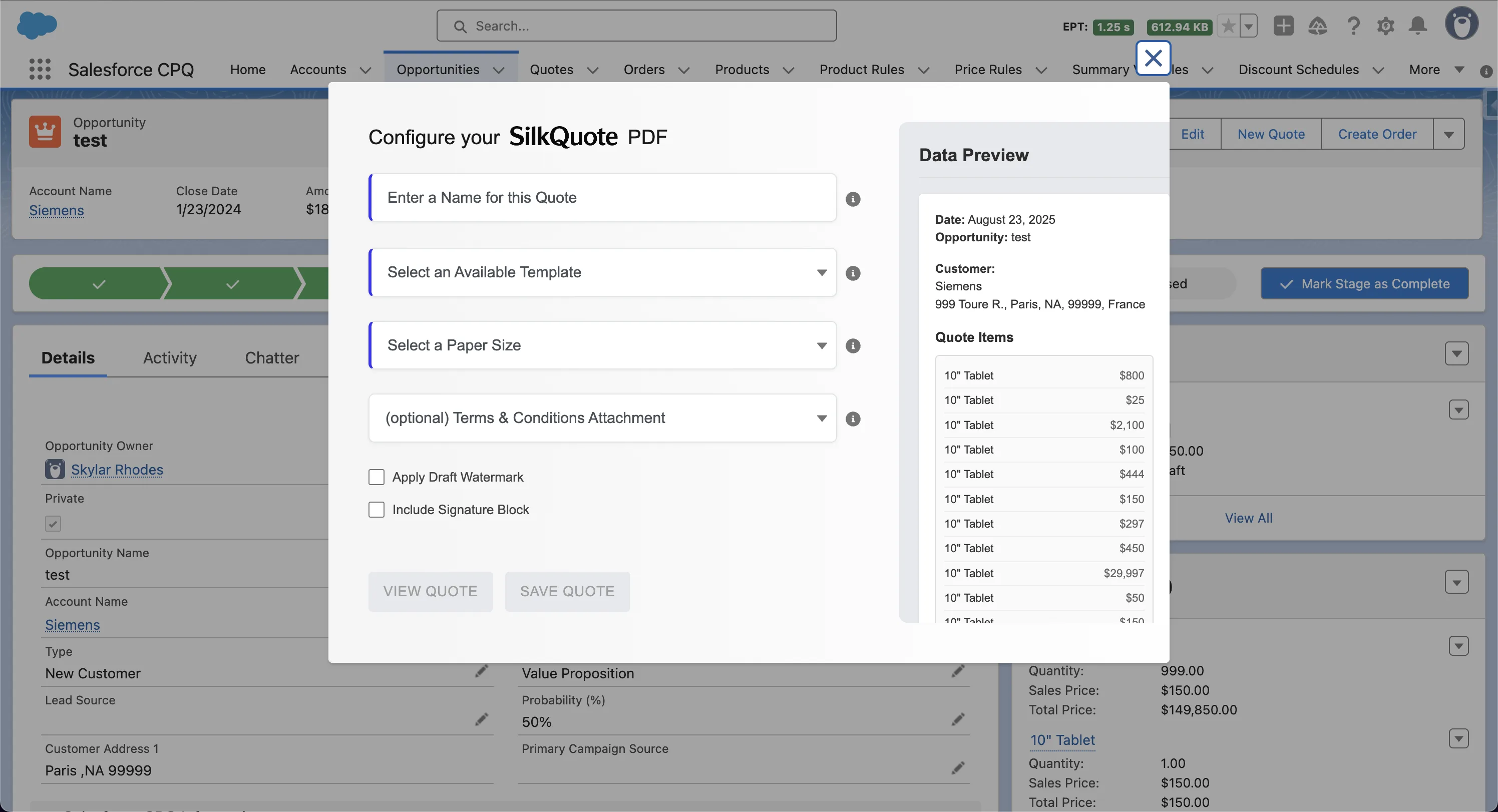
Generate a professional, branded PDF quote from any Salesforce Opportunity with one click using SilkQuote — auto-saved and ready to share without leaving CRM.
Step-by-step guide to installing and configuring SilkQuote on Salesforce. Set up Salesforce Sites, permissions, Lightning pages, and generate professional quote PDFs directly from Opportunity records.
Set or change the logo in your SilkQuote PDF quote template — upload a branded logo per template to ensure every Salesforce quote looks professional.
Set the paper size for your SilkQuote PDF quote — choose Letter, Legal, or A4 to match print standards and regional requirements for Salesforce quotes.
Generate a professional, branded PDF quote from any Salesforce Opportunity with one click using SilkQuote — auto-saved and ready to share without leaving CRM.
Grant SilkQuote access by assigning the included Salesforce Permission Set. Control which users can generate quotes and manage template configurations.
Preview a Salesforce PDF quote without saving it using SilkQuote — instantly generate a temporary PDF to review formatting and content before committing.
Control which fields appear as filters and display columns in the SilkQuote Add Products panel using two optional field sets on the Product2 object.
Define bundle relationships between products in Salesforce so SilkQuote automatically expands a bundle's child products when a rep adds it to a quote.
Browse the full pricebook catalog, filter by product fields, and add bundles to a quote — all from the Opportunity using the Add Products panel in SilkQuote.
Add the Generate Quote Quick Action to your Salesforce Opportunity page layout and enable reps to create professional PDF quotes in one click.
Step-by-step guide to installing and configuring SilkQuote on Salesforce. Set up Salesforce Sites, permissions, Lightning pages, and generate professional quote PDFs directly from Opportunity records.
Step-by-step guide to installing and configuring SilkQuote on Salesforce. Set up Salesforce Sites, permissions, Lightning pages, and generate professional quote PDFs directly from Opportunity records.
Step-by-step guide to installing and configuring SilkQuote on Salesforce. Set up Salesforce Sites, permissions, Lightning pages, and generate professional quote PDFs directly from Opportunity records.
Configure which Salesforce fields appear in each section of your PDF quote template — Company, Customer, Quote, Line Items, Descriptions, and Totals.
Step-by-step guide to installing and configuring SilkQuote on Salesforce. Set up Salesforce Sites, permissions, Lightning pages, and generate professional quote PDFs directly from Opportunity records.
Add a signature block to your Salesforce PDF quotes with SilkQuote — include name, title, date, and signature lines for e-signature-ready documents.
Use a custom Apex controller and Visualforce page to generate fully custom PDF quotes from SilkQuote.
Write HTML templates with merge fields, line item loops, conditional blocks, and custom CSS to generate fully custom PDF quotes from Salesforce data.
Create a new SilkQuote template in Salesforce to define your PDF quote layout, branding, field grouping, and conditional rules — all without any code.
Edit or delete a SilkQuote template in Salesforce to update your quote layout, branding, or field rules — keep your template library current and accurate.
Preview your SilkQuote template using real Salesforce Opportunity data — validate field mapping, PDF layout, and content accuracy before going live.
Attach standard or conditional Terms and Conditions to your Salesforce PDF quote. SilkQuote appends terms dynamically based on Opportunity field data.
Create Terms Rules in SilkQuote to conditionally include or require specific Terms and Conditions in Salesforce PDF quotes based on Opportunity data.