
A well-designed Salesforce quoting process is one of the highest-leverage improvements a sales organization can make. Quotes that are fast to generate, easy to read, and professionally designed close more deals. Quotes that take hours to build, look inconsistent, and arrive days after the conversation lose deals to faster, more organized competitors.
These best practices cover template design, rep workflow, prospect experience, and administrative efficiency for Salesforce quoting with SilkQuote.
Template Design Best Practices
Start With a Cover Section
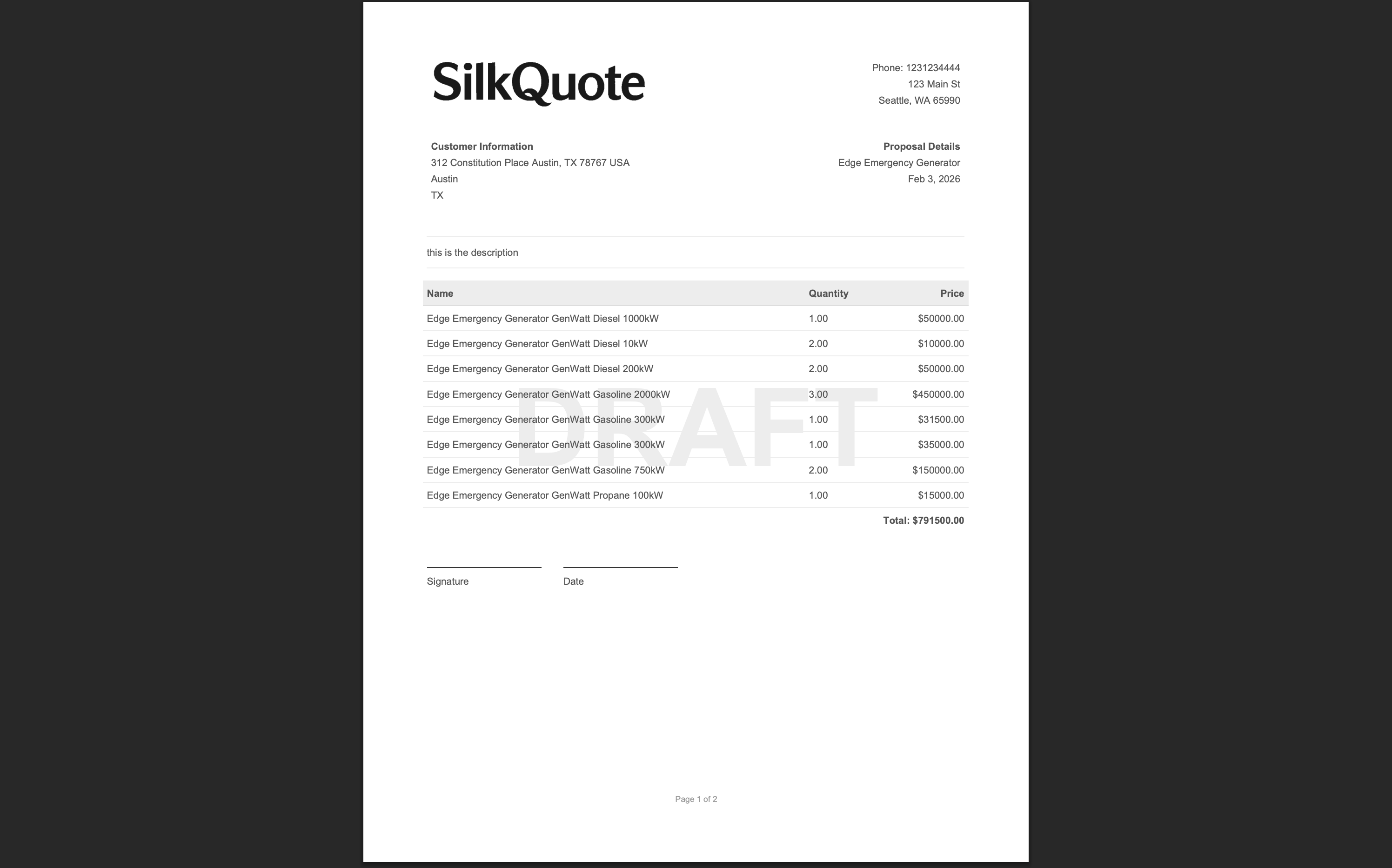
Every quote should open with a summary that orients the prospect immediately. The cover section should include:
- Your company logo and the prospect’s company name
- The quote date and expiration date
- The rep’s name and contact information
- A one-line summary of what the quote covers
This creates context before the prospect reads a single line item. It also signals professionalism and attention to the specific deal.
Keep Line Items Grouped and Scannable
Unorganized line items are one of the most common reasons prospects ask for a “simplified version.” Group products by category, phase, or product family. Label each group clearly. Include subtotals per group so prospects can quickly identify the cost of each component.
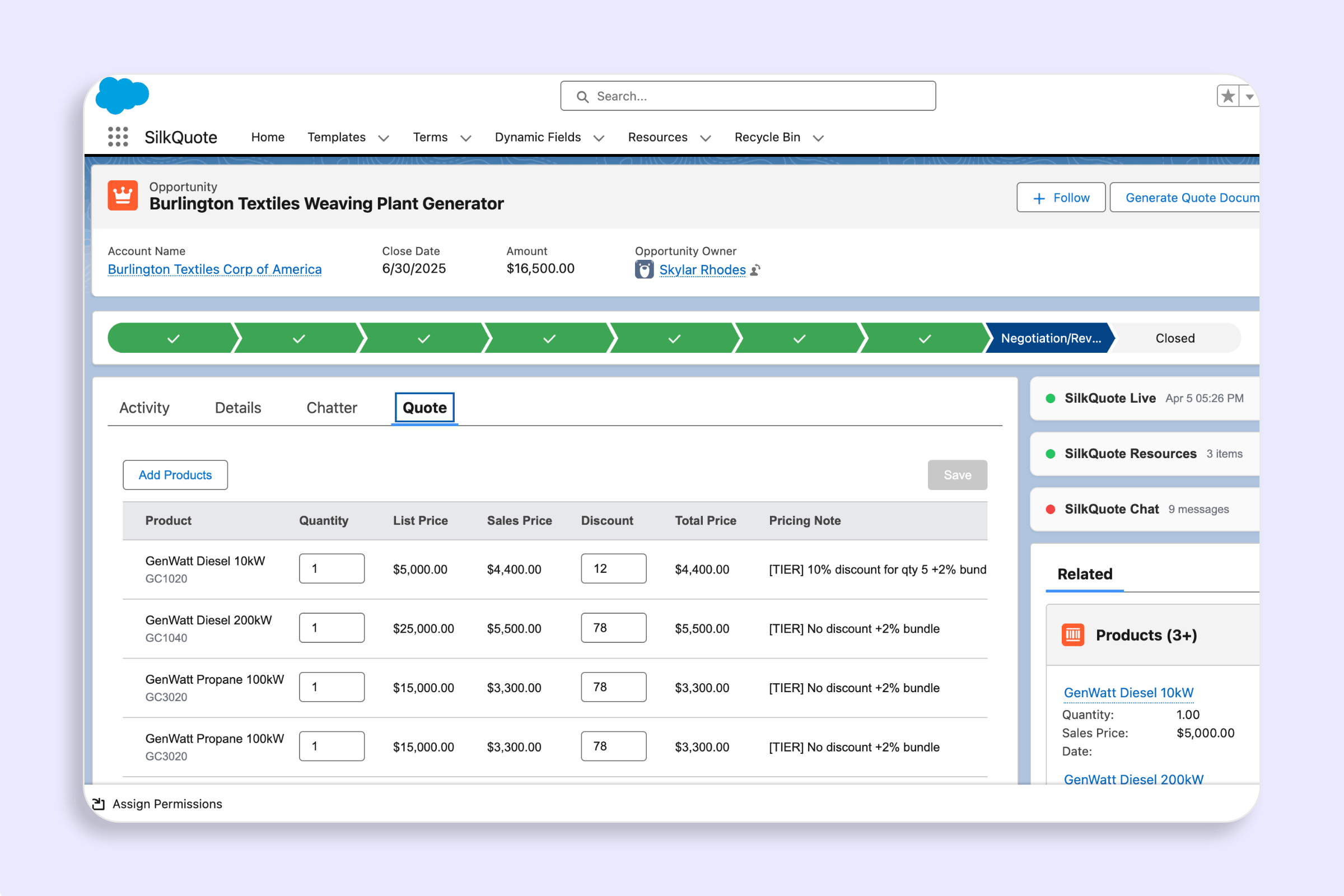
In SilkQuote, use the line item grouping feature to automatically organize products by any Salesforce field: Product Family, product category, or a custom field. Subtotals calculate automatically.
Use Conditional Sections Strategically
Not every prospect needs to see every section. Standard terms that apply to all deals should always appear. Product-specific terms should only appear when the relevant product is on the quote. Multi-year pricing options should only appear when the deal is eligible.
SilkQuote’s conditional display rules let you show or hide entire sections based on Opportunity field values. Use this to keep quotes lean and relevant rather than padded with boilerplate that does not apply to the deal.
Design for Print and Screen
Many prospects print quotes for internal review or to circulate to decision-makers. Design templates that look equally good on screen and on paper. This means:
- Avoid backgrounds or design elements that waste ink when printed
- Use a font size of at least 10pt for body text
- Ensure tables and line items have clear borders or spacing that survives print rendering
- Test your template at both letter and A4 paper sizes if you have international prospects
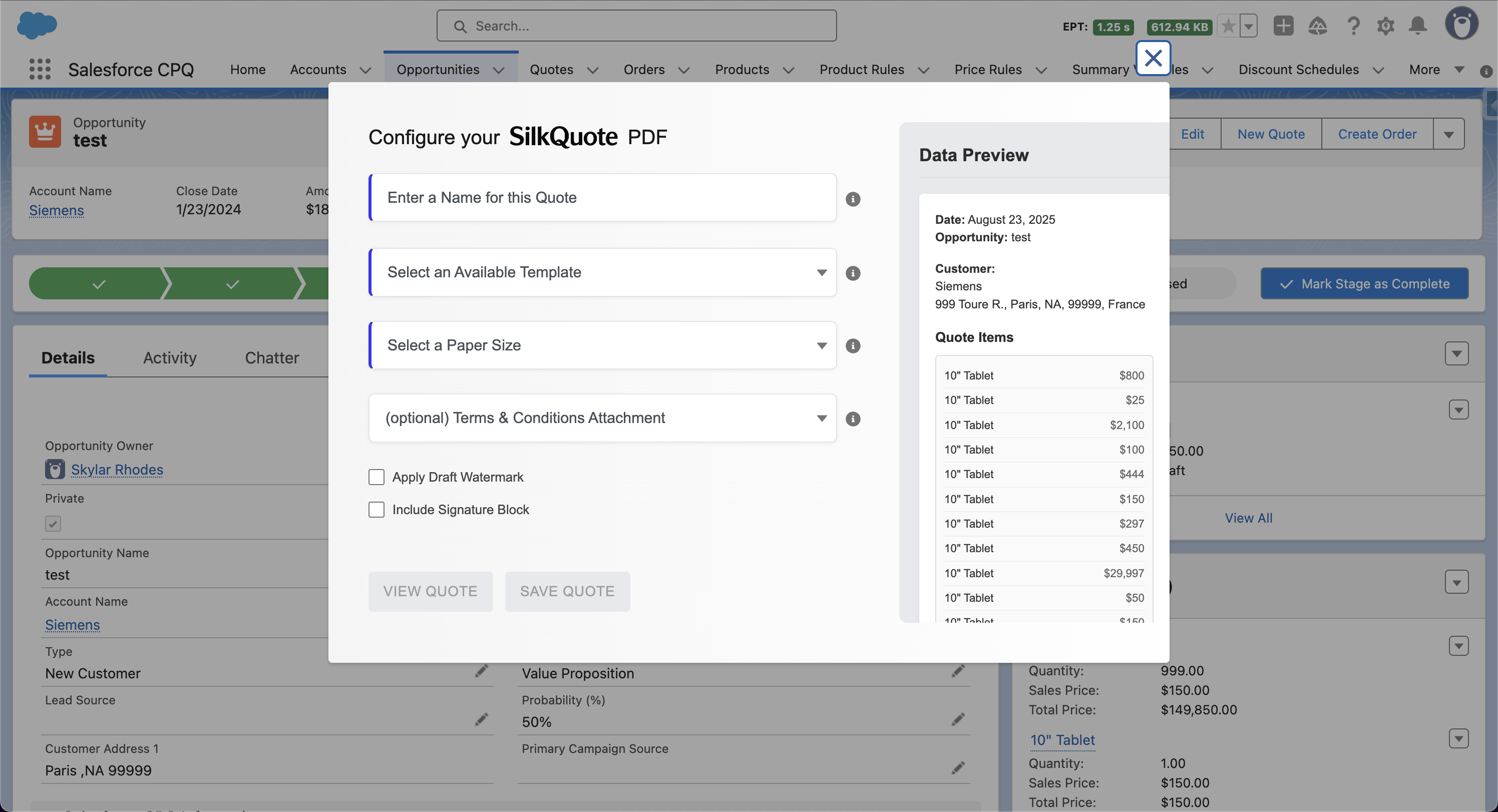
SilkQuote supports multiple paper sizes per template. Configure the appropriate size for your primary market and test before deploying.
Use a Signature Block Wisely
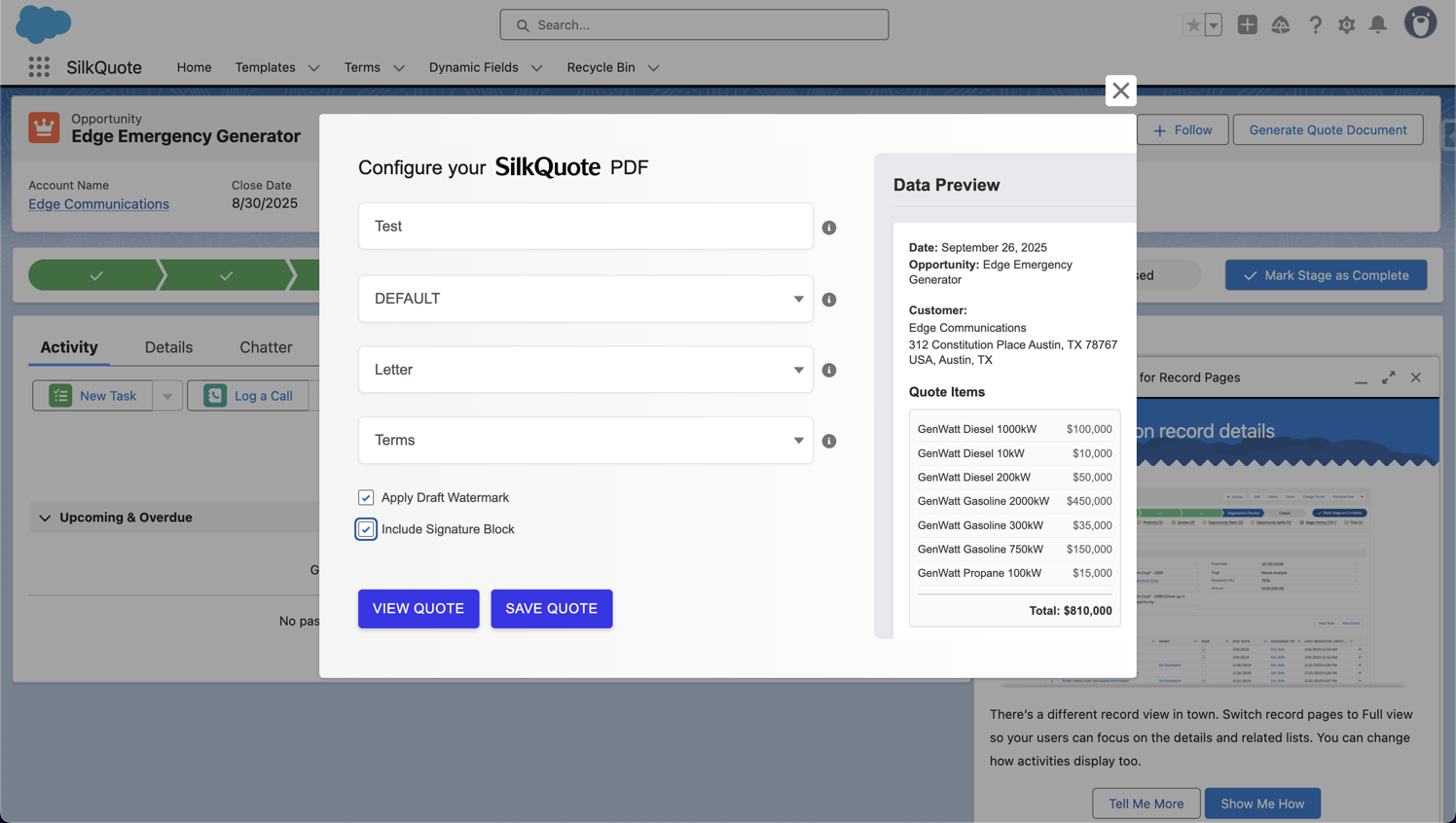
If you want prospects to sign or formally accept a document, use SilkQuote’s hosted acceptance feature (the shared link) rather than embedding a signature block in the PDF. E-signed PDFs via email are harder to track and create audit trail complexity.
Reserve signature blocks in the PDF for documents that will be e-signed via DocuSign or similar tools as part of a formal contract workflow. For informal acceptance in the quoting phase, the SilkQuote prospect acceptance feature is faster and fully tracked.
Rep Workflow Best Practices
Never Build a Quote Outside Salesforce
The single most impactful quoting best practice is generating quotes from Salesforce data, not from manual document assembly. Every quote built in Word, Google Docs, or Excel creates data drift, tracking blindness, and version chaos.
SilkQuote generates quotes directly from Opportunity Products and Salesforce fields. There is no copy-paste, no manual formatting, and no separate tool to log into.
Use the Draft Watermark During Review
When a quote is in internal review (waiting for pricing approval, management sign-off, or legal review), mark it as a draft. SilkQuote’s draft watermark feature stamps the PDF with a “DRAFT” overlay so it cannot be accidentally forwarded to the prospect.
Remove the watermark only when the quote is approved and ready to send. This creates a clear internal discipline around quote status.
Send a Shared Link, Not an Email Attachment
Email attachments have no tracking. Once a PDF leaves your outbox, you have no idea whether the prospect opened it, forwarded it, or deleted it without reading it.
SilkQuote’s shared link feature hosts the quote on a secure URL. When the rep shares the link, every view, acceptance, and decline logs as an activity on the Opportunity. Reps know exactly when prospects are engaging with their quotes, and when they are not.
Set Quote Expiration Dates
Every quote should have an expiration date. Open-ended quotes create pricing uncertainty for both sides and delay decisions. Standard practice is 15–30 days for most B2B deals.
Configure expiration date fields in your SilkQuote template so the date appears prominently on the first page. Include the expiration in your outreach language when sending the quote.
Administrative Best Practices
Limit Template Access to Admins
Allowing individual reps to modify templates creates drift. One rep adds a section, another removes a standard term, and within a few months each rep is effectively working from their own custom document.
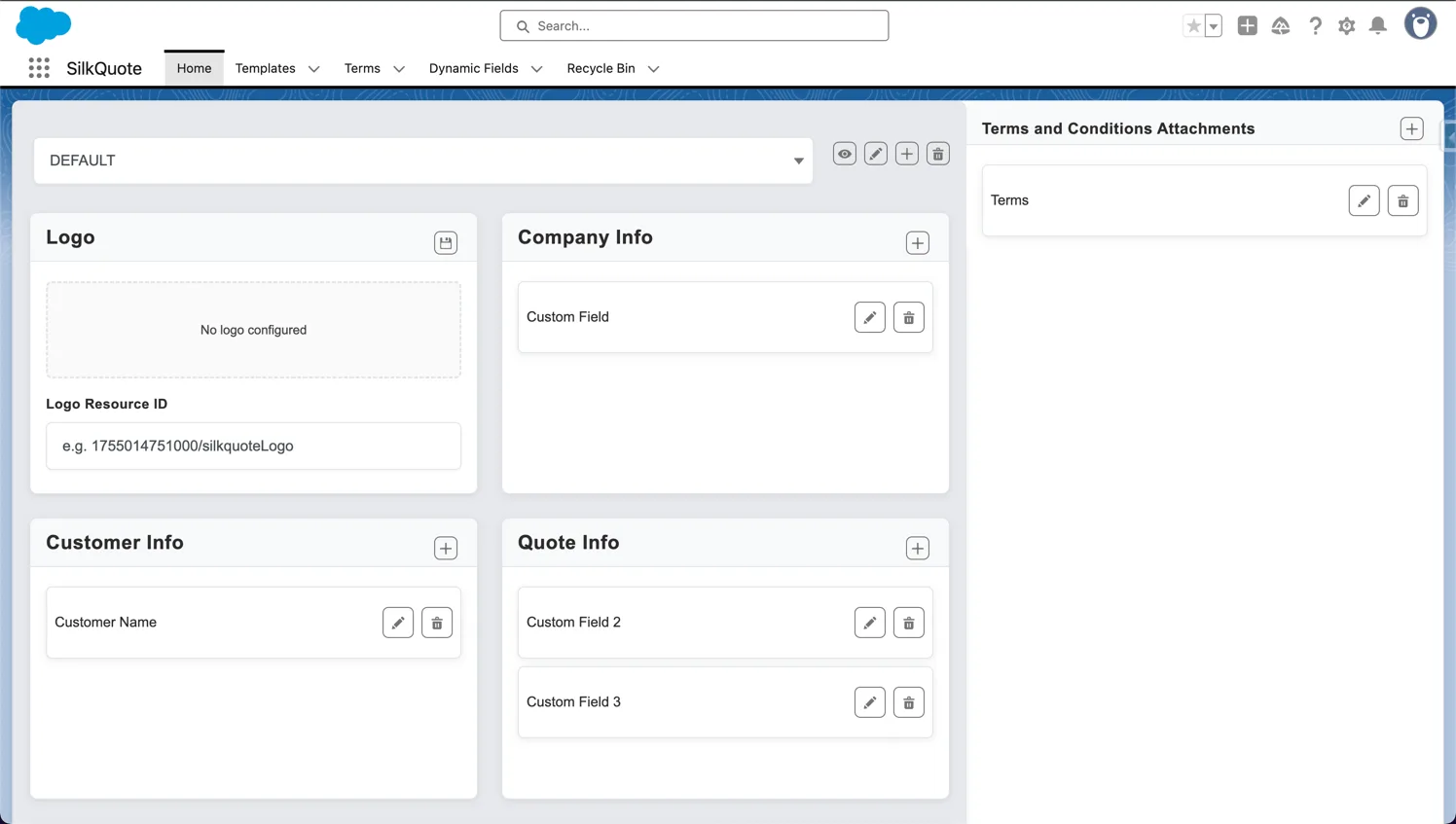
In SilkQuote, only users with the SilkQuote Configuration Manager permission can modify templates. Reps select templates at quote generation time but cannot edit the underlying design. Centralize template ownership with your Salesforce admin or revenue operations team.
Create Role-Specific Templates
Different deals require different documents. An SMB quote is not the same as an enterprise proposal. A services quote looks different from a product quote. Build templates for each major deal type rather than trying to make one template serve all scenarios.
SilkQuote supports unlimited templates with smart template selection rules. Configure rules so the correct template is suggested or automatically selected based on Opportunity field values.
Review and Retire Templates Regularly
Templates accumulate. Quarterly audits help identify templates that are no longer used, have outdated pricing references, or reflect discontinued products. Archive or delete unused templates to prevent reps from accidentally selecting an outdated design.
The Salesforce quote template builder guide covers the admin workflow for creating, editing, and managing templates in SilkQuote.
Measuring Quoting Effectiveness
Track these metrics to evaluate and improve your quoting process:
Time-to-quote. Measure the average time from stage change (entering proposal stage) to quote delivery. Best-in-class is under one hour for pre-configured deals.
Quote acceptance rate. What percentage of sent quotes are formally accepted through the SilkQuote prospect acceptance feature? Low acceptance rates may indicate pricing, presentation, or timing issues.
Quote-to-close rate. Of Opportunities where a quote was generated, what percentage closed? This is a leading indicator of quote quality relative to the buying stage.
Revision count. How many quote versions are generated per deal on average? Multiple revisions suggest unclear scope or pricing early in the deal.
For more on integrating quoting metrics into your RevOps reporting, see the Salesforce quoting tool and quote automation workflows resources.
Install SilkQuote free from the AppExchange and put these best practices into action today.
With SilkQuote, quote generation takes under 30 seconds once templates are configured. If your current quoting process takes more than five minutes, the bottleneck is likely manual data assembly outside Salesforce, and that is solvable by using a native quoting tool.
Most effective quote templates have three to five sections: a cover or summary section, a line items section, a pricing summary, and an optional terms section. More than seven sections tends to overwhelm prospects and reduce readability.
Include pricing in the quote. Separating pricing from the product description creates confusion and adds unnecessary friction. Prospects should be able to understand what they are buying and what it costs from a single document.
One to three pages for most B2B quotes. Complex enterprise deals may justify longer documents, but most prospects will not read beyond three pages. Use conditional sections to suppress irrelevant content rather than including everything by default.
Review templates quarterly or when products, pricing, or terms change. Outdated templates that reference discontinued products or old pricing create confusion and erode trust. SilkQuote's admin-controlled templates make centralized updates easy.