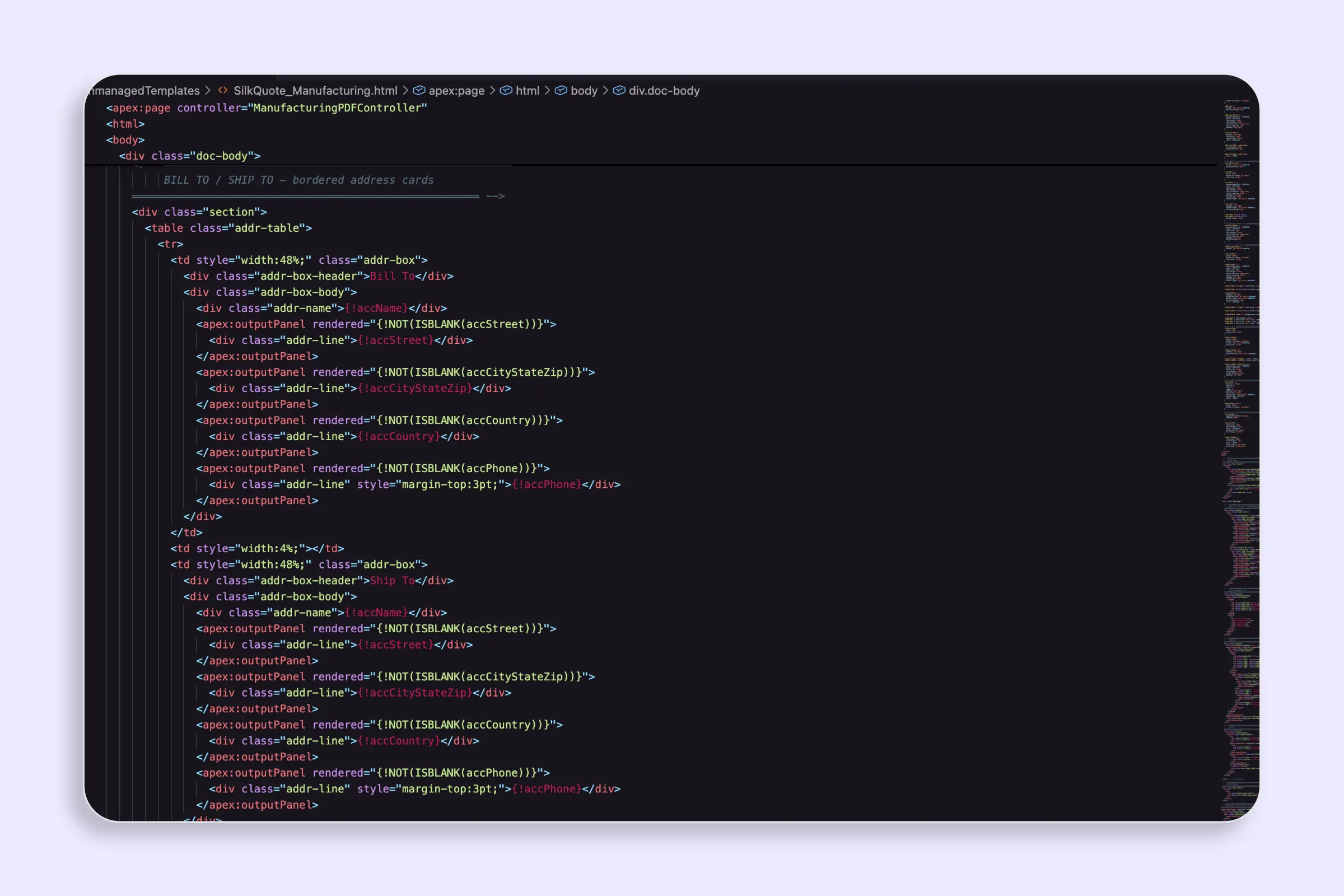
Visualforce Template
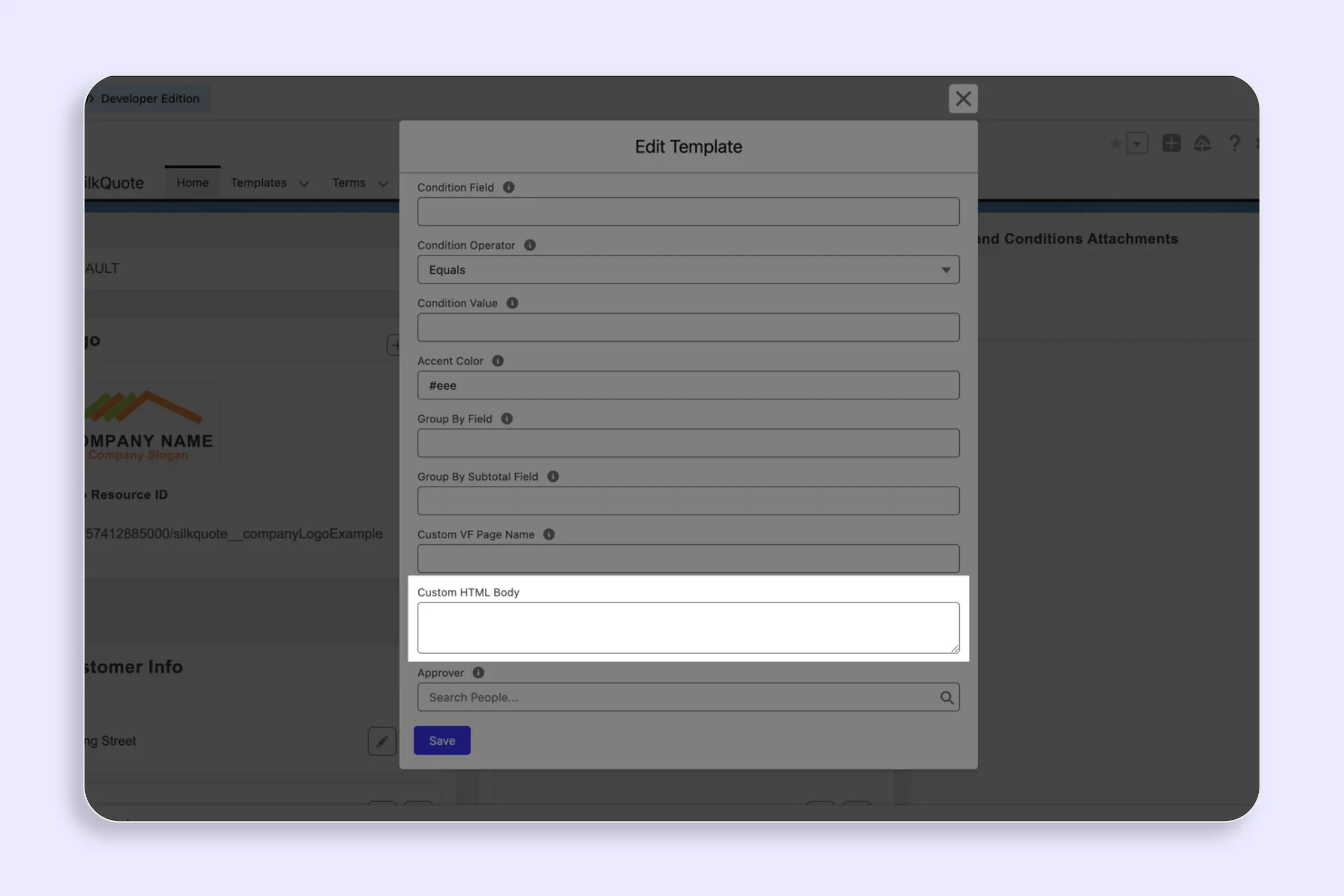
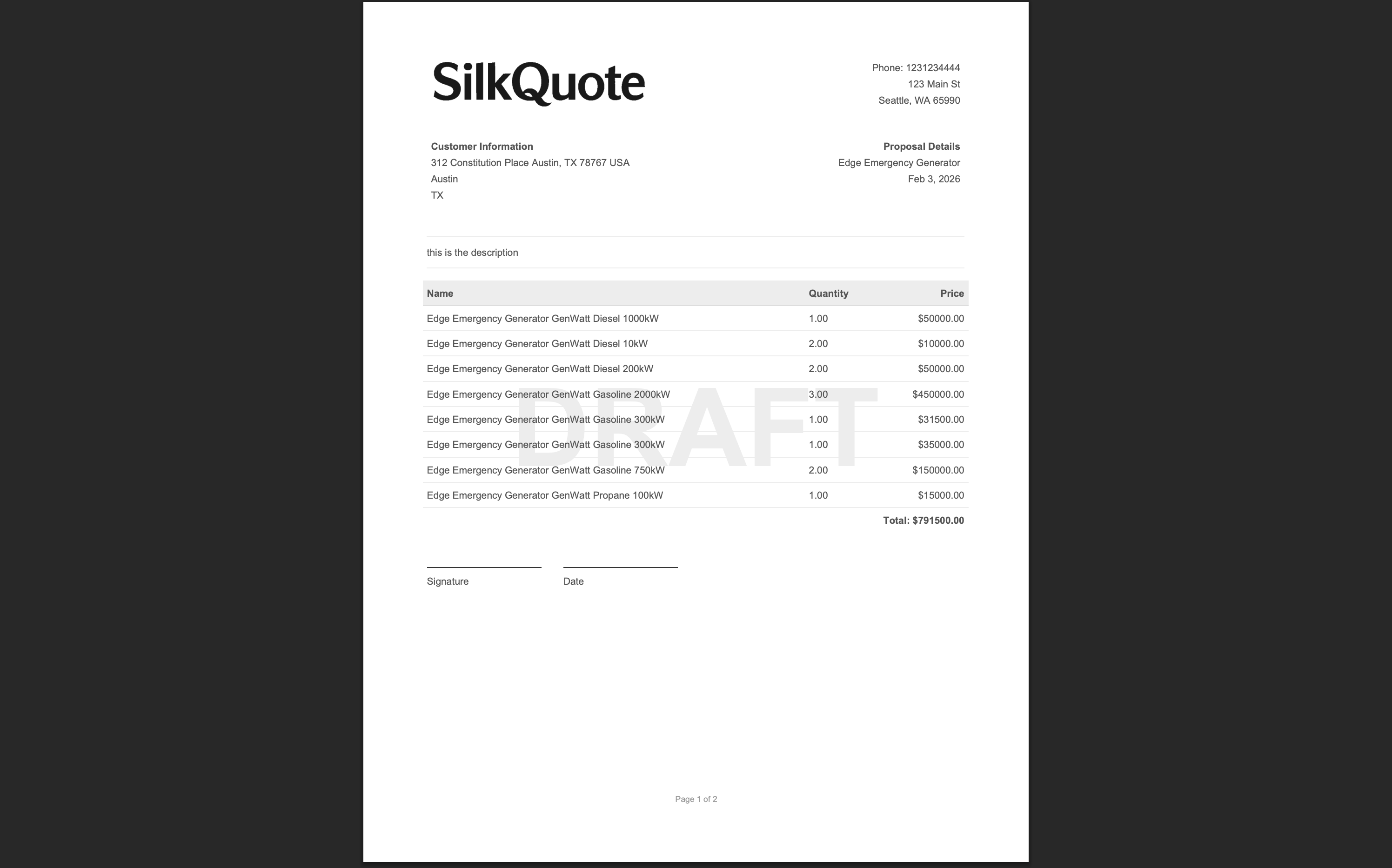
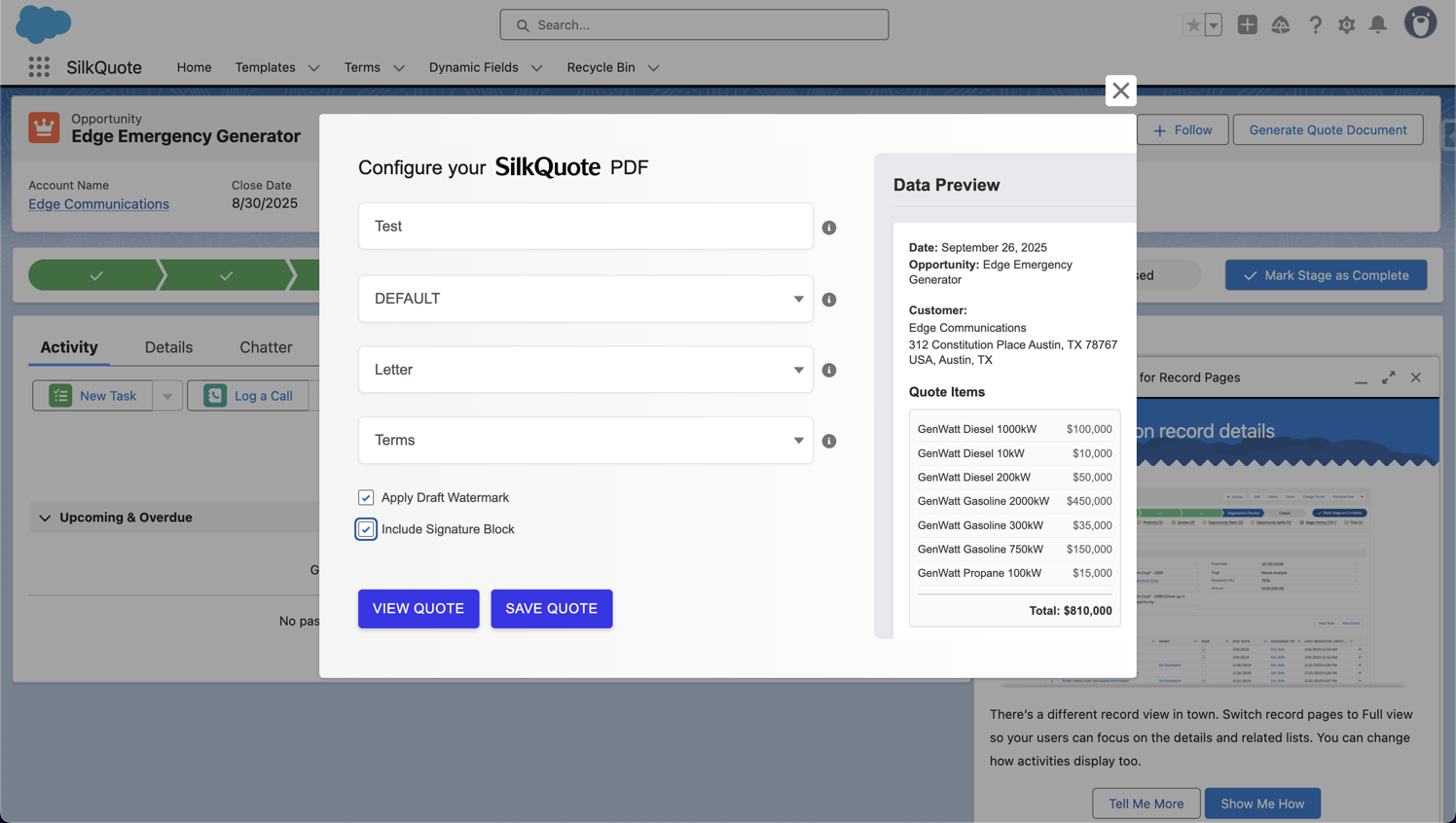
Use a custom Apex controller and Visualforce page to generate fully custom PDF quotes from SilkQuote.

Frictionless Salesforce quoting with automated pricing logic, branded quote generation, and delivery tracking in a single click.
Design Word docs with merge tags outside Salesforce, then manually upload and maintain them.
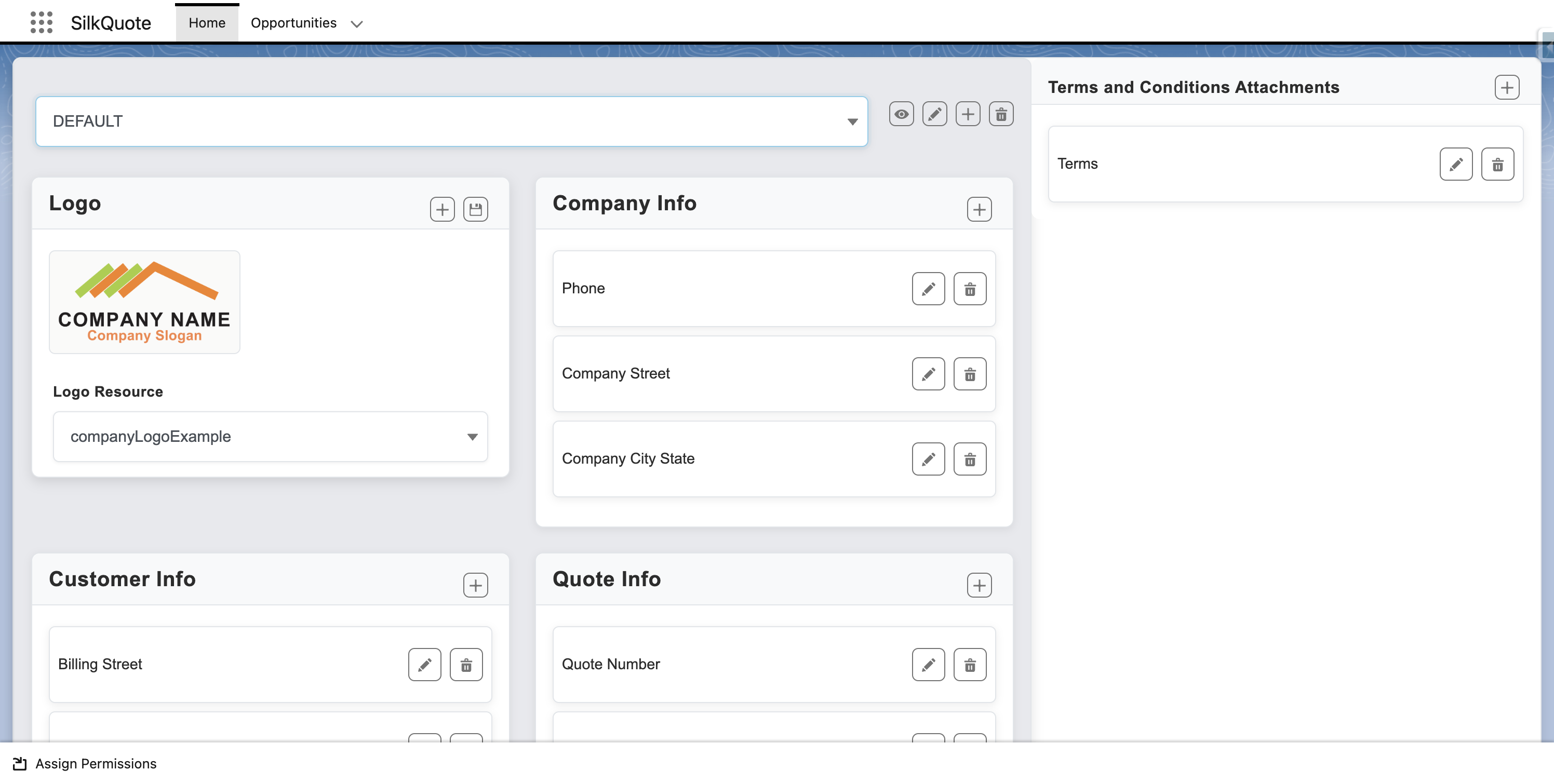
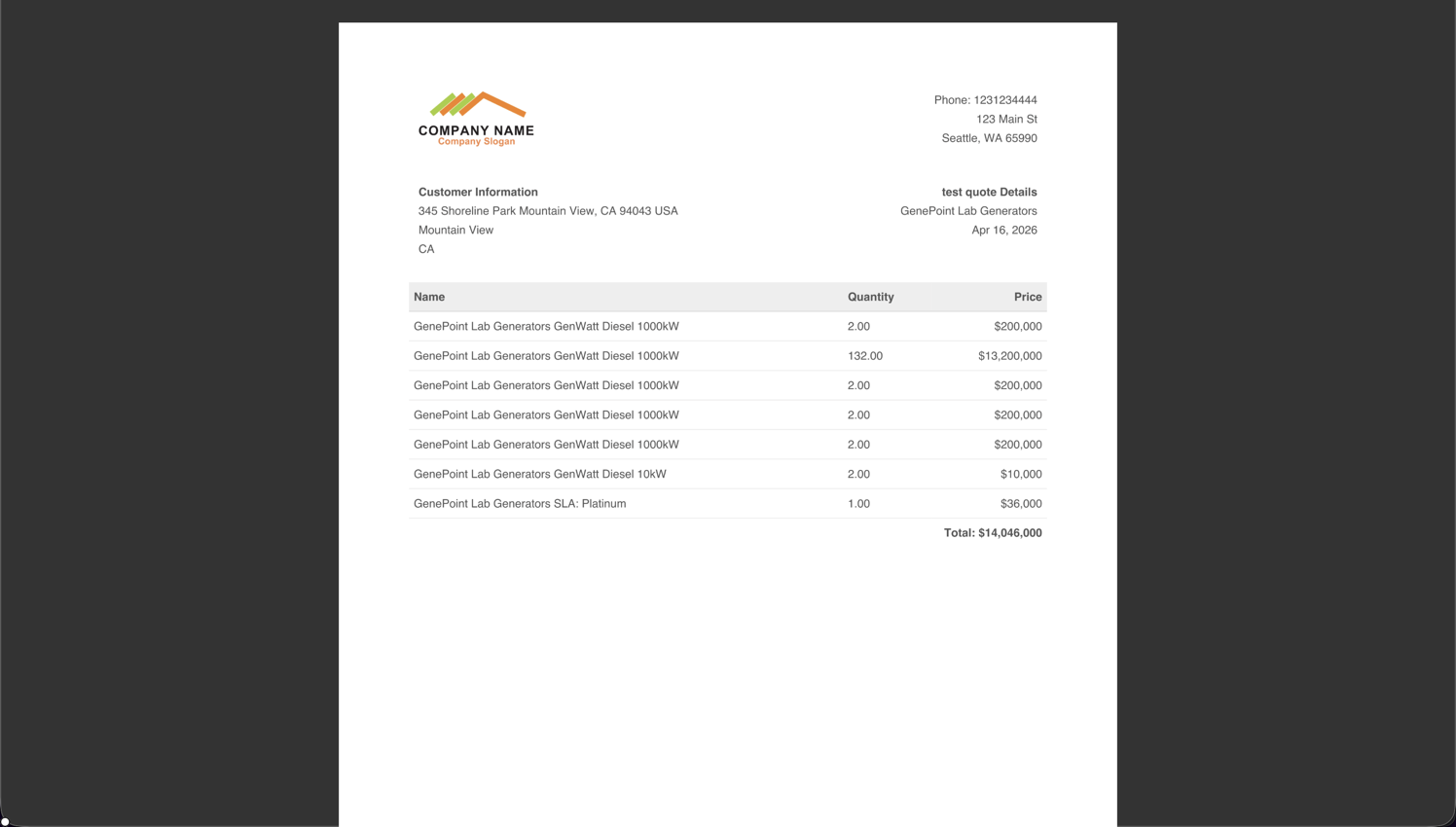
Build branded templates natively in Salesforce. Every rep stays on-brand every time.
Reps manually search for and pick a template, then generate a quote and hope they chose right.
SilkQuote auto-filters templates based on the deal. Reps can't pick wrong. Quote sent in seconds.
Rep emails a PDF and waits, with no visibility into whether the customer even opened it.
SilkQuote sends a branded email with a live Deal Room link. Know the moment the buyer opens it.
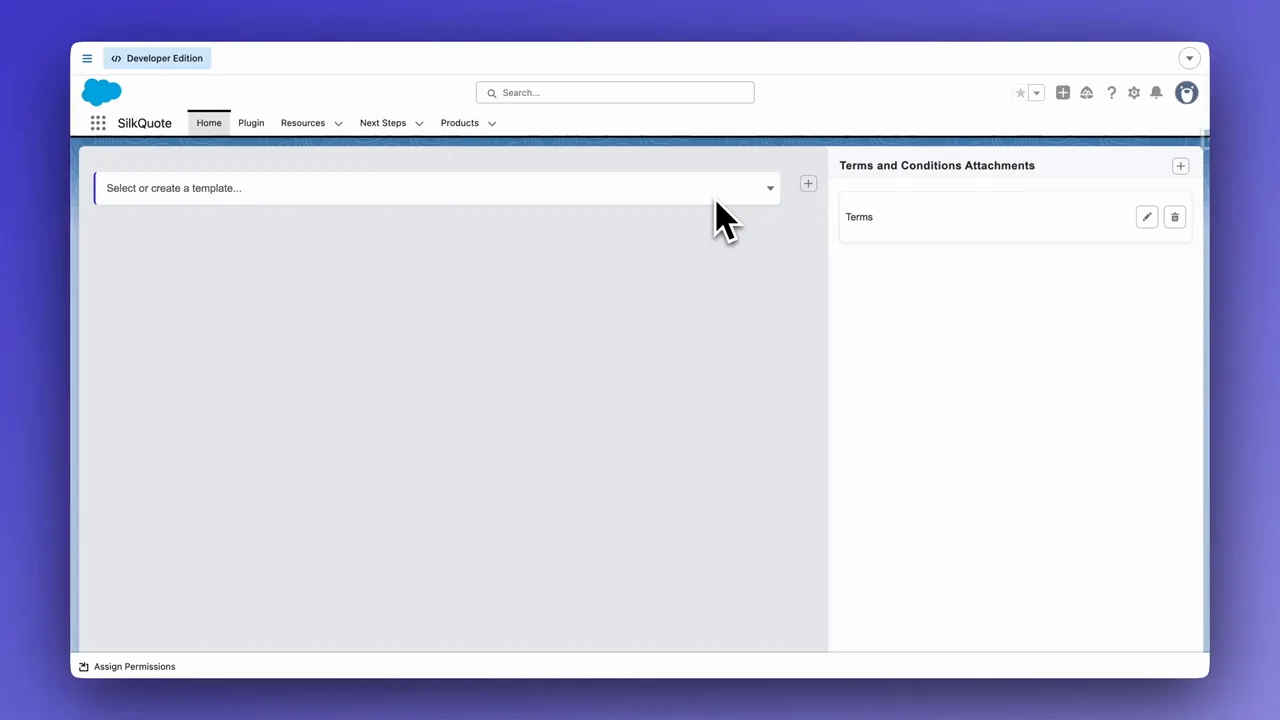
Quote templates and PDF email delivery, free for 60 days.
Free for 60 days. No credit card. No feature limits.
Launch your first template-to-email workflow fast, and extend the trial whenever you need longer.
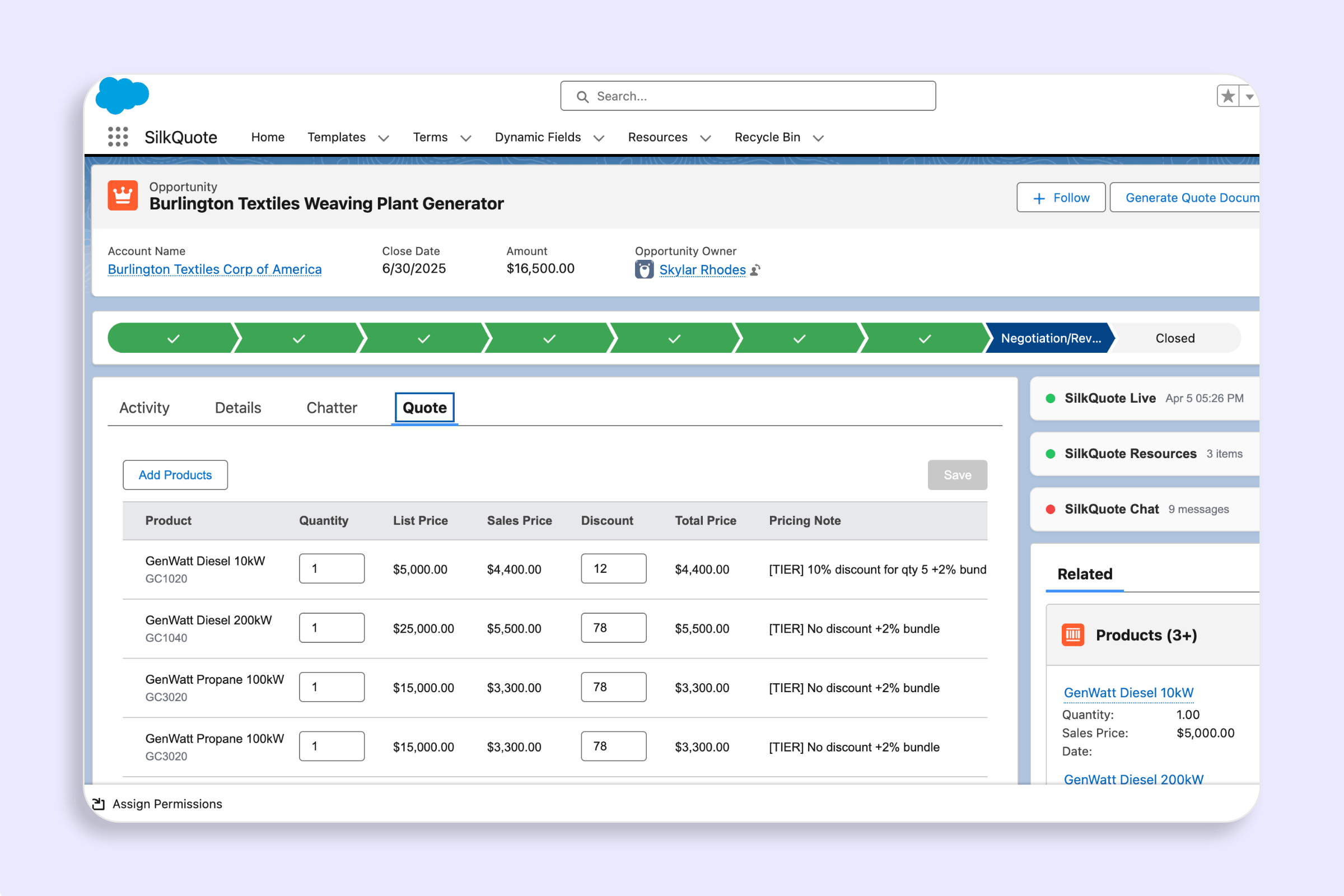
SilkQuote gives Salesforce teams a no-code quote template builder plus native PDF email delivery from Opportunities. Every feature is unlocked for the full 60 days.
*Core template building, PDF generation, and email delivery work on Professional edition and above. The Collaborative Deal Room requires Enterprise or above, or the purchase of Sites from Salesforce if you are on Professional.
Need a faster rollout or custom setup? Expert support helps teams ship branded templates, delivery flows, and governance faster.
Frequently Asked Questions
Free for 60 days, with no credit card and no feature restrictions: every template builder and PDF email delivery feature, unlimited users. The trial expires at 60 days, and extensions are available. Expert services are optional.
The package license expires, so quote generation and delivery stop until it is renewed. Extending is straightforward: get in touch and tell us how quoting has been going, and we will sort out an extension that fits your rollout.
Yes. Most teams can configure templates and send their first PDF quote emails quickly. Teams that want a polished production rollout can add expert setup help.
Teams usually need expert help for complex branded templates, conditional sections, advanced delivery automation, integrations, or tighter governance.
Professional, Enterprise, Unlimited, Developer, and Performance editions.
Yes. SilkQuote supports online acceptance and works with DocuSign, Adobe Sign, and other common providers.
No. SilkQuote is a Salesforce quote template builder and PDF email delivery app, not a full CPQ pricing engine. It handles the quoting layer most teams need: branded templates, Opportunity-based PDFs, and fast quote delivery from Salesforce.
Word, Google Docs, and Excel quoting live outside Salesforce and depend on manual copying. SilkQuote keeps templates, Opportunity data merge, PDF generation, and quote email delivery in one native workflow so reps send accurate quotes without external files.
Learn how to build Salesforce quote templates and deliver PDFs by email with SilkQuote.
Use a custom Apex controller and Visualforce page to generate fully custom PDF quotes from SilkQuote.
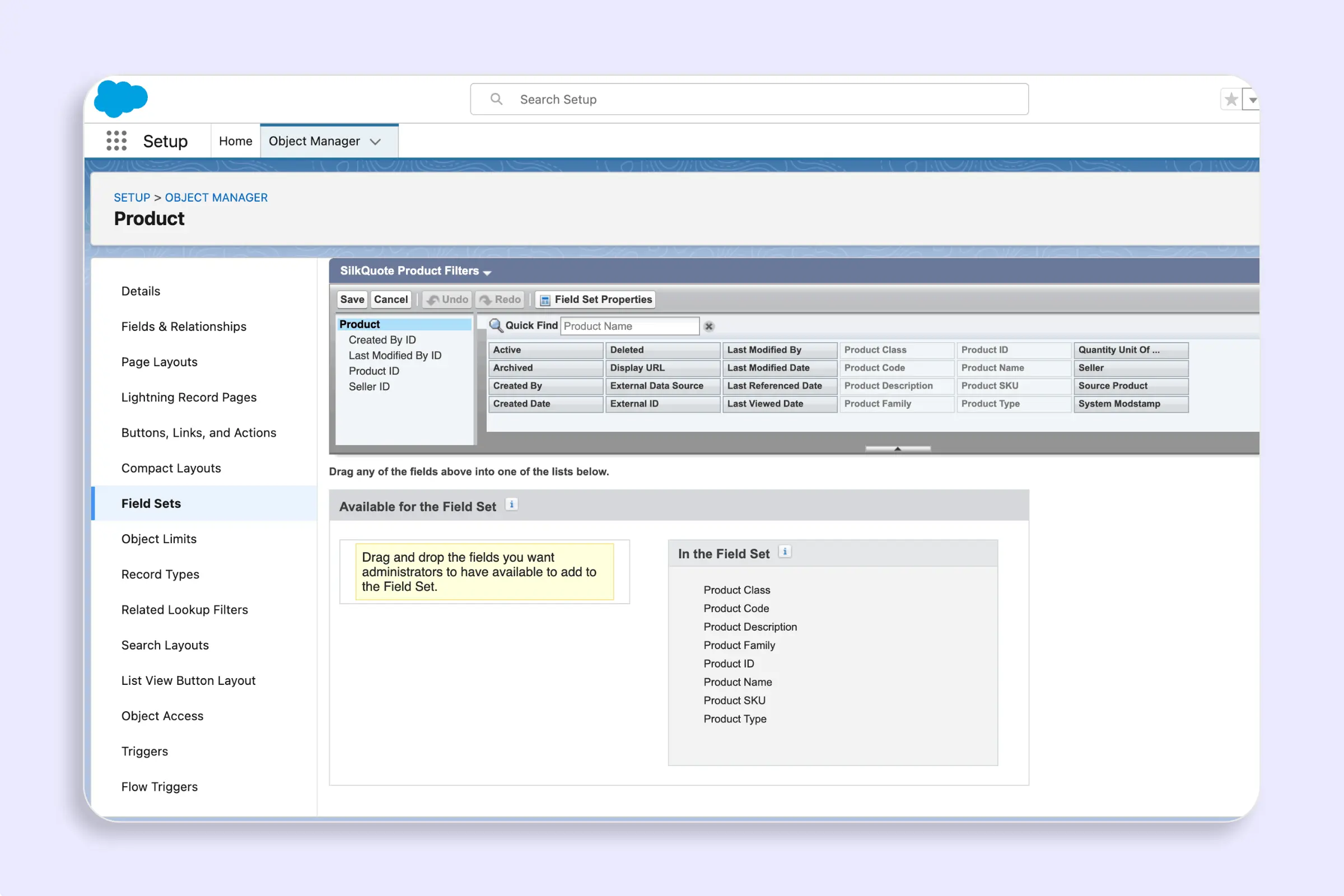
Control which fields appear as filters and display columns in the SilkQuote Add Products panel using two optional field sets on the Product2 object.
Define bundle relationships between products in Salesforce so SilkQuote automatically expands a bundle's child products when a rep adds it to a quote.
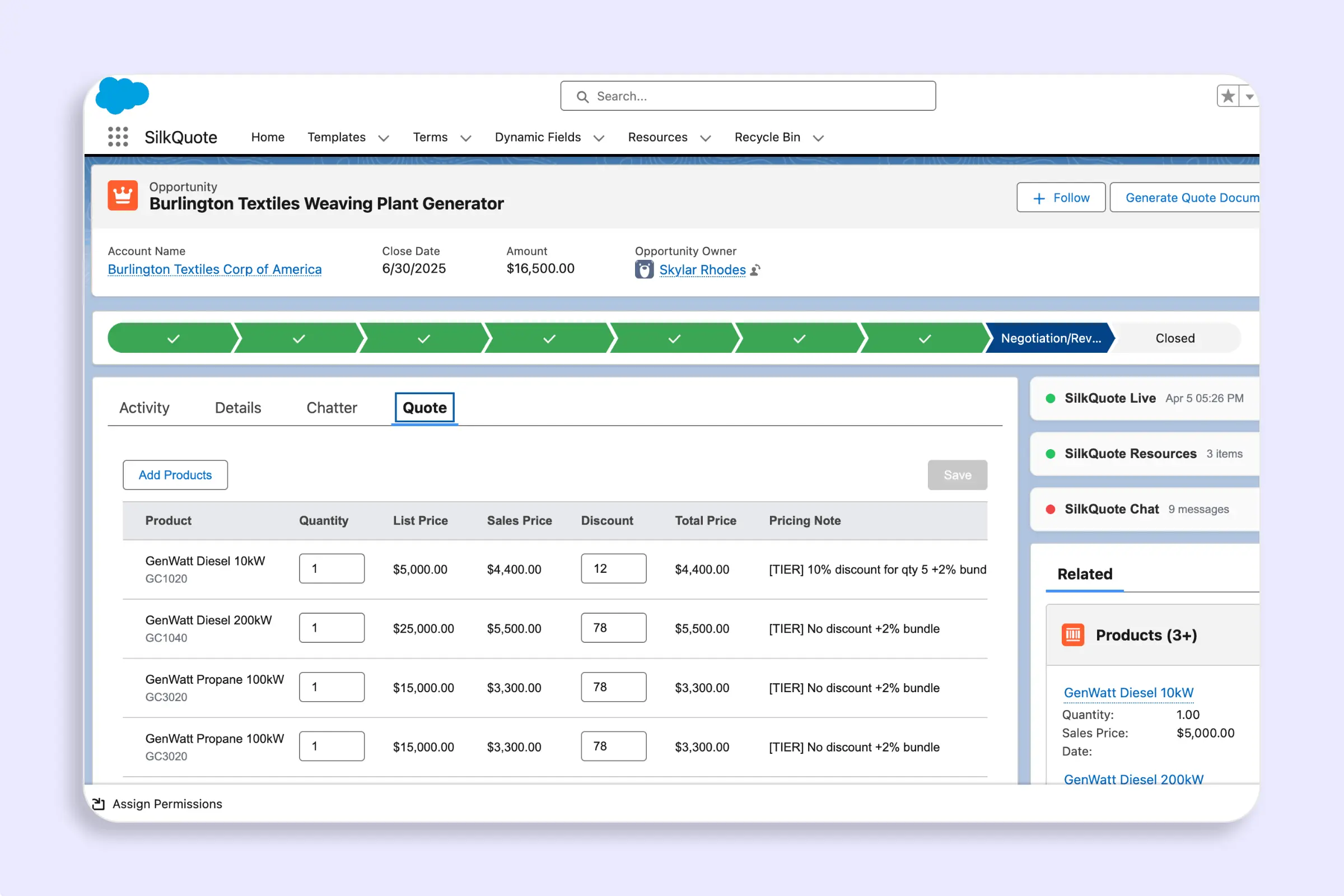
Browse the full pricebook catalog, filter by product fields, and add bundles to a quote — all from the Opportunity using the Add Products panel in SilkQuote.
Write HTML templates with merge fields, line item loops, conditional blocks, and custom CSS to generate fully custom PDF quotes from Salesforce data.
Preview your SilkQuote template using real Salesforce Opportunity data — validate field mapping, PDF layout, and content accuracy before going live.
Create Terms Rules in SilkQuote to conditionally include or require specific Terms and Conditions in Salesforce PDF quotes based on Opportunity data.
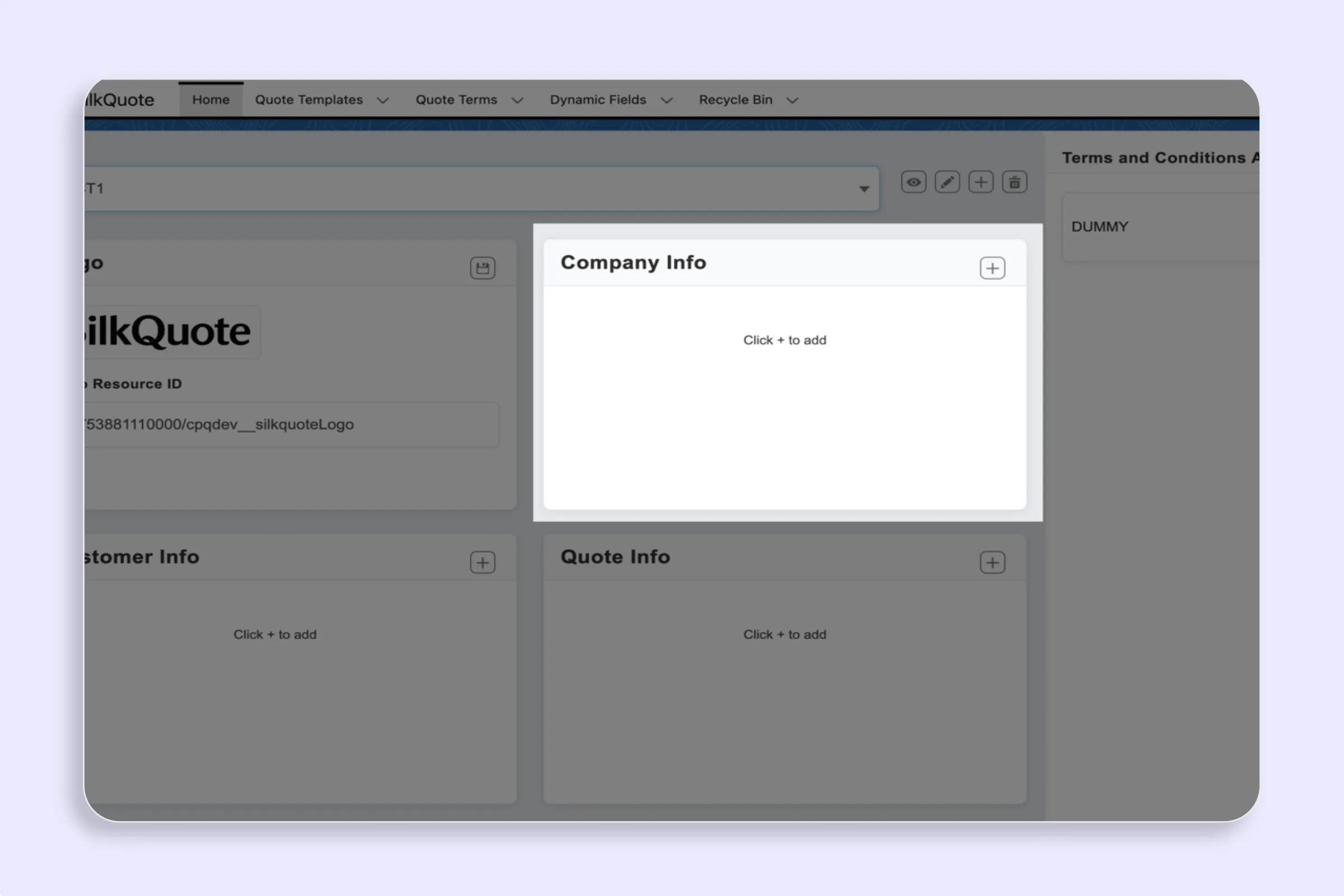
Configure which Salesforce fields appear in each section of your PDF quote template — Company, Customer, Quote, Line Items, Descriptions, and Totals.
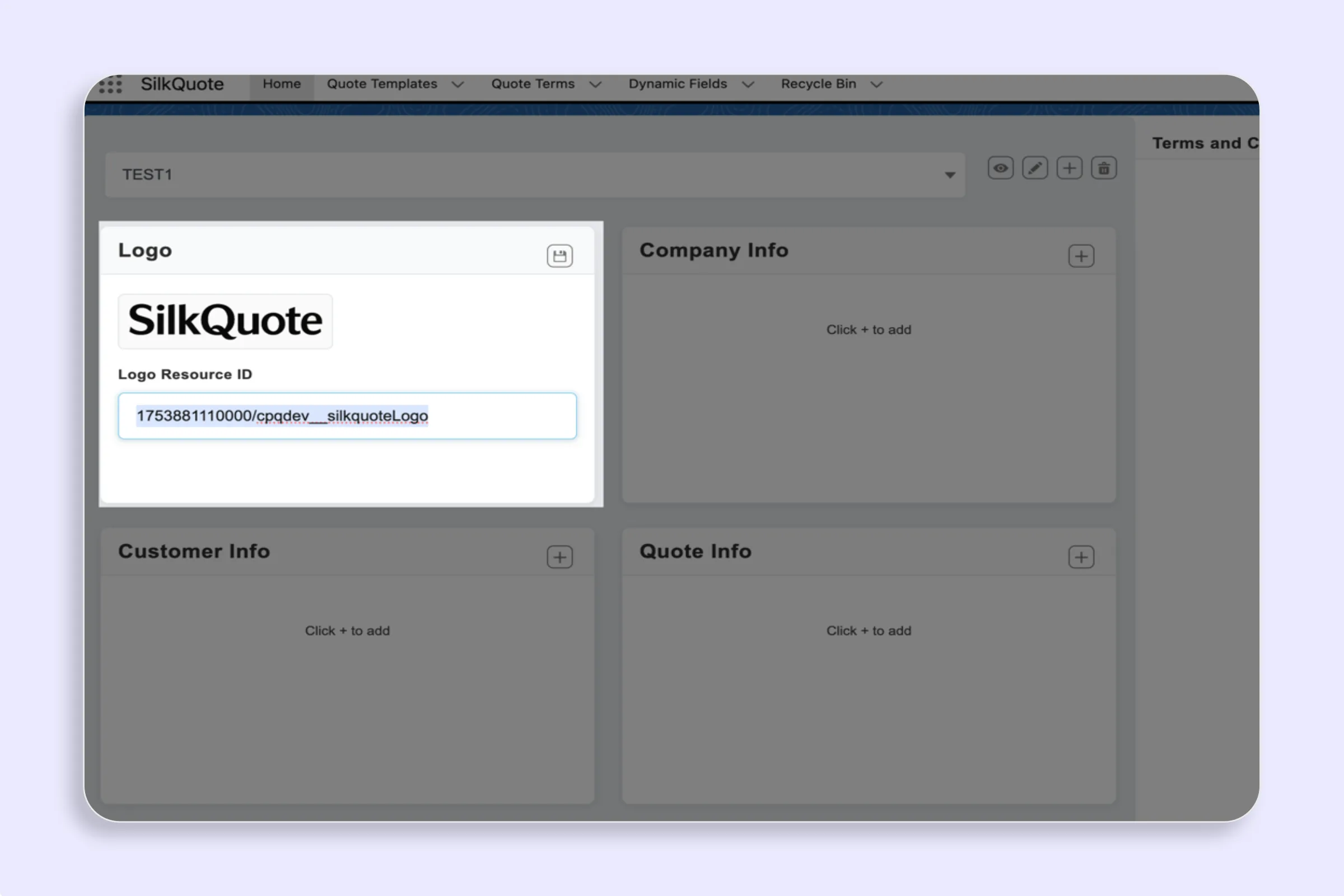
Set or change the logo in your SilkQuote PDF quote template — upload a branded logo per template to ensure every Salesforce quote looks professional.
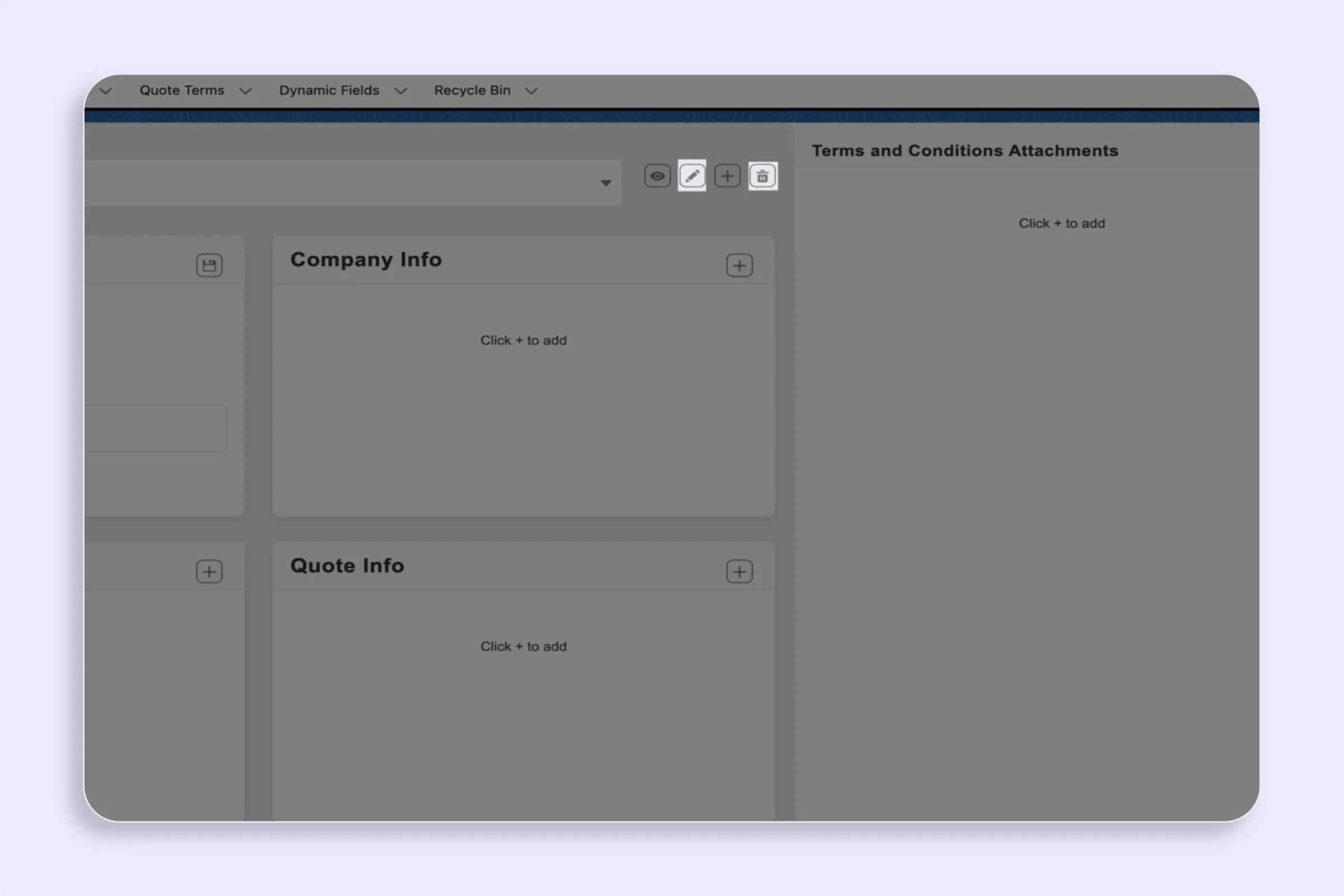
Edit or delete a SilkQuote template in Salesforce to update your quote layout, branding, or field rules — keep your template library current and accurate.
Create a new SilkQuote template in Salesforce to define your PDF quote layout, branding, field grouping, and conditional rules — all without any code.
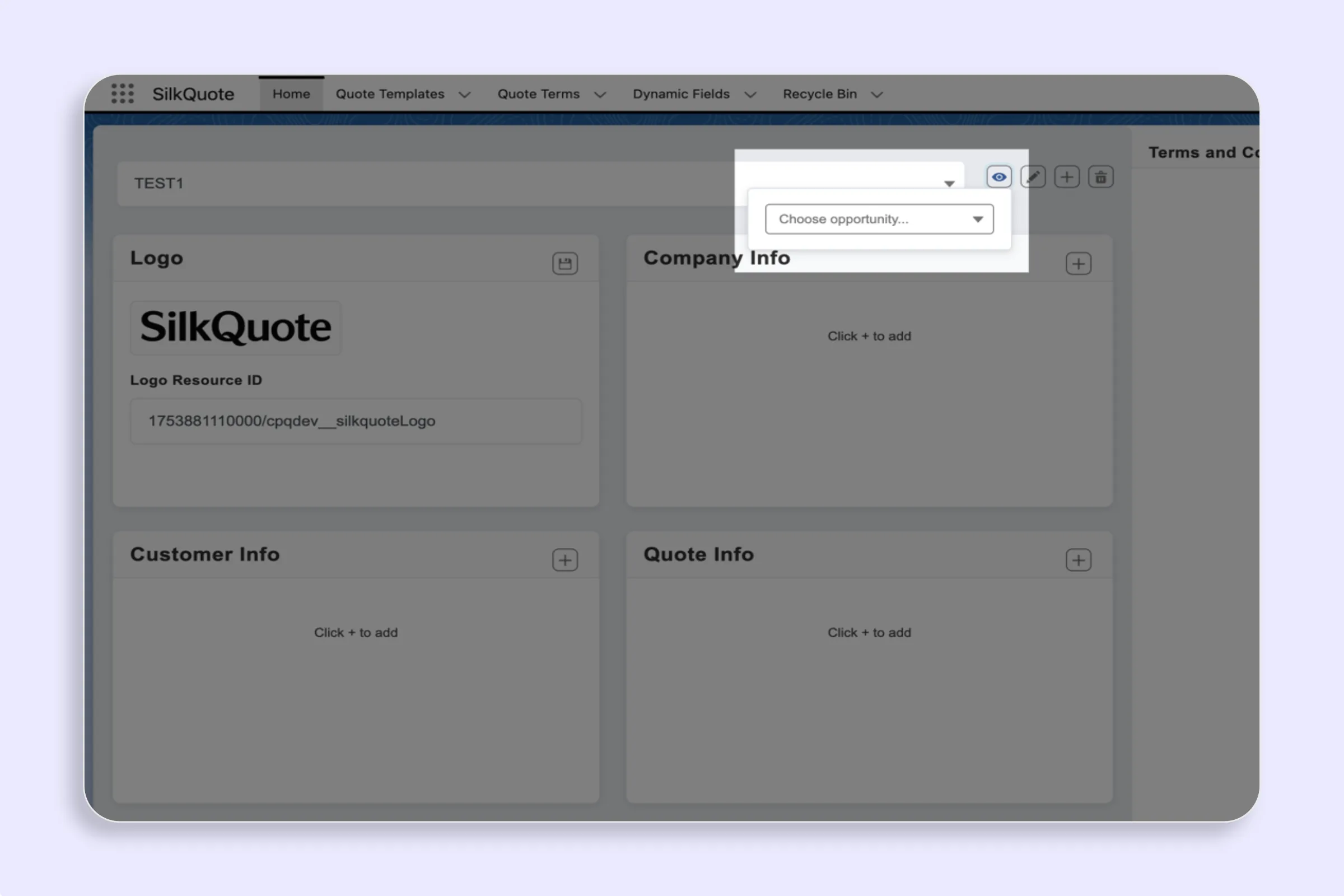
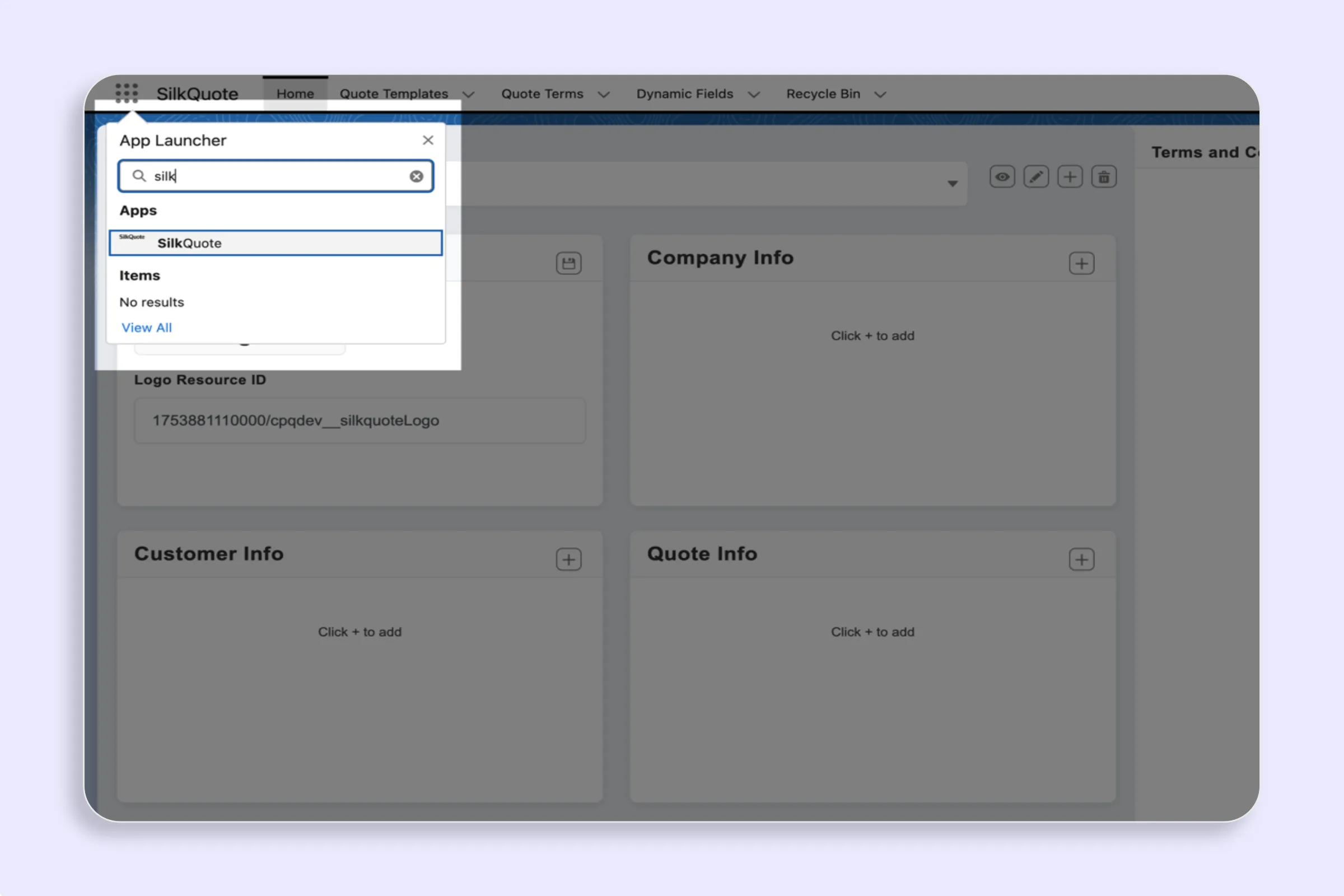
Open the SilkQuote Configuration Manager in Salesforce to manage all quote templates, sections, field settings, logos, and Terms in one central place.