
Overview
A Visualforce template lets you generate PDF quotes using your own Apex controller and Visualforce page. Use this approach when you need a layout or logic that the standard template configurator cannot produce.
Step 1 — Create a Template Record
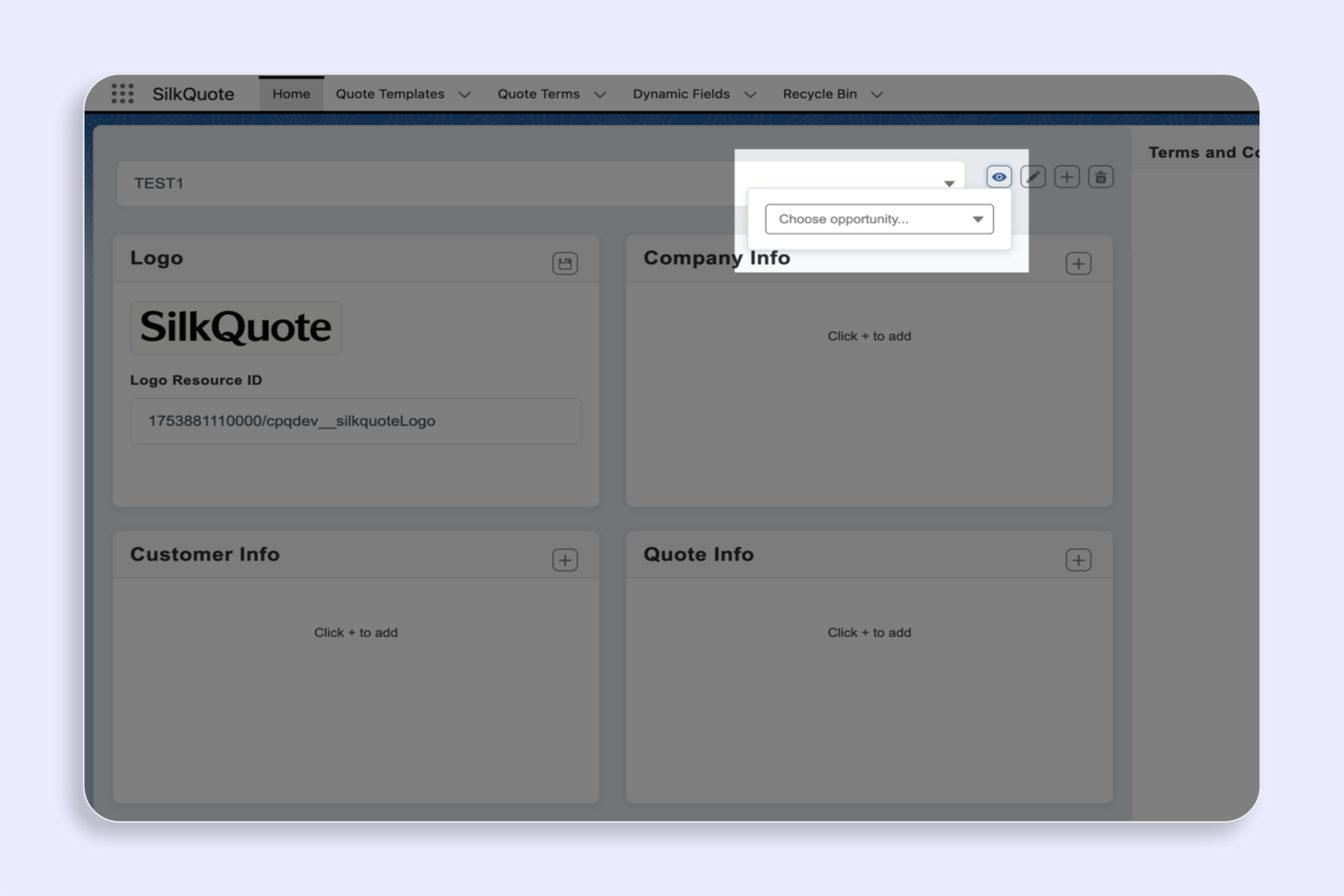
Create a new template in the SilkQuote Configuration Manager. This is the record that will point to your Visualforce page.
Step 2 — Create an Apex Controller and Visualforce Page
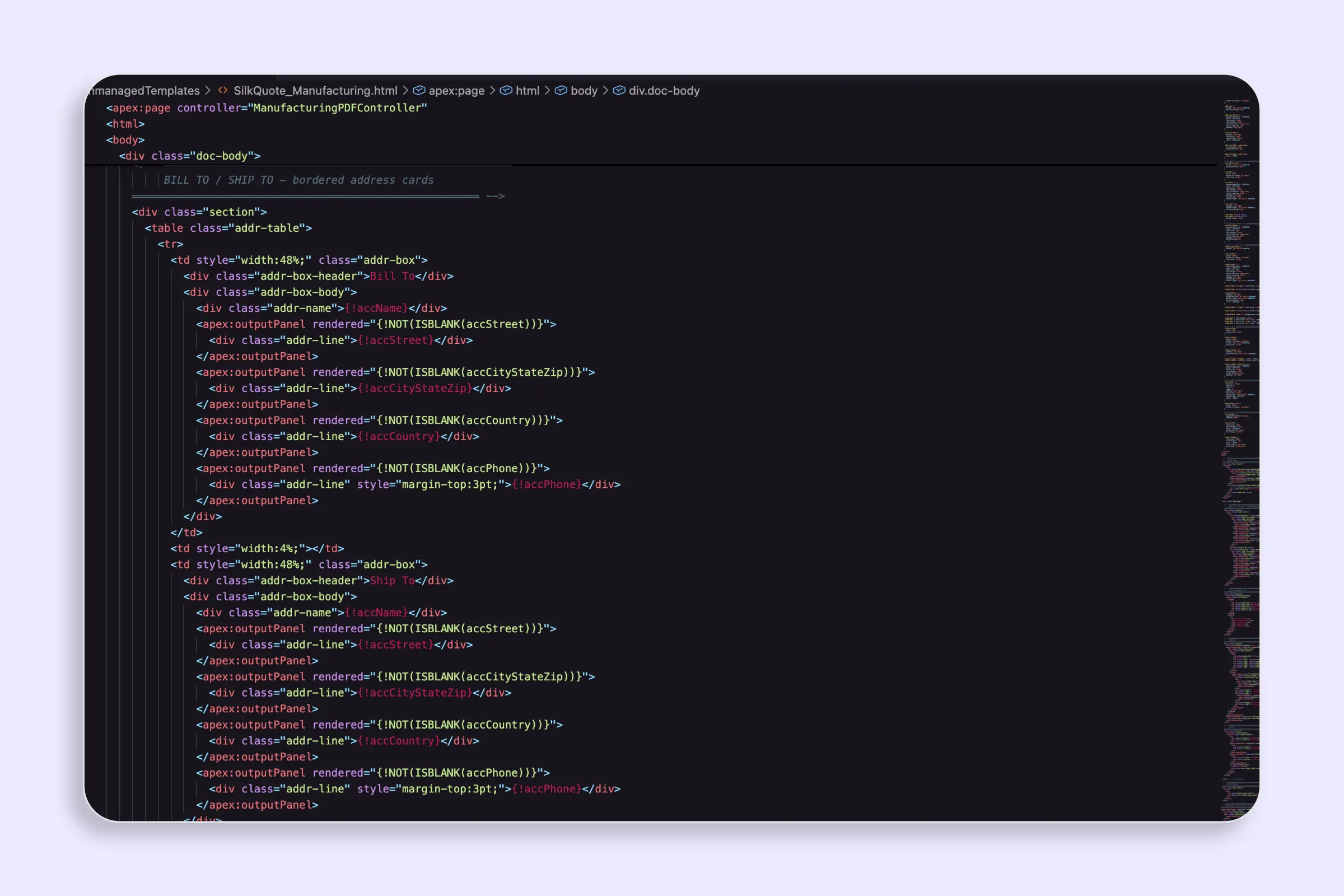
In Salesforce Setup, create your Apex controller under Apex Classes and your page under Visualforce Pages. The controller handles data loading and the page handles the PDF layout.
Step 3 — Add the Visualforce Page to the Template Record
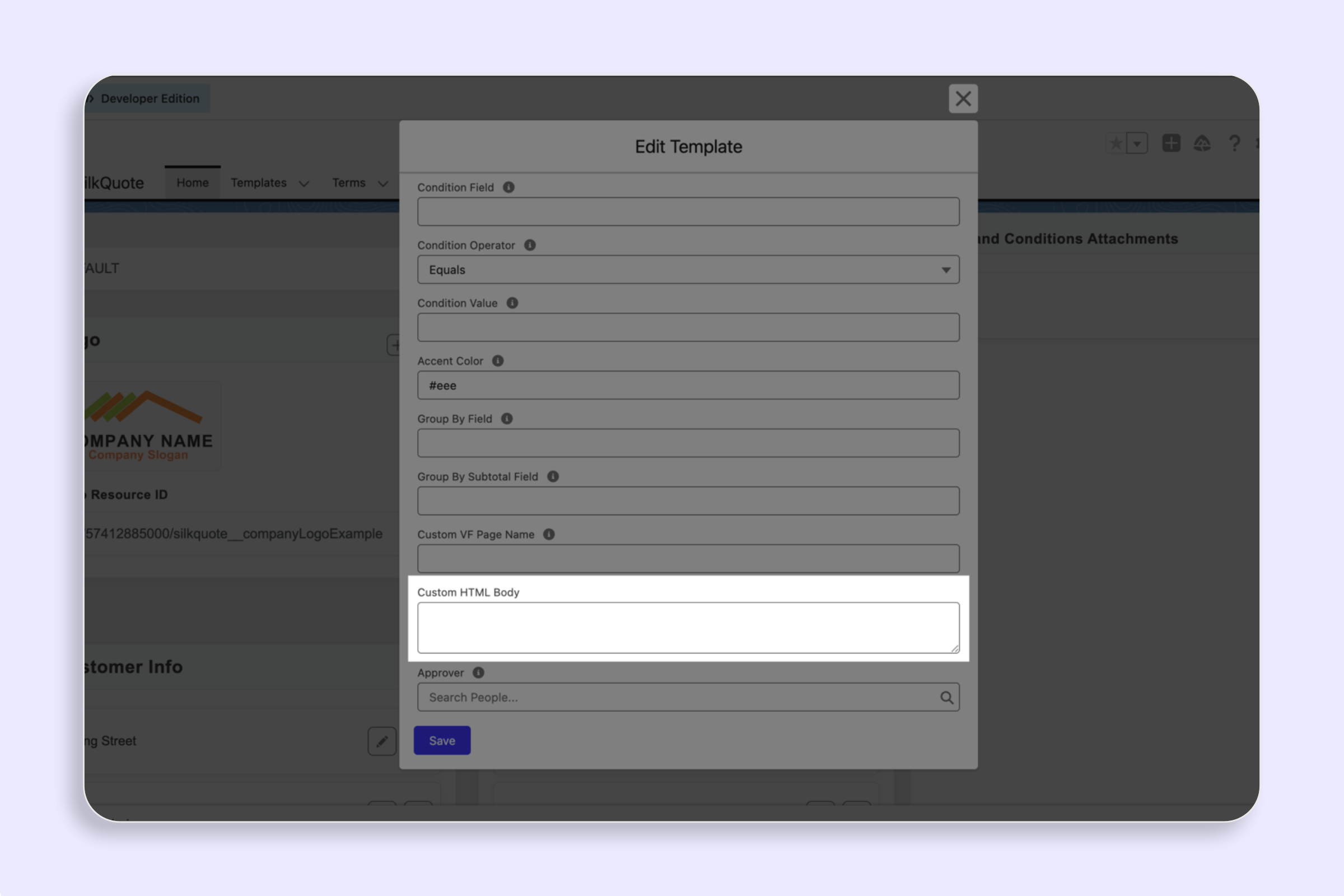
Open your Template record in the SilkQuote Configuration Manager, enter your Visualforce page name in the Custom VF Page Name field, and save.
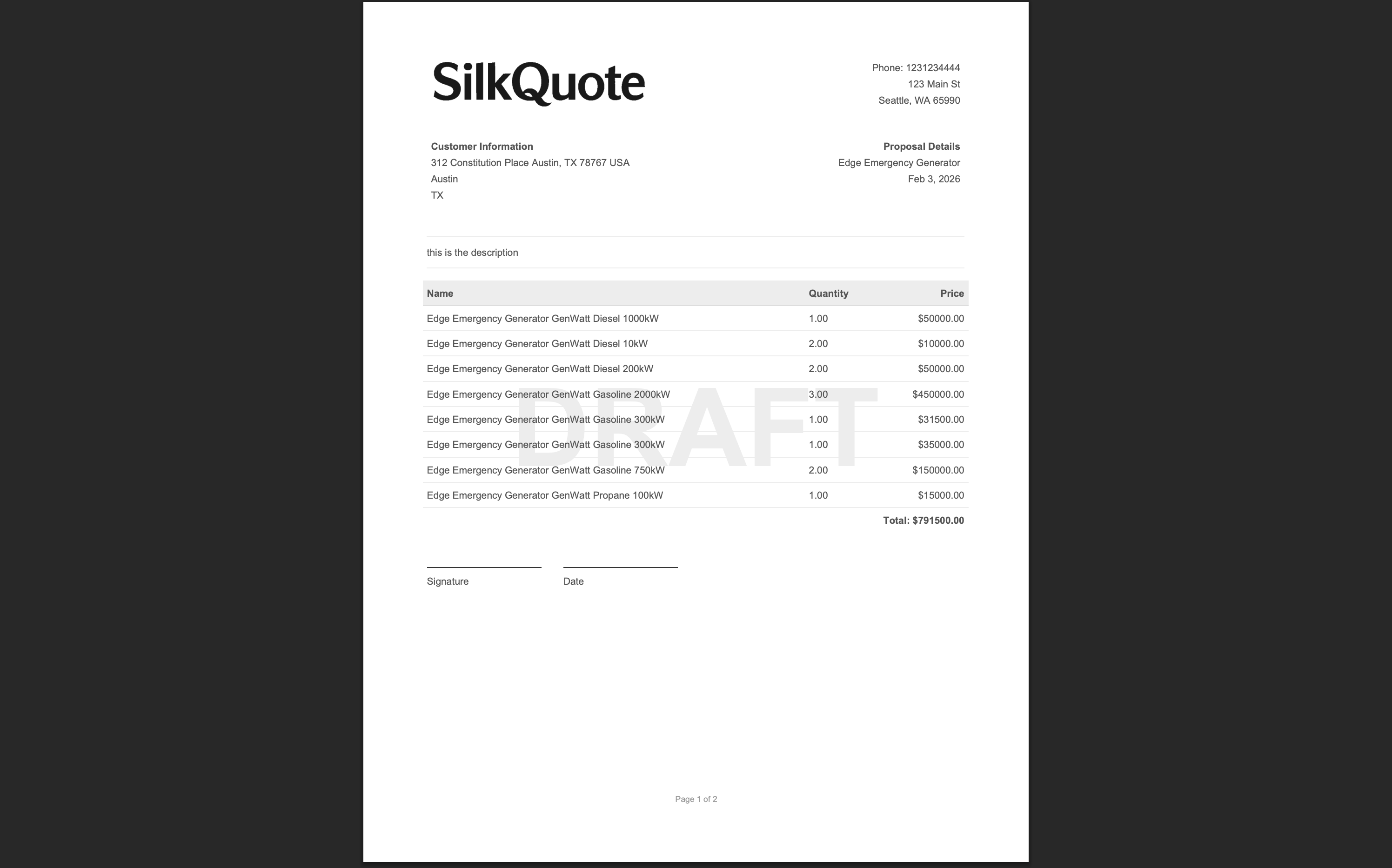
When SilkQuote generates a PDF using this template, it renders your Visualforce page instead of the built-in layout.