
Quote-to-cash (QTC) is the revenue engine of every Salesforce implementation. It spans the full arc from initial quoting through contract execution, order management, invoicing, and revenue recognition. For RevOps teams, the QTC process is the critical path for revenue predictability: every friction point delays cash, every gap creates risk.
This guide covers the complete Salesforce quote-to-cash process: the stages involved, the Salesforce tools that address each stage, the common failure points, and how to optimize the process for speed and accuracy.
The Five Stages of the Salesforce Quote-to-Cash Process
Stage 1: Configure, Price, Quote (CPQ)
The CPQ stage begins when a sales opportunity reaches the point where a formal quote is needed. The goal is to produce a document that accurately represents the deal, covering products, pricing, terms, and conditions, and get it to the prospect quickly.
Key activities at this stage:
- Product selection and configuration (validating that the product mix makes sense)
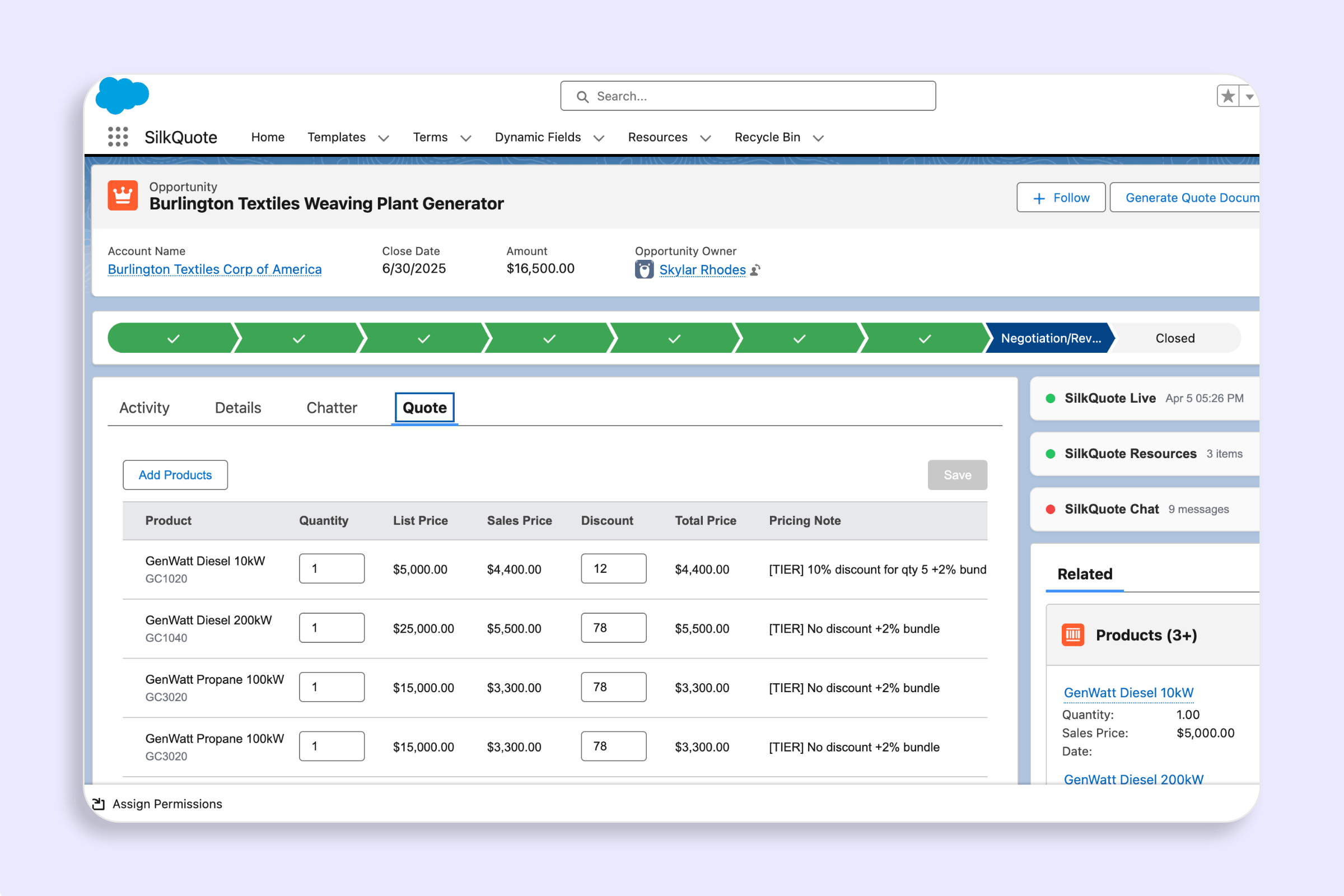
- Pricing application (list price, discounts, partner pricing, volume tiers)
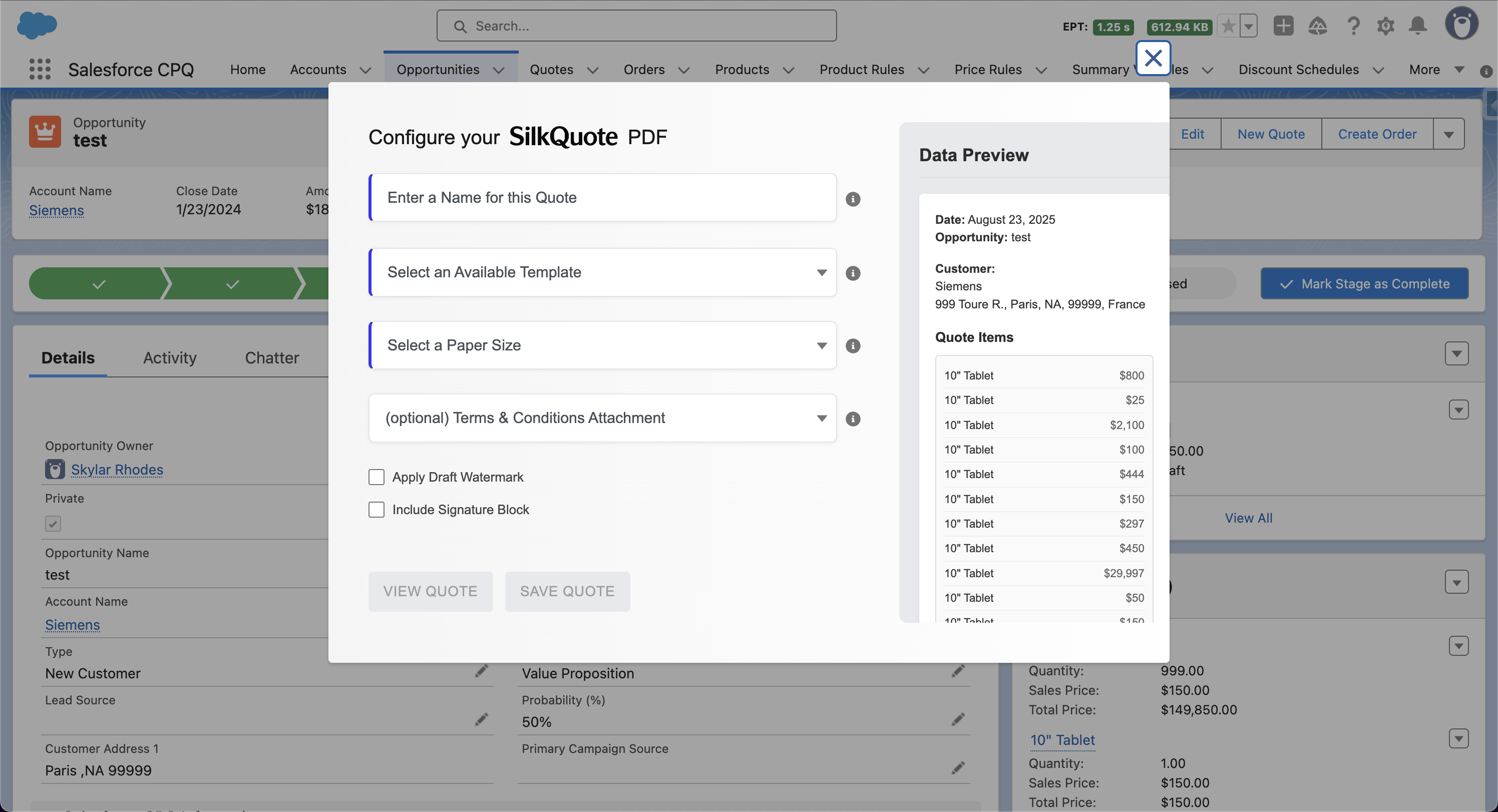
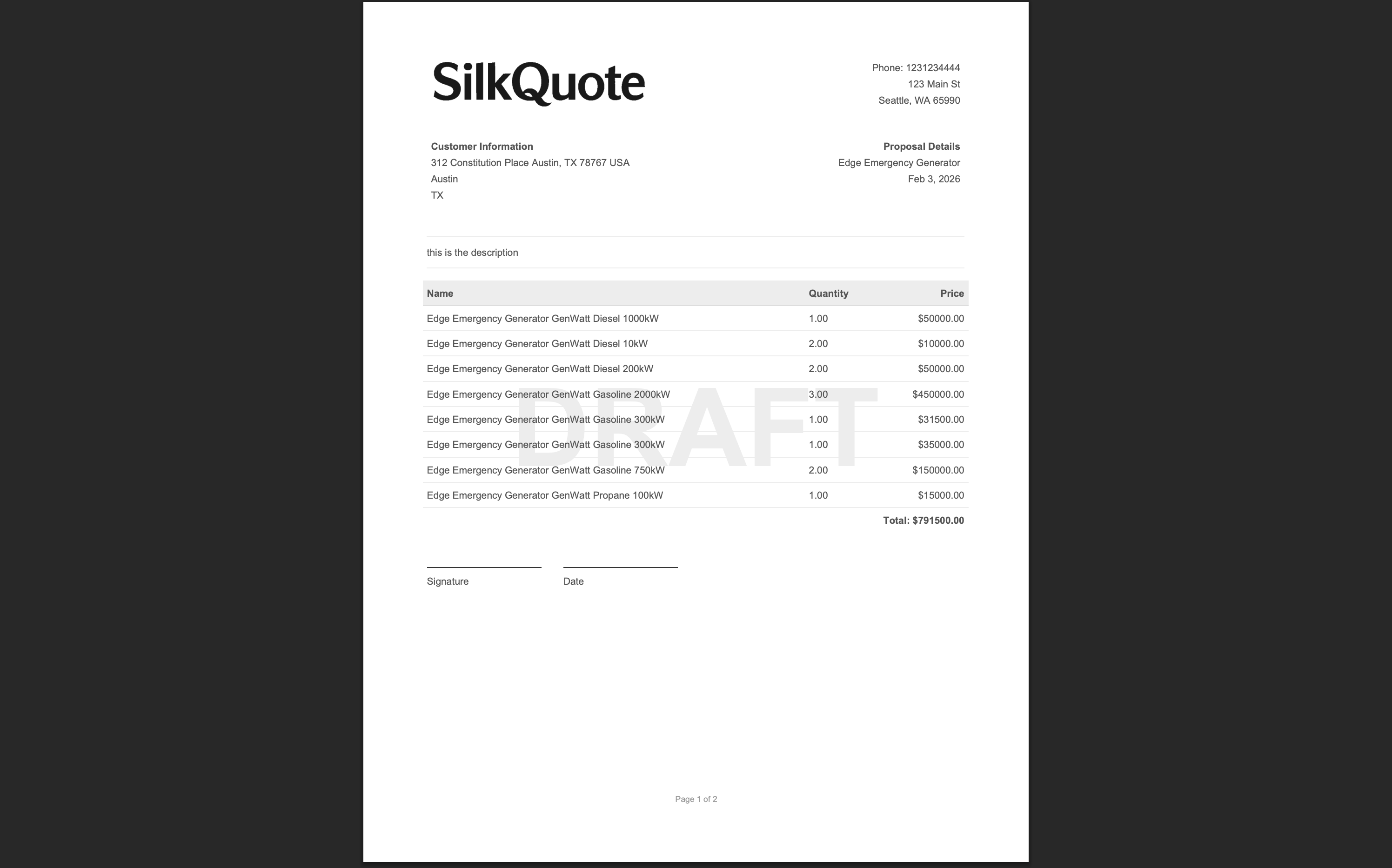
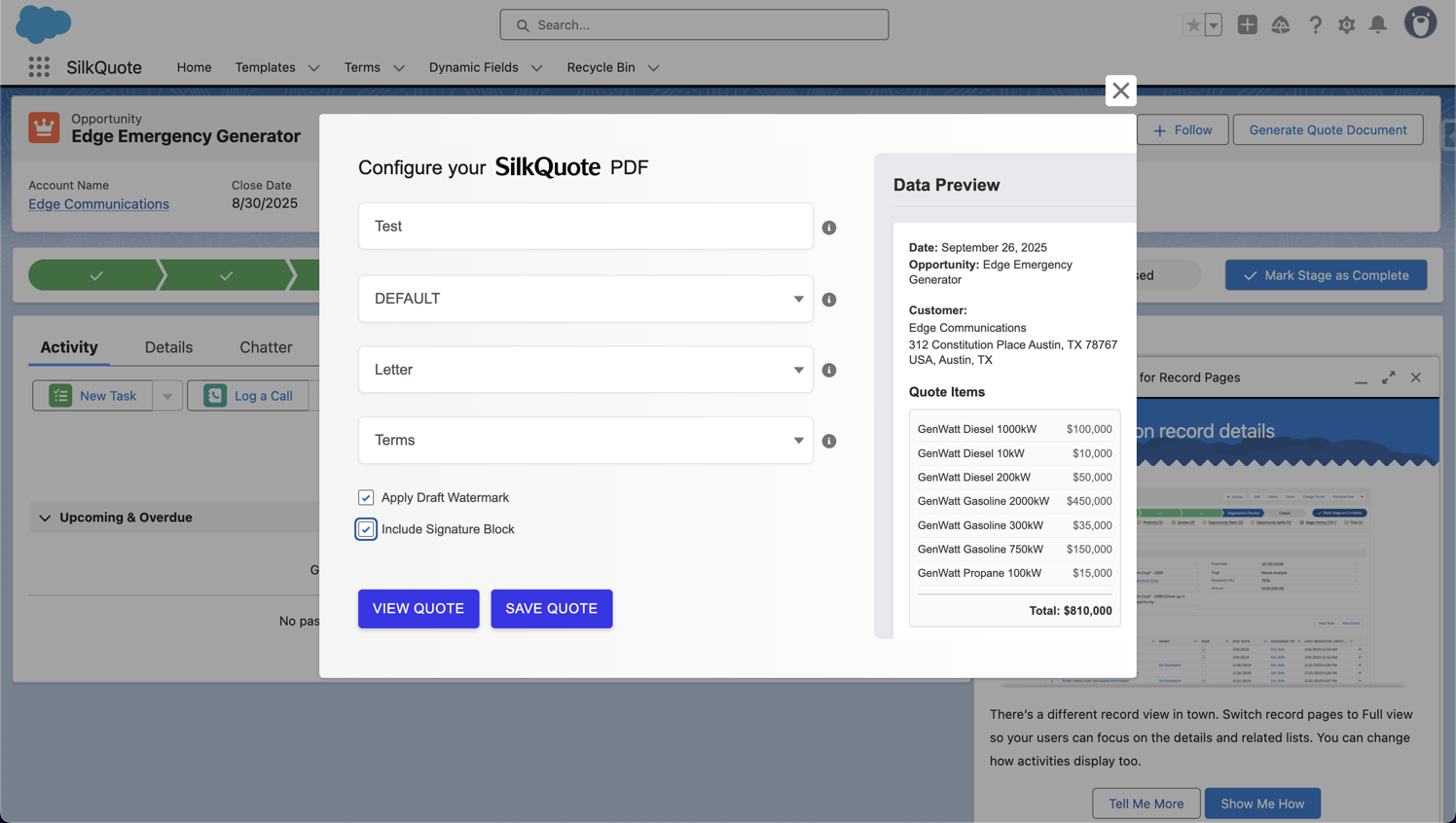
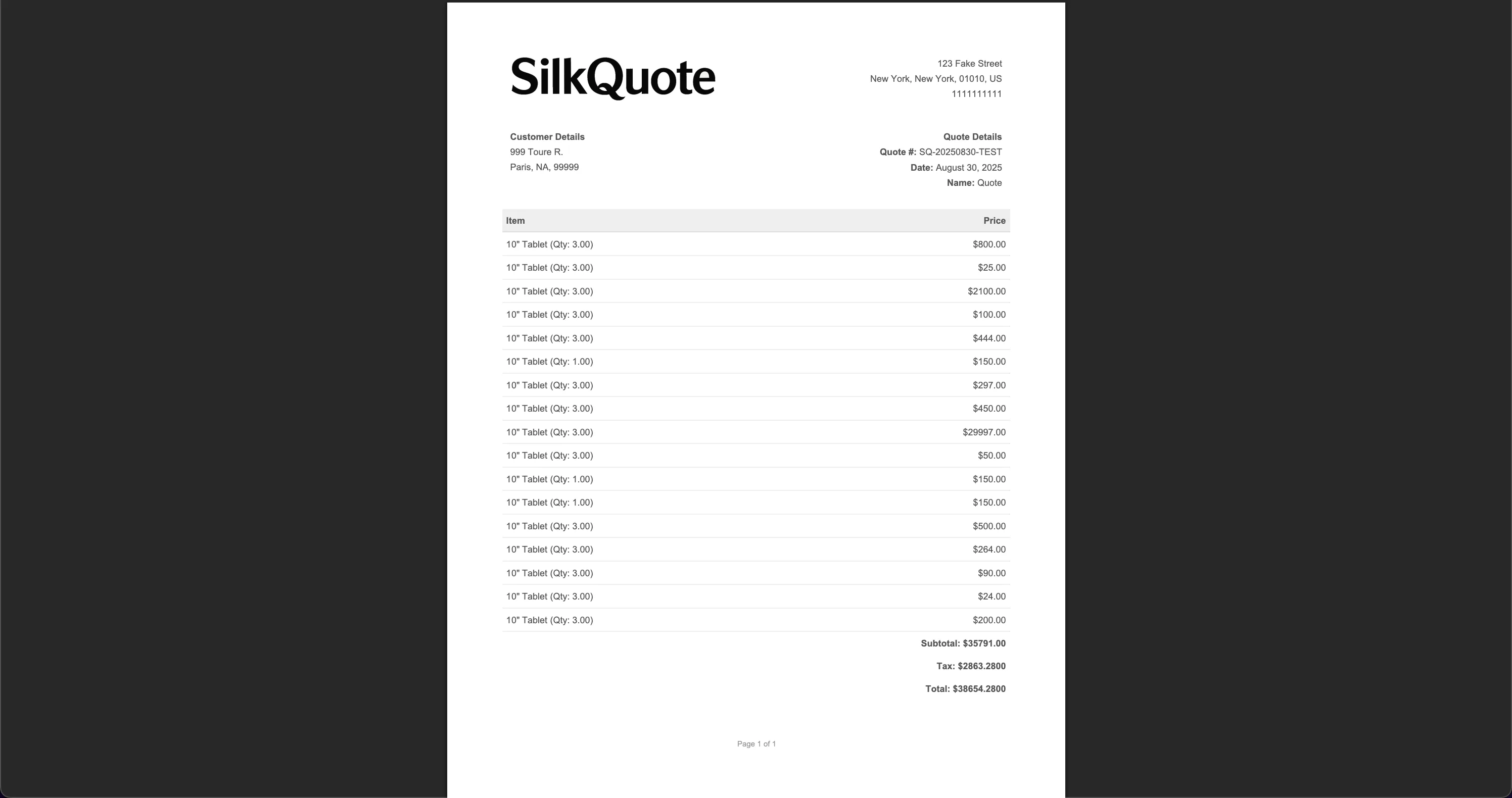
- Quote document creation (PDF generation from a template)
- Discount approval if required
- Quote delivery to the prospect
Salesforce tools for Stage 1: Standard Salesforce Quotes with Quote Templates, Salesforce CPQ (for complex pricing), or SilkQuote (for professional PDF generation without CPQ complexity).
The most common RevOps complaint at this stage is quote quality and speed. Reps who generate quotes manually outside Salesforce create data drift, inconsistent branding, and zero pipeline visibility.
Stage 2: Proposal Delivery and Prospect Engagement
After the quote is generated, it must be delivered to the prospect and tracked. Most QTC failures occur here. Quotes attached as email files have no engagement tracking, no version control, and no acceptance mechanism.
Key activities at this stage:
- Quote delivery (email, portal, or shared link)
- Engagement tracking (did the prospect open the quote?)
- Negotiation management (version control, revised quote generation)
- Acceptance or decline capture
Salesforce tools for Stage 2: SilkQuote handles delivery, tracking, and acceptance natively. Reps share a hosted link. Prospects view, accept, or decline in their browser. Every action logs as an activity on the Opportunity.
Stage 3: Contract Execution
After the prospect accepts the quote, the deal must be formalized in a contract. This stage bridges the sale to the legal commitment.
Key activities:
- Contract generation from the accepted quote
- E-signature routing (DocuSign, Conga Sign, or similar)
- Contract storage and linking to the Salesforce Account and Opportunity
- Signed contract confirmation and closed-won update
Salesforce tools for Stage 3: Salesforce Contracts object, CPQ contract generation, or external e-signature tools integrated via AppExchange connectors.
Stage 4: Order Management
With the contract signed, the order fulfillment process begins. In Salesforce, this is managed through the Orders object, which captures what was sold and triggers downstream fulfillment.
Key activities:
- Order creation from the contract or accepted quote
- Order product management (splitting orders, partial fulfillment)
- Integration with ERP or fulfillment systems
- Delivery confirmation and status tracking
Salesforce tools for Stage 4: Salesforce Orders object, Revenue Cloud, or custom integration with ERP systems like NetSuite, SAP, or Oracle.
Stage 5: Invoicing and Revenue Recognition
The final QTC stage converts fulfilled orders into revenue. This is the handoff from Salesforce CRM to financial systems.
Key activities:
- Invoice generation and delivery
- Payment processing and tracking
- Revenue recognition scheduling (especially for subscription or milestone-based deals)
- Revenue reporting and reconciliation
Salesforce tools for Stage 5: Salesforce Revenue Cloud (formerly Billing), integrated accounting systems, or manual invoicing with ERP synchronization.
The Most Common QTC Failure Points
Quoting Bottleneck
The quoting stage is where most QTC pipelines break down. Reps create quotes outside Salesforce, introduce data errors, and send files with no tracking. By the time a prospect accepts (or not), there is no reliable record of what was offered.
Fix: Implement a native Salesforce quoting tool that generates PDFs from Salesforce data, tracks prospect engagement, and captures acceptance inside the CRM. Use SilkQuote for straightforward pricing or CPQ for complex pricing.
Handoff Gaps Between Stages
Each stage transition is a potential failure point. The quote-to-contract handoff is especially fragile. If the contract is generated from a different data source than the accepted quote, pricing and product discrepancies emerge.
Fix: Automate stage transitions using Salesforce Flow. When a SilkQuote acceptance event fires, trigger a Flow that creates the Contract record from the same Opportunity data, preserving consistency from quote through contract.
Visibility Gaps for Revenue Forecasting
RevOps cannot forecast revenue accurately if quoting activity is not tracked in Salesforce. Email-attached quotes, verbal commitments, and manually updated fields create an unreliable pipeline.
Fix: Every quote event (generated, sent, viewed, accepted, declined) should log as an activity in Salesforce. SilkQuote handles this natively for the quoting and acceptance stages.
Designing a QTC Process That Scales
For RevOps teams designing or rebuilding a Salesforce QTC process, start with the quoting stage, which is the highest-friction, highest-visibility part of the pipeline.
The quote automation workflows guide covers how to automate the quoting and proposal stages using Salesforce Flow. The automated quote generation page covers specific Flow patterns for stage-based, criteria-based, and approval-integrated quote generation.
For the quoting tool decision (whether to use standard Quotes, CPQ, or SilkQuote), the Salesforce CPQ vs standard quotes comparison covers the criteria in detail.
Quick QTC Audit Checklist for RevOps
Use this checklist to identify your highest-priority QTC improvements:
- Are quotes generated inside Salesforce from Opportunity data?
- Are all quote versions tracked as records or files on the Opportunity?
- Is there engagement tracking (was the quote opened by the prospect)?
- Is there a formal acceptance mechanism that updates the Opportunity automatically?
- Is the contract generated from the same data as the accepted quote?
- Are stage transitions between QTC phases automated via Flow?
- Can revenue be forecast based on quote acceptance data rather than rep judgment?
A “No” on the first three items points to a quoting layer problem that SilkQuote solves directly. A “No” on the remaining items points to a process automation gap that Salesforce Flow can address once the quoting foundation is in place.
Install SilkQuote free from the AppExchange and build the quoting foundation of your QTC process today.
Quote-to-cash (QTC) is the end-to-end process from creating a sales quote to collecting payment. In Salesforce, this involves quoting on the Opportunity, gaining prospect acceptance, generating a contract or order, invoicing, and recognizing revenue. The full cycle may span multiple Salesforce products and connected systems.
Salesforce provides components at each stage: Opportunities and Quotes for the quoting phase, Contracts and Orders for the post-sale phase, and Revenue Cloud for revenue recognition. Full QTC automation typically requires CPQ or Revenue Cloud plus configuration by a RevOps team.
SilkQuote handles the quoting phase: generating professional PDFs from Opportunities, sharing them with prospects, and capturing acceptance. This covers the quote creation, delivery, and acceptance stages of QTC without CPQ complexity.
The quote creation and delivery stage. Most teams have reasonable order management and billing systems, but the manual quoting process breaks the automation chain at the first step: creating documents outside Salesforce, formatting them, and tracking prospects all happen outside the CRM.
SilkQuote triggers a Salesforce Flow event on quote acceptance that RevOps teams can use to initiate downstream processes: contract creation, order generation, ERP handoff, or billing system notifications. This connects the quoting phase to the rest of the QTC pipeline.