
Overview
SilkQuote uses a Salesforce Permission Set to control which users can generate quotes and which can manage template configurations. After installing SilkQuote, assigning the Permission Set is the required step before reps or admins can use the app.
The Permission Set grants access to the SilkQuote Apex classes, custom objects, and Lightning components that power quote generation and template management. Without it, users will see errors when attempting to open the generation dialog or the Configuration Manager.
Permission Sets Included
SilkQuote installs with the following permission sets:
- Quote Generation Access: For sales reps. Grants permission to generate quote PDFs from Opportunity records. Includes access to the Generate Quote Document Quick Action, Apex classes required for generation, and read access to SilkQuote template and terms configuration objects.
- SilkQuote Admin Access (if included): For Salesforce admins. Grants full access to create, edit, and delete templates, sections, fields, and Terms rules in the Configuration Manager.
Assigning the Permission Set to a User
- Go to Setup → Users → Users.
- Click the name of the user who needs access.
- Scroll to the Permission Set Assignments section and click Edit Assignments.
- Find Quote Generation Access in the Available Permission Sets list.
- Click Add to move it to the Enabled Permission Sets list.
- Click Save.
Repeat for each user who needs access.
Assigning to Multiple Users at Once
To assign the permission set to many users simultaneously:
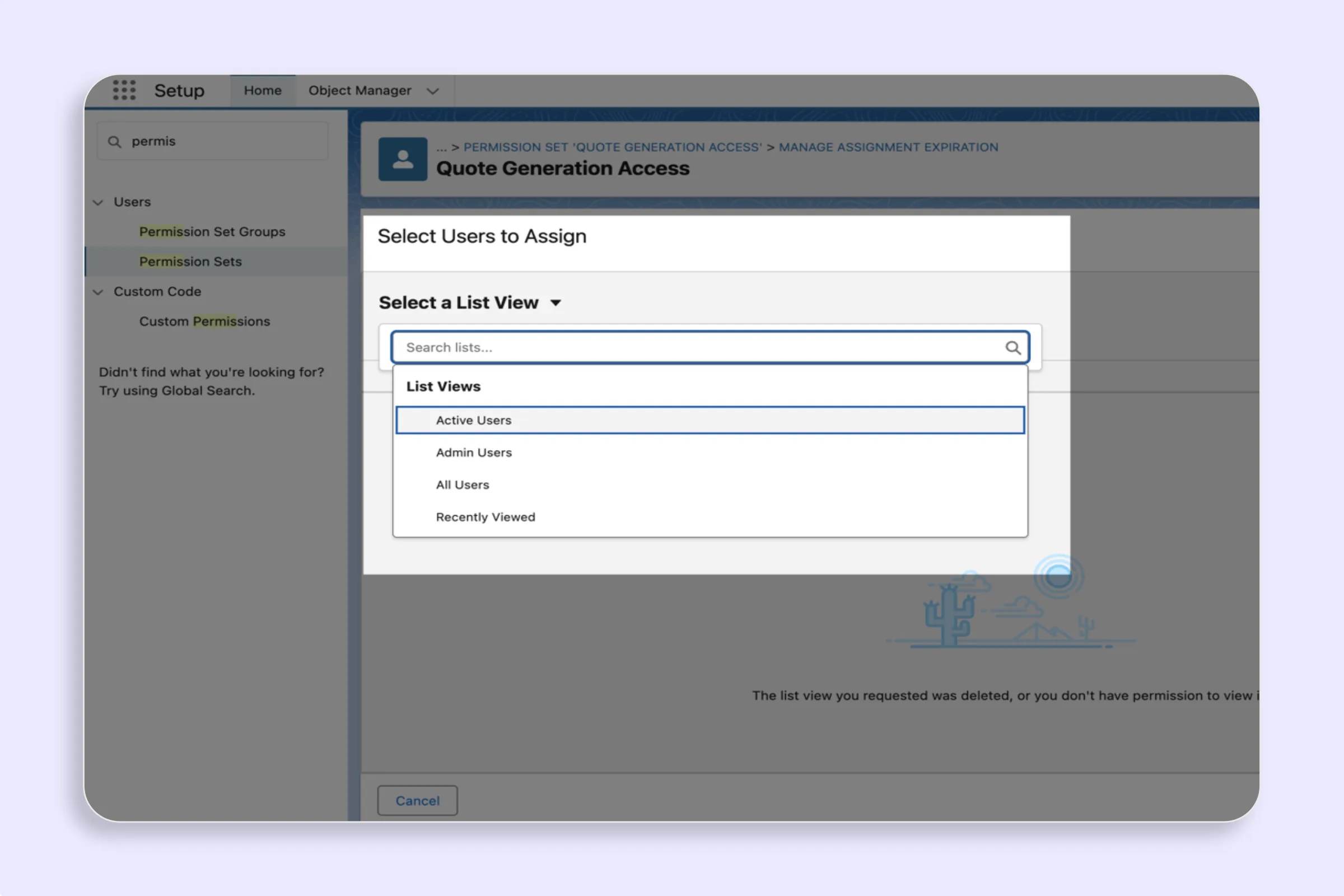
- Go to Setup → Permission Sets.
- Click Quote Generation Access.
- Click Manage Assignments.
- Click Add Assignments.
- Select the users to assign (filter by role, profile, or search by name).
- Click Assign.
Prerequisites for Quote Generation
In addition to the SilkQuote Permission Set, reps need standard Salesforce object access to generate quotes:
- Read access to Opportunity: Required to open the Opportunity record and trigger the Quick Action.
- Read access to Account and Contact: Required for the template to pull company and contact fields into the PDF.
- Read access to Opportunity Products: Required for the line items section.
- Create access to Content Documents / Content Versions: Required to save the generated PDF to the Opportunity Files.
If a rep reports an error during quote generation, verify these standard object permissions are in place alongside the SilkQuote Permission Set.
Tips
- Assign during onboarding: Include Permission Set assignment in your new rep onboarding checklist so new users are ready to generate quotes from day one.
- Use Permission Set Groups: If your org uses Permission Set Groups, add the SilkQuote Permission Set to the appropriate group so assignment is managed at the group level.
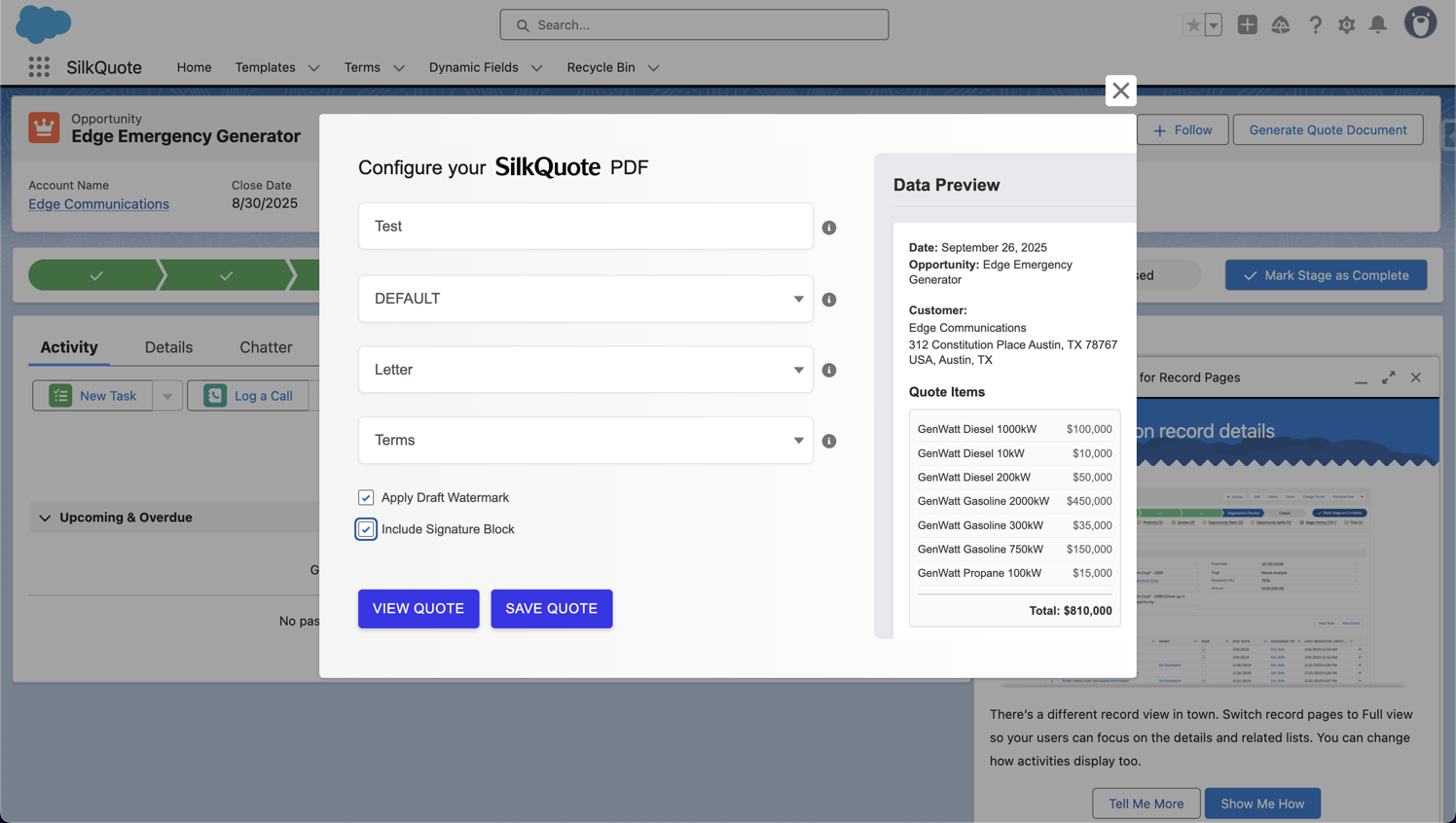
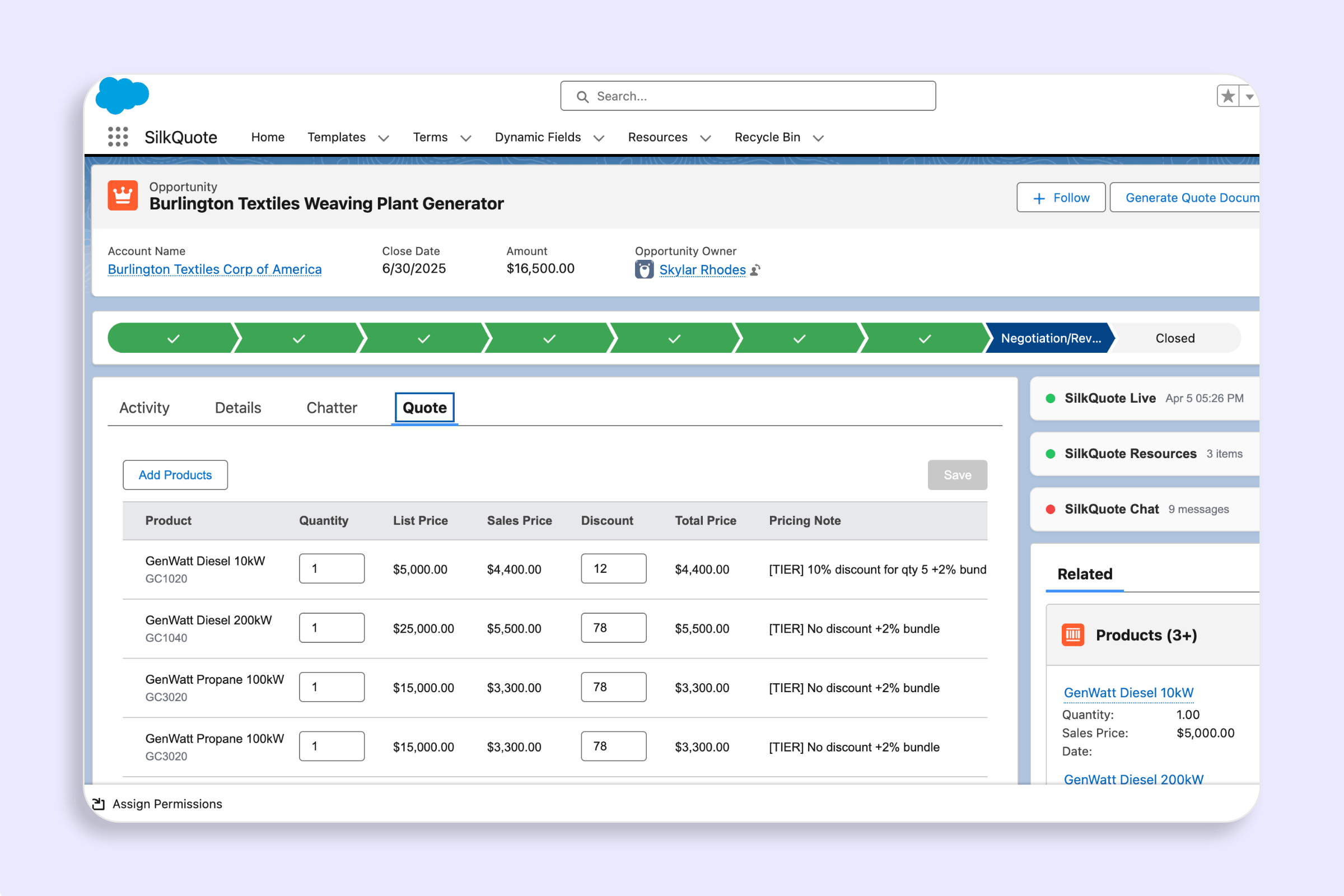
- Test after assignment: After assigning, have the user open an Opportunity and click the Generate Quote Document button to confirm access is working end-to-end.