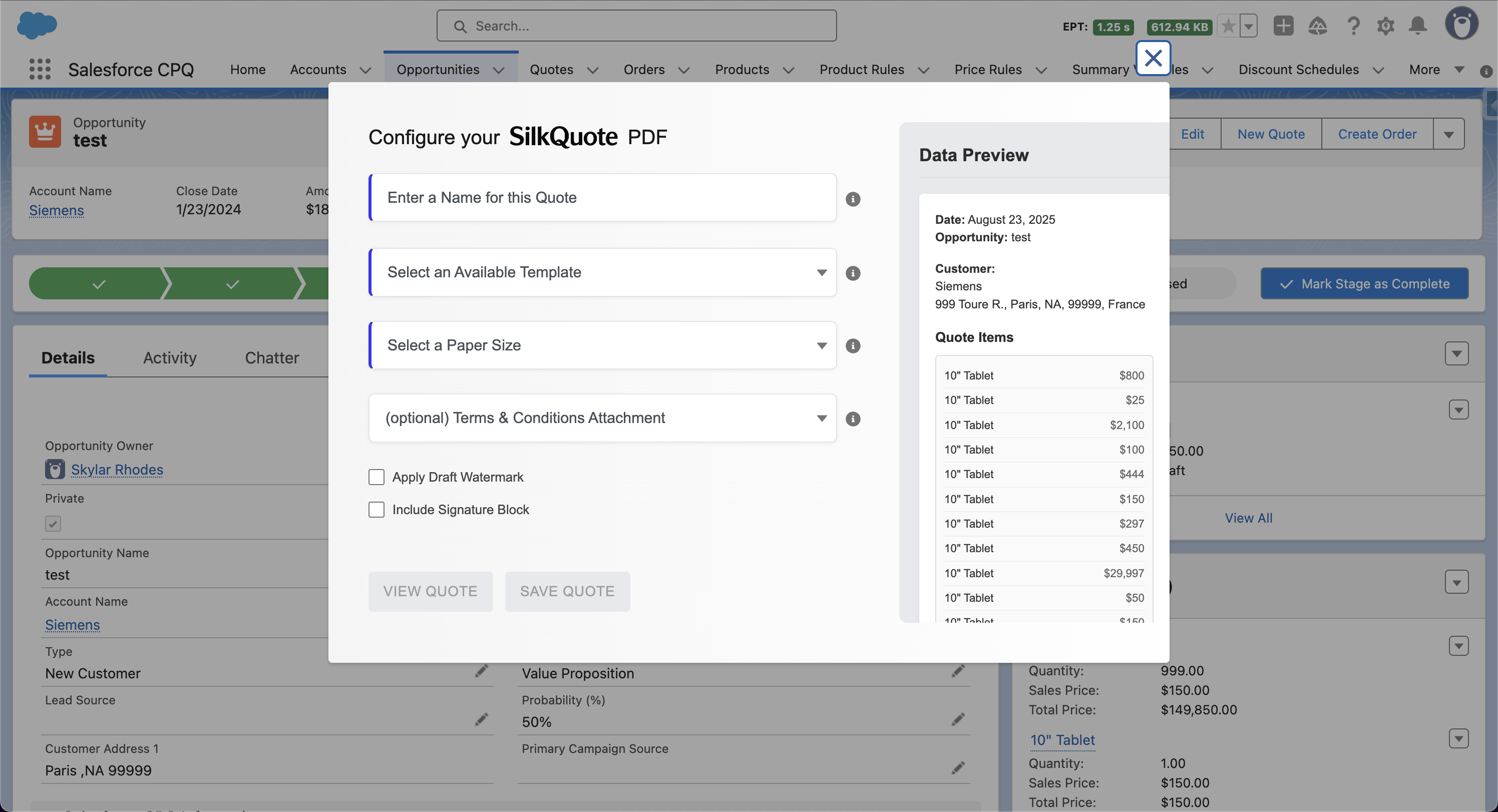

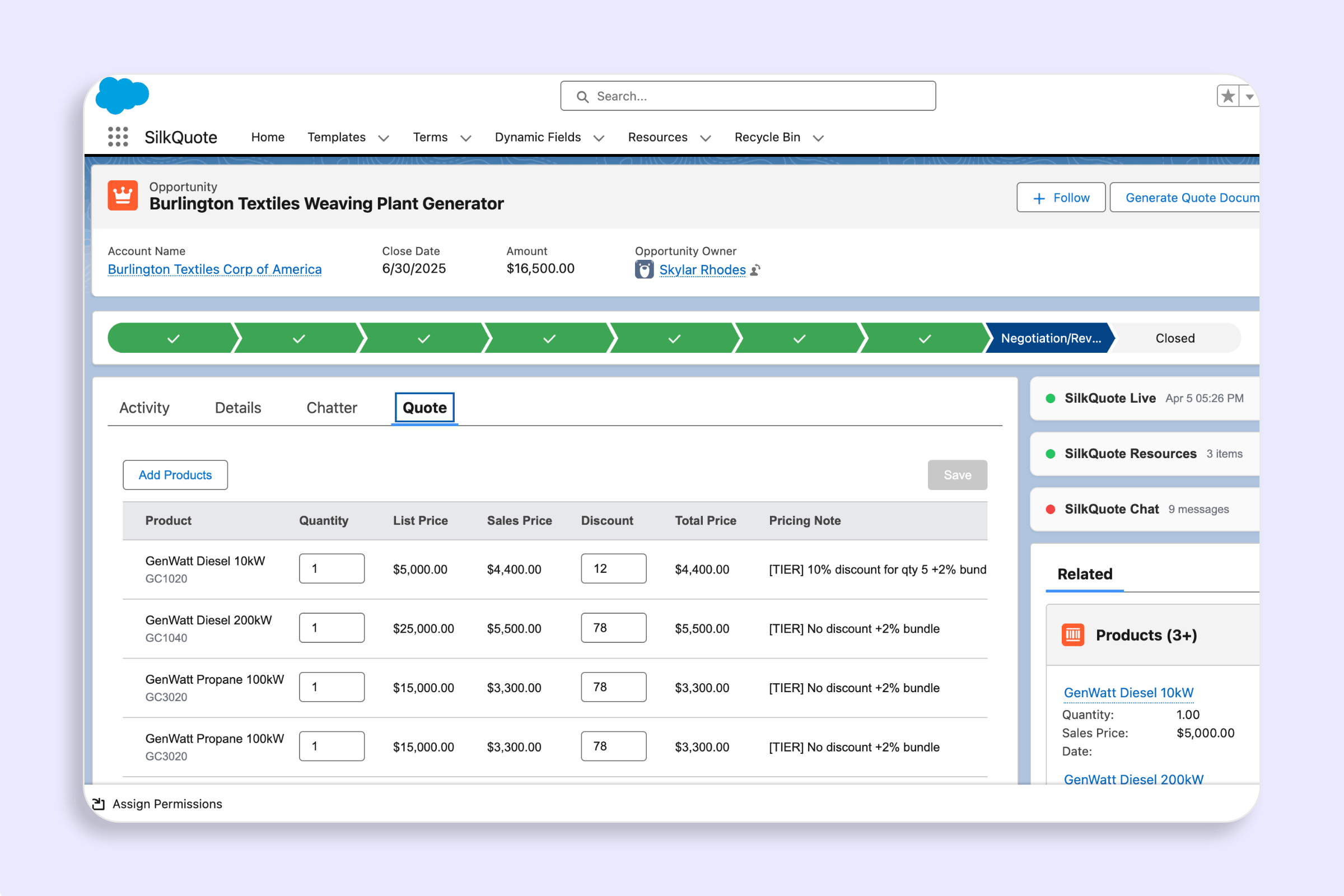
Manual quoting is a hidden tax on sales velocity. Reps copy data out of Salesforce, paste it into Word or Google Docs, format it, convert it to PDF, and attach it back to the Opportunity. The process takes 20–40 minutes per quote. It introduces errors when Opportunity data changes after the document is created. It fragments the activity record so managers cannot see what was sent or when.
Automating your Salesforce quoting process eliminates all of this. When quote generation is driven by Flows and configured templates, PDFs are produced in seconds, attached to the right record, and optionally sent to the prospect, without a rep lifting a finger.
This guide covers the tools, Flow patterns, and configuration steps to fully automate your Salesforce quoting workflow using SilkQuote.
Why Manual Quoting Fails at Scale
The manual quoting problem compounds with deal volume. At five deals a month, the overhead is tolerable. At fifty, it becomes a significant drag on rep productivity. The failure modes are consistent across organizations:
Data drift. Reps build the quote from a snapshot of the Opportunity. By the time the prospect sees it, the deal has changed: different products, updated pricing, new terms. The quote is already wrong when it lands.
Version chaos. Multiple quote versions accumulate in email threads and shared drives. No one is certain which version the prospect accepted. Salesforce has no record of any of it.
Rep inconsistency. Different reps use different templates, different formatting, different terms language. The result is inconsistent buyer experiences and compliance risk.
No tracking. When quotes live in email attachments, managers have no visibility into which prospects opened the quote or when. Pipeline forecasts are based on rep optimism rather than prospect engagement signals.
Automation solves all four problems by centralizing quote generation inside Salesforce, enforcing template standards, and capturing every quote event as an activity record.
SilkQuote’s Automation Architecture
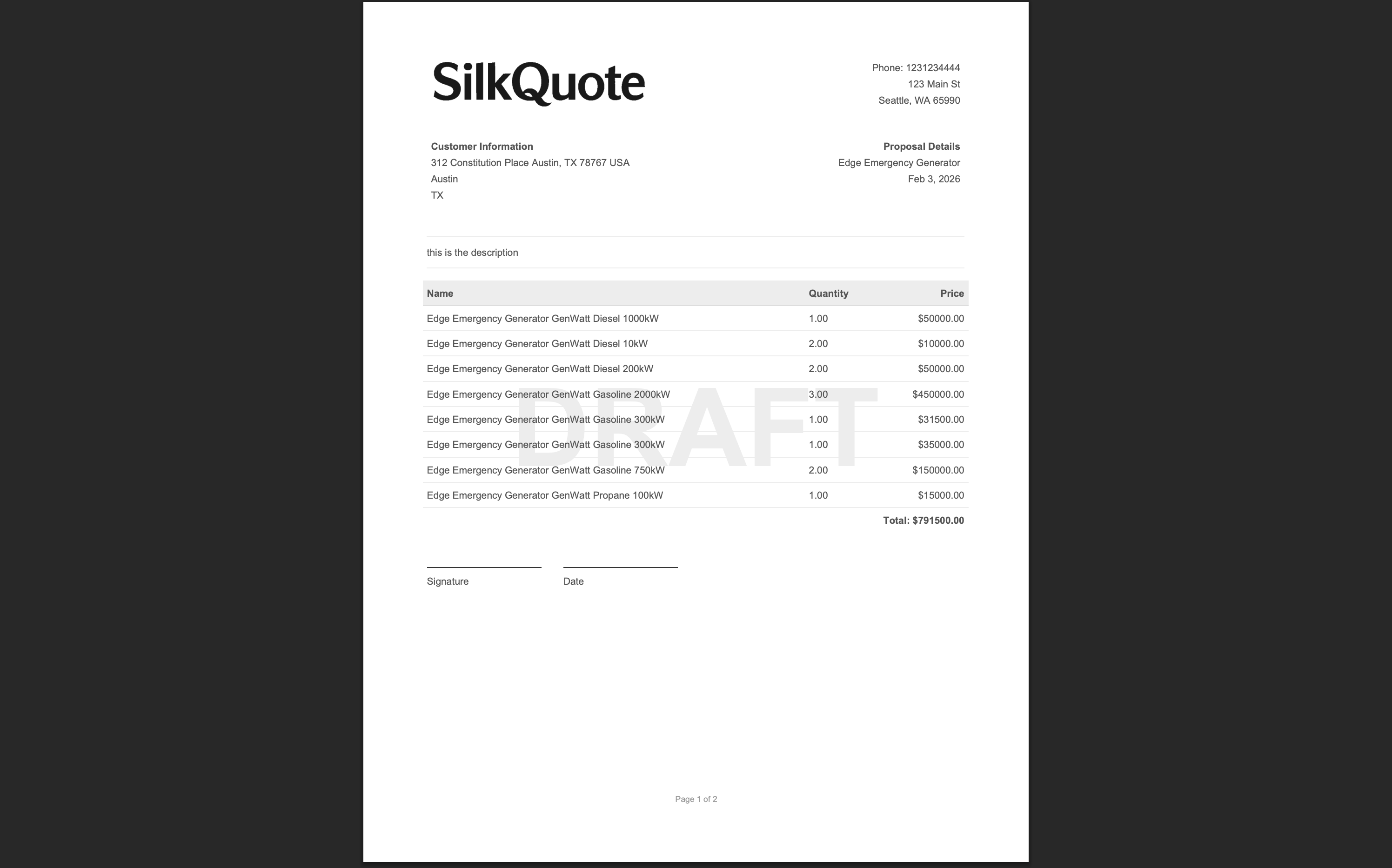
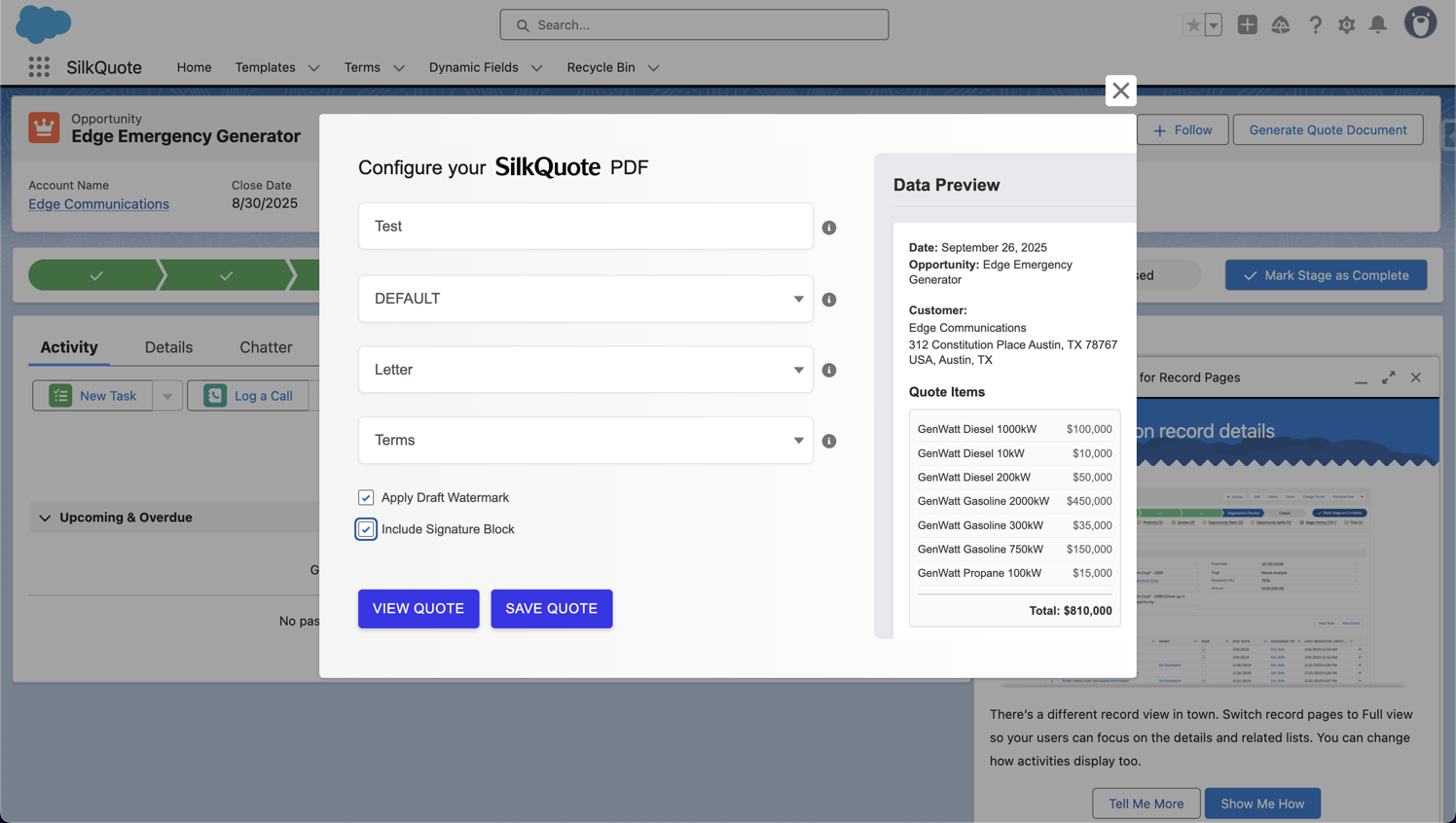
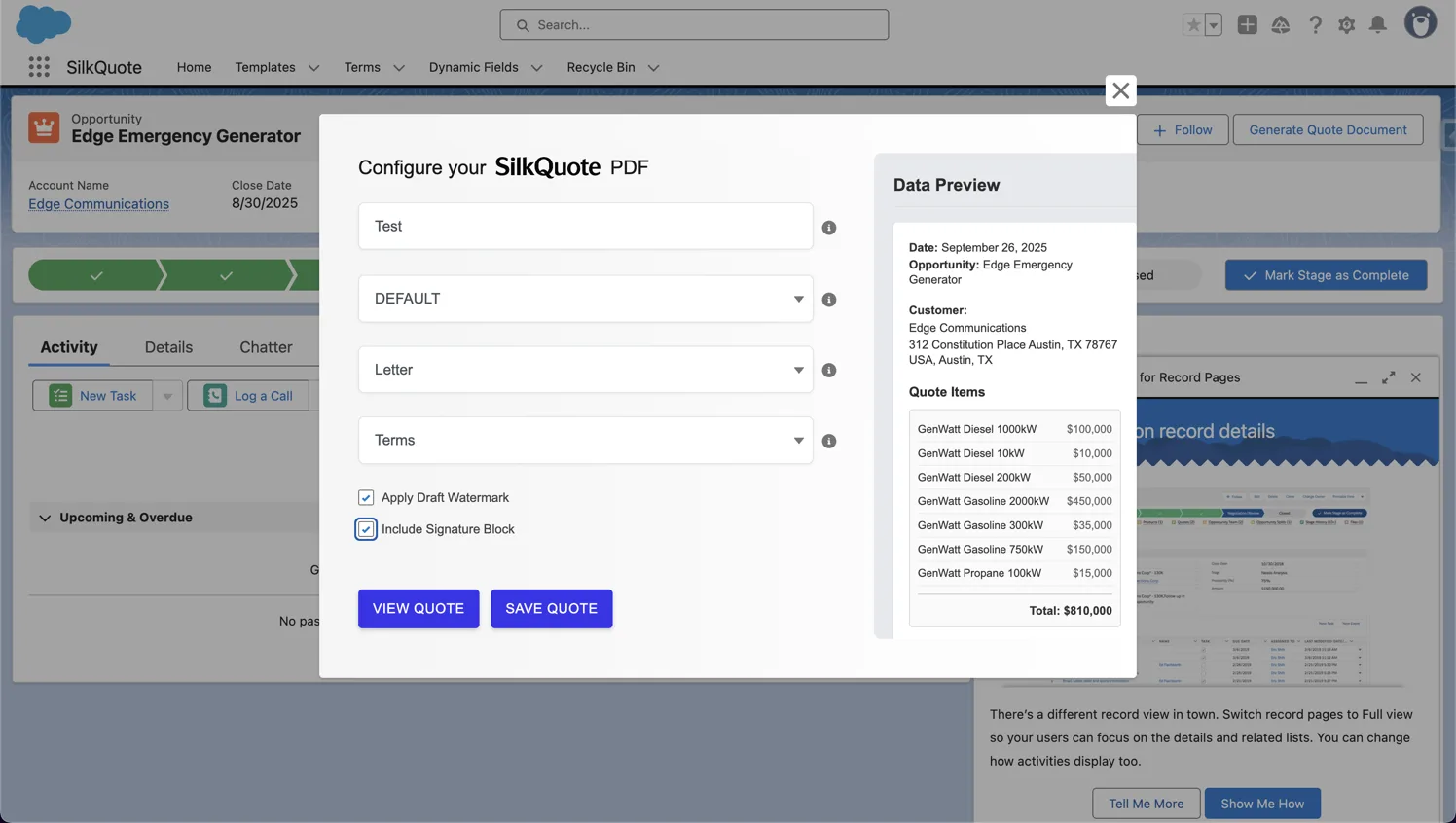
SilkQuote exposes a Salesforce Flow invocable action called Generate Quote Document. This action accepts the Opportunity ID, template ID, and quote name as inputs and produces a PDF attached to the Opportunity as a Content Document.
Because it is a standard Flow invocable action, it works with every Flow type Salesforce supports:
- Record-Triggered Flows (fire on create/update of any record)
- Scheduled Flows (fire on a time-based schedule)
- Screen Flows (called from a button on a Lightning page)
- Auto-launched Flows (called from Apex, Process Builder, or other Flows)
No custom code is required. Admins configure the entire automation through Flow Builder.
Four Automation Patterns for Salesforce Quoting
Pattern 1: Stage-Based Quote Generation
The most common automation pattern triggers quote generation when an Opportunity moves to a specific stage, such as “Proposal/Price Quote” or “Negotiation.”
Flow configuration:
- Create a Record-Triggered Flow on the Opportunity object
- Set the trigger condition to fire when the Stage field changes to “Proposal/Price Quote”
- Add a Get Records element to retrieve the appropriate SilkQuote template ID
- Add the Generate Quote Document invocable action with the Opportunity ID and template ID
- Optionally, add an Email Alert action to notify the rep that the quote is ready
This pattern removes the quote generation step from the rep’s workflow entirely. By the time the rep calls the prospect, the quote is already attached to the Opportunity.
Pattern 2: Template Selection by Deal Criteria
Enterprise sales teams often have multiple quote templates: one for SMB deals, one for enterprise accounts, one for specific product lines. Manual template selection introduces the risk of the wrong template being used.
Flow configuration:
- Create a Record-Triggered Flow on the Opportunity object
- Use Decision elements to evaluate Opportunity fields: Account Type, Deal Size, Product Family, Region, or any other criteria
- Map each decision path to the appropriate template ID using an Assignment element
- Call the Generate Quote Document invocable action with the dynamically selected template ID
The rep never chooses a template. The automation evaluates the deal and selects the right template automatically.
Pattern 3: Approval-Integrated Quote Generation
Many organizations require pricing approval before a quote goes to the prospect. Integrating quote generation with the Salesforce Approval Process ensures the final quote PDF reflects approved pricing.
Flow configuration:
- Configure a Salesforce Approval Process for Opportunities requiring pricing sign-off
- In the approval Final Approval Actions, add a Flow action
- The Flow calls the Generate Quote Document invocable action to produce the approved quote
- A follow-up email alert notifies the rep that the approved quote is ready to send
This pattern ensures that no quote leaves the organization without approval and that the final PDF reflects the approved state of the deal.
Pattern 4: Scheduled Refresh for Active Deals
Long sales cycles mean Opportunities can sit for weeks. Pricing changes, product availability updates, or contract term revisions can make older quotes obsolete. Scheduled automation handles this proactively.
Flow configuration:
- Create a Scheduled Flow that runs weekly
- Filter for Opportunities in active stages with quotes older than seven days
- For each Opportunity, call the Generate Quote Document invocable action to regenerate the quote with current data
- Log a note on the Opportunity indicating the quote was refreshed
This pattern is especially valuable for industries with dynamic pricing or configurable products where quote accuracy degrades over time.
Connecting Quote Generation to the Full Sales Process
Quote automation is most powerful when it connects to the broader Salesforce quote automation workflows, from initial qualification through closed-won. SilkQuote fits into this pipeline at multiple points:
At proposal stage. Generate the initial quote automatically when the Opportunity enters the proposal stage. This is Pattern 1 above.
At negotiation. Regenerate the quote when key fields change (pricing, product list, or payment terms), ensuring the rep always has a current document.
At approval. Generate the final approved quote as part of the approval completion action. This is Pattern 3 above.
At close. Generate a final order confirmation document using a separate template configured for closed-won records.
For teams running complex automations across multiple objects, the Salesforce automated quote generation page covers multi-object Flow patterns in more detail.
Setting Up Your First Automated Quote Flow
Before building the Flow, you need two things: SilkQuote installed in your org and at least one configured template. If you have not completed installation, start with the install guide.
Once SilkQuote is installed and a template is configured:
- Open Flow Builder from Setup
- Select New Flow → Record-Triggered Flow
- Set the object to Opportunity, trigger to A record is updated
- Set the entry condition: Stage equals “Proposal/Price Quote”
- Add a Get Records element to retrieve your SilkQuote template (filter by template name or a custom field)
- Add an Action element, search for “Generate Quote Document”, and map the Opportunity ID and template ID inputs
- Save and activate the Flow
The entire configuration takes under thirty minutes for a basic stage-triggered pattern.
Measuring the Impact of Quote Automation
Once automation is live, track these metrics to quantify the impact:
- Time-to-quote: How long from stage change to quote delivery? Automated generation should compress this to under five minutes.
- Quote error rate: Compare data discrepancies in manual versus automated quotes over a 30-day period.
- Rep time saved: Survey reps on quote preparation time before and after. Most teams report 20–40 minutes saved per deal.
- Prospect engagement rate: Compare open and acceptance rates for automated versus manual quotes. Faster quote delivery correlates with higher engagement.
Automating your Salesforce quoting process is one of the highest-ROI admin investments available. It reduces errors, saves rep time, and gives managers full visibility into quote activity across the pipeline.
Install SilkQuote from the AppExchange and start automating your quoting workflow today.
Yes. SilkQuote includes a Salesforce Flow invocable action that triggers quote generation automatically. You can fire it from any Flow trigger (stage changes, field updates, approvals, or scheduled automations) and the PDF attaches to the Opportunity without any manual input.
The most common triggers are Opportunity stage changes, record-triggered Flows on field updates, and approval process outcomes. All of these work natively with SilkQuote's invocable action without custom code.
No. SilkQuote provides quote automation through native Salesforce Flow without requiring CPQ. For teams that need templated PDFs with conditional logic and automated delivery, SilkQuote handles the entire process at no cost.
SilkQuote flags the existing PDF as stale when the underlying Opportunity data changes. Reps see a visual indicator so they know to regenerate before sending, and your automation can be configured to regenerate automatically on data changes.
Yes. You can chain Salesforce Flow actions: use the SilkQuote invocable action to generate the PDF, then follow it with an email alert action to send the quote to the prospect contact. The entire sequence runs without rep involvement.