
Overview
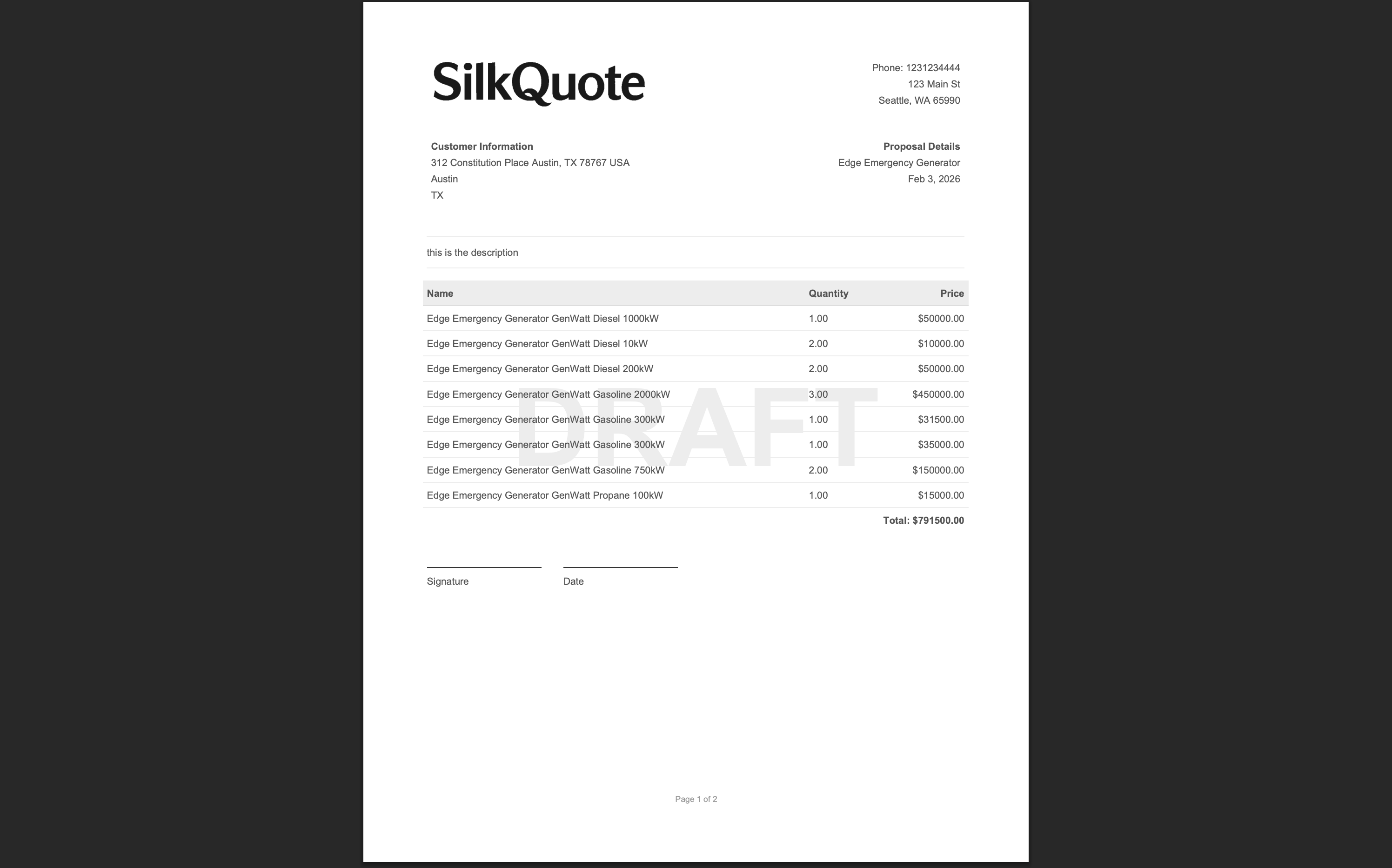
A Signature Block adds a formatted signature section to the end of the generated quote PDF. It includes printed lines for the signer’s name, title, company, and date, creating a document that is ready for handwritten or e-signature capture.
The signature block is included at generation time as an optional per-quote choice. Reps can decide whether to include it on a quote-by-quote basis without any template changes.
When to Use a Signature Block
The signature block is useful when:
- Formal acceptance is required: Some organizations require a physically or digitally signed document before proceeding to fulfillment or contract.
- E-signature workflow: If you are routing the PDF through DocuSign, Adobe Sign, or another e-signature platform, the block provides a designated area for signature placement.
- Client preference: Some enterprise buyers expect a formal signature page rather than a click-to-accept workflow.
Note: For most quoting scenarios, SilkQuote’s built-in prospect acceptance feature (the shared link with Accept/Decline buttons) is faster and provides better tracking. Reserve the signature block for situations that genuinely require a physical or e-signature on the document. See integrating e-signatures with Salesforce quotes for guidance on when each approach is appropriate.
Steps
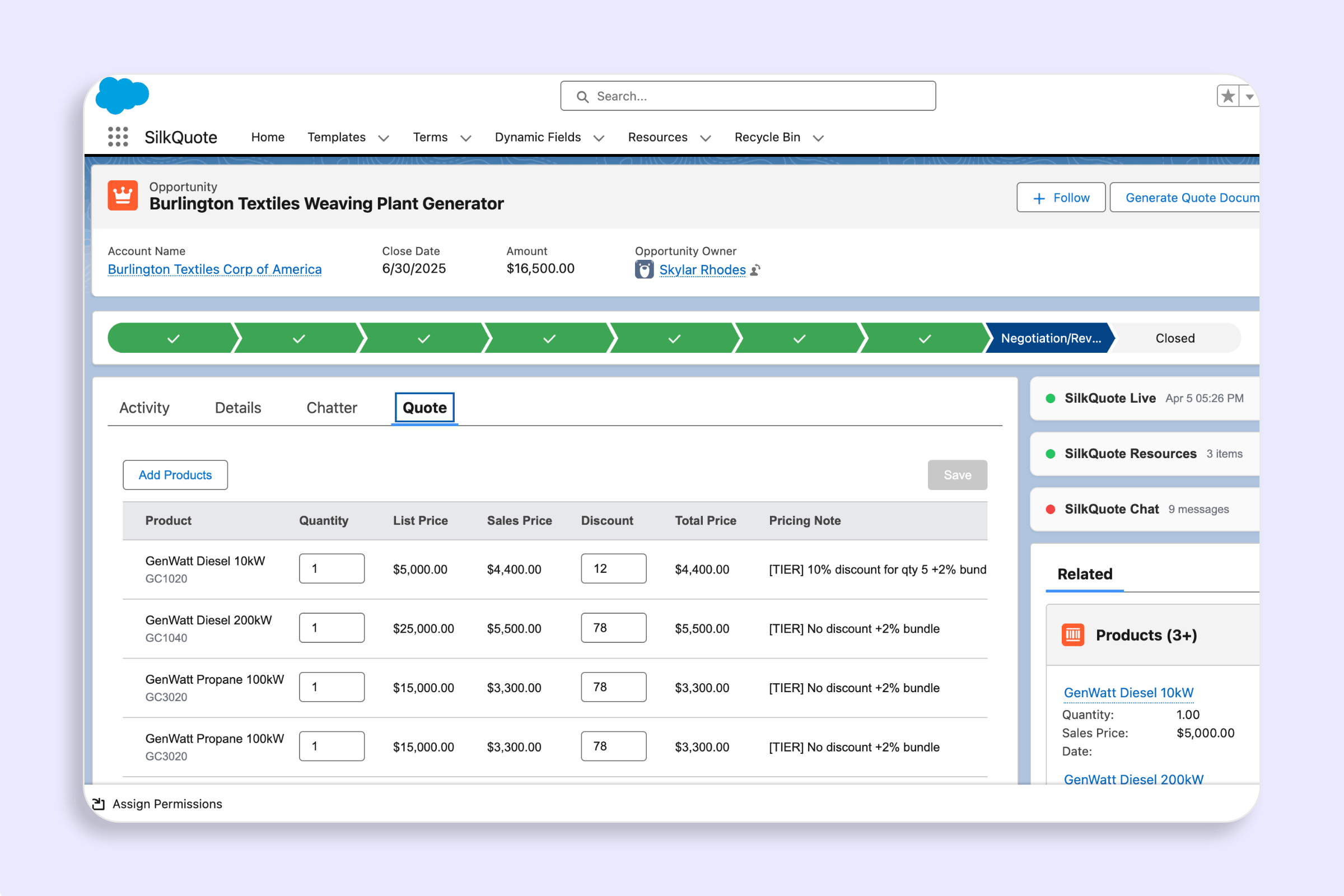
- Open the Opportunity record and click the Generate Quote Document Quick Action.
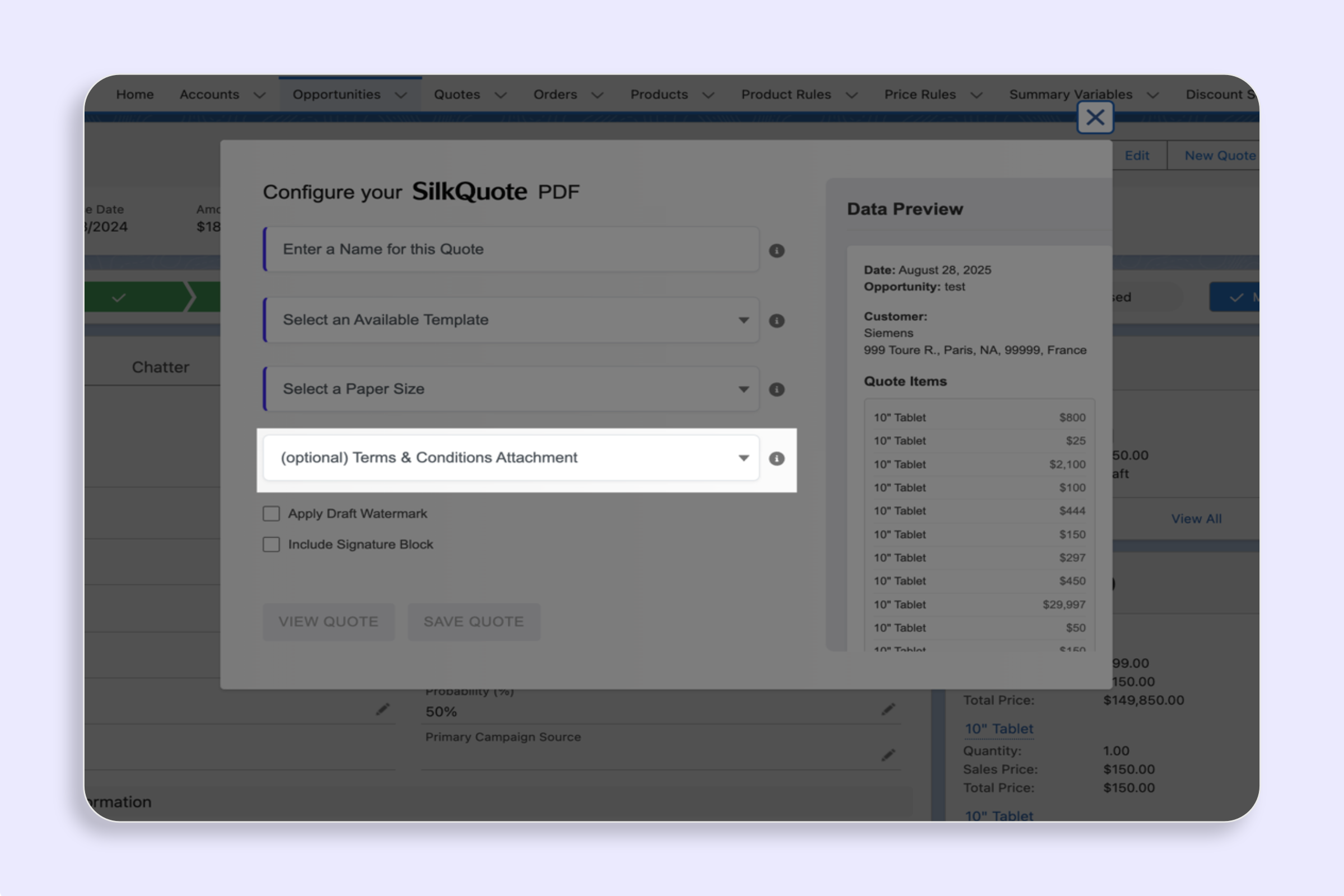
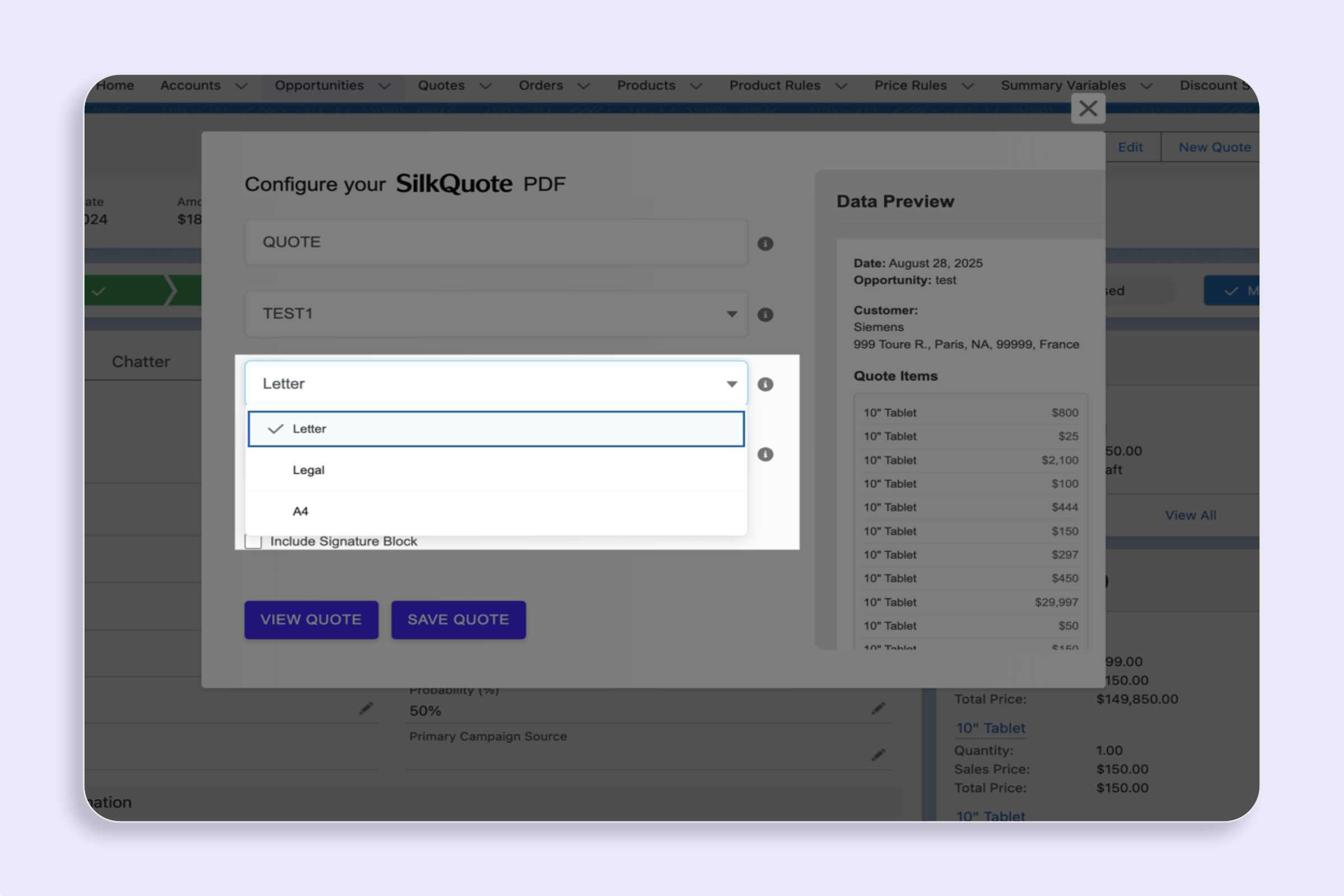
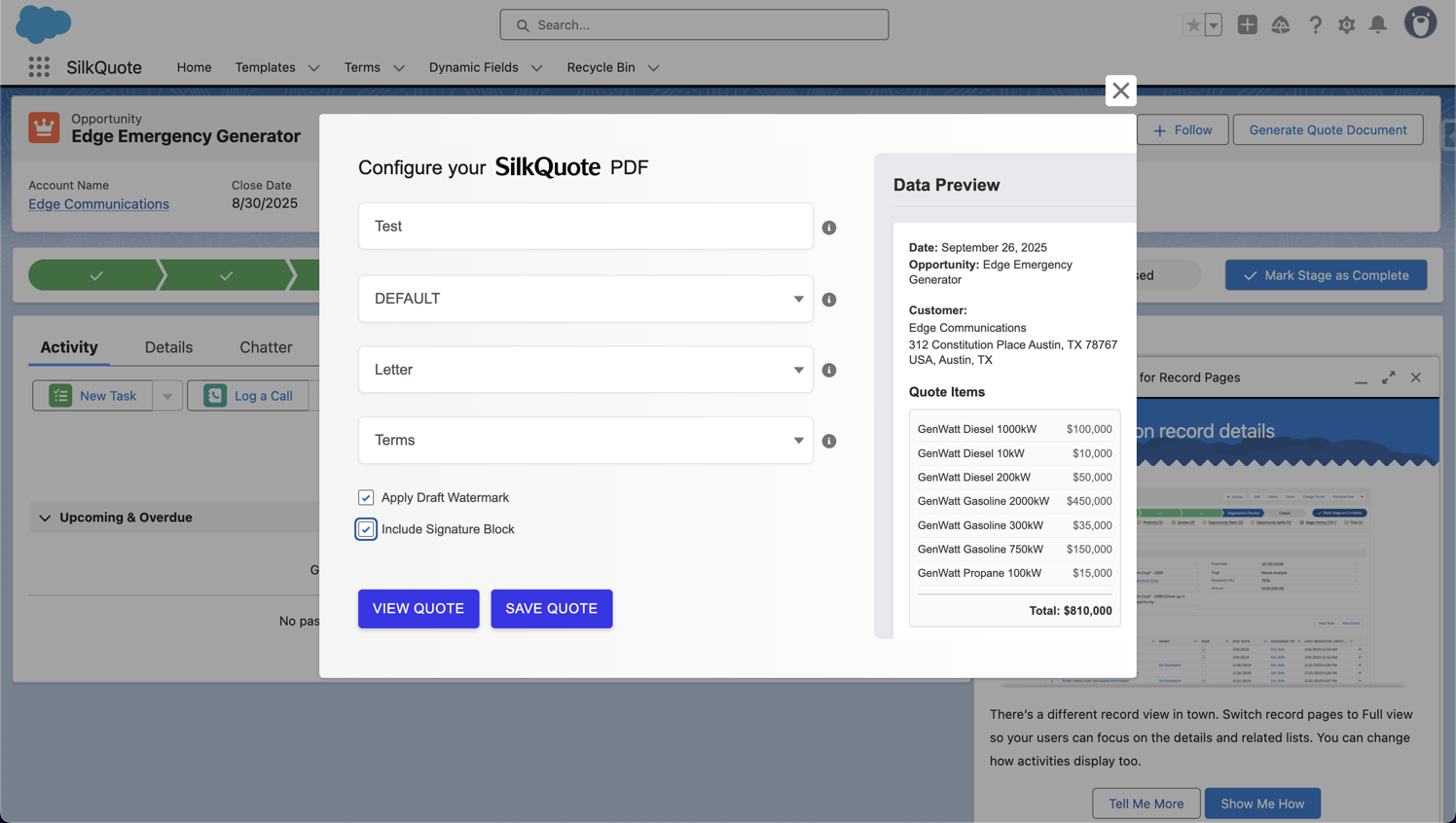
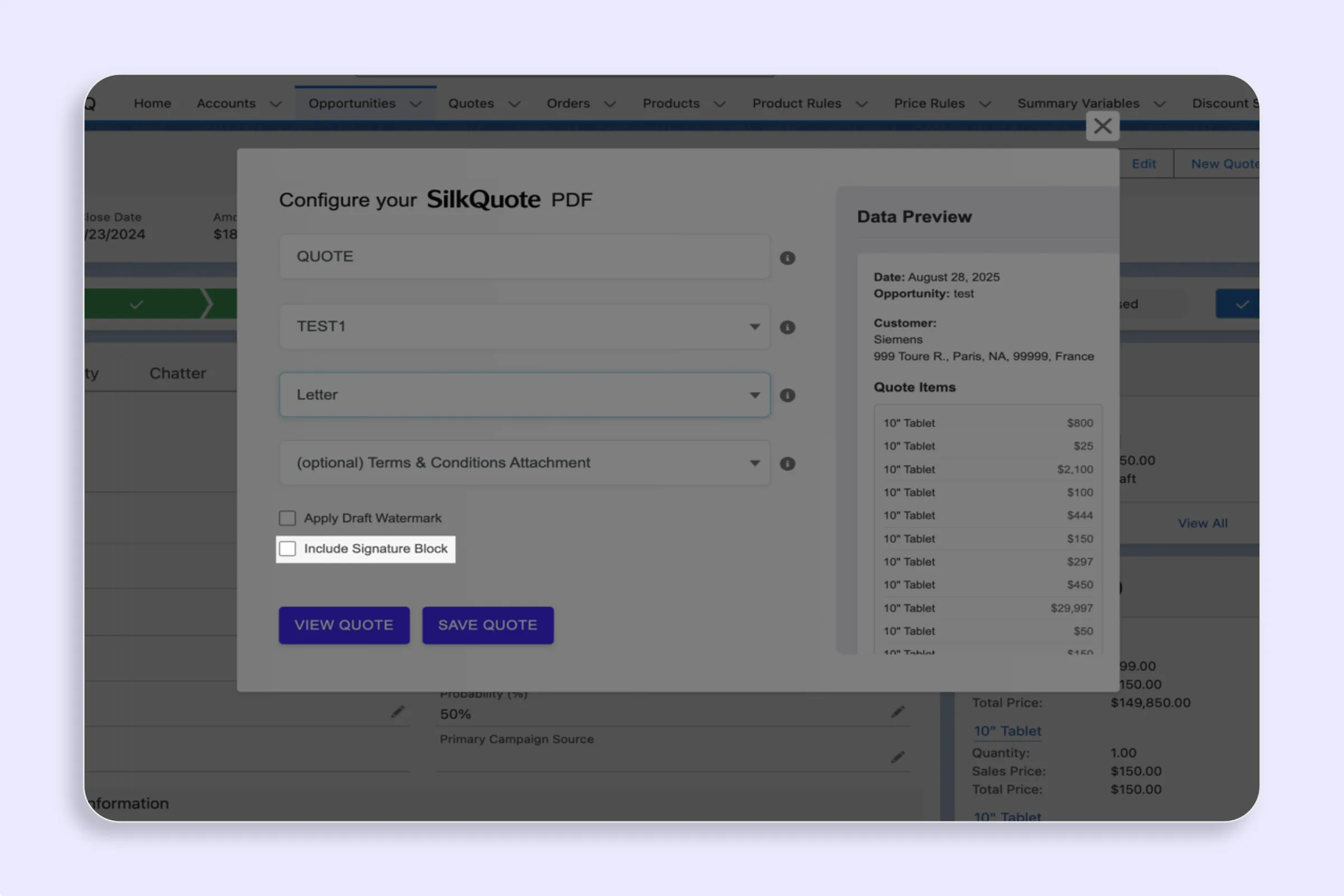
- Fill in the Quote Name, Template, and Paper Size.
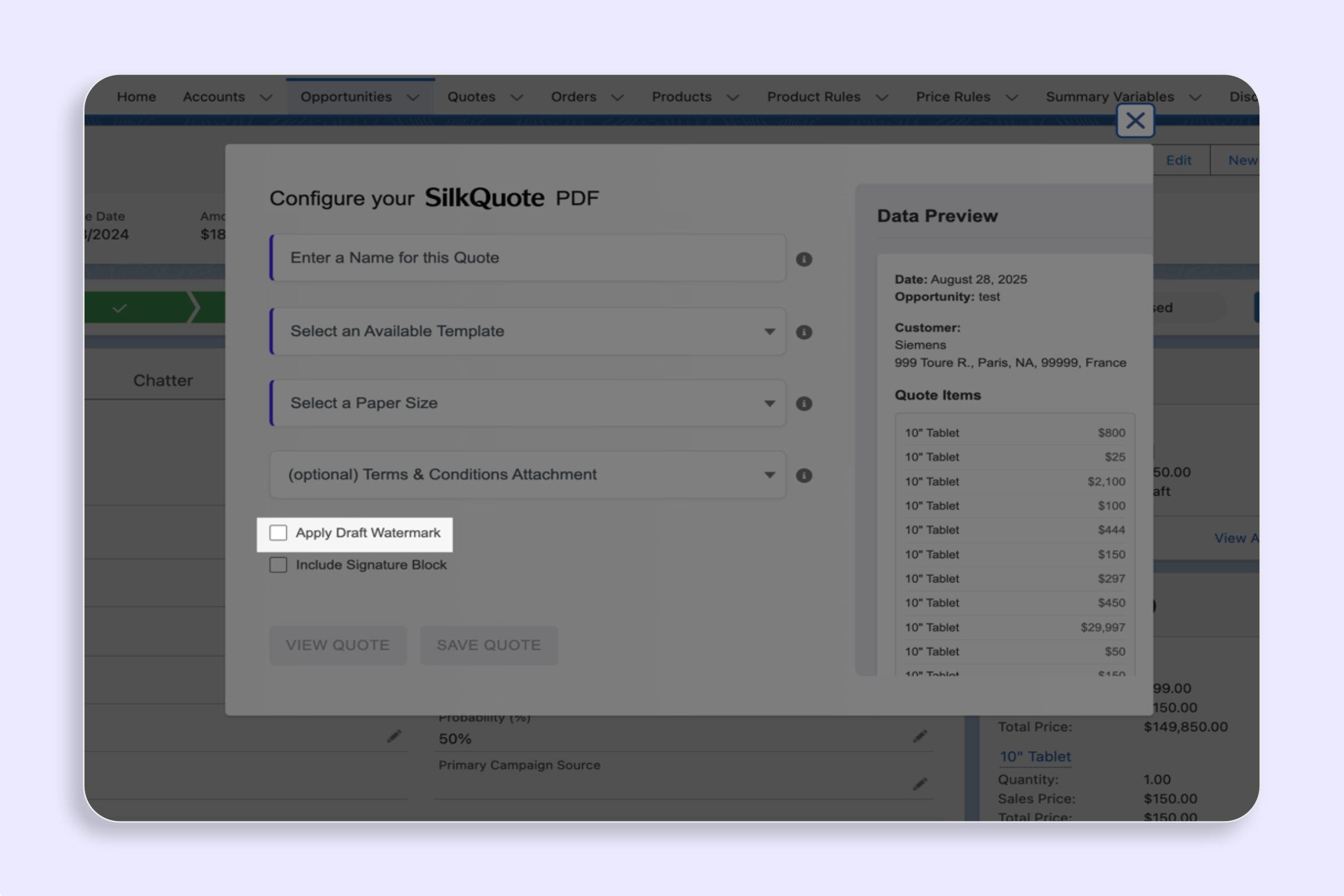
- Check the Include Signature Block checkbox.
- Click Save PDF or View Quote to preview.
Placement in the PDF
The signature block appears after the pricing totals and before the Terms and Conditions page (if terms are included). It is always on the last page of the main quote body, making it easy for signers to find.
The block includes lines for:
- Authorized signature
- Printed name
- Title
- Company
- Date
Tips
- Pair with Draft Watermark for review cycles: If a quote requires internal pricing approval before going to the buyer, generate with the Draft Watermark first. When approved, regenerate with the signature block and without the watermark.
- Use for formal contracts alongside SilkQuote acceptance: Some teams use SilkQuote’s link acceptance for initial commercial agreement and then send a separate signed PDF for the formal contract record. The signature block supports this hybrid workflow.
- Not needed for online acceptance: If your prospect will accept via the SilkQuote shared link, you do not need the signature block. The link-based acceptance provides a timestamped digital record automatically.