A sales proposal is often the last document a prospect sees before they decide to sign. If your team is manually copying CRM data into Word or Google Docs every time, you are introducing errors, inconsistencies, and hours of wasted work per rep per week. A Salesforce proposal generator solves this by turning Opportunity data into a formatted, branded PDF automatically.
This guide covers what a Salesforce proposal generator is, the main tools available, and how to choose the right one for your team.
What a Salesforce Proposal Generator Does
At its core, a proposal generator reads data from Salesforce records and outputs a formatted document. A good Salesforce proposal generator should:
- Pull data from Opportunity, Account, Contact, and Opportunity Product records without manual entry
- Apply your brand identity — logo, colors, typography
- Support configurable sections: company info, product line items, pricing totals, description blocks, terms
- Save the generated document back to Salesforce, attached to the Opportunity
- Allow reps to generate proposals without leaving Salesforce or switching tools
The difference between a basic generator and a great one usually comes down to template flexibility, conditional logic, and how much admin configuration is required to maintain it.
Salesforce Proposal Generator Options
Native Salesforce Quotes
Salesforce includes a Quotes object that can generate a PDF. The native template editor allows basic customization but is limited in ways that matter for real proposals:
- No support for custom fonts, colors, or branding beyond a logo
- Fixed two-column layout with no reordering
- No conditional sections
- No Terms and Conditions support
- Output is functional but rarely client-ready
Best for: Internal estimates or simple situations where appearance is not a priority.
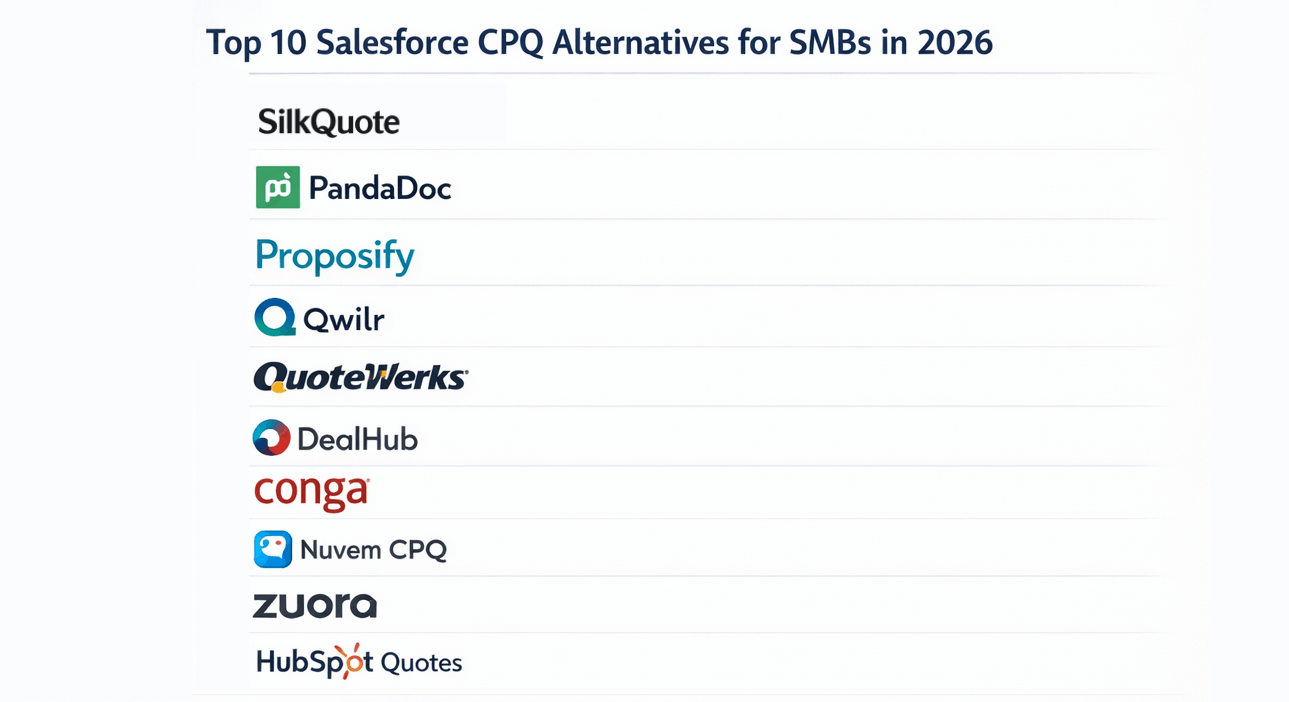
Salesforce CPQ
Salesforce CPQ (Configure, Price, Quote) includes a robust proposal/quote output engine alongside its pricing and product configuration capabilities. CPQ templates support complex conditional logic, product bundle display, approval-gated pricing, and multi-currency.
The tradeoff is cost and complexity. CPQ is typically licensed at around $75 per user per month and requires significant implementation effort — often 4–12 weeks with a consulting partner. It is the right choice when you genuinely need guided selling, complex pricing rules, or product configuration at scale.
Best for: Enterprise teams with complex product catalogs and tiered pricing.
Document Generation Tools (Conga, S-Docs, Nintex)
Tools like Conga Composer and S-Docs generate documents from Salesforce using template files (typically Word or Google Docs). They are highly flexible because they use a familiar template authoring interface and support a wide range of merge fields.
The downsides: templates live outside Salesforce, licensing typically costs $20–$40+ per user per month, and the merge tag syntax has a learning curve for non-technical admins.
Best for: Teams with existing branded Word templates they want to reuse, or complex multi-object documents.
SilkQuote
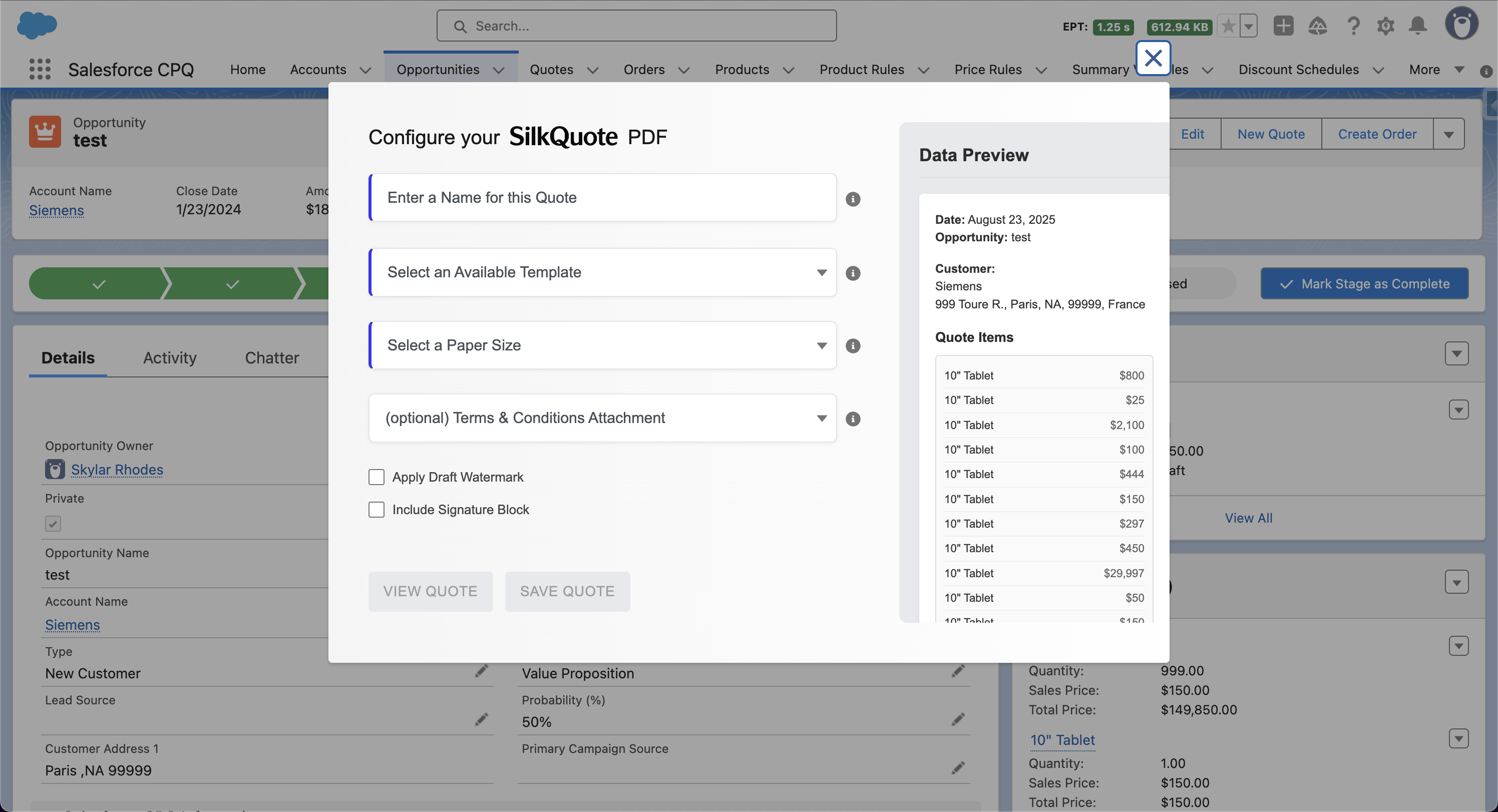
SilkQuote is a free, native Salesforce app built specifically for one purpose: generating professional, branded PDF proposals from Opportunity records in one click. Templates are configured entirely within Salesforce using a point-and-click interface. No Word templates, no external file storage, no merge tag syntax.
Key capabilities:
- Configurable sections: Company, Customer, Quote Details, Line Items, Totals, Description
- Per-template logo and accent color
- Conditional Terms and Conditions based on Opportunity field values
- Draft watermark and signature block options
- PDF saved automatically as a Content Document on the Opportunity
Best for: SMB and mid-market sales teams that need professional proposals fast, without CPQ complexity or per-user licensing costs.
Comparing the Options
| Native Salesforce | CPQ | Conga / S-Docs | SilkQuote | |
|---|---|---|---|---|
| Cost | Included | ~$75/user/mo | $20–$40+/user/mo | Free |
| Setup time | Hours | Weeks | Days–weeks | Under 1 hour |
| Template flexibility | Low | High | High | Medium–High |
| Conditional logic | No | Yes | Yes | Yes (field conditions) |
| Native Salesforce | Yes | Yes | Partial | Yes |
| Terms & Conditions | No | Yes | Manual | Yes (rules-based) |
| Best for | Basic needs | Enterprise | Complex docs | SMB / Mid-market |
How to Choose the Right Tool
Choose SilkQuote if:
- You want proposals generated from Opportunity data in one click
- You need branded PDFs but do not have complex pricing logic
- You want fast setup with no ongoing licensing cost
- Your templates are proposal-style documents (company info, line items, totals)
Choose CPQ if:
- You need guided selling, product configurators, or approval-gated discounting
- Your pricing has complex rules, bundles, or subscription billing components
- You have the budget and timeline for a full CPQ implementation
Choose Conga or S-Docs if:
- You have existing Word templates you want to preserve and automate
- Your proposals pull from many Salesforce objects in non-standard arrangements
- You need advanced multi-document or multi-output capabilities
Setting Up SilkQuote as Your Proposal Generator
Getting SilkQuote running takes less than an hour:
- Install from the Salesforce AppExchange — see How to Install SilkQuote
- Assign permissions to the reps and admins who need access — see Grant Access with the Permission Set
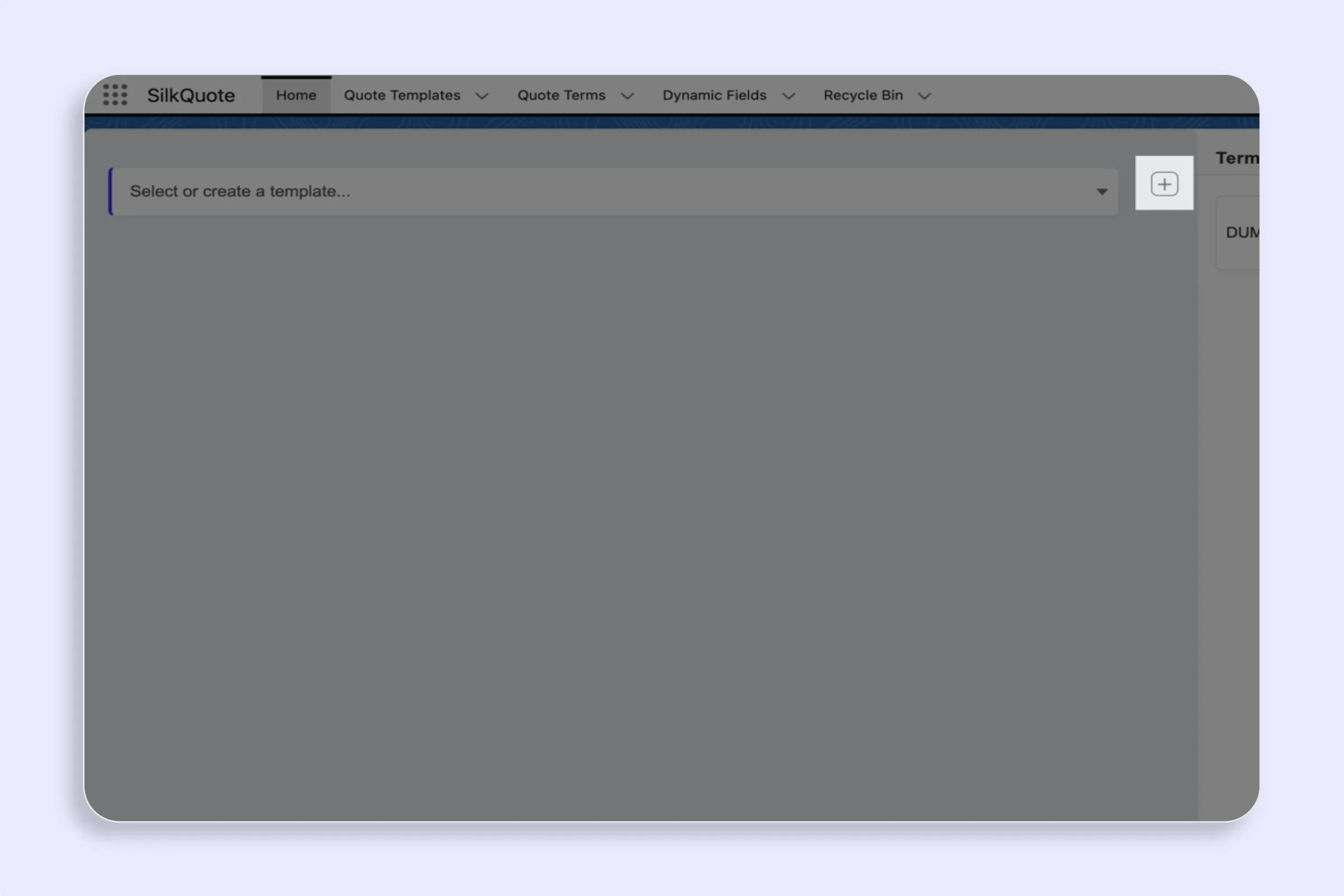
- Configure your template in the SilkQuote Configuration Manager — see Create a New Template
- Add the Quick Action to the Opportunity page layout — see Add the Generate Quote Quick Action to Opportunity
- Generate your first proposal from any Opportunity with products — see Generate a Quote PDF from an Opportunity
Related
Frequently Asked Questions
What is a Salesforce proposal generator?
A Salesforce proposal generator is a tool that automatically creates a formatted, branded sales proposal or quote PDF using data already stored in your Salesforce Opportunity, Account, Contact, and Product records. It eliminates manual document creation by pulling live CRM data into a professional template.
Is there a free proposal generator for Salesforce?
Yes. SilkQuote is a free, native Salesforce app that generates branded PDF proposals from Opportunity records. It is available on the Salesforce AppExchange at no cost and installs in under an hour.
What is the difference between a proposal generator and Salesforce CPQ?
CPQ (Configure, Price, Quote) is a full quoting platform that handles complex product configuration, pricing rules, discounting approvals, and output generation. A proposal generator is focused specifically on producing a formatted document from existing CRM data. For teams without complex pricing logic, a proposal generator is faster to implement and significantly cheaper.
Can I include Terms and Conditions in my Salesforce proposal?
Yes, with SilkQuote you can configure Terms and Conditions rules that automatically append relevant T&Cs to the generated PDF based on Opportunity field values — such as deal type, region, or product line.
How do I add a signature line to a Salesforce proposal?
SilkQuote includes a signature block option in the generation dialog. When enabled, it appends a formatted signature section at the end of the PDF with lines for name, title, and date.