
Overview
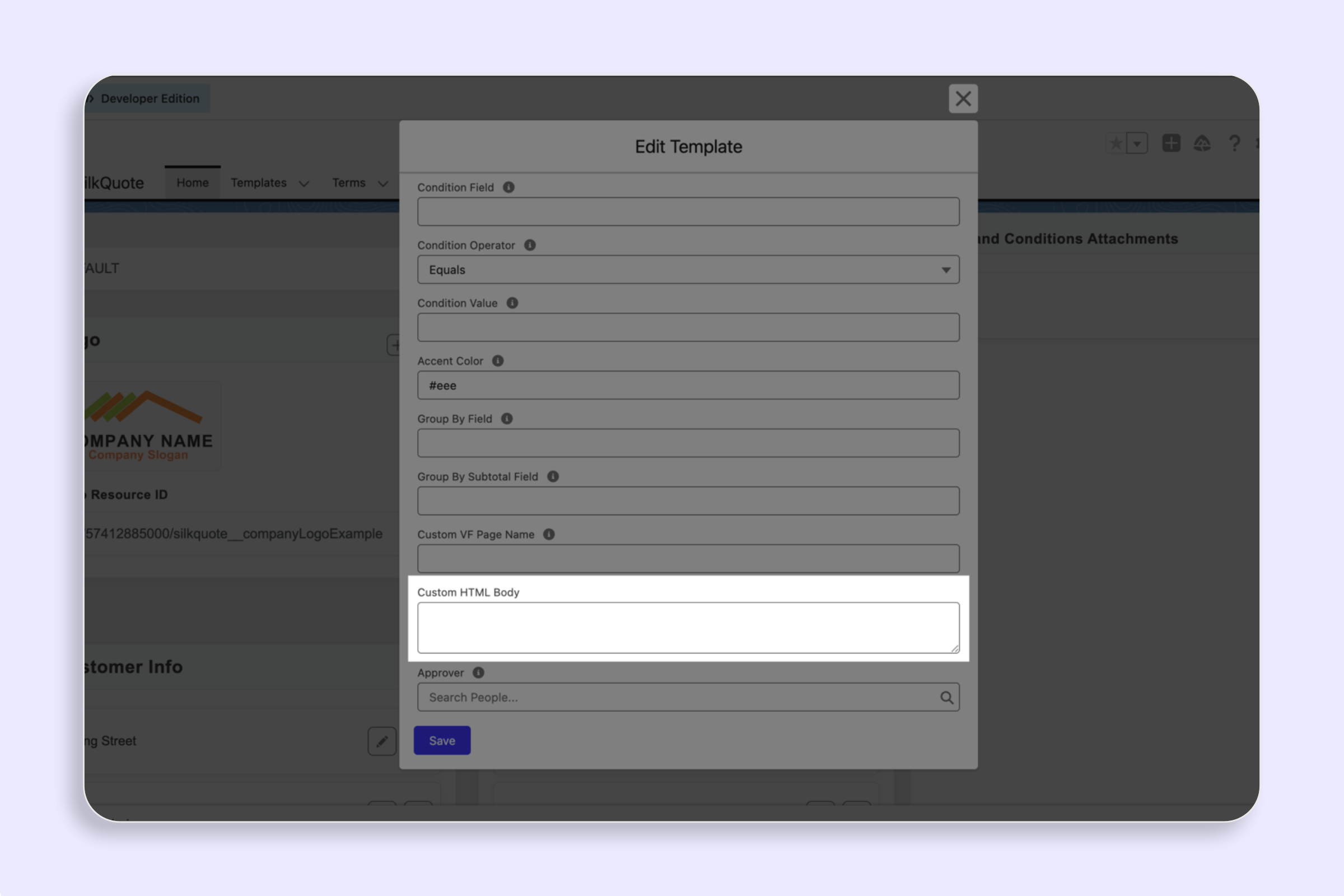
The Custom HTML Body field on a Template record accepts standard HTML that is rendered into a PDF. Before rendering, the system replaces all {{token}} placeholders with live Salesforce data from the related Opportunity, Account, Contact, Owner, and line items.
Adding a Logo
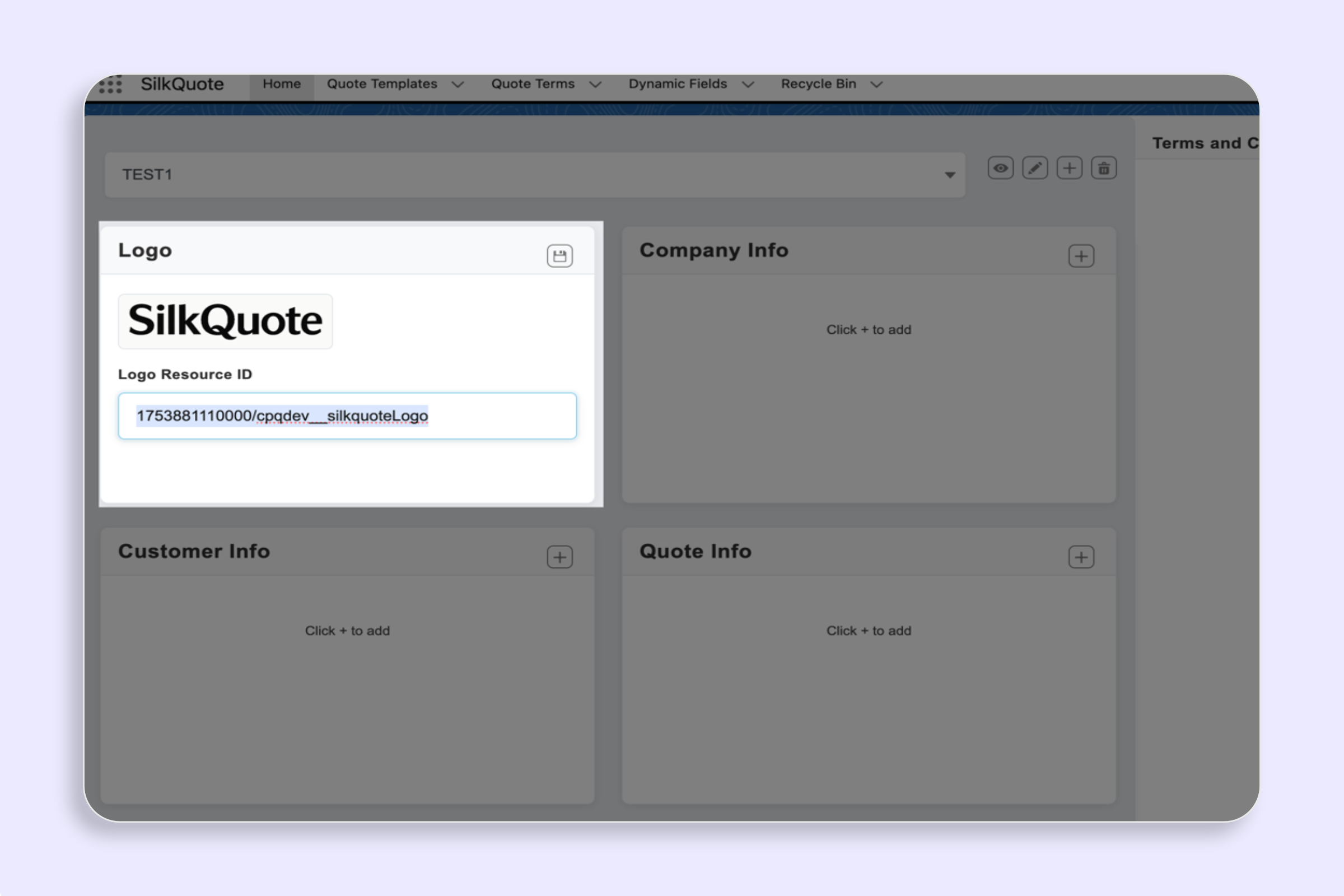
To display your company logo, reference a Salesforce Static Resource by name:
<img src="/resource/YourStaticResourceName"/>Replace YourStaticResourceName with the API name of your Static Resource. The image is fetched at PDF generation time, so the Static Resource must be publicly accessible (Cache Control set to Public).
Merge Field Syntax
Wrap any token in double curly braces: {{tokenName}}
Fixed Shorthands
These always resolve without needing to know the field API name:
| Token | Description |
|---|---|
{{opportunityName}} | Opportunity Name |
{{opportunityCloseDate}} | Close Date (formatted) |
{{opportunityAmount}} | Amount (formatted as currency) |
{{accountName}} | Account Name |
{{accountBillingStreet}} | Account Billing Street |
{{accountPhone}} | Account Phone |
{{contactFirstName}} | Primary Contact First Name |
{{contactLastName}} | Primary Contact Last Name |
{{contactEmail}} | Primary Contact Email |
{{ownerName}} | Opportunity Owner Name |
{{ownerEmail}} | Opportunity Owner Email |
{{ownerPhone}} | Opportunity Owner Phone |
{{ownerCompanyPhone}} | Owner’s company phone (SilkQuote User field) |
{{ownerCompanyStreet}} | Owner’s company street (SilkQuote User field) |
{{ownerCompanyCityState}} | Owner’s company city/state (SilkQuote User field) |
{{ownerCompanyCountry}} | Owner’s company country (SilkQuote User field) |
{{quoteName}} | Quote name selected at generation time |
{{quoteNumber}} | Auto-generated quote number |
{{generatedDate}} | Date the PDF was generated (e.g. March 19, 2026) |
{{subtotal}} | Sum of all line item totals |
{{grandTotal}} | Grand total (same as subtotal unless tax is customized) |
Dot-Notation Fields
To reference any field on a supported object, use Object.FieldApiName syntax. The system dynamically queries whatever fields you reference — no configuration needed.
{{Opportunity.StageName}}{{Opportunity.Description}}{{Opportunity.PO_Number__c}}{{Account.Industry}}{{Account.BillingCity}}{{Account.AnnualRevenue}}{{Contact.Title}}{{Contact.MobilePhone}}{{Contact.Department}}{{User.Title}}{{User.CompanyName}}Use the exact Salesforce API field name, including any __c suffix for custom fields. The lookup is case-insensitive, but using the correct API name is recommended.
Line Items
Option 1 — Pre-built Table
Drop in a fully formatted Product / Qty / Unit Price / Total table with one token:
{{lineItemsTable}}Option 2 — Custom Row Layout
Wrap your row template between {{lineItems.start}} and {{lineItems.end}}. The system repeats the block once per line item, replacing {{lineItem.*}} tokens with the values for that row.
<table style="width:100%; border-collapse:collapse;"> <thead> <tr> <th>Product</th> <th>Qty</th> <th>Unit Price</th> <th>Total</th> </tr> </thead> <tbody> {{lineItems.start}} <tr> <td>{{lineItem.Product2.Name}}</td> <td>{{lineItem.Quantity}}</td> <td>{{lineItem.UnitPrice}}</td> <td>{{lineItem.TotalPrice}}</td> </tr> {{lineItems.end}} </tbody></table>Available line item tokens:
| Token | Description |
|---|---|
{{lineItem.Product2.Name}} | Product name |
{{lineItem.Product2.ProductCode}} | Product code |
{{lineItem.Quantity}} | Quantity |
{{lineItem.UnitPrice}} | Unit price |
{{lineItem.TotalPrice}} | Line total |
{{lineItem.Description}} | Line item description |
{{lineItem.FieldApiName}} | Any other OpportunityLineItem field |
Conditional Blocks
Show or hide content based on field values using HTML comment tags. These are invisible in most WYSIWYG editors and will never appear as text in the rendered PDF.
Presence Check
Renders the inner content only if the token resolves to a non-empty value.
<!-- if:Opportunity.PO_Number__c --><p>PO Number: {{Opportunity.PO_Number__c}}</p><!-- /if --><!-- if:contactEmail --><p>Contact: {{contactFirstName}} {{contactLastName}} — {{contactEmail}}</p><!-- /if -->Equality Check
Renders the inner content only if the token equals a specific value.
<!-- if:Opportunity.StageName = 'Closed Won' --><p style="color:green; font-weight:bold;">Thank you for your business!</p><!-- /if -->Not-Equal Check
Renders the inner content if the token does not equal a specific value.
<!-- if:Opportunity.StageName != 'Closed Won' --><p><em>This quote is pending approval.</em></p><!-- /if -->Notes
- The token key can be any fixed shorthand (e.g.
ownerPhone) or any dot-notation field (e.g.Opportunity.PO_Number__c). - Fields used only in conditions are still queried automatically — you do not need to add a separate
{{}}placeholder. - Conditionals can wrap any HTML, including headings, tables, or entire sections.
- Conditional blocks cannot be nested.
Custom CSS
Include a <style> block anywhere in the HTML body to apply custom styles. The system extracts and safely hoists styles before rendering:
<style> body { font-family: Arial, sans-serif; font-size: 10pt; } .section-header { background: #003366; color: white; padding: 8px 12px; } table { width: 100%; border-collapse: collapse; } td, th { padding: 6px 8px; border-bottom: 1px solid #ddd; }</style>expression() and javascript: constructs are stripped from CSS for security.