Salesforce CPQ is one of the most powerful quoting tools in the enterprise sales stack. It is also one of the most expensive and time-consuming to implement. Before committing to a CPQ project, it is worth understanding exactly what you are paying for — and whether a lighter alternative can meet your actual needs at a fraction of the cost.
What Is Salesforce CPQ?
Salesforce CPQ (Configure, Price, Quote) is a product that extends Salesforce Sales Cloud with guided selling, pricing automation, discount controls, and document generation capabilities. It is now officially marketed as part of Salesforce Revenue Cloud, though many teams still refer to it as CPQ.
Core CPQ capabilities include:
- Product configuration — Guided product selection with bundle logic, option groups, and feature dependencies
- Pricing rules — Discount schedules, volume pricing, block pricing, and custom price actions
- Approval workflows — Escalation rules that trigger when discounts exceed thresholds
- Quote document generation — Branded PDFs with conditional content and multi-currency support
- Amendment and renewal automation — For subscription products, automates the creation of amendment and renewal quotes from existing contracts
CPQ is a comprehensive platform — but that comprehensiveness is also what drives its cost and complexity.
Salesforce CPQ Pricing Breakdown
License Cost
Salesforce CPQ is not included in any standard Sales Cloud edition. It requires an add-on license:
| Tier | Approximate List Price | What’s Included |
|---|---|---|
| CPQ | ~$75/user/month | Quote creation, product configuration, pricing rules, PDF generation |
| Revenue Cloud Advanced (CPQ+) | ~$150/user/month | Everything in CPQ plus subscription billing, contract management, revenue recognition |
These are list prices. Actual pricing depends on your Salesforce agreement, contract length, and negotiations — enterprise customers often see significant discounts.
For a 20-rep sales team using CPQ at list price, the annual license cost alone is approximately $18,000 per year. For 50 reps, it is $45,000 per year.
Implementation Cost
Licensing is only part of the total cost. CPQ implementations typically require:
- Configuration time — Setting up product catalogs, pricing rules, and templates
- Data migration — Mapping existing products, prices, and configurations into CPQ
- Training — Admin training (CPQ admin certification is a separate credential) and rep enablement
- Consulting fees — Most mid-market CPQ implementations use a Salesforce partner
A realistic budget for a mid-market CPQ implementation:
| Implementation Scope | Estimated Cost | Timeline |
|---|---|---|
| Simple (< 50 products, flat pricing) | $20,000–$40,000 | 4–8 weeks |
| Moderate (bundles, discount rules) | $40,000–$80,000 | 8–16 weeks |
| Complex (bundles, subscriptions, approvals) | $80,000–$150,000+ | 16–24+ weeks |
Ongoing Maintenance Cost
After go-live, CPQ requires ongoing admin attention:
- Product catalog updates as your offerings change
- Pricing rule adjustments for promotions, market changes, or new tiers
- Template updates for rebranding or new document types
- Bug fixes and regression testing after Salesforce releases
Many companies allocate a quarter to half of a Salesforce admin’s time to CPQ maintenance, or retain a consulting partner on a retainer.
Total Cost of Ownership (3 Years, 25 Users)
| Cost Category | Amount |
|---|---|
| CPQ licenses (25 users × $75 × 36 months) | $81,000 |
| Implementation | $50,000 (estimate) |
| Ongoing admin/consulting (3 years) | $30,000–$60,000 (estimate) |
| Total 3-Year TCO | ~$161,000–$191,000 |
This is a realistic range for a mid-market company. Enterprise implementations with larger teams and more complex configurations will be significantly higher.
When CPQ Is Worth It
CPQ’s cost is justified when you have genuine business requirements that demand it:
- Complex product bundles — Products that must be sold together with dependency rules
- Dynamic pricing — Volume tiers, customer-specific pricing, or time-limited promotions that need to be enforced programmatically
- Discount governance — Sales orgs where unapproved discounting is a real commercial risk
- Subscription billing — Recurring revenue products where amendments and renewals need to be automated
- High quote volume with many SKUs — Large inside sales teams quoting from a catalog of hundreds of products
If your deals look like: one Opportunity, a handful of line items, standard pricing, and a need for a professional PDF to send the prospect — CPQ is solving a problem you do not have.
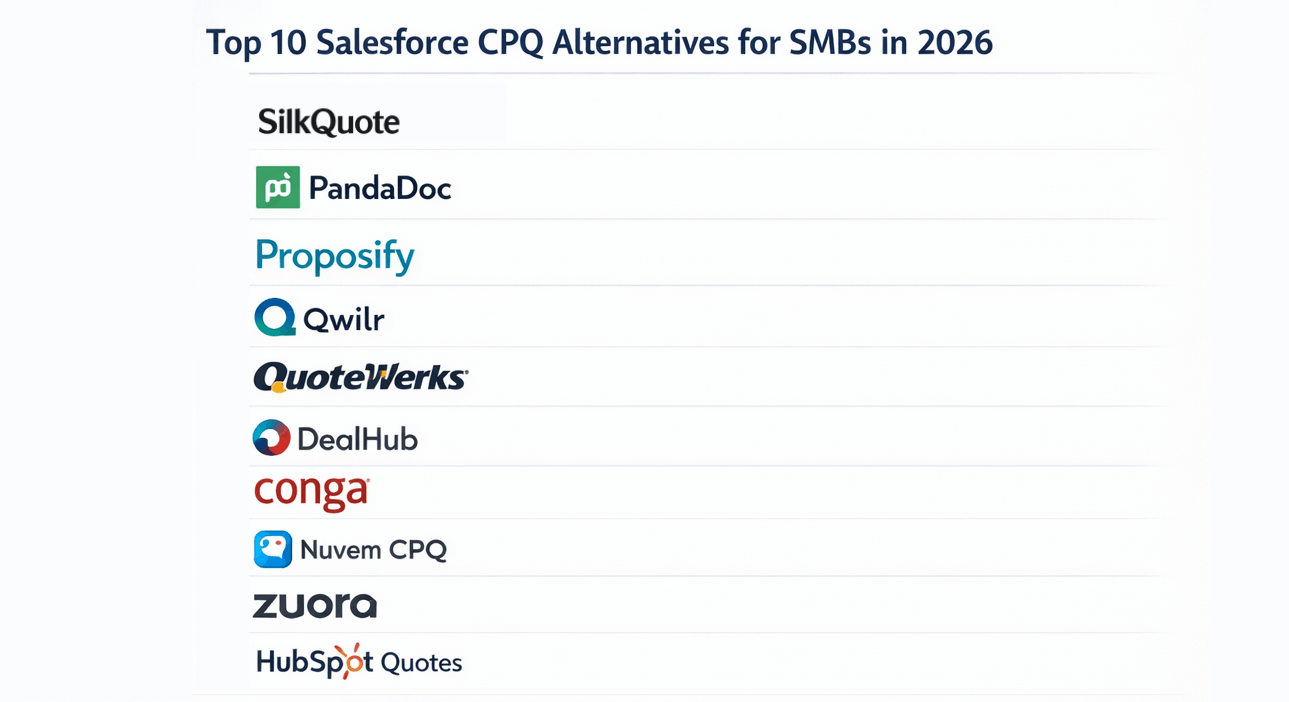
Cheaper Alternatives to Salesforce CPQ
SilkQuote — Best for PDF Quote Generation
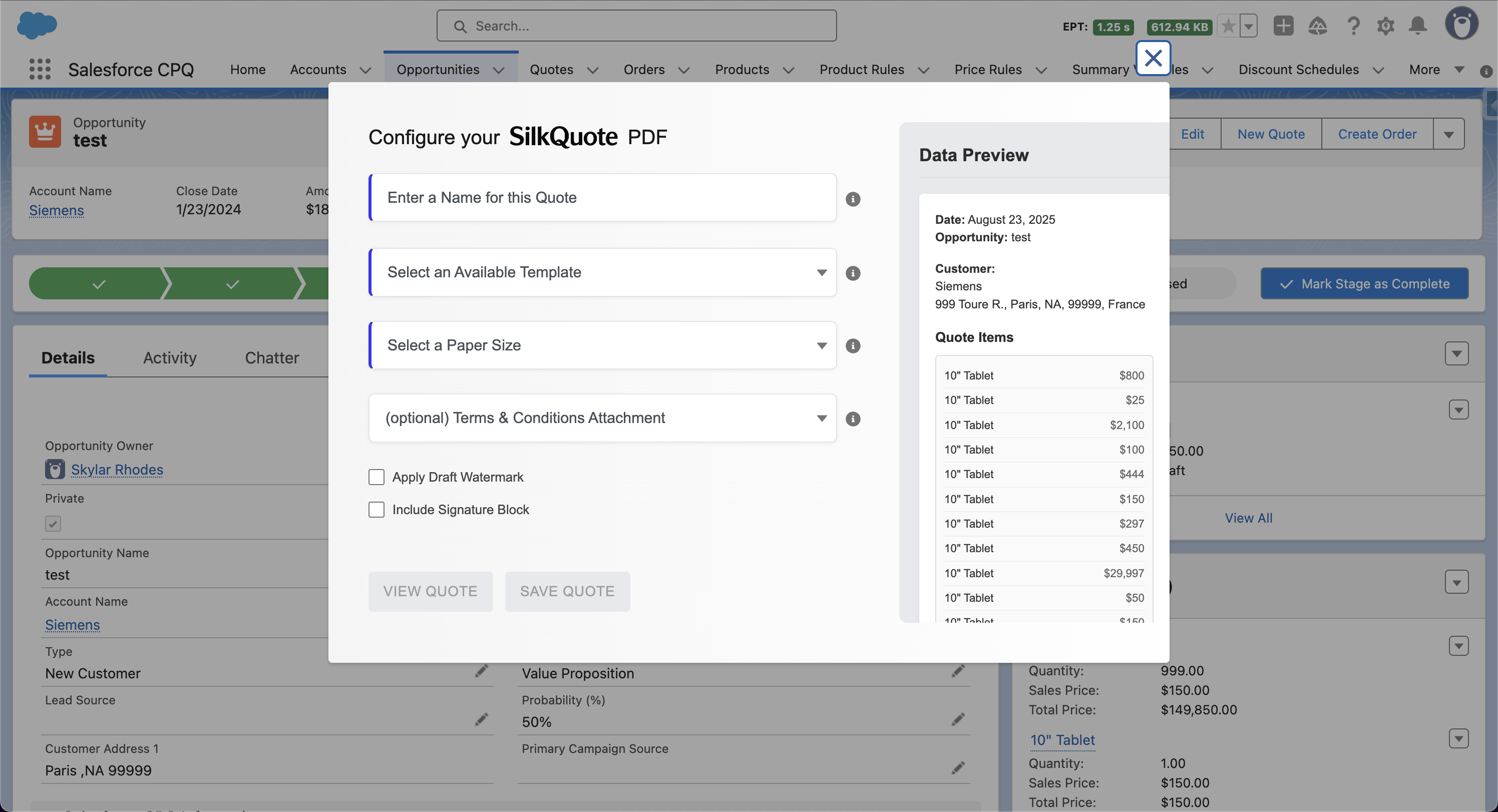
SilkQuote is a free, native Salesforce app that generates professional, branded PDF quotes from Opportunity records. It does not replace CPQ’s pricing logic or product configuration — but for teams whose main complaint is “our quotes don’t look professional,” it solves the problem in under an hour and at zero licensing cost.
What SilkQuote includes:
- Configurable quote templates with sections mapped to Opportunity, Account, Contact, and Product fields
- Per-template branding (logo, accent color)
- Conditional Terms and Conditions rules
- Draft watermark and signature block
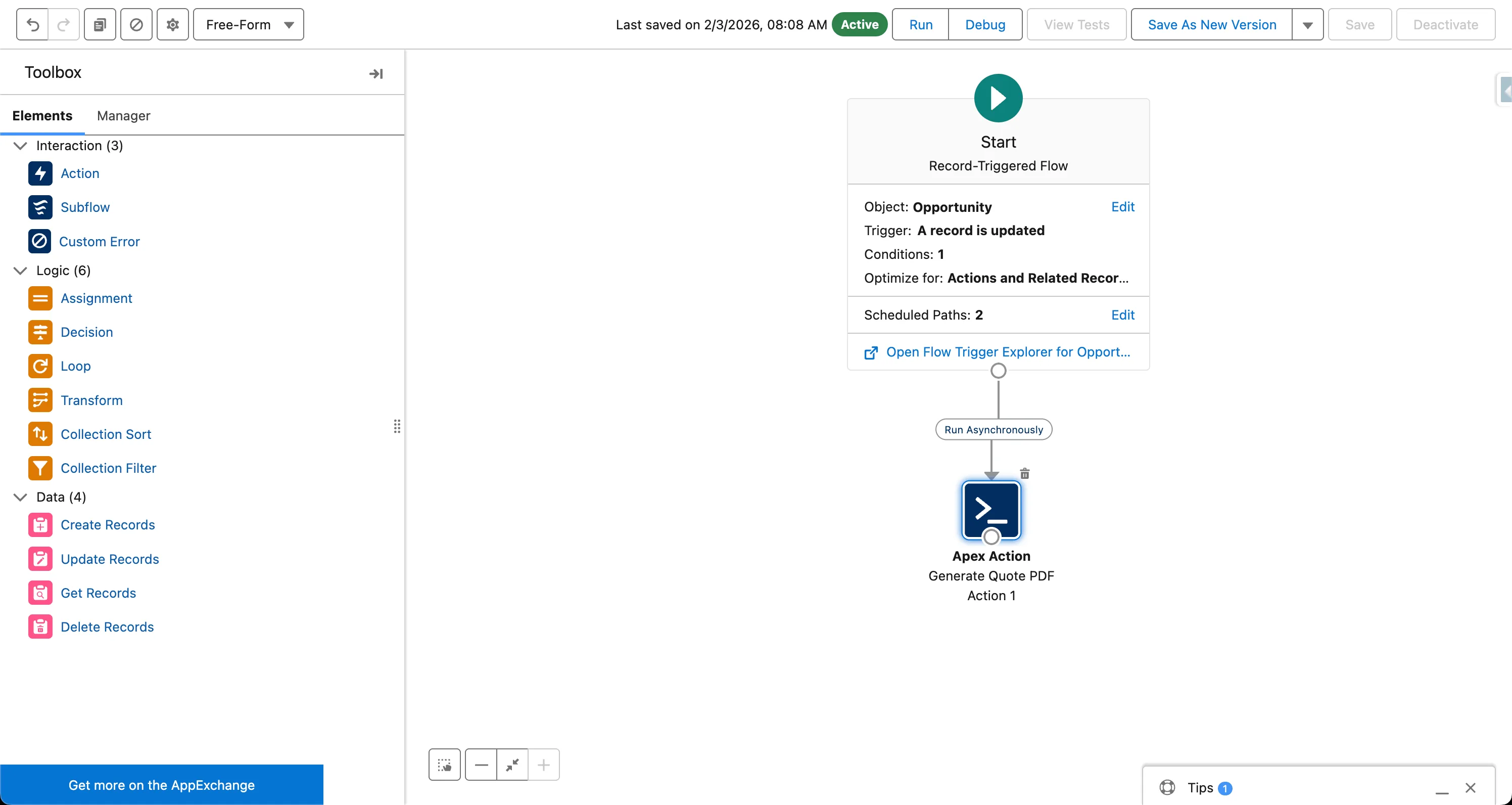
- PDF saved automatically to the Opportunity record
| Install SilkQuote from the AppExchange | SilkQuote vs. Salesforce CPQ |
Conga Composer / S-Docs — Best for Document Flexibility
If you need to generate complex multi-object documents from Salesforce using existing Word or Google Doc templates, Conga Composer or S-Docs may be a better fit than CPQ. Both are significantly cheaper than CPQ and faster to implement, though they require template authoring in a proprietary merge tag format.
Native Salesforce Quotes — Baseline Option
For teams with minimal quoting needs, the native Salesforce Quotes object provides basic PDF generation at no additional cost. The output is limited in terms of branding and layout flexibility, but it may be sufficient for internal estimates or early-stage sales motions.
Making the Decision
Before committing to a CPQ project, answer these questions:
- Do you have complex product bundles that require configuration logic? If no, you likely do not need CPQ.
- Do you need programmatic pricing rules or discount approvals? If no, standard Opportunity pricing with a good quoting tool is sufficient.
- Do you sell subscriptions with amendments and renewals? If no, CPQ’s contract management adds complexity you will not use.
- Is your primary pain point that quotes look unprofessional or take too long to produce? If yes, start with SilkQuote.
Related
Frequently Asked Questions
How much does Salesforce CPQ cost?
Salesforce CPQ (now part of Revenue Cloud) is typically licensed at around $75 per user per month for the CPQ tier. The Revenue Cloud Advanced (formerly CPQ+) tier, which adds billing and subscription management, costs approximately $150 per user per month. These are list prices — actual costs depend on your Salesforce contract and negotiation.
Is Salesforce CPQ included in Sales Cloud?
No. Salesforce CPQ is a separate product and requires an add-on license on top of your existing Sales Cloud subscription. It is part of the Revenue Cloud product family.
What are the implementation costs for Salesforce CPQ?
CPQ implementation typically costs between $20,000 and $150,000+ depending on complexity, the number of product SKUs and pricing rules, and whether you use a consulting partner. Most mid-market implementations fall in the $40,000–$80,000 range and take 8–16 weeks.
Is there a free alternative to Salesforce CPQ for generating quote PDFs?
Yes. SilkQuote is a free, native Salesforce app that generates professional, branded PDF quotes from Opportunity records. It does not include CPQ-style pricing rules or product configurators, but for teams that need polished quote documents rather than complex pricing logic, it delivers the output without the cost.
When does Salesforce CPQ make sense vs. a simpler quoting tool?
CPQ makes sense when you have complex product bundles, tiered pricing rules, discount approval workflows, or subscription billing requirements. If your deals are straightforward — Opportunity with line items, standard pricing, and a need for a professional PDF — a lighter tool like SilkQuote is faster to implement and costs nothing.