
Overview
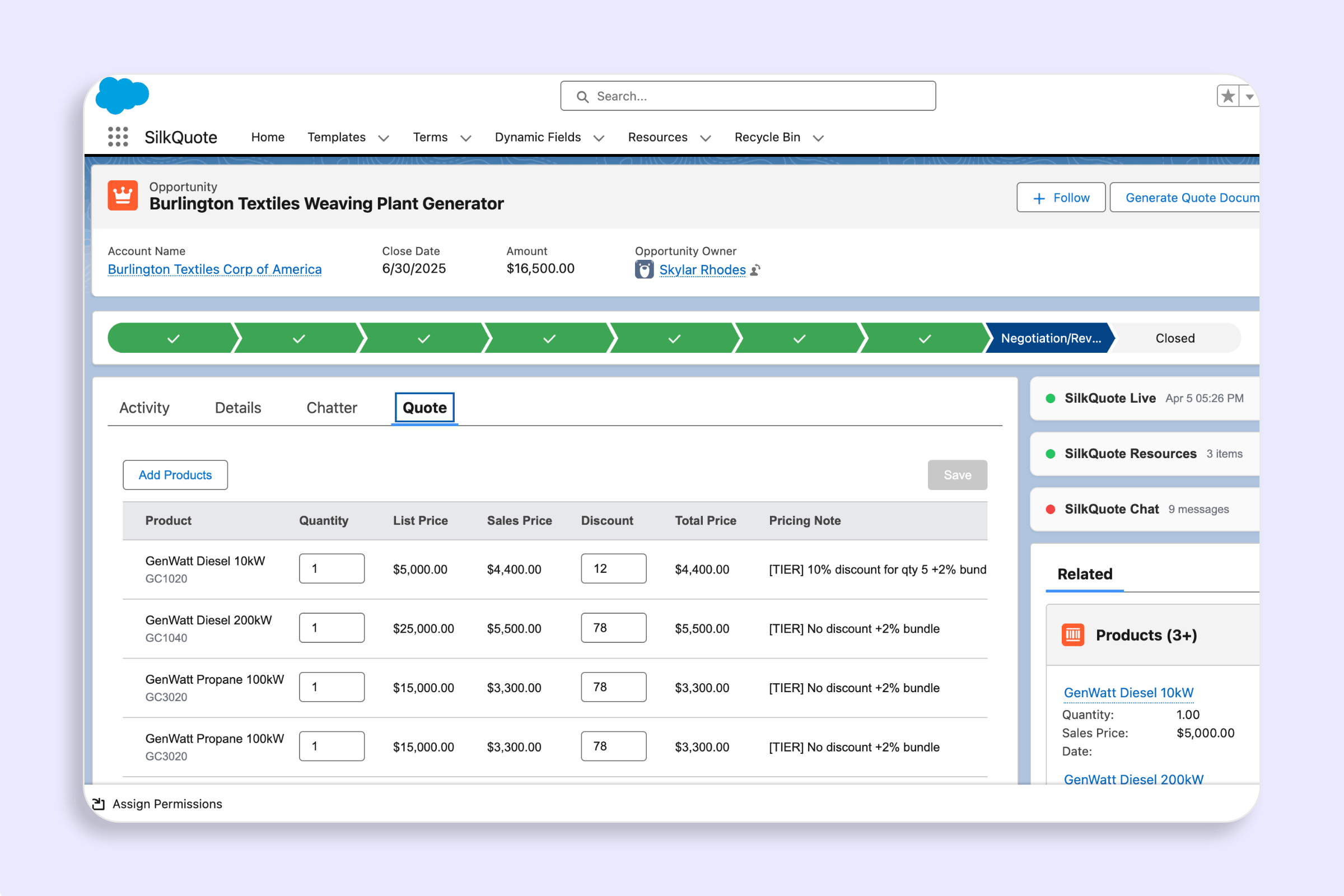
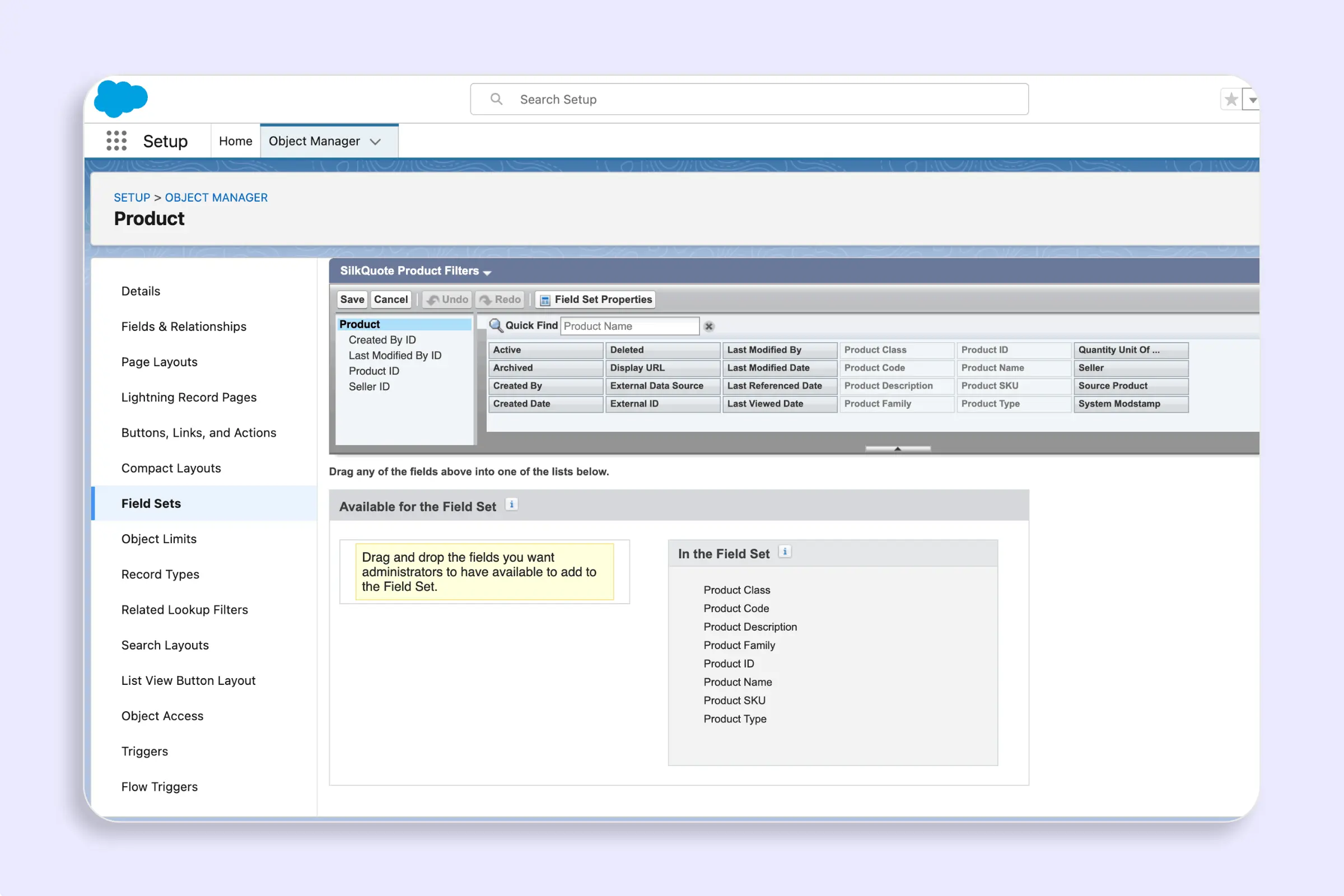
Two optional field sets on the Product2 object control what appears in the Add Products panel. Both are read at catalog load time — no code change or deployment is needed after you update them.
| Field Set API Name | Purpose |
|---|---|
SilkQuote_Product_Filters | Fields rendered as filter controls above the product list |
SilkQuote_Product_Display | Fields rendered as columns in each product row |
If a field set is absent, the panel falls back to default behavior (Family filter; Name, Code, List Price columns).
SilkQuote_Product_Filters
What it does
Fields in this set appear as filter controls in the filter bar above the product list. The Family filter is always present and does not need to be included in the field set.
- Picklist fields render as dropdown (
<select>) menus with an “All” default. - Text and number fields render as free-text inputs.
Setup
- In Salesforce Setup, go to Object Manager → Product → Field Sets.
- Click New.
- Set the Field Set Label to
SilkQuote Product Filtersand the Field Set Name toSilkQuote_Product_Filters. - Drag the fields you want as filters into the In the Field Set area.
- Save.
Changes take effect the next time a rep opens the Add Products panel (catalog reloads on first open per session).
Supported field types
Picklist, multi-select picklist, text, number, currency, and percent fields are supported. Lookup and formula fields are not rendered as filters.
SilkQuote_Product_Display
What it does
Fields in this set appear as columns in each product row in the panel. Order in the field set determines column order.
Setup
- In Salesforce Setup, go to Object Manager → Product → Field Sets.
- Click New.
- Set the Field Set Label to
SilkQuote Product Displayand the Field Set Name toSilkQuote_Product_Display. - Drag the fields you want as columns into the In the Field Set area.
- Save.
Default behavior
If SilkQuote_Product_Display is absent, the panel shows three default columns: Name, Product Code, and List Price.
Picklist Values in Filters
When SilkQuote_Product_Filters includes a picklist field, SilkQuote reads the picklist’s active values at catalog load time and populates the dropdown options automatically. No additional configuration is needed.