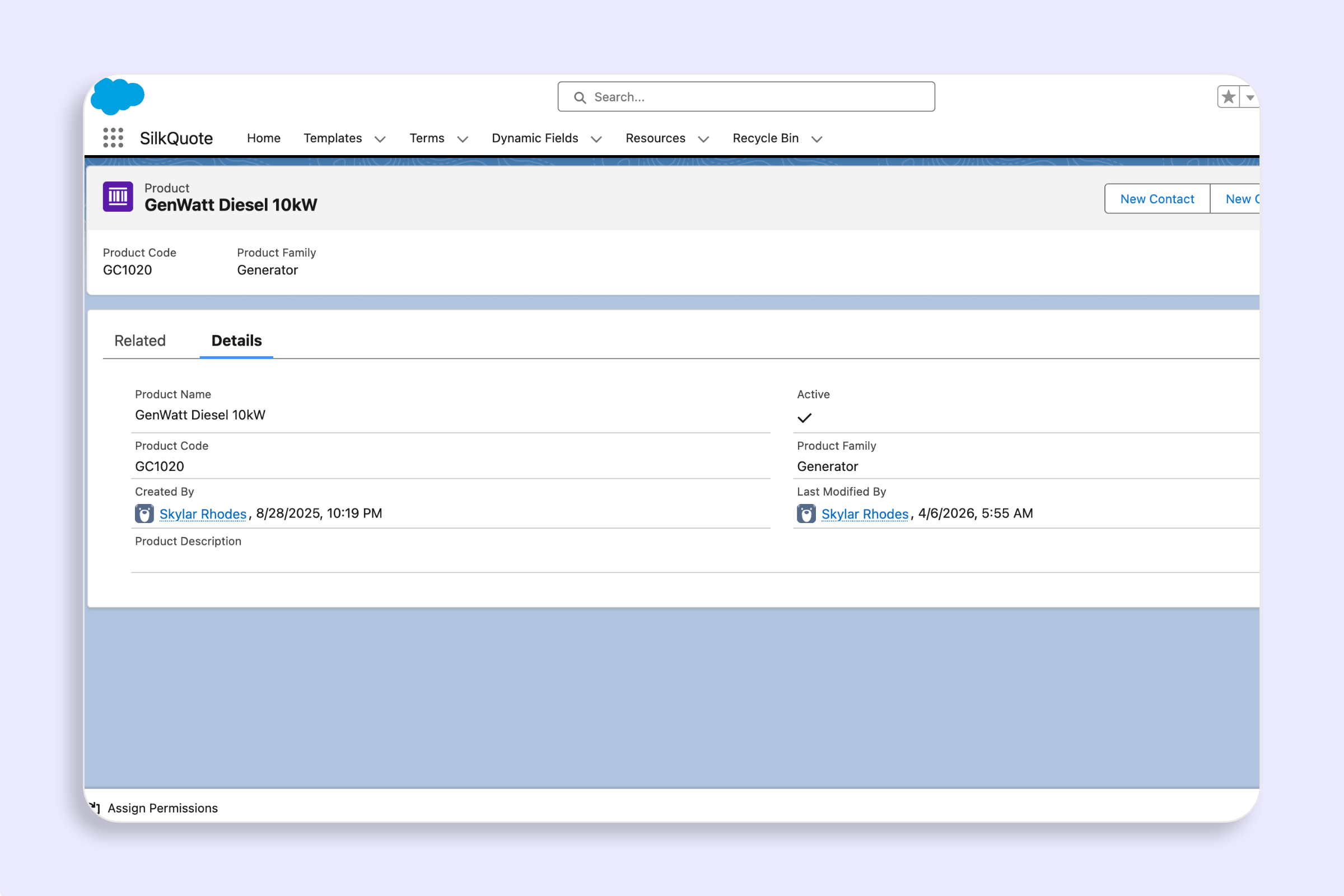
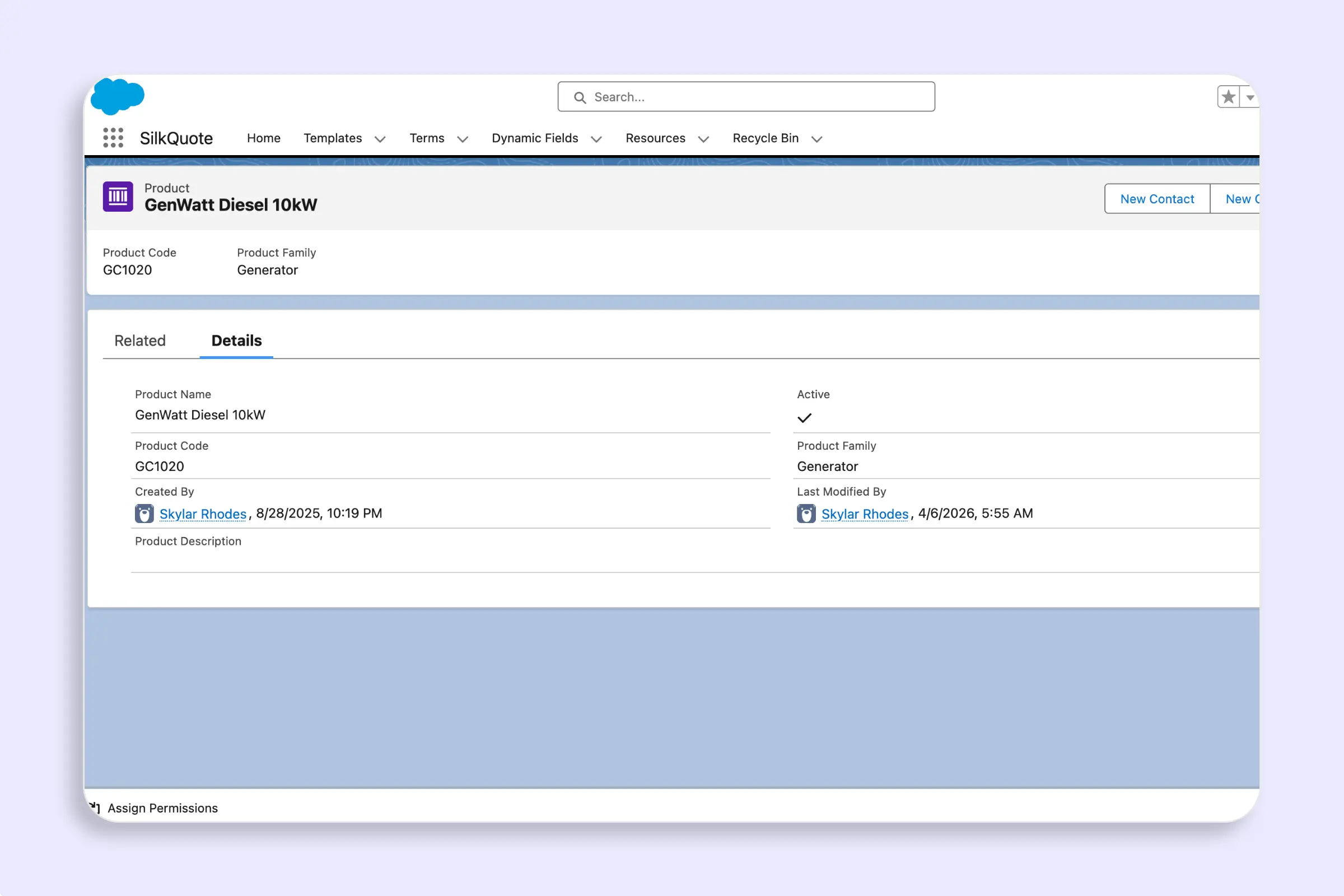
Overview
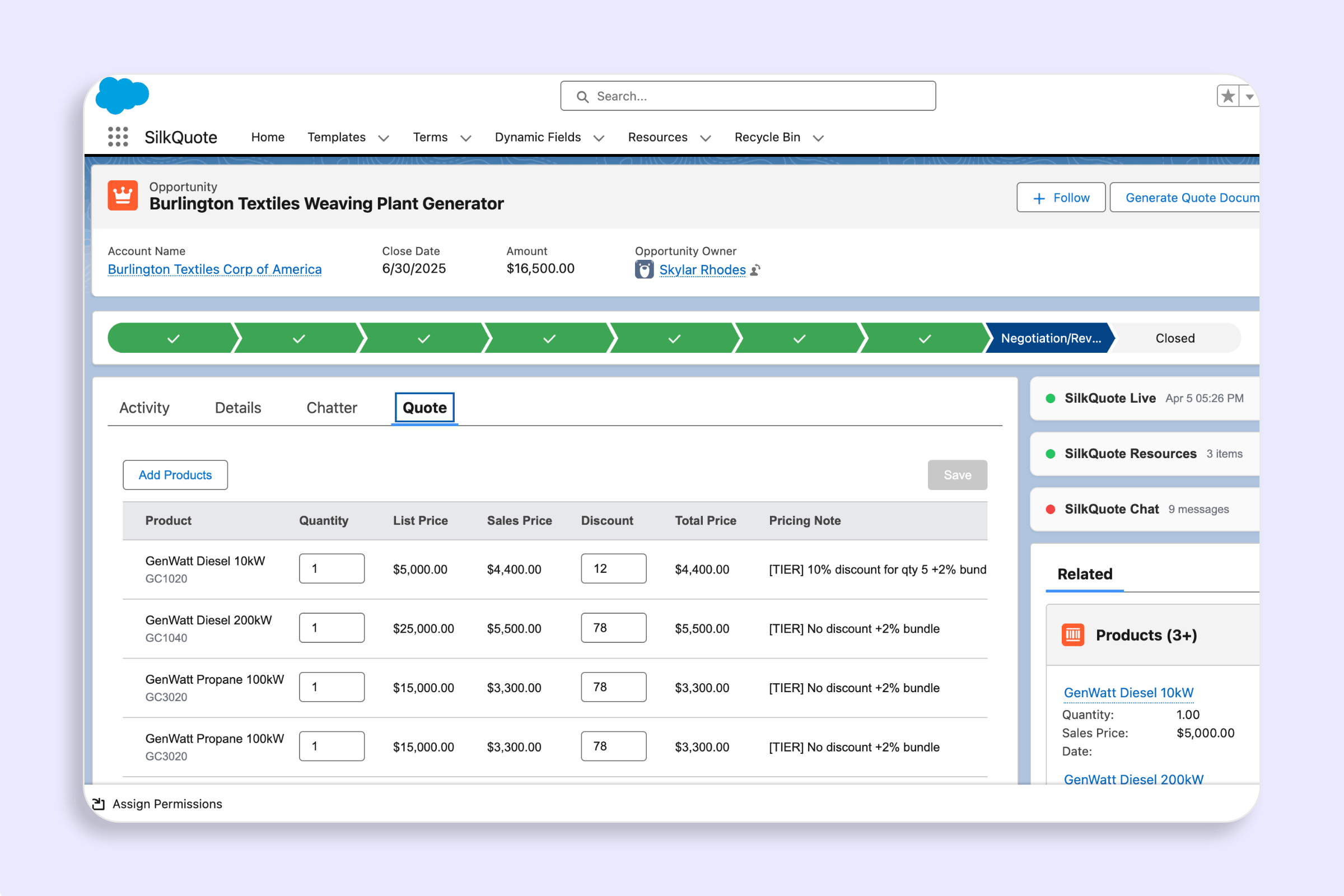
A product bundle is a parent product that automatically includes one or more child products. When a rep adds a bundle to the quote, SilkQuote inserts all of the bundle’s children immediately after the parent in the line-item list — no manual selection required.
Bundle relationships are defined using the Product_Bundle_Item__c custom object, which ships with SilkQuote.
Prerequisites
- The parent and child products must exist in Salesforce as
Product2records. - Both must be active and present in the opportunity’s pricebook.
Create a Bundle Relationship
For each child product in a bundle, create one Product_Bundle_Item__c record:
- In Salesforce Setup, go to Object Manager → Product Bundle Item.
- Click New.
- Set Parent Product to the bundle parent (
Product2record). - Set Child Product to the child product (
Product2record). - Save.
Repeat for every child product in the bundle. There is no limit on the number of children per parent.
How It Works at Runtime
When the Add Products panel opens, SilkQuote reads all Product_Bundle_Item__c records and builds an in-memory bundle map keyed by parent Product2Id.
When a rep clicks Add Selected, SilkQuote calls expandBundles on the selected product list. For each selected bundle parent, its children are inserted immediately after the parent in the line-item list. If the same child product appears in more than one selected bundle, it is included only once (deduplication by productId).
What Reps See
In the Add Products panel, any product with bundle children shows a bundle indicator on its row. Expanding the row reveals the child products inline — name, code, and formatted list price — so reps can confirm what is included before adding.
Permissions
Both the SilkQuoteAdmin and SilkQuoteUser permission sets include read access to Product_Bundle_Item__c and its two lookup fields. No additional permission setup is required.