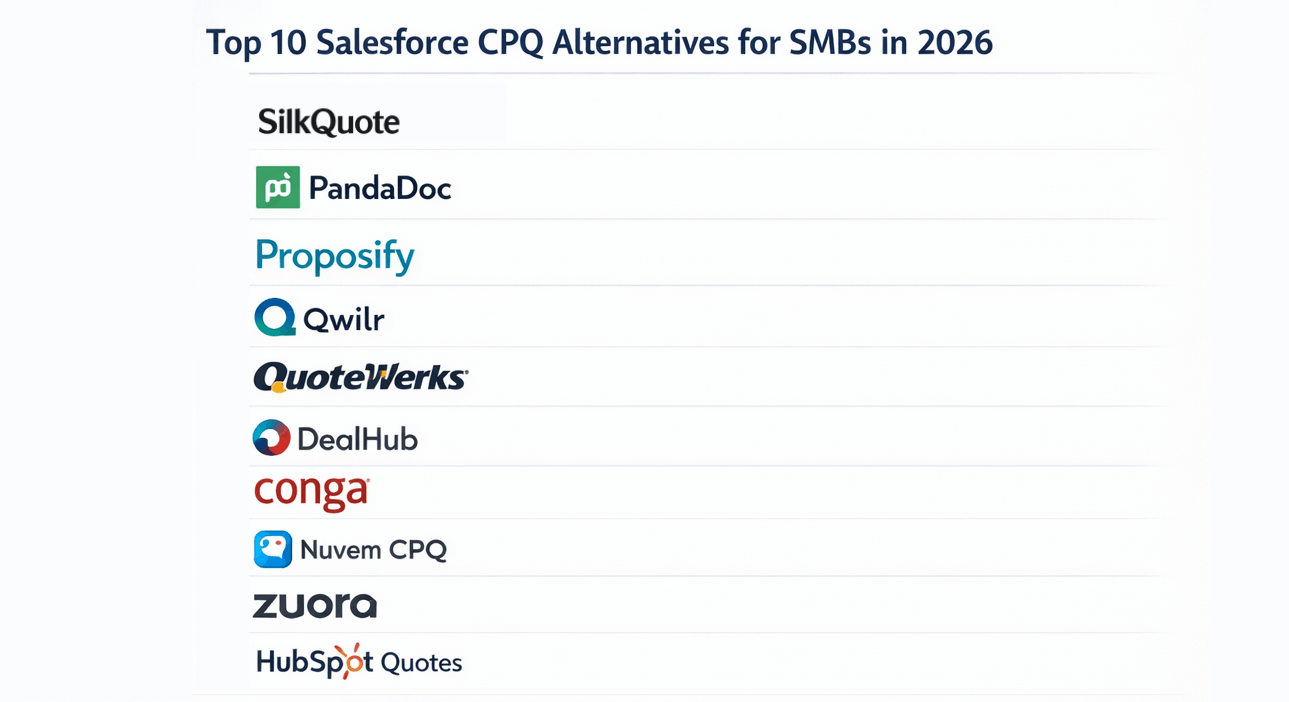
CPQ stands for Configure, Price, Quote. It is a category of sales software that helps companies manage complex product configurations, automate pricing calculations, and produce formal quote documents for customers. In the Salesforce ecosystem, the term CPQ is most commonly associated with Salesforce Revenue Cloud Advanced (formerly Salesforce CPQ, formerly Steelbrick).
Understanding what CPQ actually does — and what it does not — is important before deciding whether to implement it.
The Three Components of CPQ
Configure refers to the product selection and configuration layer. In a CPQ system, reps select products from a catalog and the system enforces compatibility rules, validates bundle dependencies, and guides reps through required options. This is primarily useful when a product catalog includes configurable components — hardware assemblies, software packages with add-ons, or professional services engagements with variable scope.
Price refers to the pricing engine. CPQ manages price books, pricing rules, discount schedules, and tiered pricing logic. When a rep applies a discount, the system can trigger approval routing based on the discount level, deal size, or product type. This component exists because some organizations have pricing logic too complex to manage manually through standard CRM line items.
Quote refers to the document generation layer. CPQ produces a formatted quote PDF or proposal document that reflects the configured products and negotiated pricing. This document is sent to the prospect and, when accepted, typically drives the contract and order process.
All three components work together in a full CPQ implementation. In practice, many organizations only actively use the third — the document generation layer.
Who Actually Needs Full CPQ
Full CPQ implementation is appropriate for organizations with genuine complexity in the configure and price layers:
- Manufacturers selling configurable products where options have compatibility constraints (e.g., you cannot select component A with component B)
- Software companies with complex licensing tiers, add-on modules, and multi-year pricing schedules
- Enterprise services firms with project-based pricing that involves multiple service lines, resource types, and discount approval tiers
- Subscription businesses managing renewals, amendments, and co-termination across a large installed base
For these organizations, CPQ’s pricing engine and guided selling flows solve a real problem. Without CPQ, reps would make configuration errors, apply inconsistent discounts, or require back-and-forth with sales engineering on every deal.
Where CPQ Overshoots Most Teams
A large share of Salesforce customers do not have this level of complexity. Their typical selling motion:
- Rep creates an Opportunity
- Rep adds products from a standard price book at agreed pricing
- Rep needs to send a professional, branded quote to the customer
- Customer reviews and accepts
For this workflow, the Configure and Price layers of CPQ add cost and complexity without solving a real problem. The team’s pricing decisions are already made by reps directly in Opportunity Products. The only remaining need is the document — a professional PDF that reflects what is in Salesforce.
This is the gap that lighter quoting tools fill. They take what is already in the Opportunity and produce a branded, professional quote document without requiring a pricing engine, product configurator, or approval matrix.
CPQ vs. a Native Quoting Tool: When Each Is Right
| Requirement | CPQ | Native Quoting Tool |
|---|---|---|
| Configurable product bundles with rules | Yes | Not needed |
| Complex pricing engine with discount tiers | Yes | Not needed |
| Multi-tier approval workflows | Yes | Optional |
| Branded quote PDF from Opportunity data | Yes | Yes |
| No-code template design | Partial | Yes (full) |
| Prospect-facing quote sharing and acceptance | Partial | Yes |
| Implementation time | Months | Days |
| Cost | $75+/user/month | Free |
The decision point is almost always the Configure and Price layers. If pricing logic genuinely cannot live in standard Opportunity Products, CPQ is the right tool. If pricing is managed by reps and the remaining need is document generation and sharing, a quoting tool is sufficient.
What SilkQuote Covers in the CPQ Stack
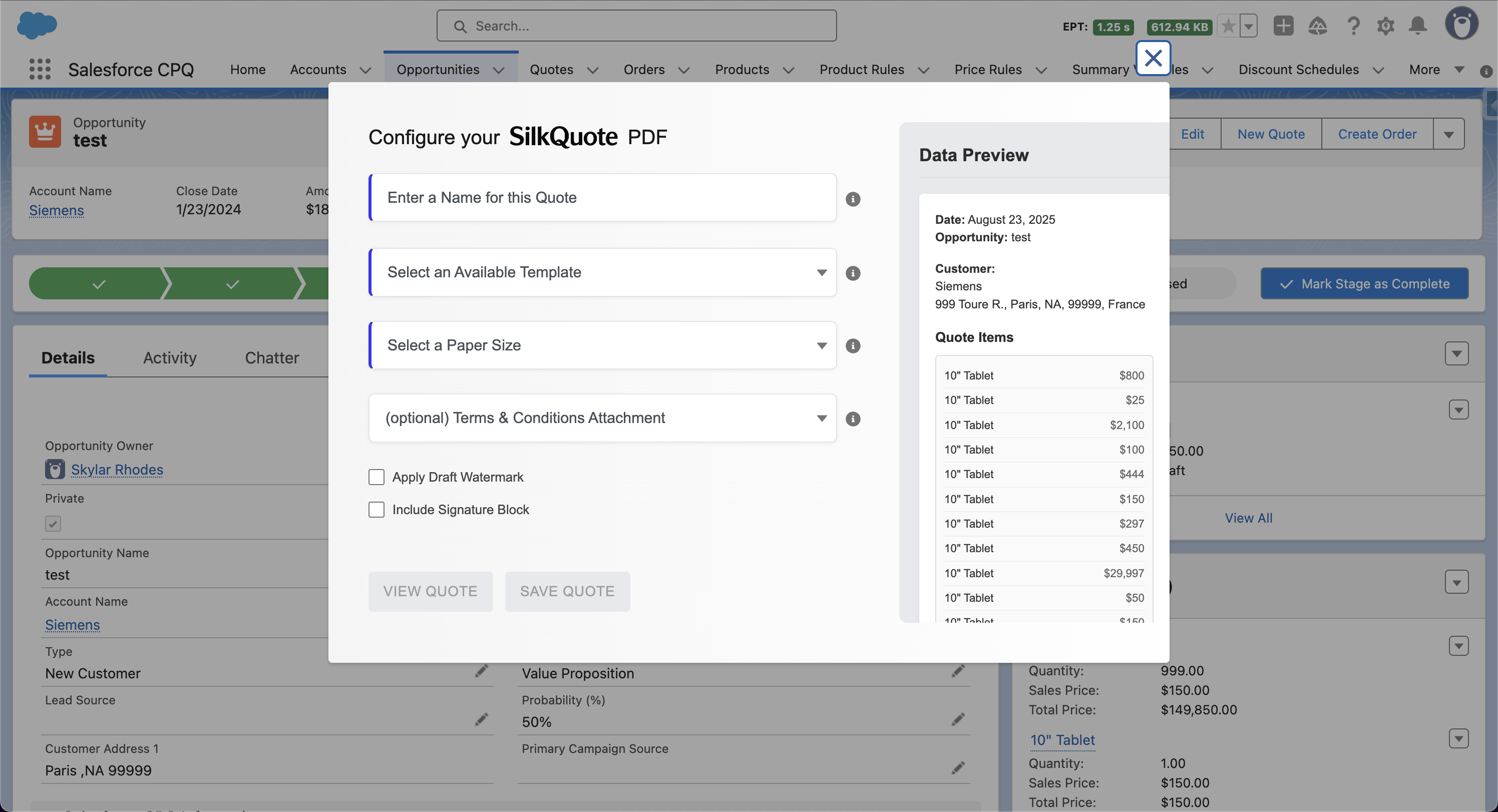
SilkQuote is a native Salesforce quoting tool focused on the document generation layer. It covers:
- Drag-and-drop quote template builder with conditional sections
- One-click PDF generation from Opportunity data
- Line item display with configurable columns, grouping, and subtotals
- Branded output with logo, color, and label control
- Terms and conditions attachment with rules-based logic
- Hosted quote links for prospect review and acceptance
- Activity logging on the Opportunity record
SilkQuote does not include a pricing engine or product configurator. It assumes pricing decisions are already made and reflected in the Opportunity. For a detailed comparison of when each approach applies, see SilkQuote vs. Salesforce CPQ and Salesforce CPQ pricing.
Understanding CPQ in the Broader Quote-to-Cash Process
CPQ sits in the middle of the Quote-to-Cash process — after opportunity management and before contract execution. The full process typically runs:
Opportunity → Configure → Price → Quote → Contract → Order → Billing → Revenue Recognition
CPQ automates the middle three steps. For organizations running a full revenue operations function, CPQ integration with CLM (contract lifecycle management) and billing systems is the goal. For most sales teams, the scope is narrower: get a professional quote to the customer as quickly as possible.
The Salesforce CPQ alternative page covers the evaluation framework in detail, including the cost comparison and transition path for teams currently on CPQ who are evaluating lighter alternatives.
Start Generating Professional Quotes Without CPQ Complexity
If your need is professional quote PDFs from Salesforce — not a pricing rules engine — SilkQuote covers the use case at no cost.
Install SilkQuote from the AppExchange and start generating branded quotes from your Opportunities today.
Frequently Asked Questions
What does CPQ stand for?
CPQ stands for Configure, Price, Quote. It refers to a category of software that helps sales teams assemble product configurations, apply pricing rules, and generate formal quote documents. Salesforce Revenue Cloud Advanced (formerly Salesforce CPQ) is the most widely known CPQ platform in the Salesforce ecosystem.
What is the difference between CPQ and a quoting tool?
CPQ software includes a pricing engine, product configurator, guided selling flows, and approval matrices in addition to document generation. A quoting tool — like SilkQuote — focuses on the document generation and sharing layer, assuming that pricing is already captured in the CRM. Most SMBs and mid-market teams need a quoting tool, not the full CPQ stack.
Do I need CPQ for Salesforce?
Most Salesforce customers do not need full CPQ. If your products are added to Opportunities as standard line items and pricing is set by reps directly, a native quoting tool handles the remaining need — generating a professional PDF and sharing it with the prospect. CPQ is appropriate when pricing logic is too complex to manage in standard Opportunity Products.
What does CPQ cost in Salesforce?
Salesforce Revenue Cloud Advanced (CPQ) is typically licensed at $75 per user per month or more, depending on the edition and contract terms. Implementation services for a standard CPQ deployment range from $20,000 to $100,000. Ongoing maintenance typically requires a certified CPQ administrator.
What is a lightweight CPQ alternative?
SilkQuote is a free, native Salesforce quoting tool that handles the document generation layer of CPQ — branded PDF templates, one-click quote generation, and prospect-facing sharing — without the pricing engine or guided selling complexity. It is appropriate for teams that need professional quotes, not a full pricing rules engine.