Steps
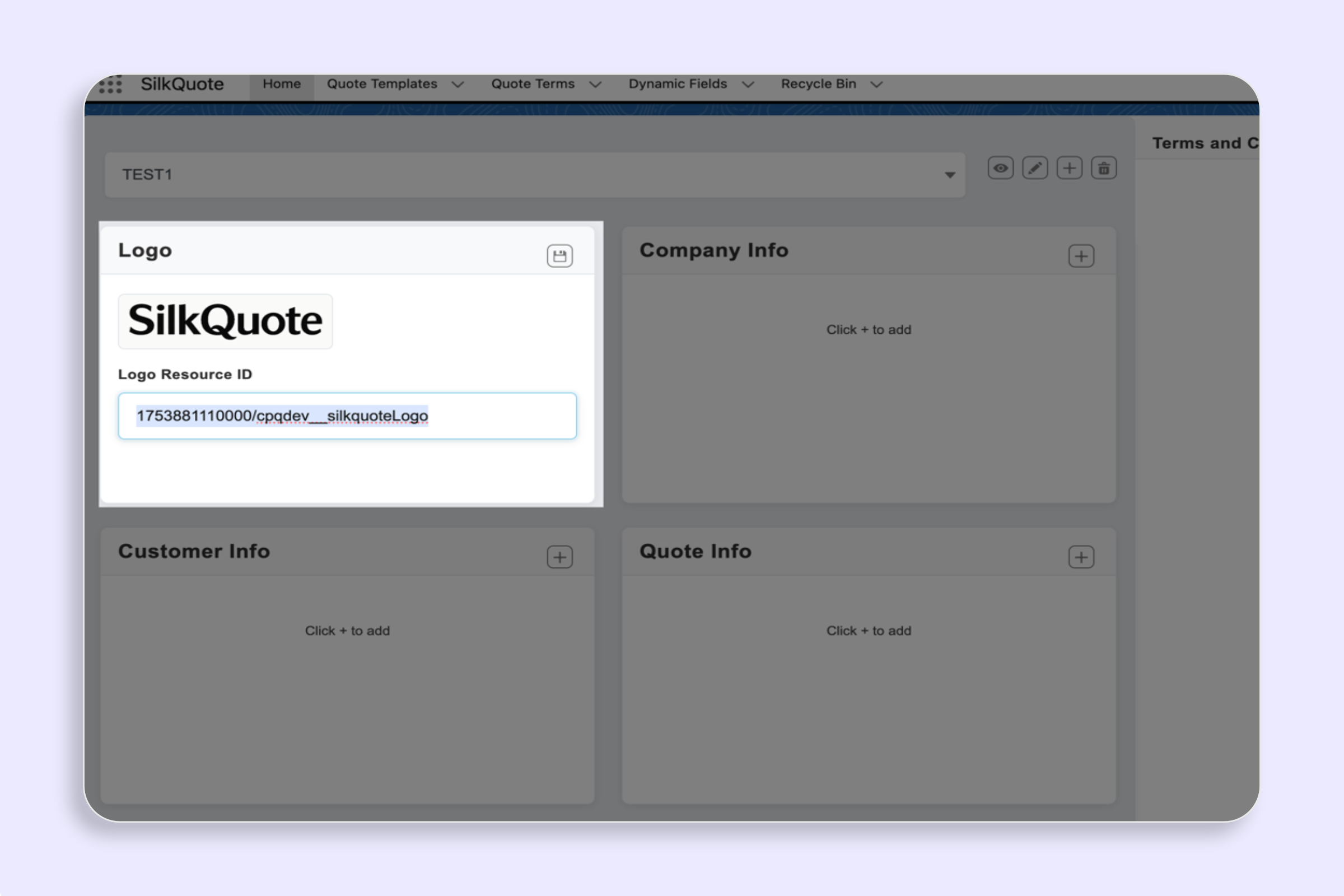
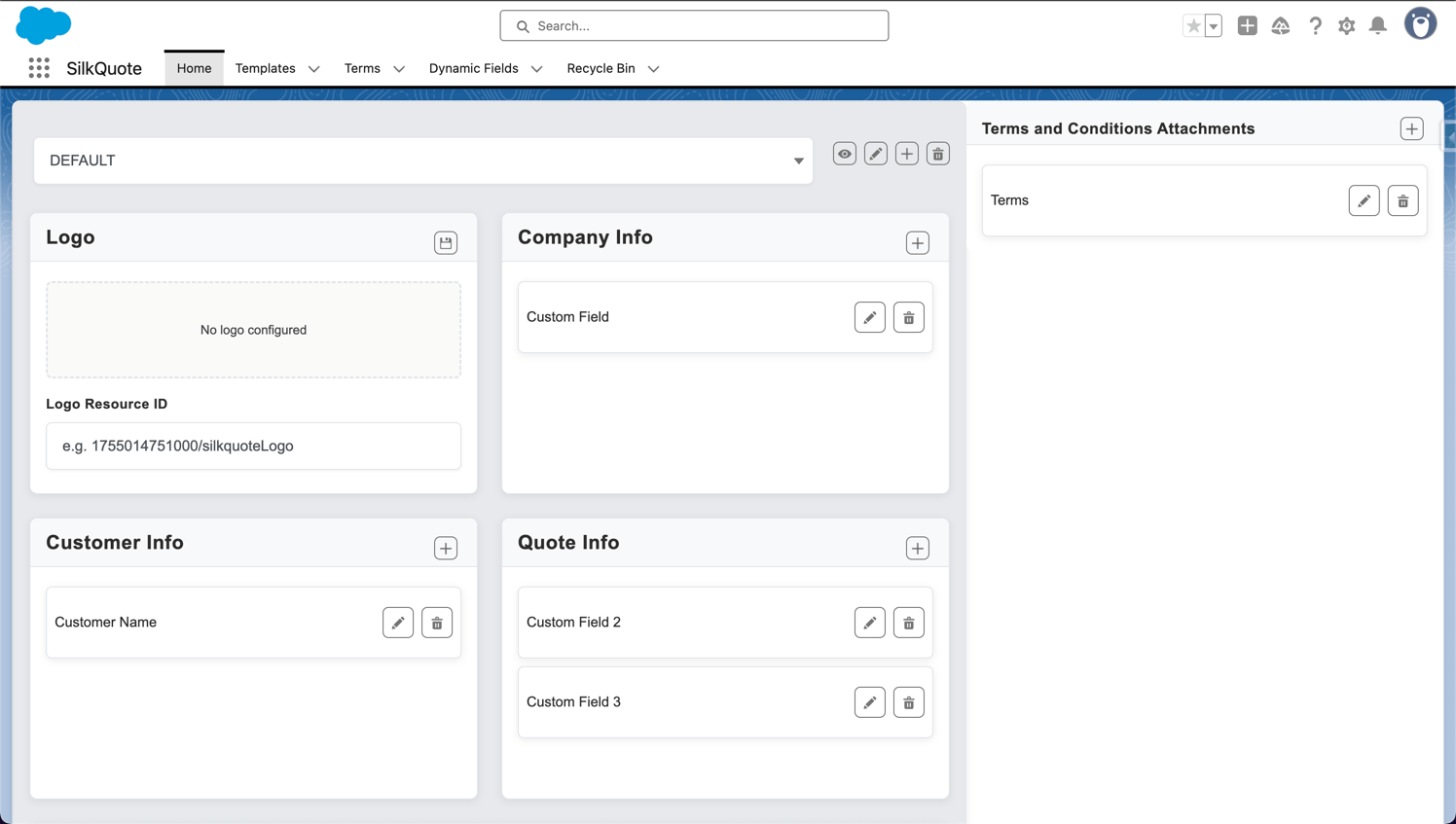
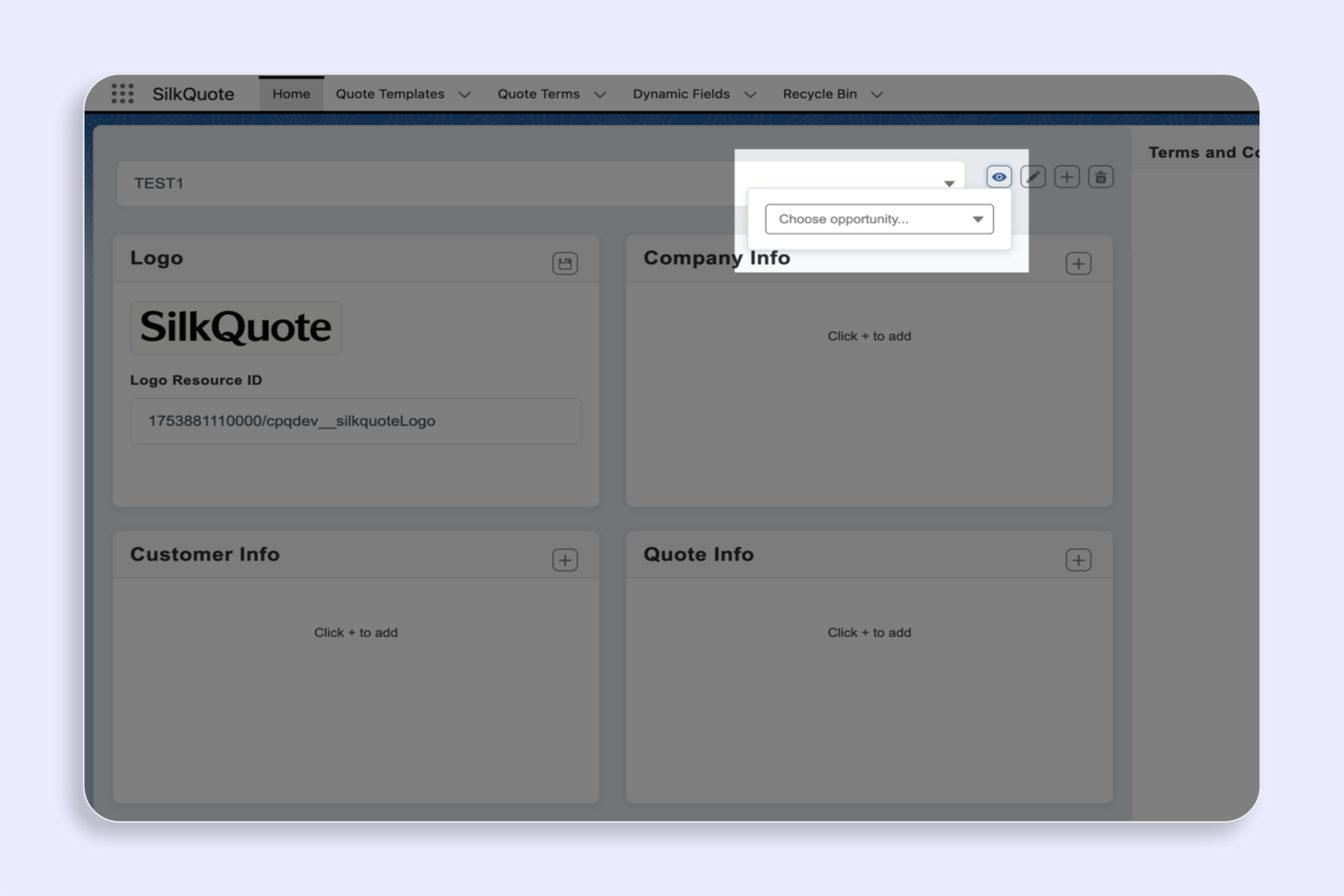
- Select a template in Configuration Manager.
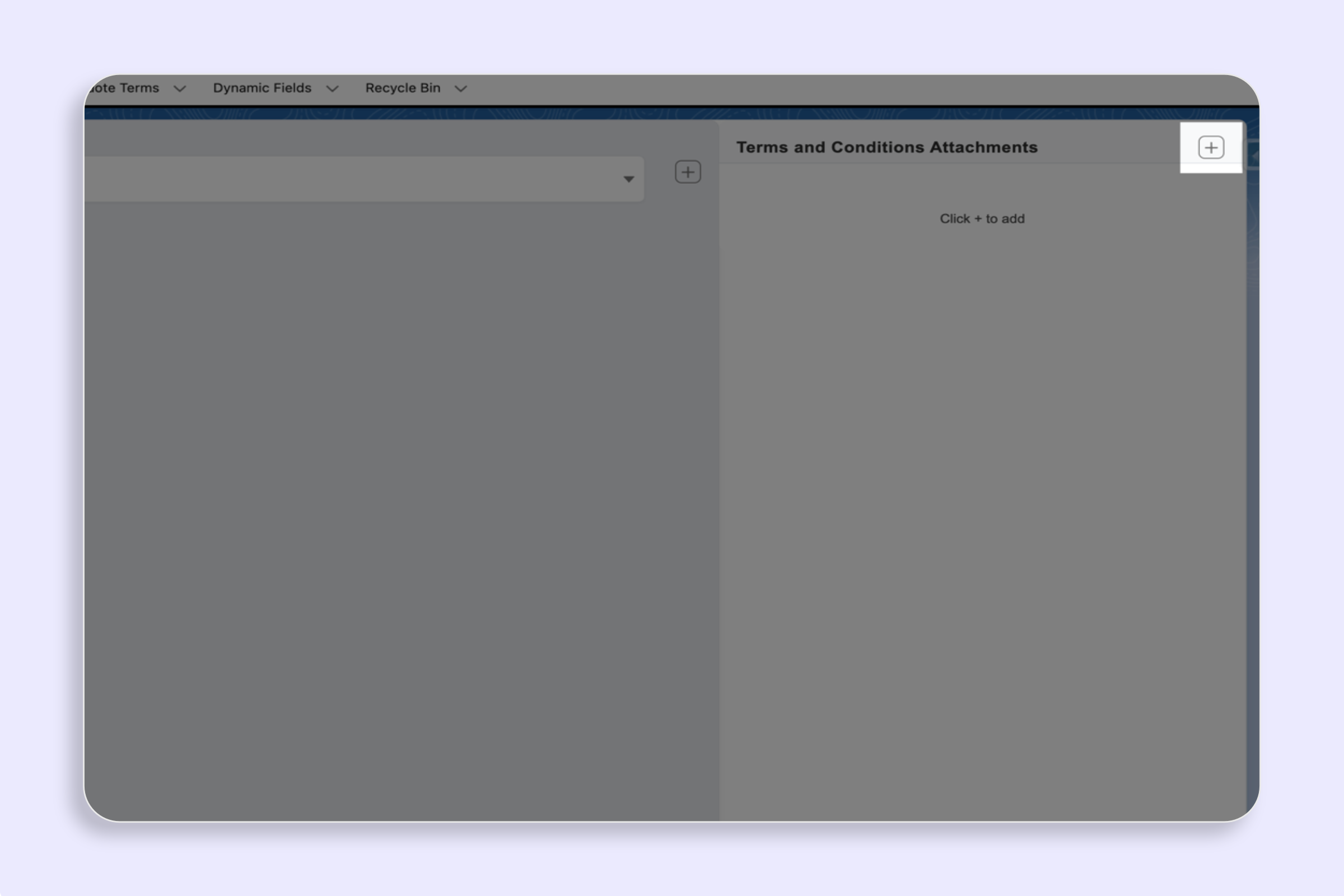
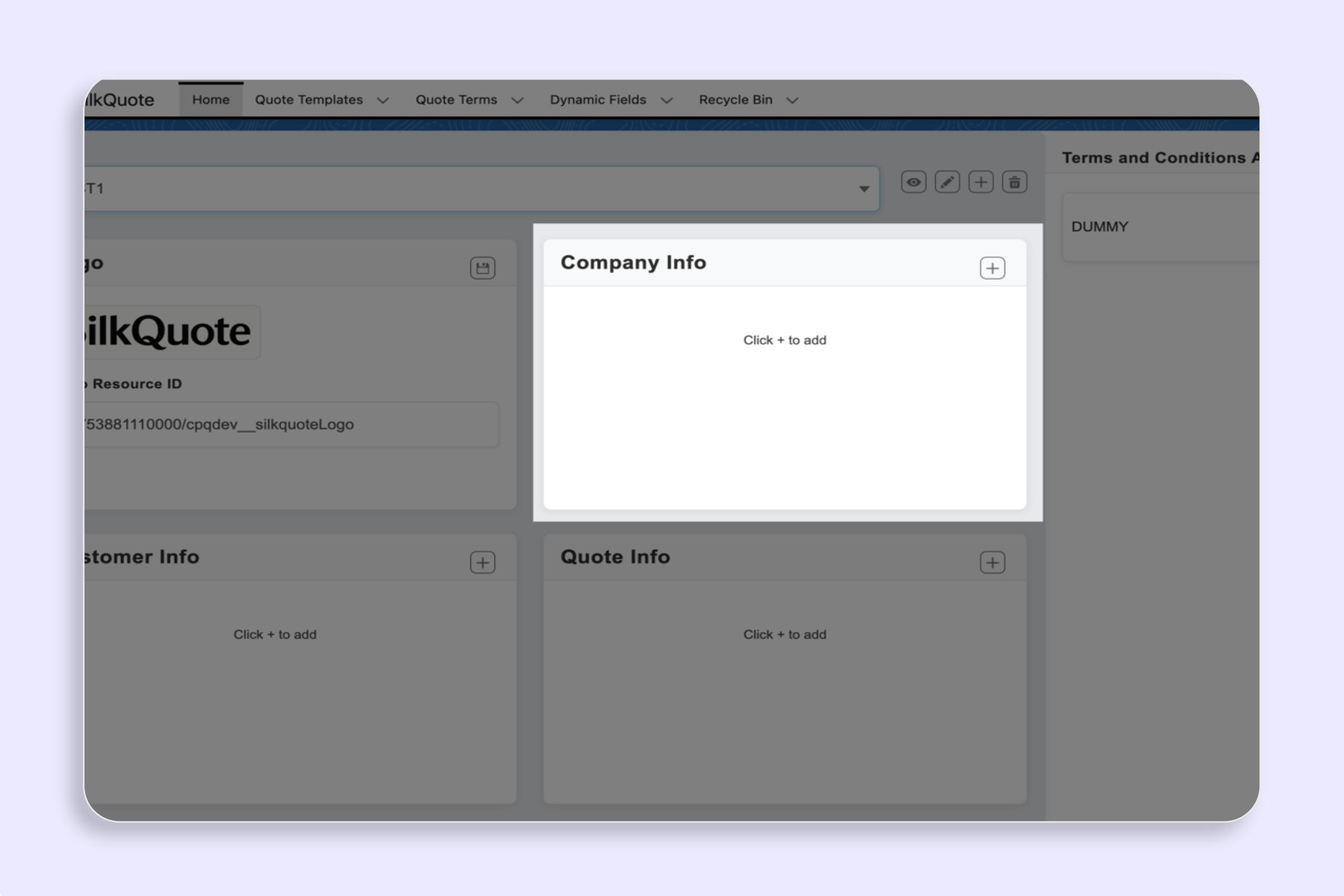
- In each section, click “+ Add Field”.
- Set
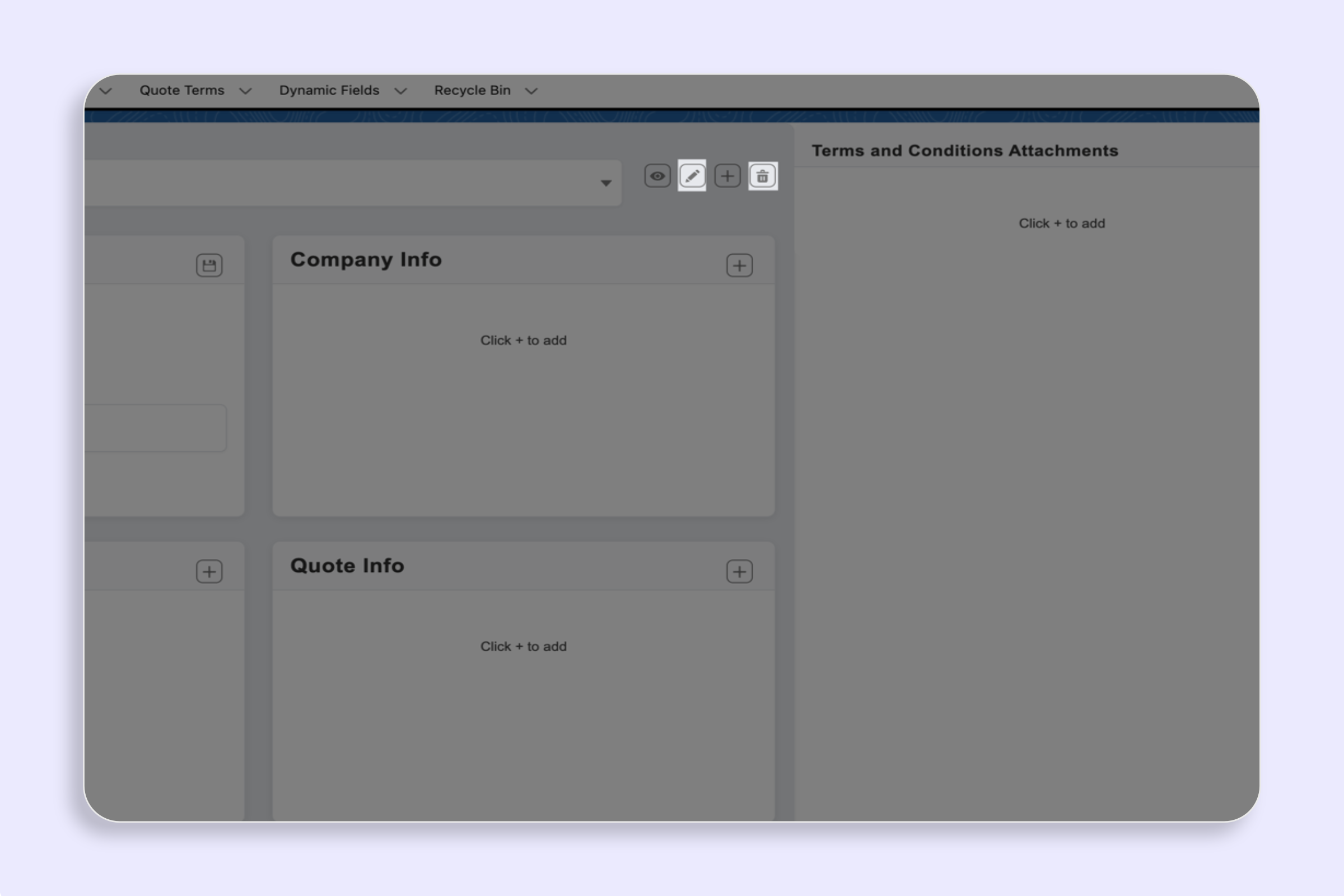
Name,Field API Name,Source Object,Section Identifier, optional display order, show label, and conditions. - Save and drag-and-drop to reorder.
Notes
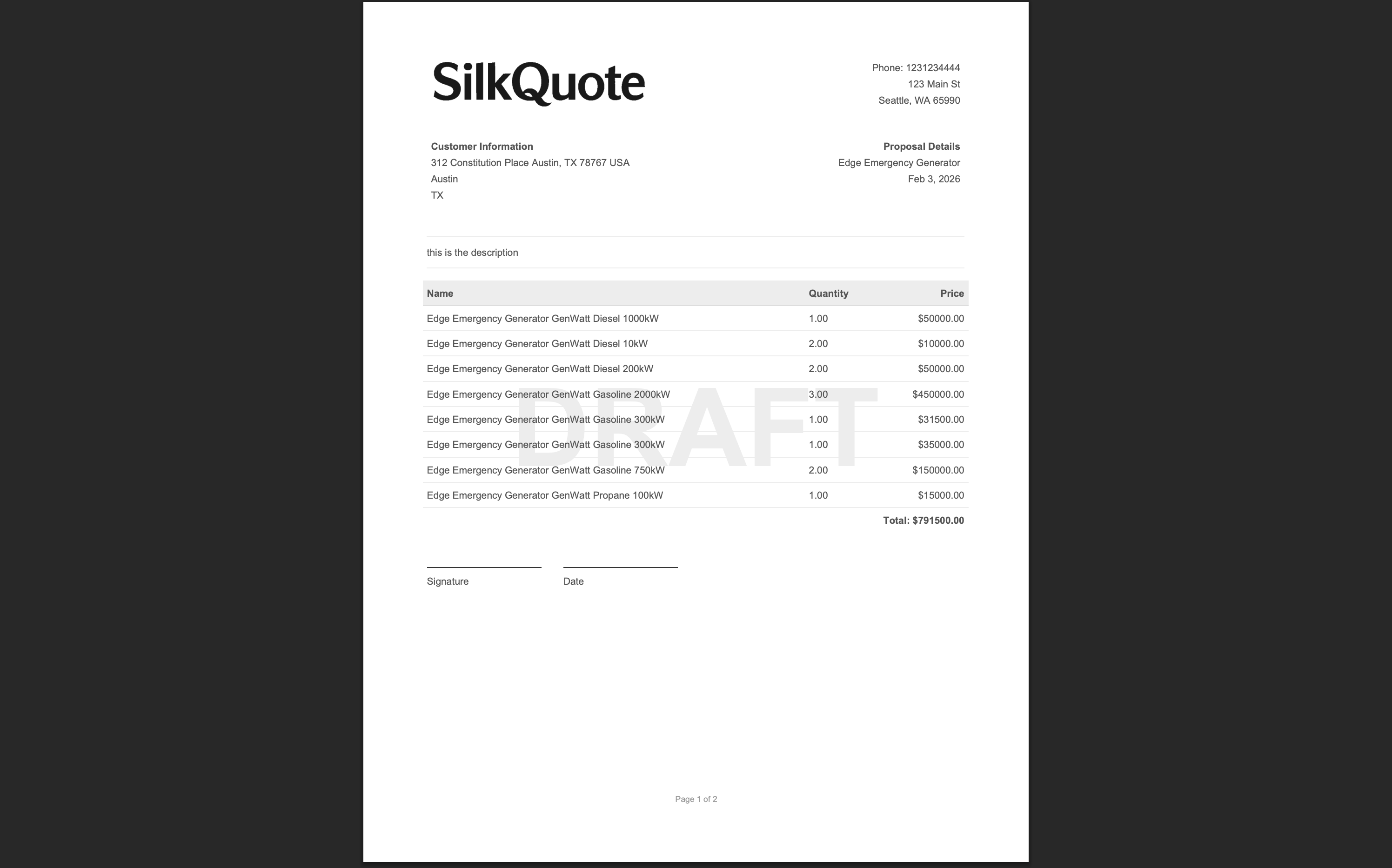
Item Columnscontrols line-item columns;Totalscontrols summary fields;Descriptionadds a full-width narrative block.