Overview
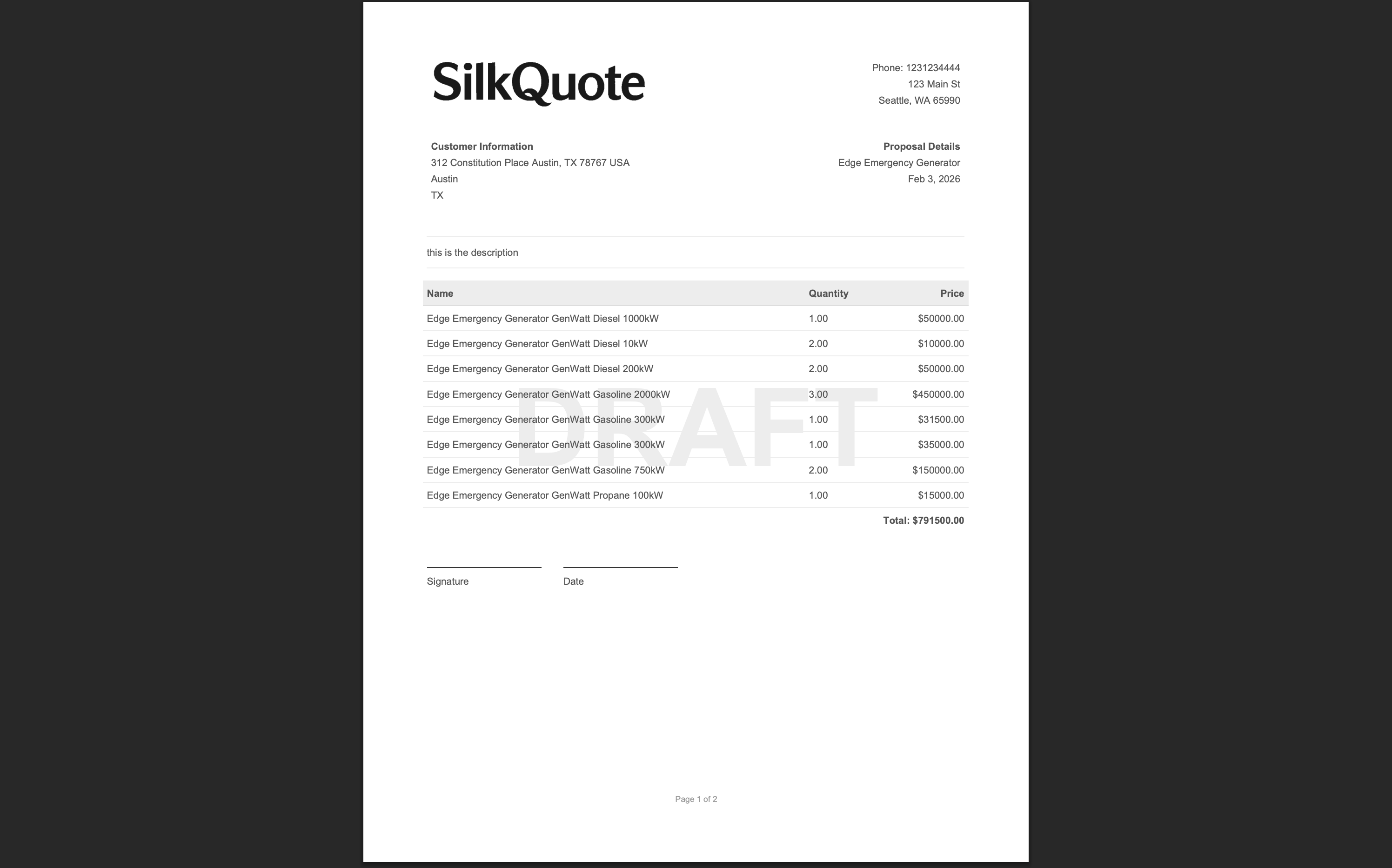
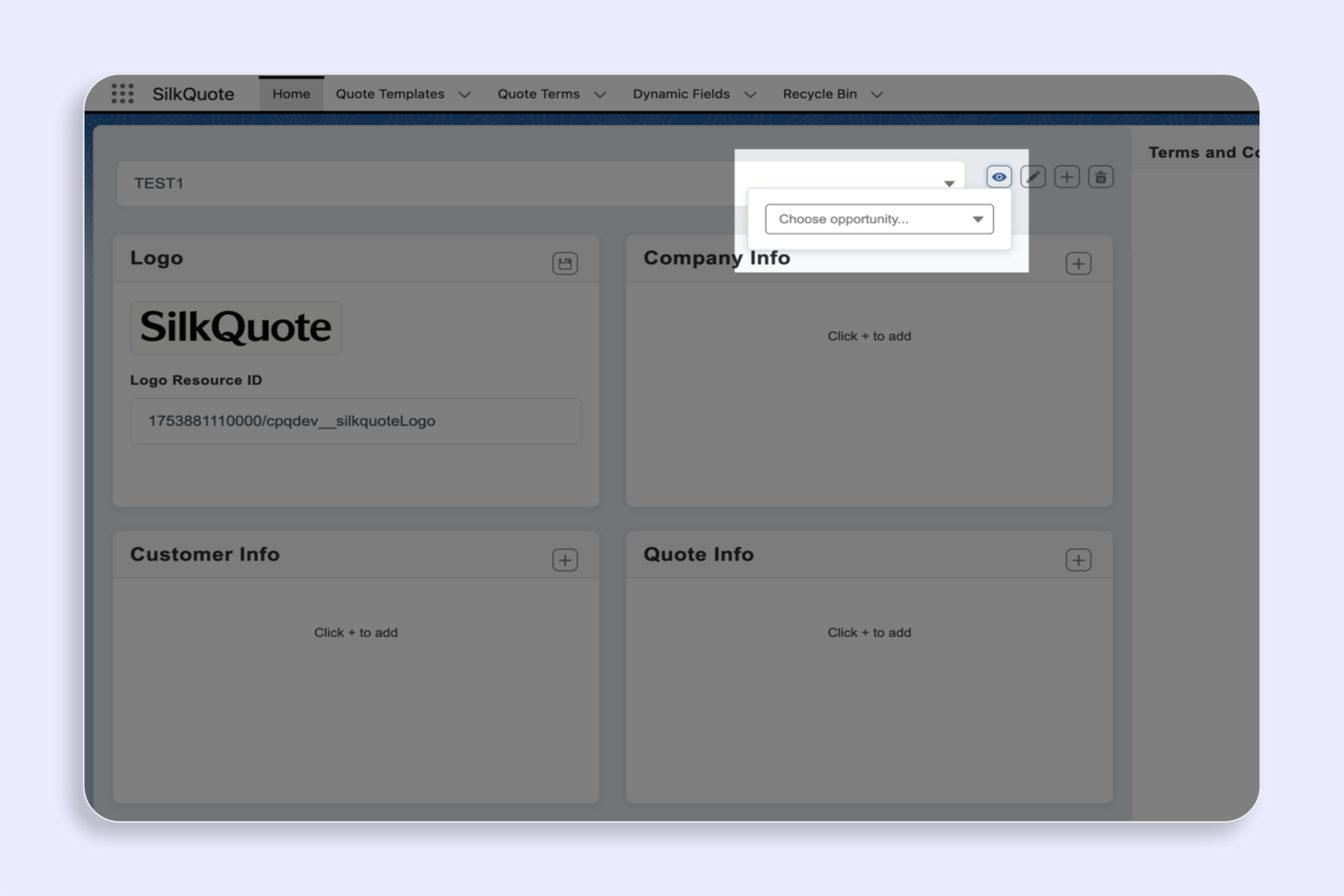
Add a Terms page after the main quote, driven by admin rules.
Steps
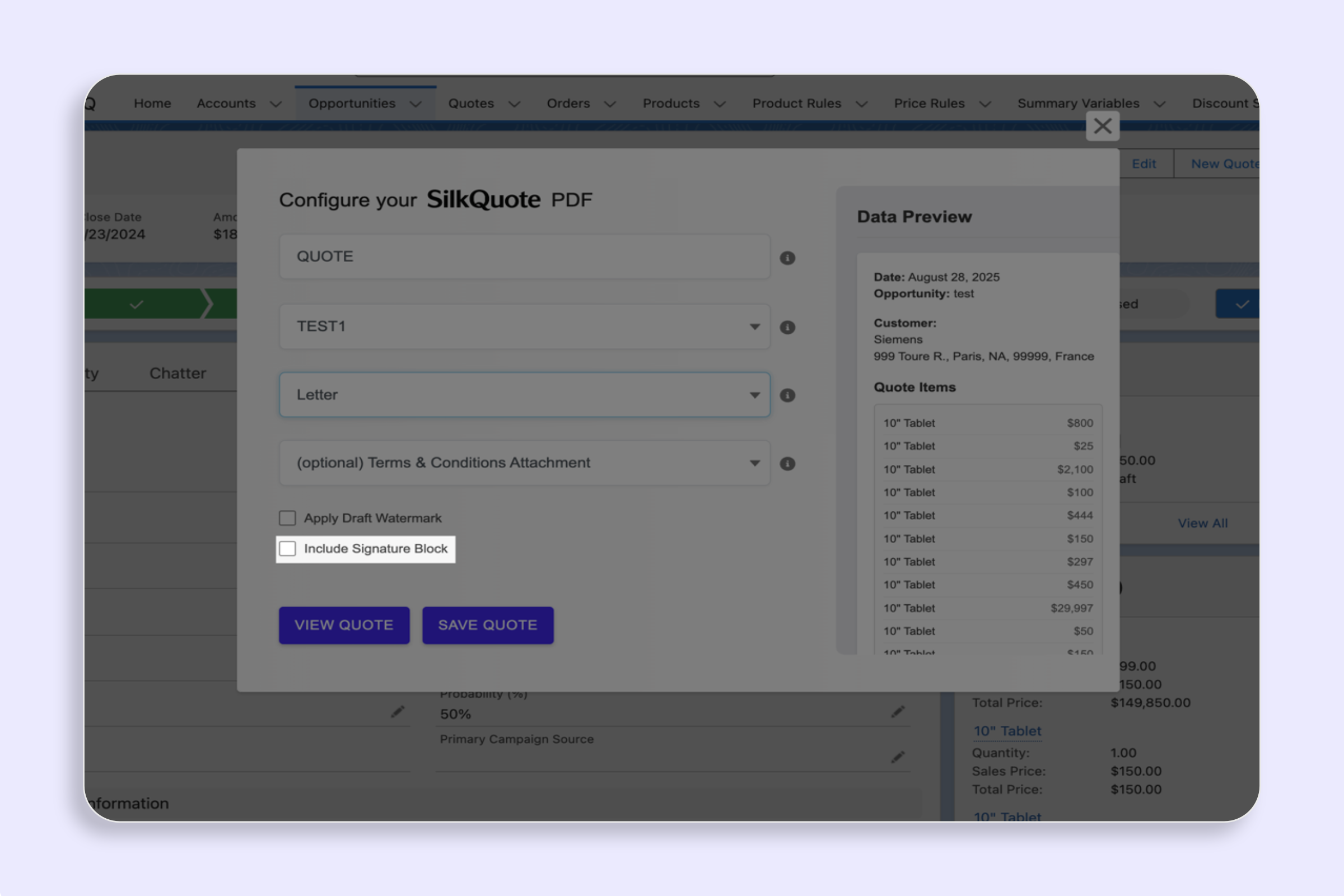
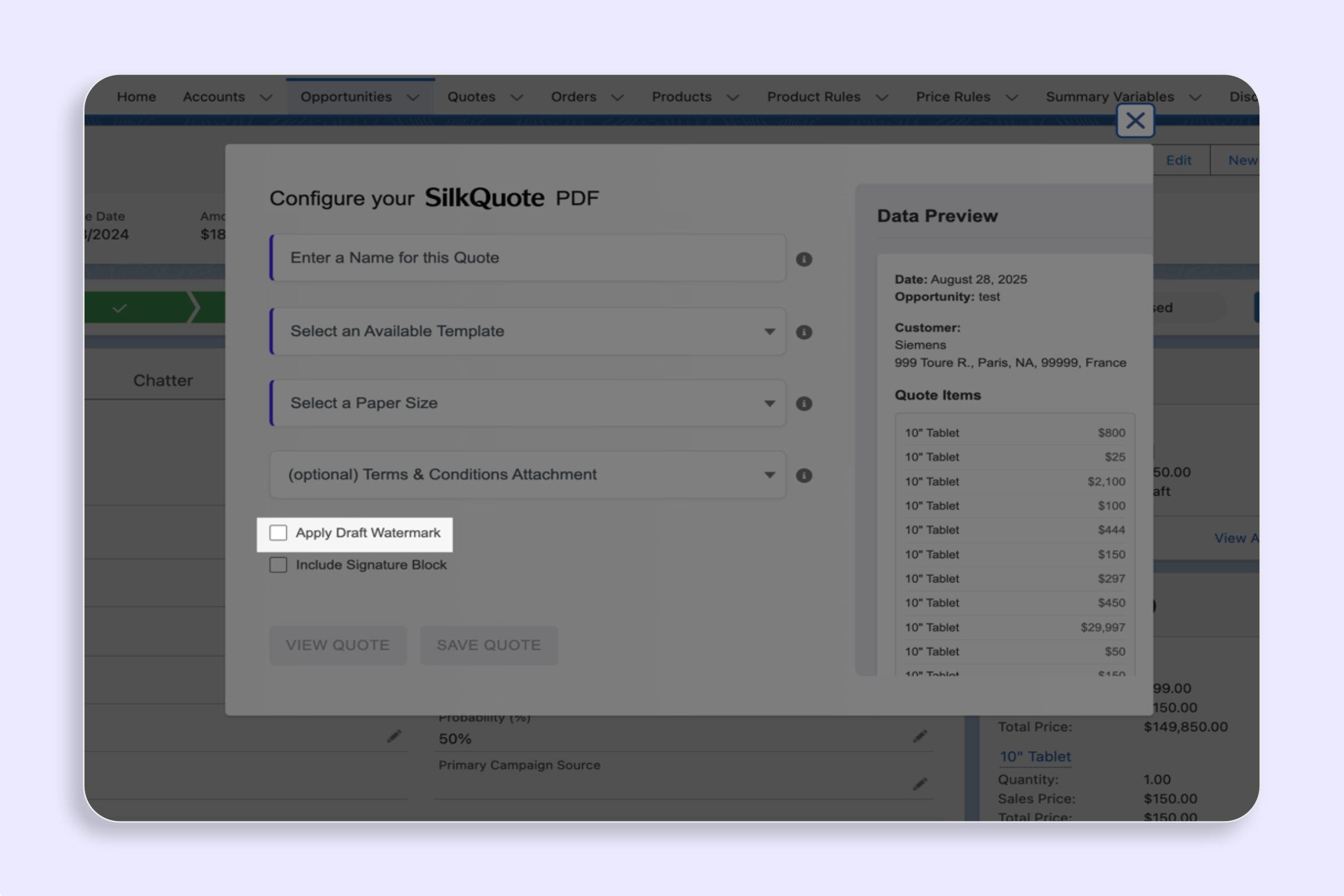
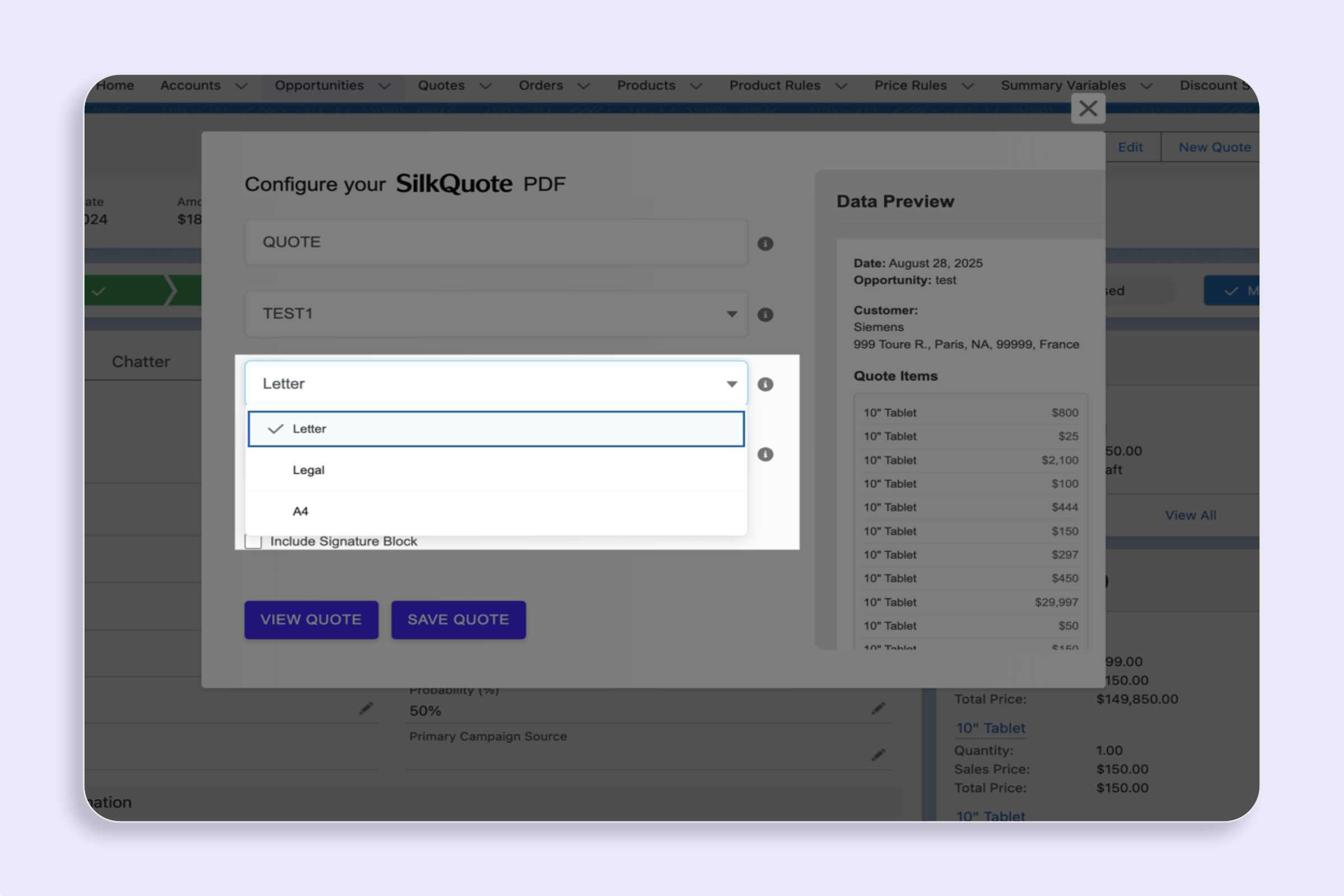
- In the modal, choose a Terms option (if available).
- Preview or save.
Notes
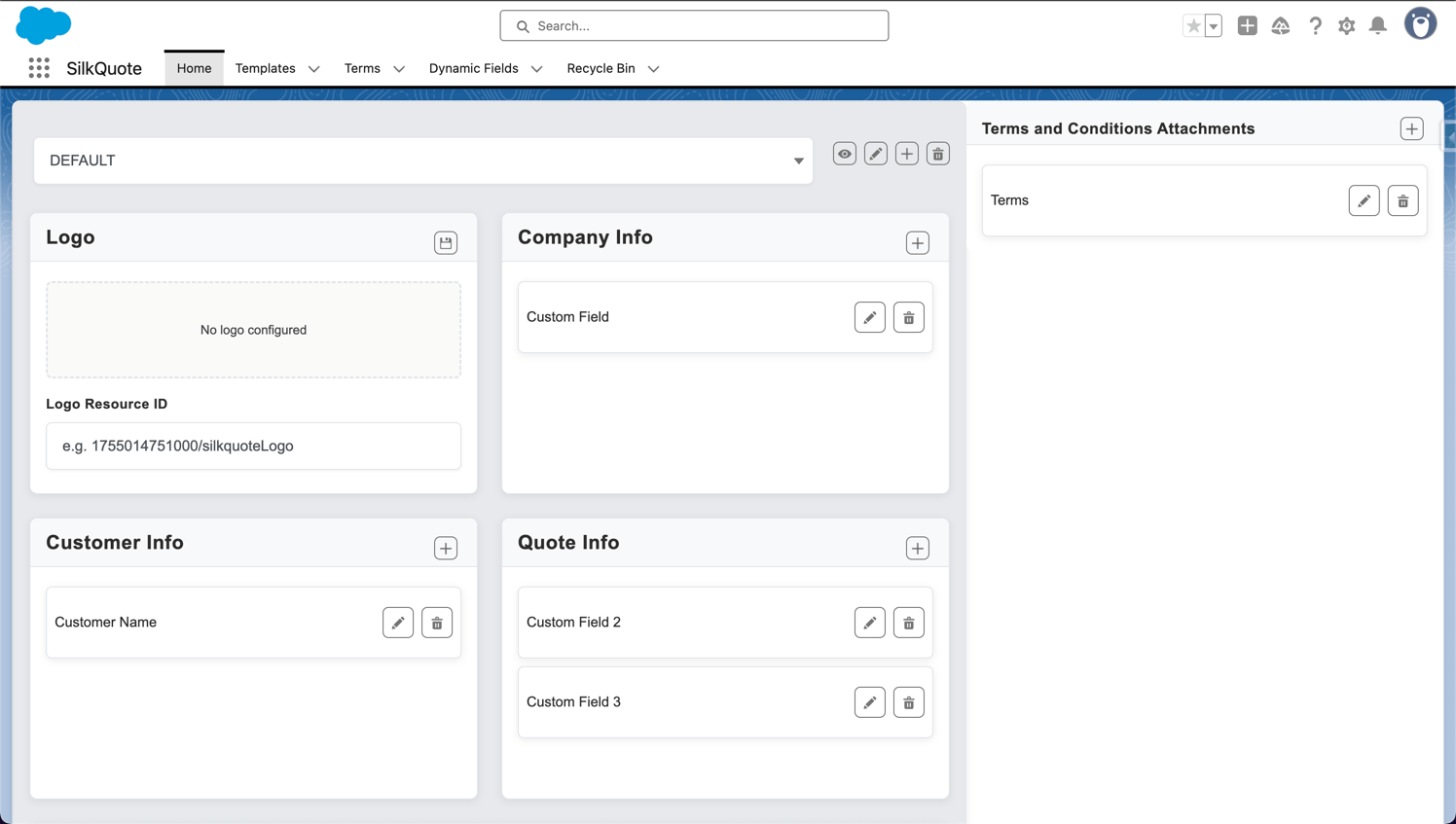
- Required Terms show as “(Required)”. Admins manage Terms rules and content.

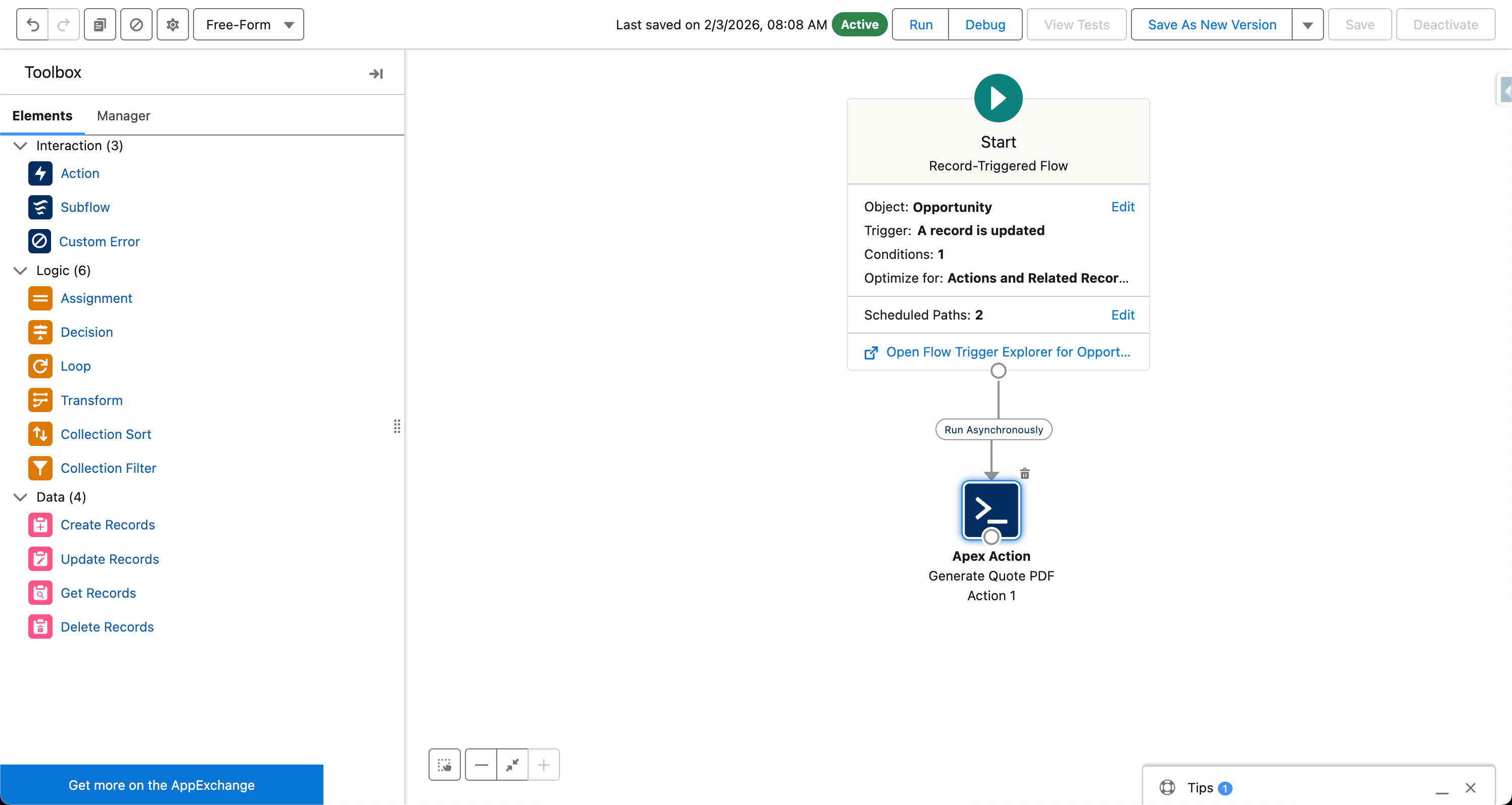
Attach standard or conditional Terms and Conditions to your Salesforce PDF quote. SilkQuote appends terms dynamically based on Opportunity field data.
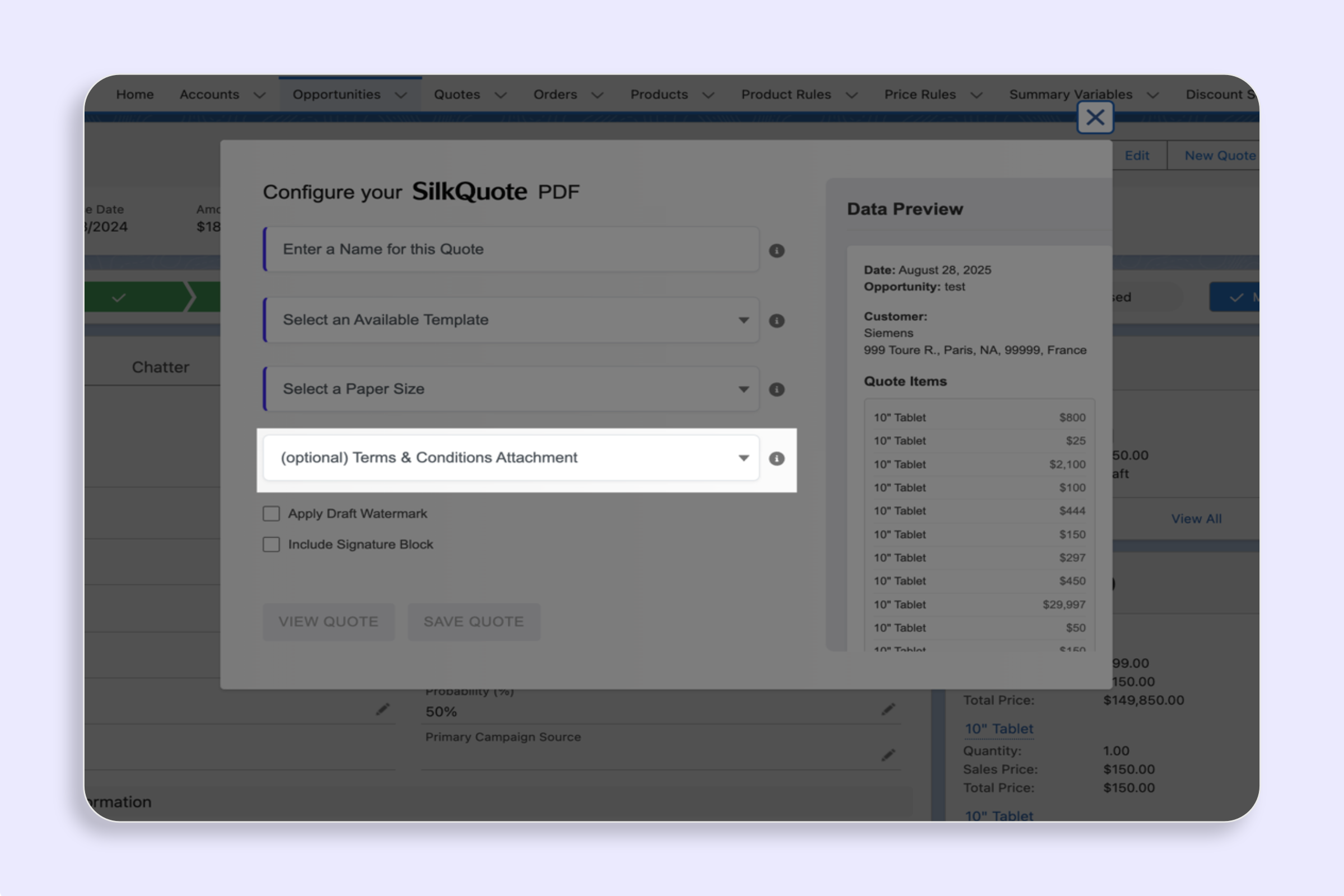
Add a Terms page after the main quote, driven by admin rules.