Overview
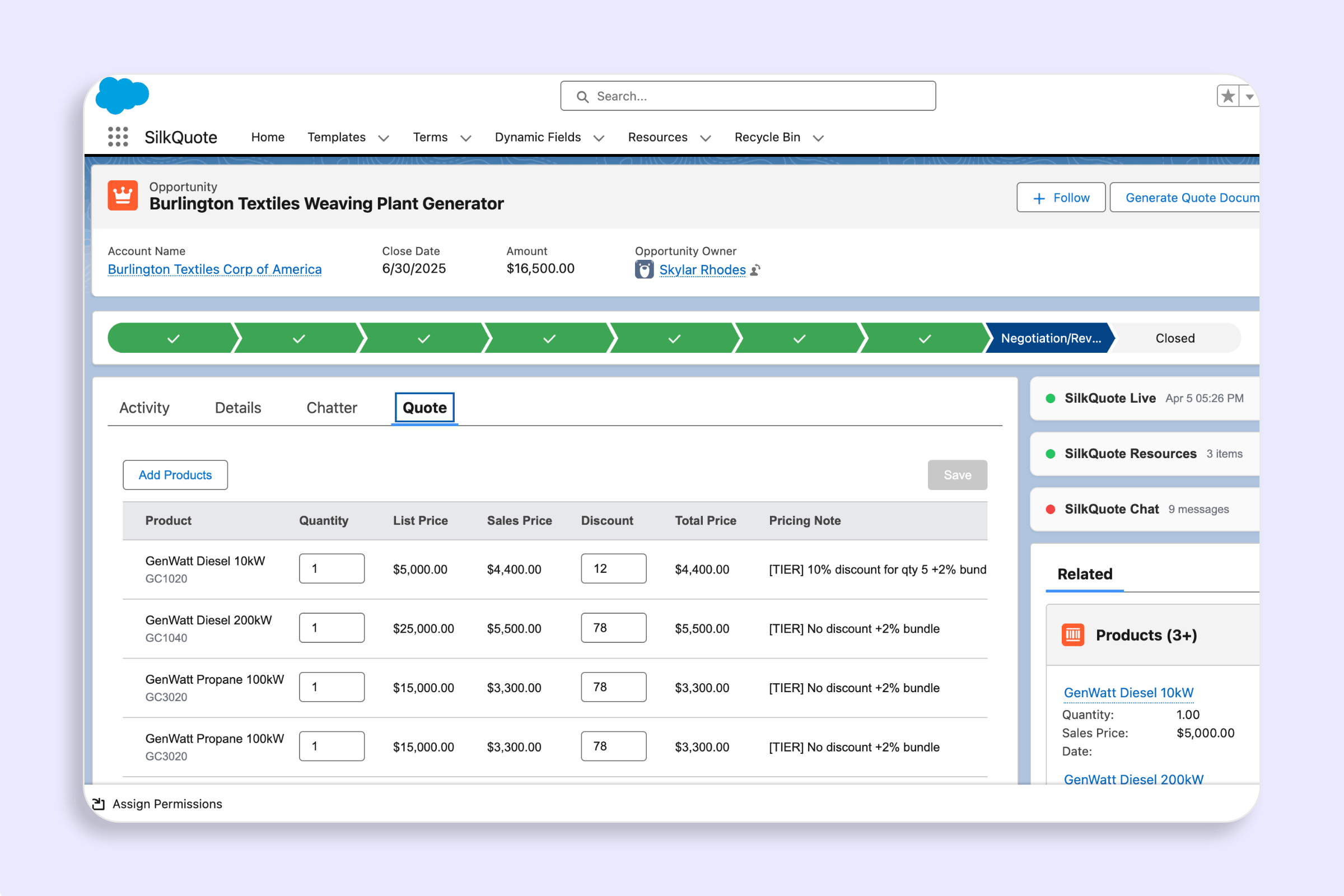
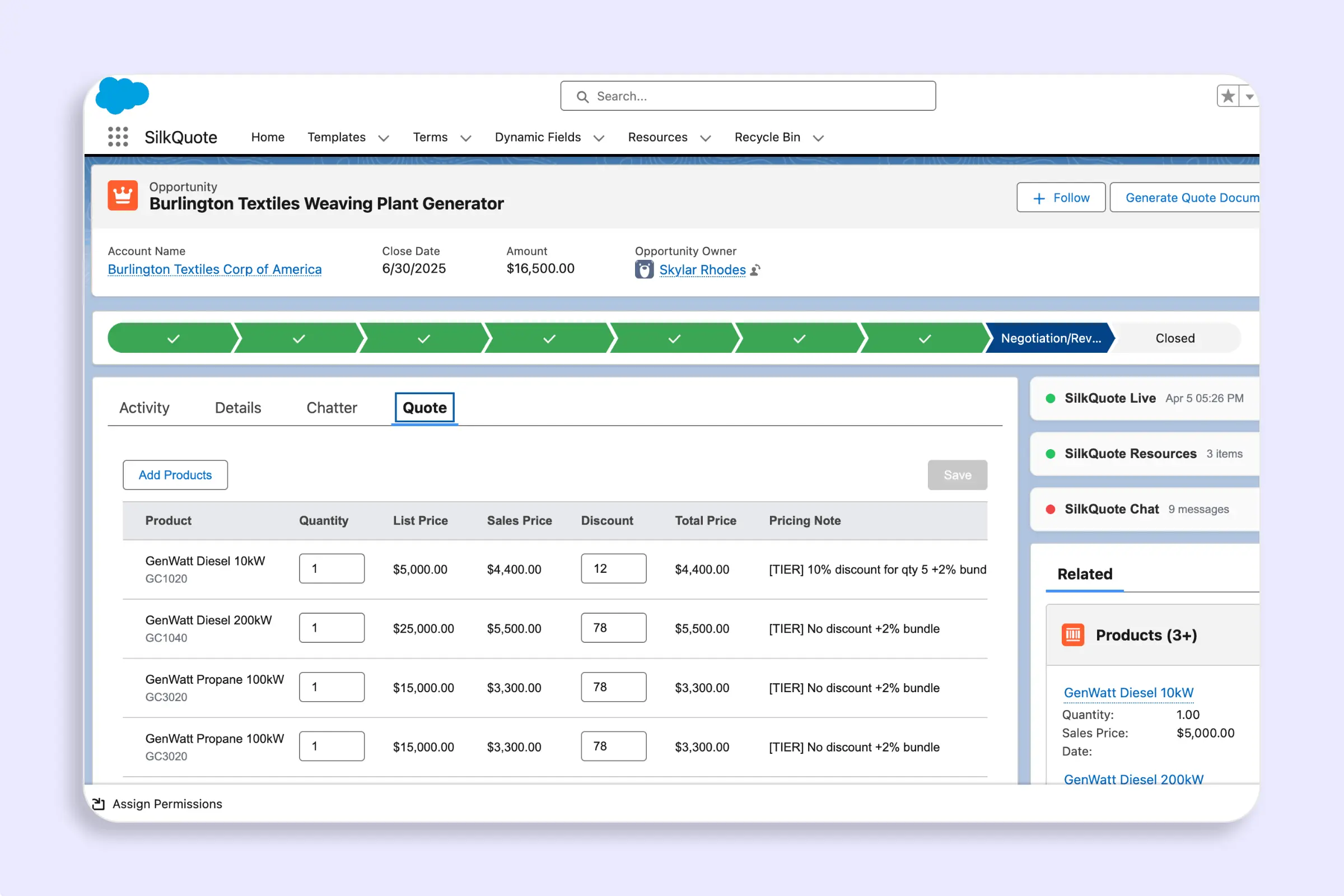
The Add Products panel in the configurePrice component lets reps browse the full pricebook catalog, filter products by any field, and add them to the quote — without leaving Salesforce.
The catalog loads the first time a rep opens the panel. Subsequent opens within the same session use the cached data, so there’s no repeated server call.
Product Catalog
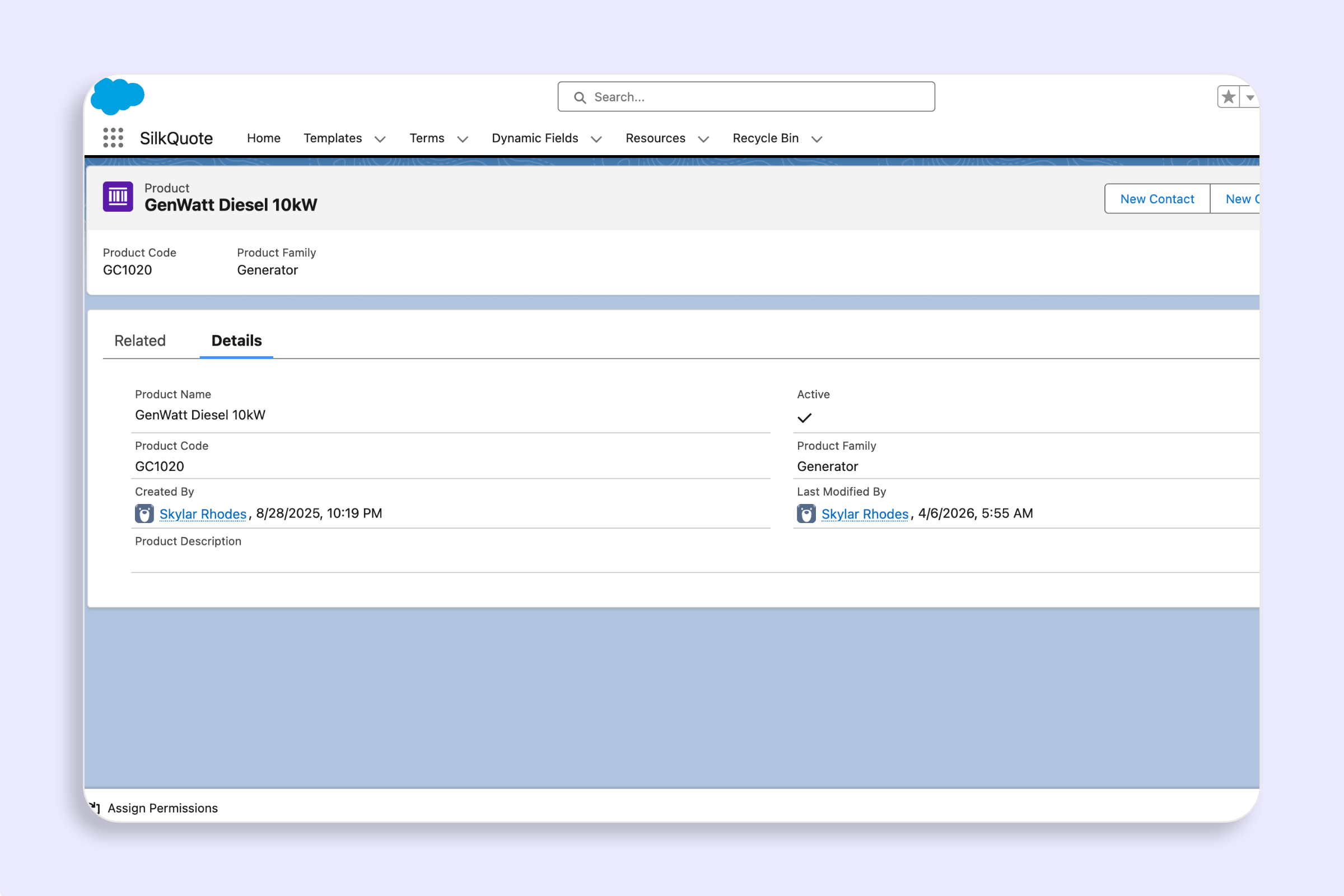
When the panel opens, SilkQuote fetches all active PricebookEntry records for the opportunity’s pricebook — up to 2,000 products per load. Each product includes any fields defined in the display field set (see Product Field Sets).
Filter Bar
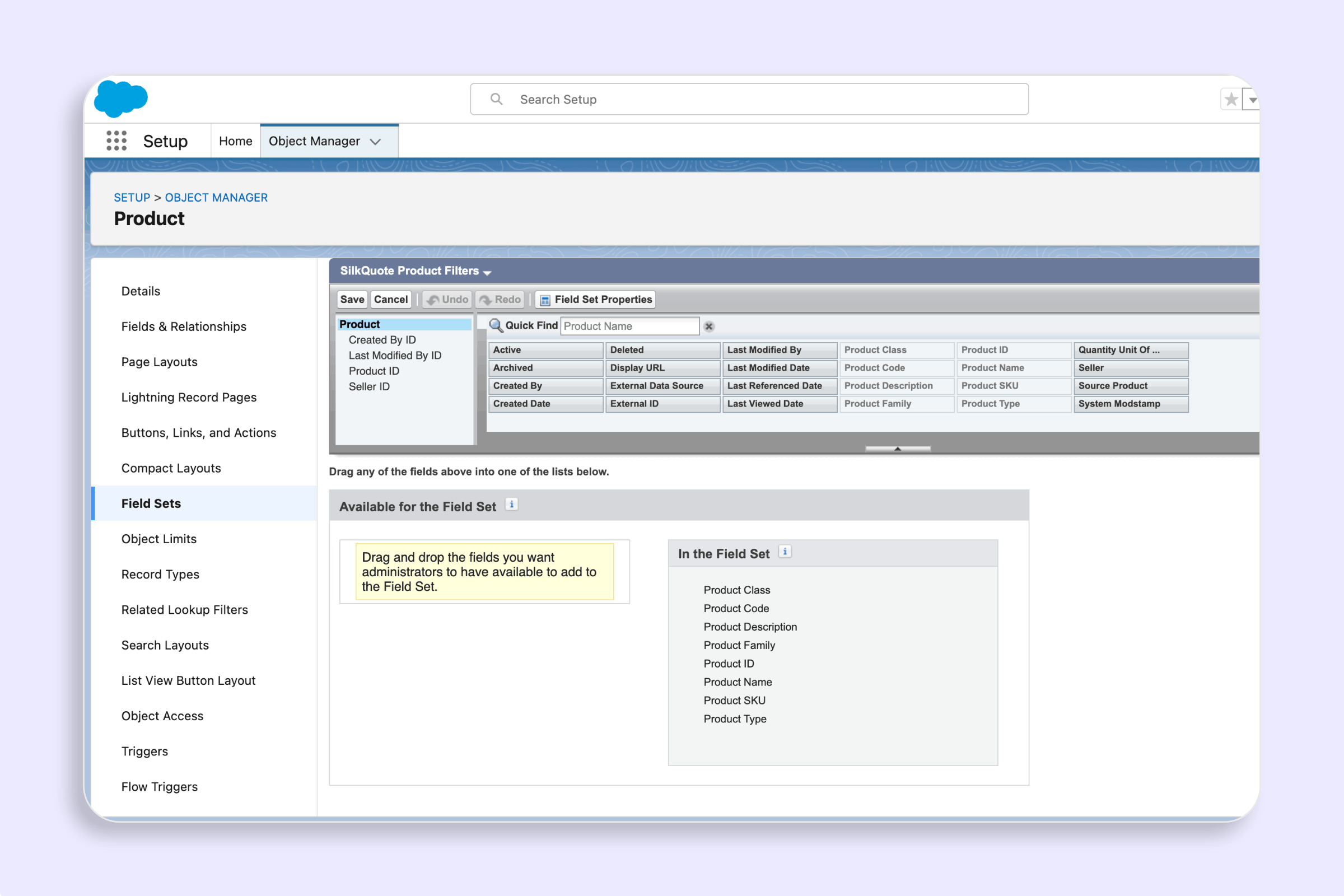
The filter bar appears above the product list. It always includes a Family filter. Additional filter controls are driven by the SilkQuote_Product_Filters field set on the Product2 object:
- Picklist fields render as dropdown (
<select>) menus with an “All” default option. - Text and number fields render as free-text inputs.
A Clear Filters button resets all active filters and clears the search term.
If the field set is absent, only the Family filter is shown.
Search
A text search field filters the visible product list across product name, product code, and any display column values. Search and filters combine — both are applied simultaneously.
Display Columns
Each product row displays columns driven by the SilkQuote_Product_Display field set on Product2. If that field set is absent, the panel falls back to three default columns: Name, Product Code, and List Price.
Product Bundles
If a product is a bundle parent, its row shows a bundle indicator. A disclosure area beneath the row lists each child product (name, code, formatted list price). Children are visible inline — no separate panel is required.
Bundle relationships are defined using the Product_Bundle_Item__c object. See Product Bundles for setup instructions.
Adding Products to the Quote
Select one or more products using the checkboxes, then click Add Selected.
If any selected product is a bundle parent, SilkQuote automatically inserts its child products immediately after the parent in the resulting line-item list. If a child product appears in more than one selected bundle, it is deduplicated — it appears only once.
Plugin Hook
After the catalog loads, SilkQuote checks for a SilkQuotePlugin in scope. If the plugin exports a filterProducts function, it is called with the product list, the current opportunity, and the Salesforce connection:
filterProducts(products, opportunity, conn)The returned array replaces the catalog, allowing partners to filter or annotate products client-side without modifying core code.