The Salesforce CPQ sunset is real, the timeline is moving, and most of what you are reading about it is written for companies with a dedicated RevOps team, a six-figure implementation budget, and pricing complexity that requires an actual configure-price-quote engine.
If you are a small or mid-market team (under 50 reps, standard product catalog, straightforward pricing) most of that advice does not apply to you. This post is for teams in that position.
The Timeline
Salesforce confirmed End of Sale for CPQ in March 2025. This means Salesforce stopped selling CPQ to new customers. Existing customers keep their licenses, continue to receive critical security patches, and will not lose access overnight.
End of Life, the point at which CPQ is decommissioned, has not been formally announced. Based on how Salesforce has handled previous product transitions, the estimate most commonly cited is 2029-2030. That is enough runway to make a deliberate transition rather than a rushed one.
But the practical reality of the CPQ sunset starts well before End of Life. Active development on the product stopped with the End of Sale announcement. The partner ecosystem (implementation consultants, documentation maintainers, training providers) is already shifting to Revenue Cloud. Bug fixes will continue for critical issues, but new capabilities are not coming. Each year, the cost of maintaining a specialized CPQ implementation on an aging product compounds. Teams that wait until 2029 will be transitioning under worse conditions than teams that plan now.
Why Every Article You Are Reading Is Written for Enterprises
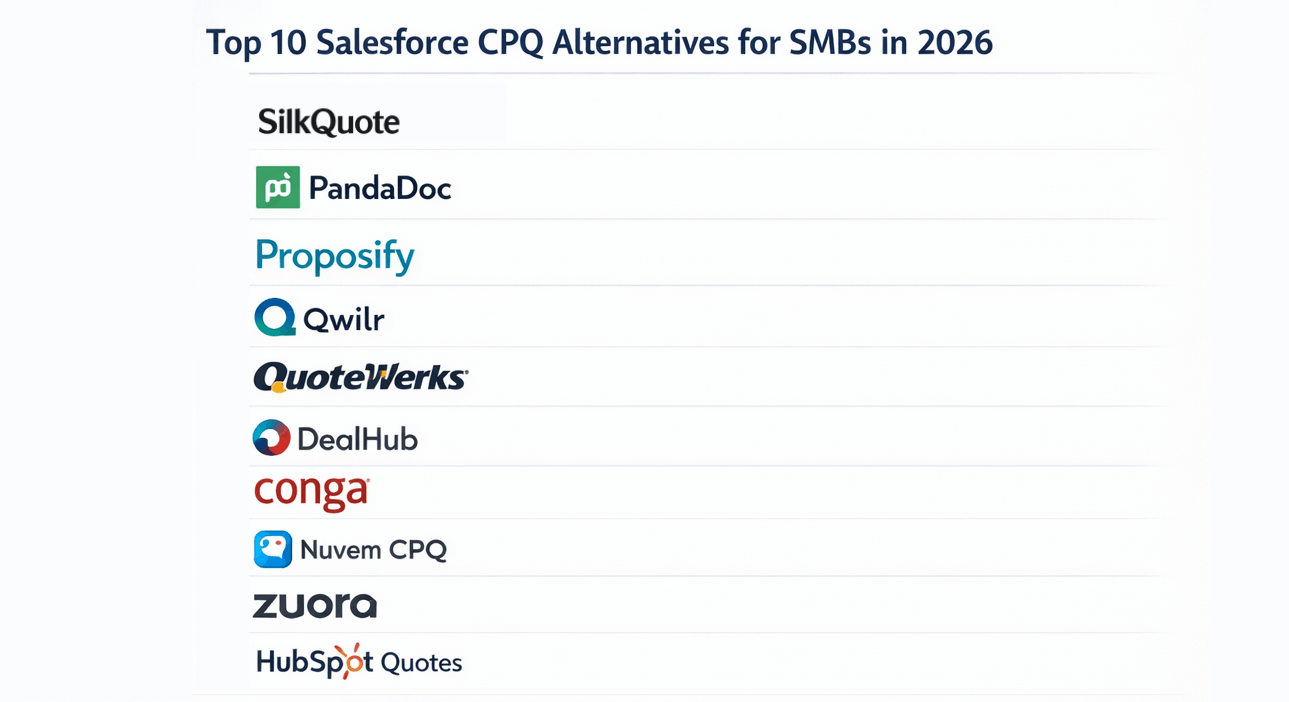
Search for “salesforce cpq alternative” or anything adjacent to the CPQ sunset, and the content you find assumes you are evaluating DealHub, Nue, Conga, or Revenue Cloud Advanced. The comparisons involve total cost of ownership at enterprise scale, RevOps team capacity, implementation partner relationships, and migration timelines measured in quarters.
This is not irrelevant. For organizations with genuine pricing complexity, those are the right conversations. But for small teams, these recommendations overshoot badly. A 15-person sales team with a standard pricebook and 10-line-item quotes does not face the same problem as a 200-person enterprise with multi-currency bundles, subscription amendments, and a guided selling workflow baked into rep training.
The advice written for enterprises is not useful for small teams evaluating their Salesforce CPQ replacement options. The starting question should be different.
The Right-Sizing Question: Did You Use Configure and Price, or Just Quote?
CPQ stands for Configure, Price, Quote. Most small teams only actively used the Q.
Configure means building valid product combinations using rules, bundles, and guided selling flows. If your reps open a blank Opportunity and add standard products from a pricebook without a configuration wizard, you did not use Configure.
Price means applying pricing logic beyond what lives on Opportunity Products: tiered pricing schedules, discount approval matrices triggered by margin thresholds, multi-currency calculations that cannot be managed with a simple pricebook. If pricing decisions happen in a conversation and then get entered into the Opportunity manually, you did not meaningfully use the pricing engine.
Quote means generating the document: the branded PDF that goes to the prospect, with the logo, the line items, the terms, and the acceptance flow.
If the Q is what you used, you only need to replace the Q. A quoting tool, not a CPQ replacement, is the right answer for a significant portion of the 6,000-plus organizations now navigating the CPQ sunset.
What “Just Quoting” Looks Like in Practice
The quoting use case has a concrete set of requirements that do not involve a pricing engine:
- Generate a branded PDF from the Opportunity record with logo, line items, and totals
- Control the template layout: which sections appear, in what order, with what labels
- Show different sections for different deal types using conditional logic
- Attach the right Terms and Conditions based on the deal
- Send the quote to the prospect and track when they open it
- Capture the prospect’s acceptance and log it to Salesforce
- Integrate with DocuSign or Adobe Sign when a formal signature is required
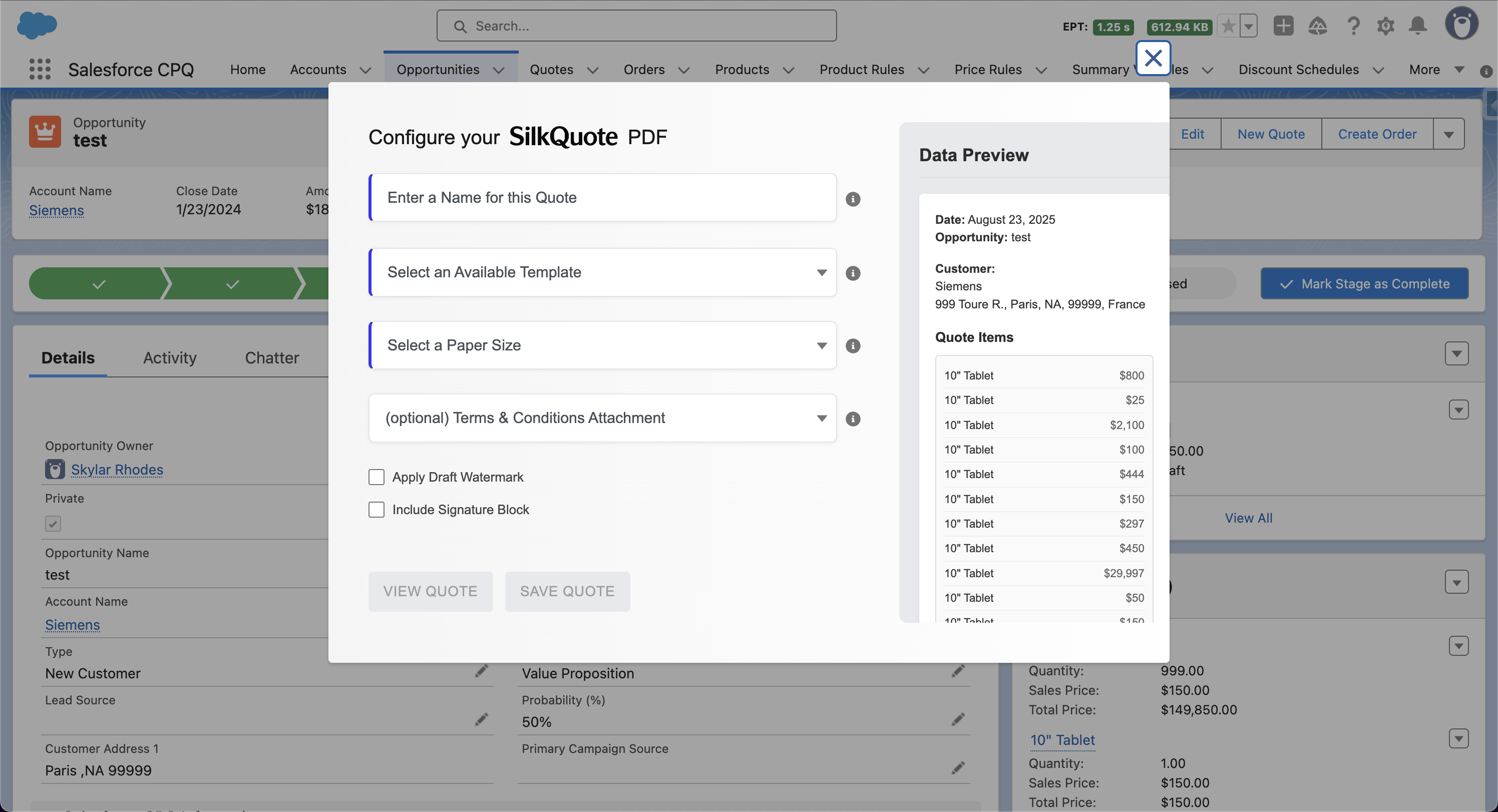
SilkQuote covers this entire list natively in Salesforce, free, with no pricing engine and no product configurator. No Apex development, no specialist needed, no months-long implementation project. For a full feature breakdown of what SilkQuote covers relative to CPQ, see the dedicated Salesforce CPQ alternative analysis.
How to Set Up Quoting in Salesforce Without CPQ
The transition from CPQ’s quoting layer to SilkQuote is more straightforward than most teams expect.
Pricing stays in Salesforce as-is. Your product catalog and pricebooks remain in Salesforce Products and Price Books exactly as they are. Nothing migrates. Reps continue adding products to Opportunities the same way.
Quote generation moves to SilkQuote. Install from the AppExchange, assign permissions, and build your quote templates in the Configuration Manager’s drag-and-drop designer. For teams with existing CPQ templates, the process involves recreating the template layout in SilkQuote, typically a few hours per template, not weeks.
Document delivery uses SilkQuote’s hosted link or PDF. SilkQuote generates a hosted quote URL that the prospect can open in a browser and accept with a click. For formal e-signature requirements, download the PDF and send it through DocuSign or Adobe Sign as a separate step.
Historical CPQ quotes are unaffected. PDF quotes stored as Content Documents on Opportunity records remain accessible regardless of CPQ’s status. Nothing is lost in the transition.
The full breakdown of the Salesforce CPQ end of sale situation, including the comparison with Revenue Cloud Advanced and the decision framework for evaluating what you actually need, is on the dedicated landing page. The Salesforce quote templates guide covers how SilkQuote templates are built and configured.
If you have confirmed that quoting is your primary use case, install SilkQuote from the AppExchange. It is free, and your team can be generating professional quotes from Salesforce the same afternoon.
Frequently Asked Questions
Is Salesforce CPQ going away completely?
Salesforce CPQ entered End of Sale in March 2025, meaning no new customers can purchase it. Existing customers keep their licenses and will continue to receive critical security patches. An official End of Life date has not been announced, but most estimates place it around 2029-2030. Active development has stopped, but the product will not disappear overnight.
Do small teams need to migrate to Revenue Cloud when CPQ sunsets?
Not necessarily. Revenue Cloud Advanced is Salesforce's replacement for CPQ, but it is designed for organizations with complex pricing and configuration needs. Small teams that primarily used CPQ for quote PDF generation, template management, and prospect sharing can cover those needs with a focused quoting tool like SilkQuote at no cost, without a Revenue Cloud implementation.
What is the difference between Configure, Price, and Quote in CPQ?
Configure refers to building valid product combinations using rules and bundles, also called guided selling. Price refers to applying pricing logic beyond standard pricebooks: tiered pricing, discount schedules, multi-currency rules. Quote refers to generating the document: the branded PDF with line items, terms, and an acceptance flow. Most small teams only actively used the Quote part of CPQ.
Can SilkQuote work alongside DocuSign or Adobe Sign?
Yes. SilkQuote includes built-in prospect acceptance via a hosted quote link, which covers most SMB acceptance use cases. For organizations that require a formal e-signature with a legally binding audit trail, SilkQuote quotes can be downloaded as PDFs and sent through DocuSign or Adobe Sign as a separate step.