Salesforce CPQ was built for complex selling scenarios: configurable products, tiered pricing, guided selling flows, multi-tier approval matrices, and contract lifecycle management. For organizations with that level of complexity, CPQ earns its cost and configuration overhead.
But a large portion of Salesforce customers do not have that complexity. They have a product catalog, an Opportunity with line items, and a need to send a professional PDF quote to the customer. That describes most SMBs and many mid-market sales teams. For those organizations, CPQ is the wrong tool. It takes months to implement, requires specialist expertise to maintain, and costs significantly more than the problem warrants.
SilkQuote is a direct alternative for teams in this position. It handles the document generation and sharing components of CPQ (the parts most teams actually use) without any of the complexity or licensing cost. This page explains where CPQ overshoots, what SilkQuote covers, and how to evaluate which tool fits your current situation.
Why Teams Search for a Salesforce CPQ Alternative
The most common trigger for searching for a CPQ alternative is one of three things:
CPQ was implemented but is underused. Many Salesforce implementations include CPQ because it was bundled, required, or recommended during an enterprise deal. After go-live, teams find they are using CPQ primarily to generate a quote PDF. The pricing rules, product configuration, and approval matrix were configured but are rarely touched. The overhead of maintaining CPQ for a use case SilkQuote covers is hard to justify.
CPQ is on the roadmap but the business is not ready. The organization knows it will eventually need CPQ’s pricing logic but is not there yet. In the meantime, reps are copy-pasting data into Word documents or PowerPoint decks and attaching them to Opportunities manually. The team needs a professional quoting solution that works today without committing to a full CPQ implementation.
CPQ costs too much relative to the value delivered. Revenue Cloud Advanced licensing, implementation services, and ongoing admin support represent a significant budget line item. For smaller teams or organizations with straightforward product catalogs, the cost-to-value ratio does not work.
In all three scenarios, the underlying need is the same: generate professional, branded quote PDFs from Salesforce Opportunities without manual effort.
What CPQ Does Well (and Where It Overshoots Most Teams)
CPQ (Configure, Price, Quote) is genuinely powerful for the right scenarios. Its strengths include:
Guided selling. CPQ can walk reps through a product configuration process, validating compatibility rules and preventing invalid combinations. Essential for hardware, software bundles, or services packages with complex dependencies.
Pricing engine. CPQ manages price books, pricing rules, discount schedules, and tier-based pricing. When pricing logic is complex enough that it cannot live in Opportunity Products alone, CPQ’s pricing engine is the right tool.
Approval matrices. CPQ supports multi-tier approval workflows that trigger based on discount levels, deal size, or product type. For organizations where certain discounts require manager and finance sign-off before a quote can be sent, CPQ manages this natively.
Contract lifecycle management. CPQ integrates with Salesforce Contracts for amendment processing, renewal quoting, and subscription management. Teams with recurring revenue models benefit from this.
Most small and mid-market sales teams do not use any of these features regularly. Their selling motion is straightforward: add products to an Opportunity, set pricing, and send a quote. CPQ’s complexity is overhead for this motion, not a benefit.
The Core Alternative: Native Quote Generation Without CPQ
SilkQuote focuses on the document layer: turning what is already in Salesforce into a professional PDF. It does not attempt to replicate CPQ’s pricing logic or guided selling. Instead, it assumes that pricing decisions are already reflected in the Opportunity’s line items and builds the quote document from there.
This is the correct assumption for most Salesforce orgs. Reps negotiate pricing through the standard Opportunity Products interface. The agreed-upon pricing is on the record. The quote should reflect it. No additional pricing engine required.
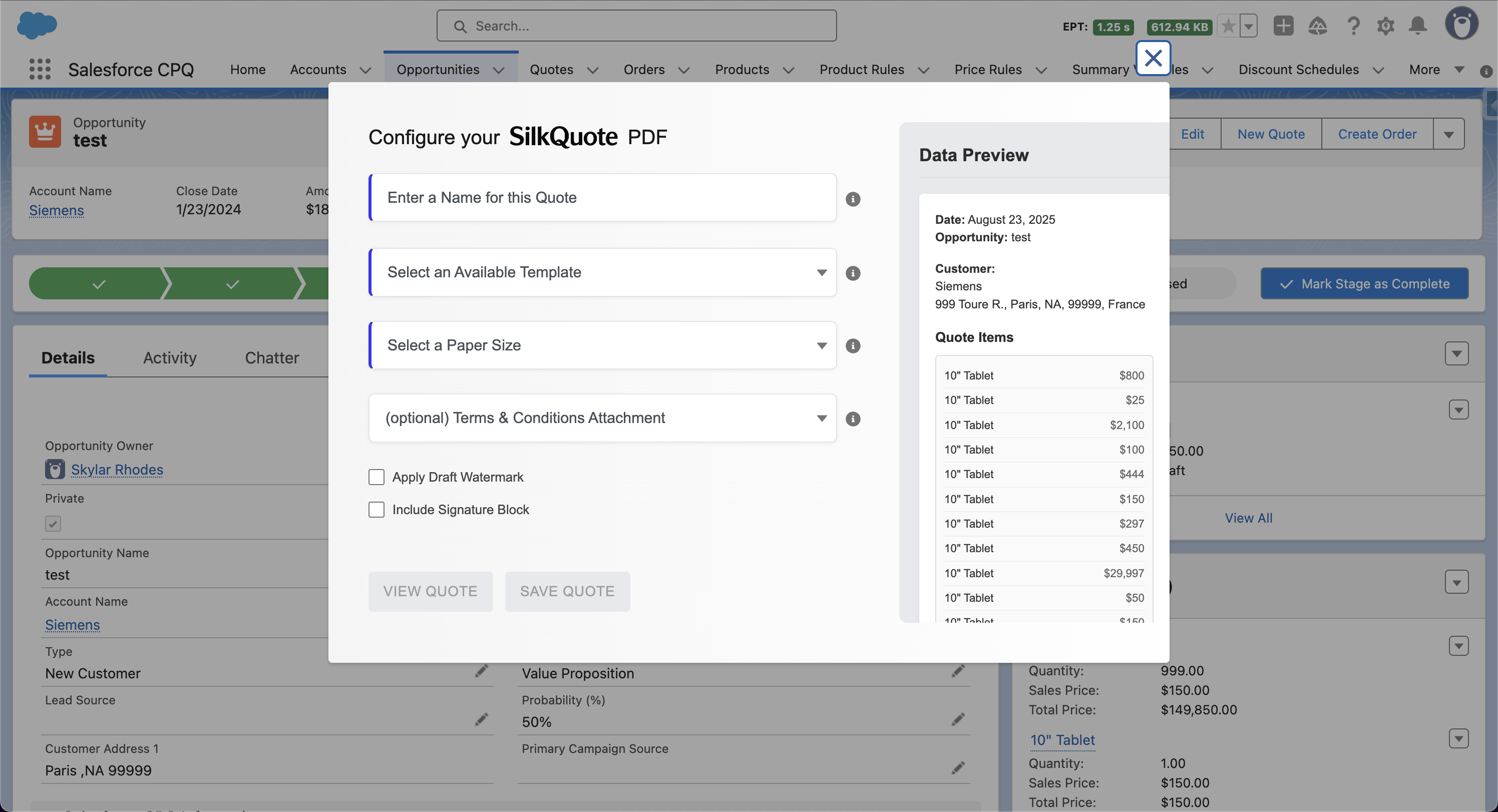
The SilkQuote workflow from the rep’s perspective:
- Opportunity is created and products are added with agreed pricing
- Rep opens the Opportunity and clicks “Generate Quote Document”
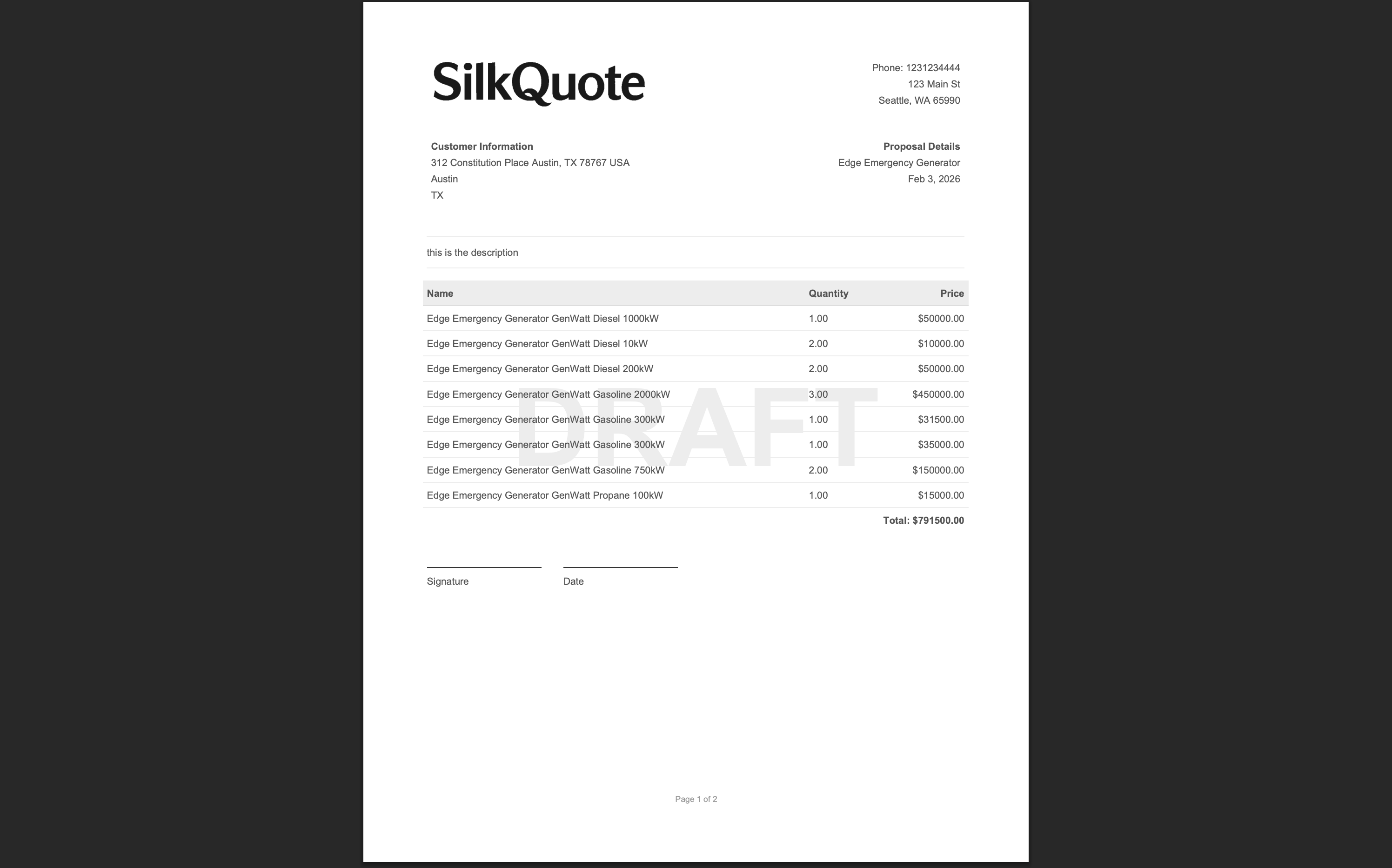
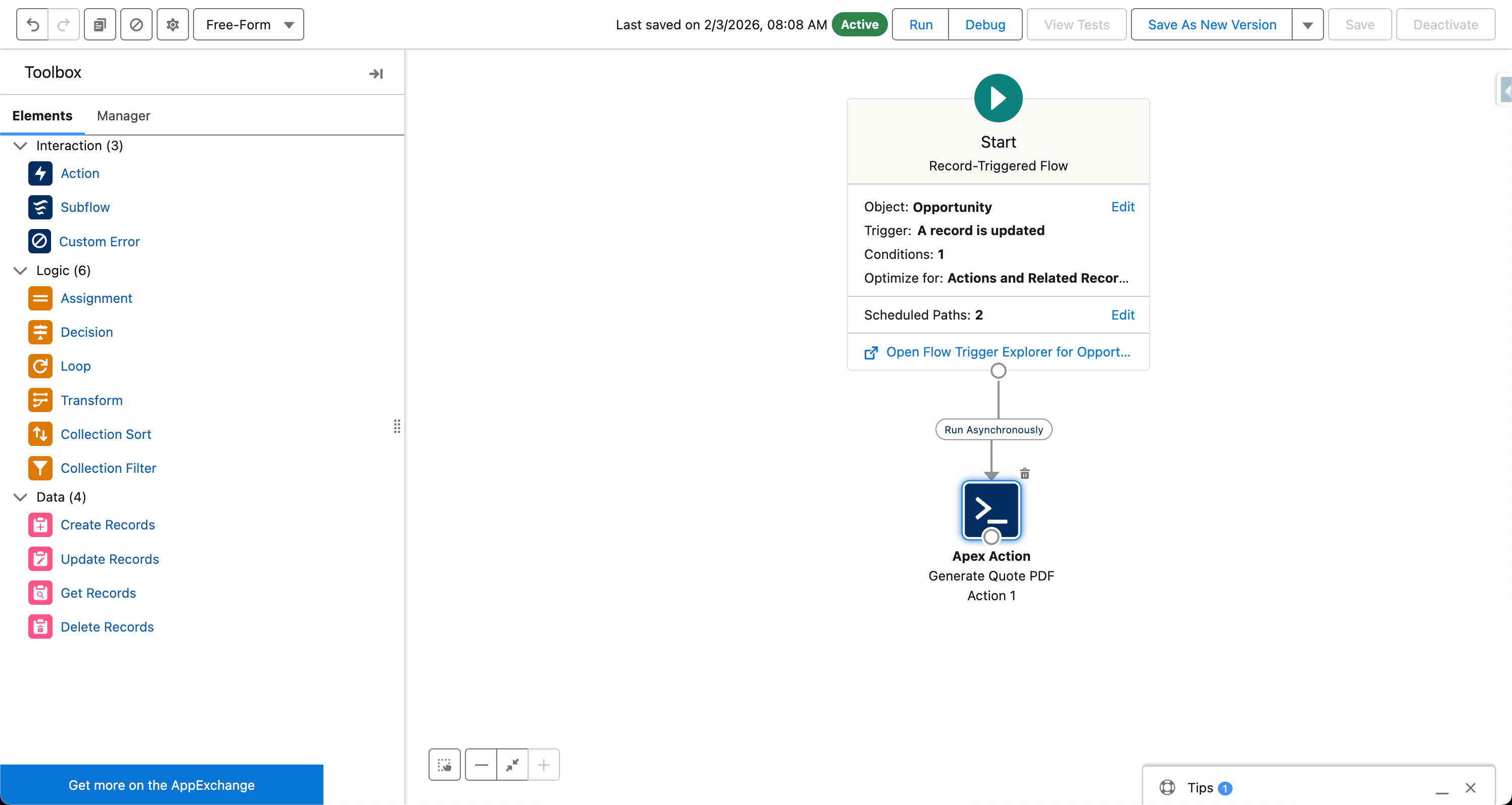
- SilkQuote renders a branded PDF from the Opportunity data in seconds
- Rep reviews the preview, names the quote, and saves it
- PDF attaches to the Opportunity as a Content Document
- Rep shares a hosted link or attaches the PDF to an email
The entire quote generation step takes under two minutes. No navigation to a separate Quote record. No configuration of pricing rules. No approval workflow for basic deals. The Salesforce quoting tool page covers the full feature comparison across SilkQuote and other lightweight alternatives.
Feature-by-Feature: What SilkQuote Replaces in CPQ for SMBs
For organizations evaluating SilkQuote as a CPQ replacement, the relevant question is which CPQ features they actually use and whether SilkQuote covers those use cases.
| CPQ Feature | SilkQuote Coverage |
|---|---|
| Quote PDF generation | Full: drag-and-drop templates with conditional sections |
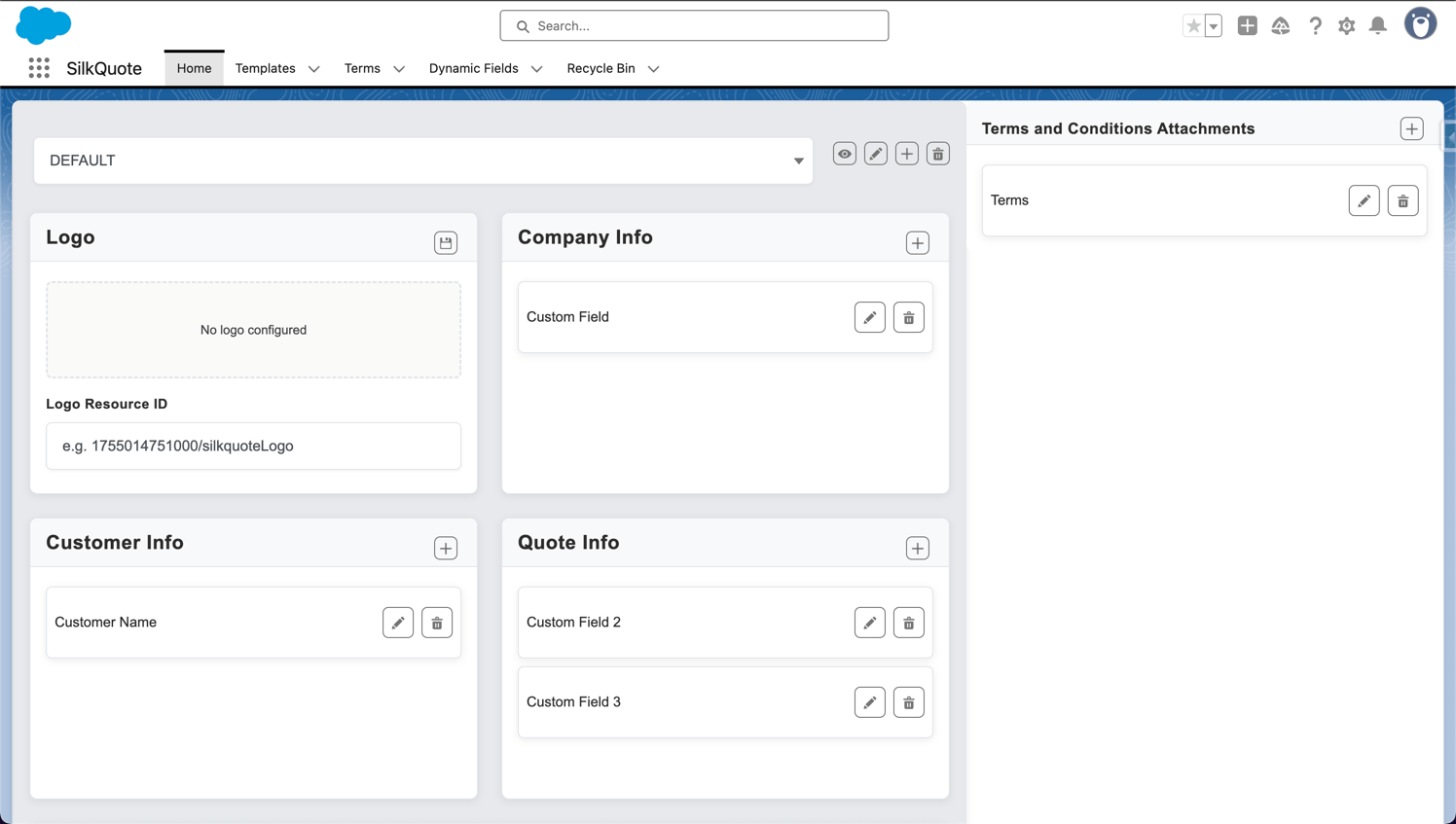
| Quote template design | Full: visual builder, no code required |
| Logo and branding | Full: logo upload, label customization, column control |
| Line item display | Full: configurable columns, grouping, subtotals |
| Terms and Conditions | Full: rules-based attachment, conditional by deal type |
| Version history | Full: all generated PDFs saved on Opportunity |
| Stale quote detection | Full: flags PDFs when Opportunity data changes |
| Prospect sharing | Full: hosted quote links with acceptance tracking |
| Activity logging | Full: all quote events log to Opportunity |
| Approval workflows | Partial: SilkQuote is approval-routing compatible but does not include a built-in approval matrix |
| Pricing engine | Not included: pricing managed in Salesforce Opportunity Products |
| Guided selling | Not included: product selection handled in standard Opportunity UI |
| Contract lifecycle | Not included: amendment and renewal quoting require CPQ or a separate CLM tool |
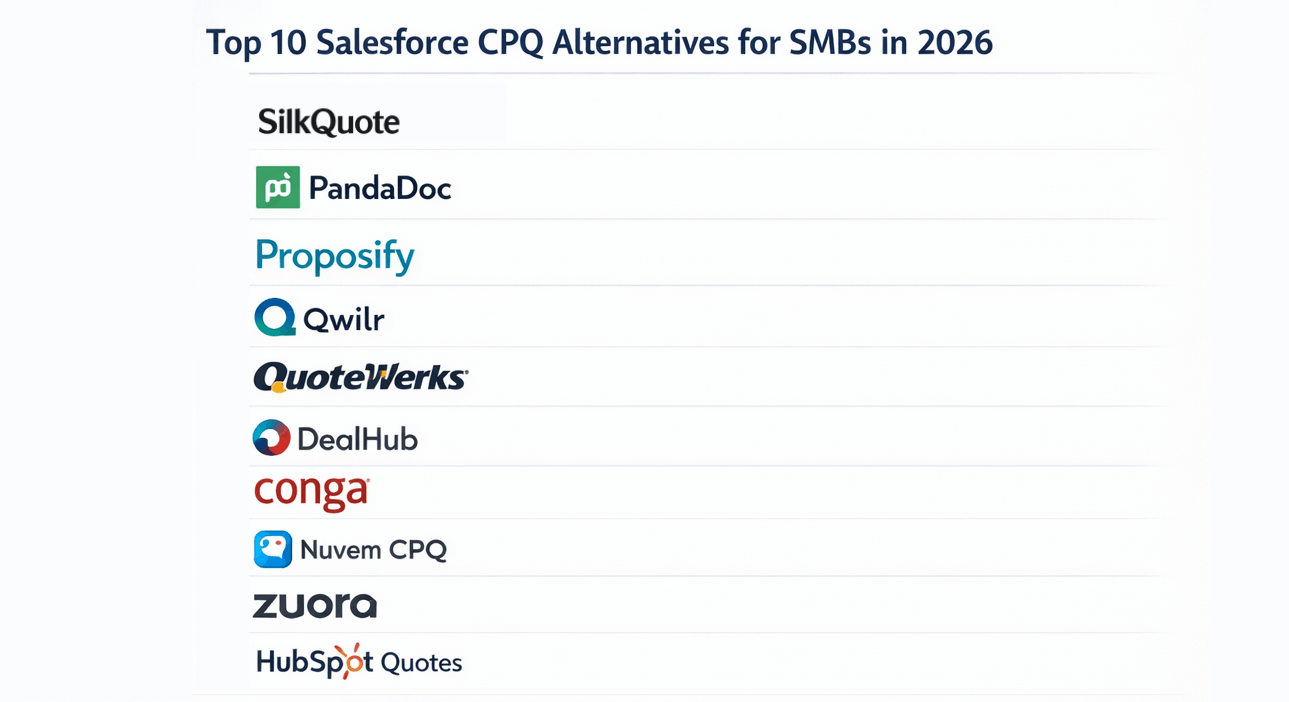
For a broader view of CPQ vs. lightweight quoting options, see top 10 Salesforce CPQ alternatives for SMBs and SilkQuote vs. Salesforce CPQ: when to use each.
Total Cost Comparison: CPQ Licensing vs. Free Native Tooling
The financial case for evaluating a CPQ alternative is straightforward once the numbers are compared directly.
Salesforce Revenue Cloud Advanced (CPQ):
- List price: approximately $75 per user per month
- A 20-person sales team: ~$18,000 per year in licensing alone
- Implementation services for a standard CPQ deployment: $20,000 to $100,000 depending on complexity
- Ongoing admin and maintenance: typically requires a certified CPQ specialist
SilkQuote:
- AppExchange listing: free
- Per-user cost: $0
- Implementation: self-service, typically live within a day
- Expert services available for teams that want professional setup and template customization
For organizations where the primary CPQ use case is quote PDF generation, the cost differential is entirely in SilkQuote’s favor. Even for organizations that need some of CPQ’s pricing capabilities but not all of them, the cost comparison often supports starting with SilkQuote and adding CPQ only when pricing complexity genuinely requires it.
Migrating Away From CPQ: What to Preserve and What to Drop
For teams that have CPQ installed and are considering a transition, the practical steps are:
Audit current CPQ usage. Identify which CPQ features are actively used. In most small-to-mid-market orgs, the answer is: quote template generation and basic approval routing. Advanced pricing rules, bundles, and guided selling are configured but inactive.
Export and document current templates. Review existing CPQ Quote Templates and document the sections, fields, and logic they use. This becomes the specification for building equivalent SilkQuote templates.
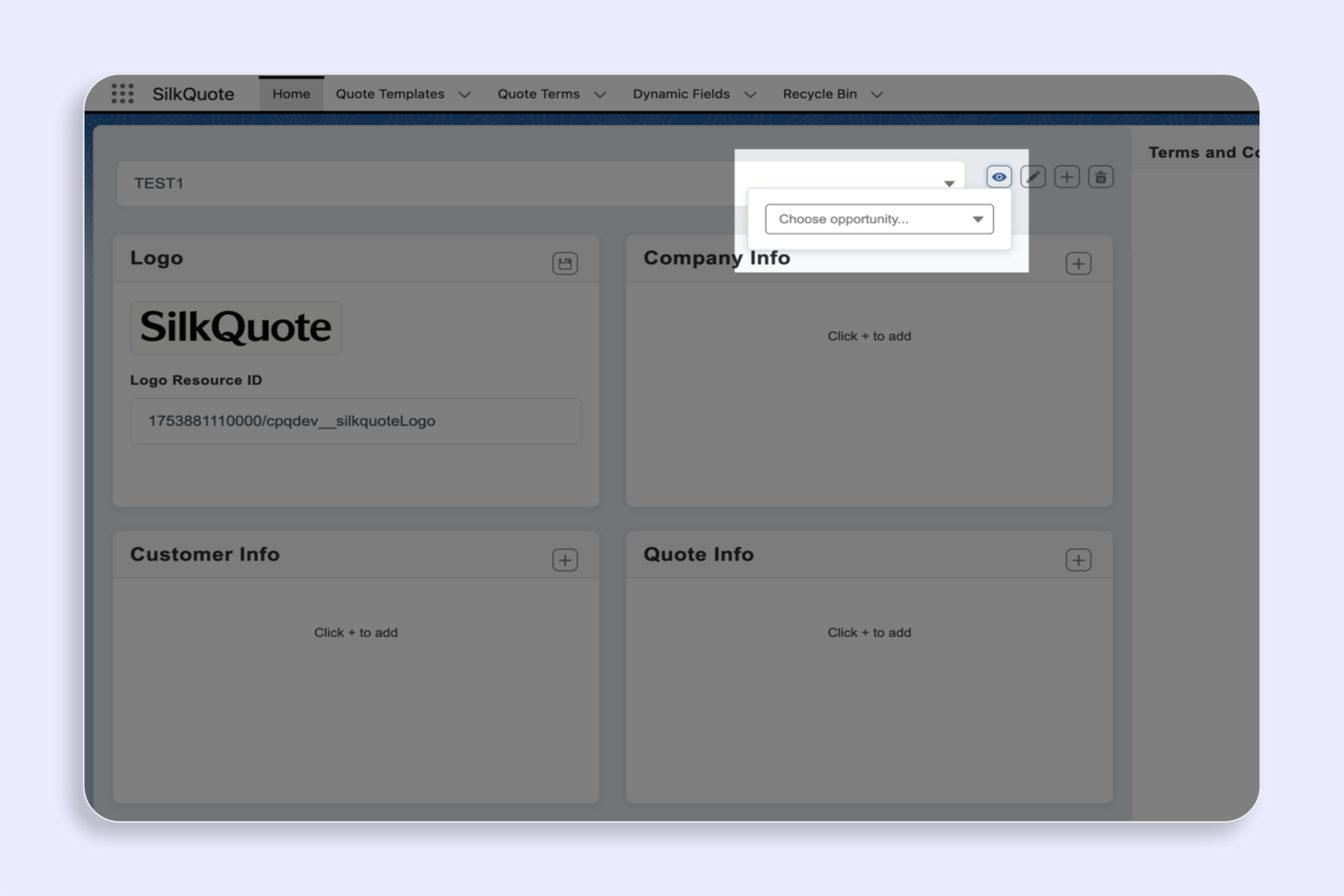
Build SilkQuote templates. Recreate the CPQ template output in SilkQuote’s Configuration Manager. For most templates, this takes a few hours per template rather than days.
Run in parallel. Generate quotes using SilkQuote alongside CPQ for a transition period. Compare output quality and ensure field mapping is correct before removing CPQ from the rep workflow.
Deactivate CPQ quote generation. Once SilkQuote templates are validated, remove or deprioritize the CPQ quote generation step from the Opportunity page layout.
Historical CPQ-generated PDF quotes stored as Content Documents in Salesforce are unaffected by this process. They remain accessible on their Opportunity records regardless of whether CPQ is active.
When You Actually Do Need CPQ (and When You Do Not)
SilkQuote is not the right answer for every organization. The decision framework is straightforward:
Use CPQ when:
- Product catalog includes configurable bundles with compatibility rules and exclusions
- Pricing logic requires rules engines, tiered schedules, or multi-currency dynamic calculations that cannot be managed in Opportunity Products
- Approval workflows require multi-tier routing based on discount levels, product type, and deal value simultaneously
- The business model includes subscriptions with amendment quoting and renewal automation
Use SilkQuote when:
- The primary quoting need is a professional PDF from Opportunity data
- The product catalog is manageable through standard Salesforce Products and Price Books
- Pricing decisions are made by reps and reflected directly in Opportunity Products
- Quote templates require branding, conditional sections, and line item grouping rather than pricing engine integration
- Budget, timeline, or team size makes CPQ’s implementation overhead untenable
For teams that start with SilkQuote and later grow into CPQ territory, the transition is straightforward. SilkQuote templates document the quote design requirements clearly, and the Opportunity data structure is already set up correctly for CPQ integration.
For a direct competitive comparison that includes tools like Conga Composer and S-Docs alongside CPQ, see SilkQuote vs. Conga Composer vs. S-Docs. For teams specifically evaluating quote template approaches, the Salesforce CPQ vs. standard quotes comparison provides useful context.
Get Professional Quote Generation Without CPQ Complexity
SilkQuote gives Salesforce teams the document generation, template design, and sharing capabilities they need. There is no CPQ pricing engine, no implementation cost, and no ongoing maintenance overhead. It is free, native, and live the same day you install it.
Install SilkQuote from the AppExchange and start generating professional quotes from Salesforce today.
Frequently Asked Questions
Is SilkQuote a full Salesforce CPQ replacement?
SilkQuote replaces the document generation, template management, and sharing components of CPQ. It does not replace CPQ's pricing engine, guided selling, product configurator, or approval matrix features. For teams whose primary CPQ use case is producing professional quote PDFs, SilkQuote covers the need entirely.
What does SilkQuote cover that CPQ users actually use day-to-day?
Most CPQ users primarily use it to generate a formatted quote PDF from their Opportunity. SilkQuote covers this use case with a branded template builder, one-click PDF generation, version history, and prospect sharing — without the overhead of CPQ's pricing rules, product bundles, or approval matrix configuration.
How much does SilkQuote cost compared to Salesforce CPQ?
SilkQuote is free. Salesforce Revenue Cloud Advanced (formerly CPQ) is typically licensed at $75 per user per month or more, depending on the edition and contract. For a 20-person sales team, that is a potential savings of $18,000 per year or more.
Can SilkQuote handle multiple price books and discount structures?
SilkQuote maps pricing from whatever is already on your Opportunity Products — including unit price, list price, and discount fields — into the quote PDF. It does not manage a separate pricing engine or discount approval rules. If your pricing logic lives in Salesforce as Opportunity Products, SilkQuote can display it. If your business requires a complex pricing rules engine, CPQ remains the appropriate tool.
What happens to existing CPQ quote history if we switch?
CPQ-generated quote PDFs stored as Content Documents in Salesforce remain accessible regardless of whether CPQ is installed. Switching to SilkQuote for future quotes does not affect historical documents. The transition typically involves building SilkQuote templates that replicate the output of your existing CPQ quote templates.