
Template Design
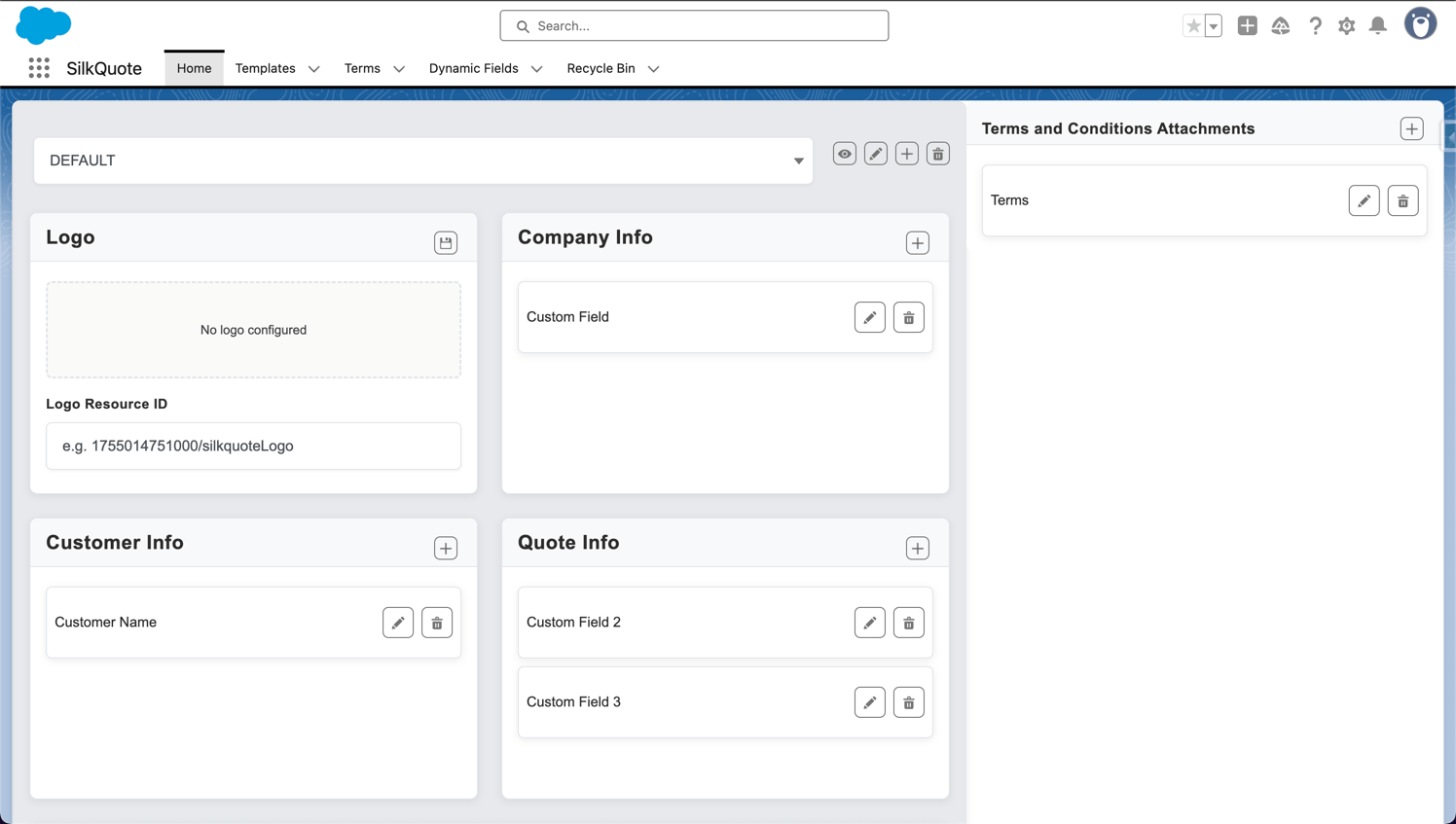
- On Brand Design: Upload a logo and set an accent color per template.
- Drag-and-Drop Editor: Reorder fields in each PDF section.
- Conditional Field Display: Show or hide fields and columns based on record values.
- Conditional Terms: Terms and Conditions with conditional availability.
- Smart Template Selection: Filters by Opportunity field values automatically.
- Line Item Grouping: Group line items by any field with subtotals.
Quote Generation
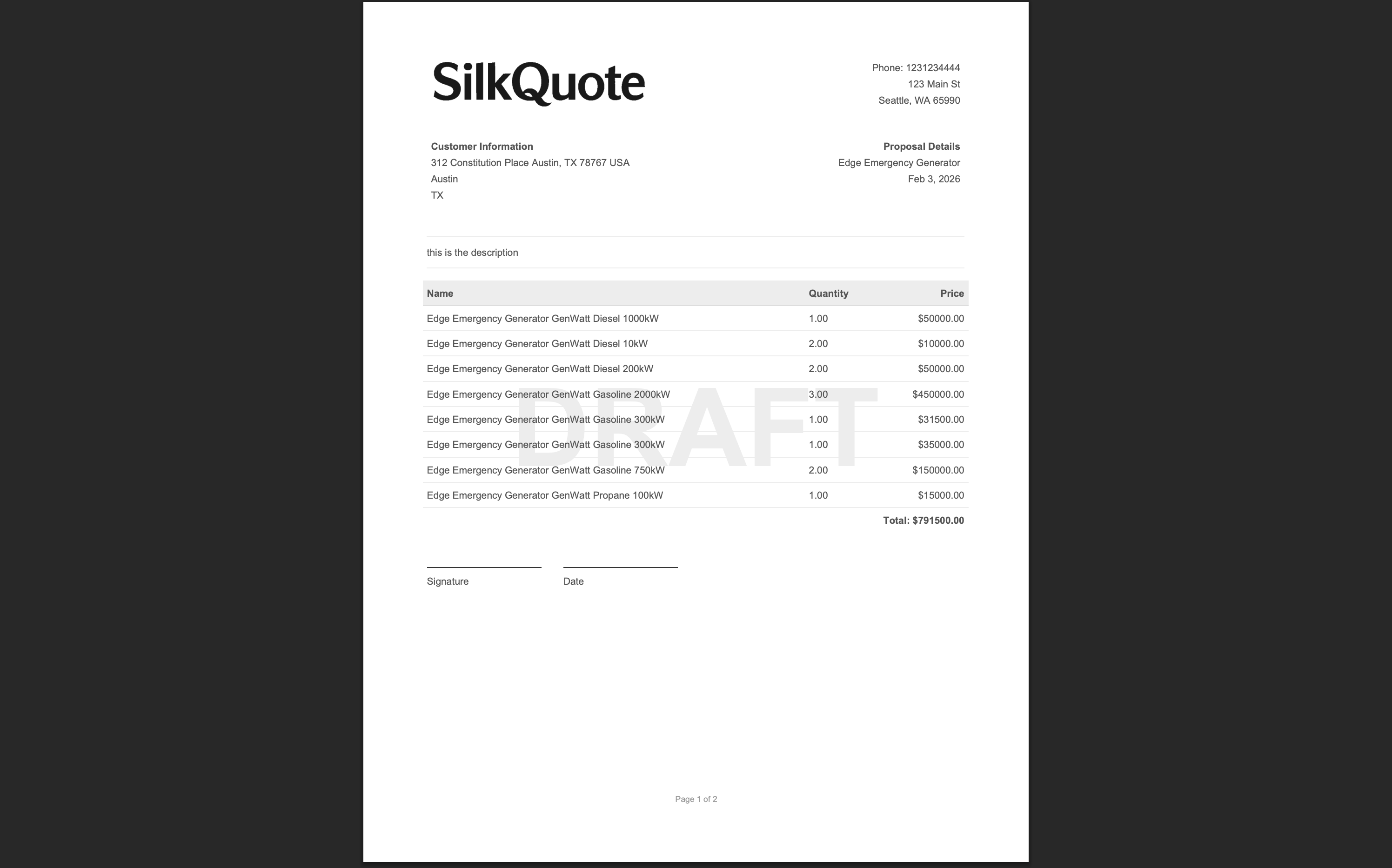
- One-Click PDF Generation: PDF quote from any Opportunity via Quick Action.
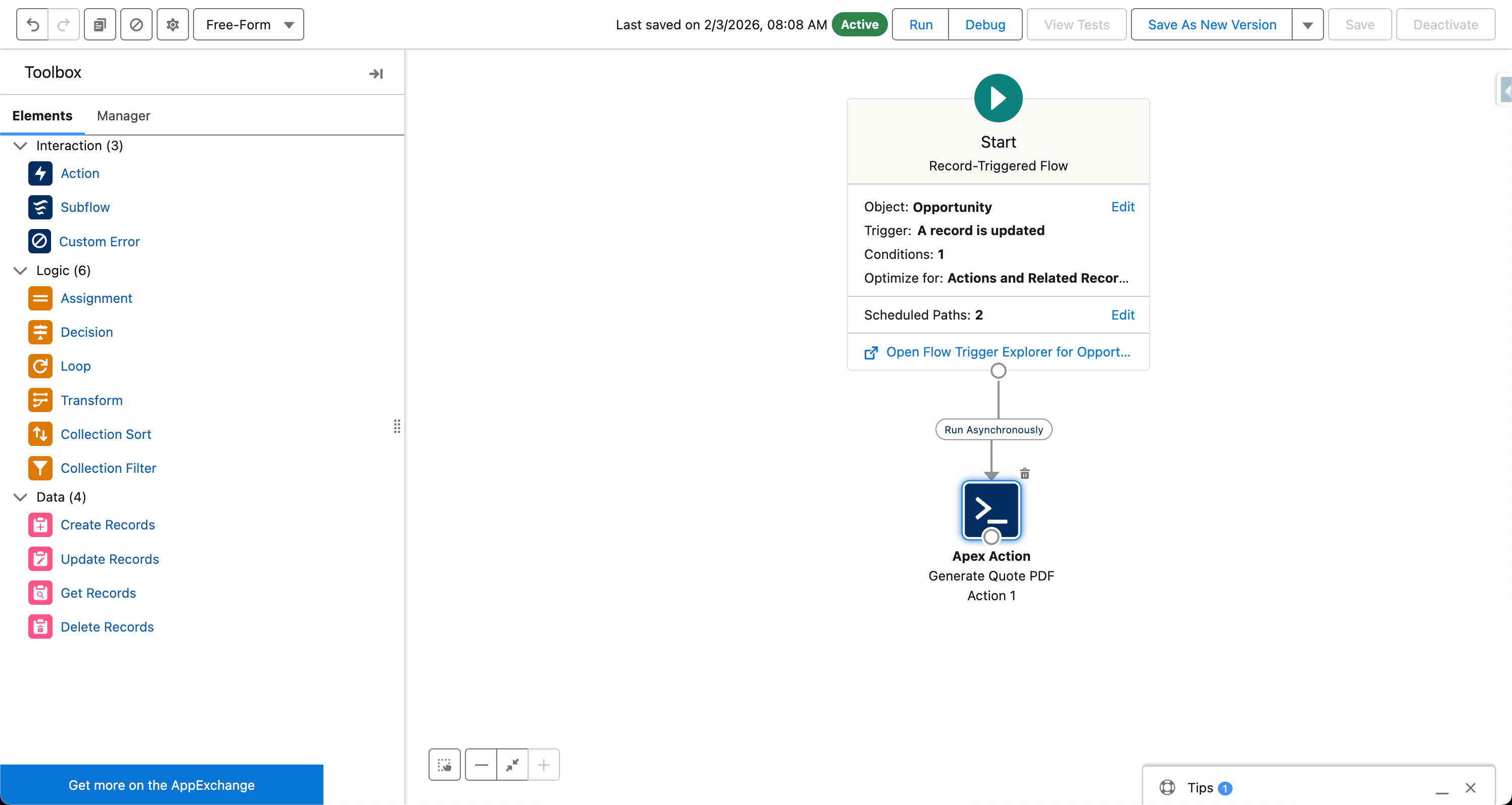
- Flow Invocable Action: Trigger quote generation from any Salesforce Flow.
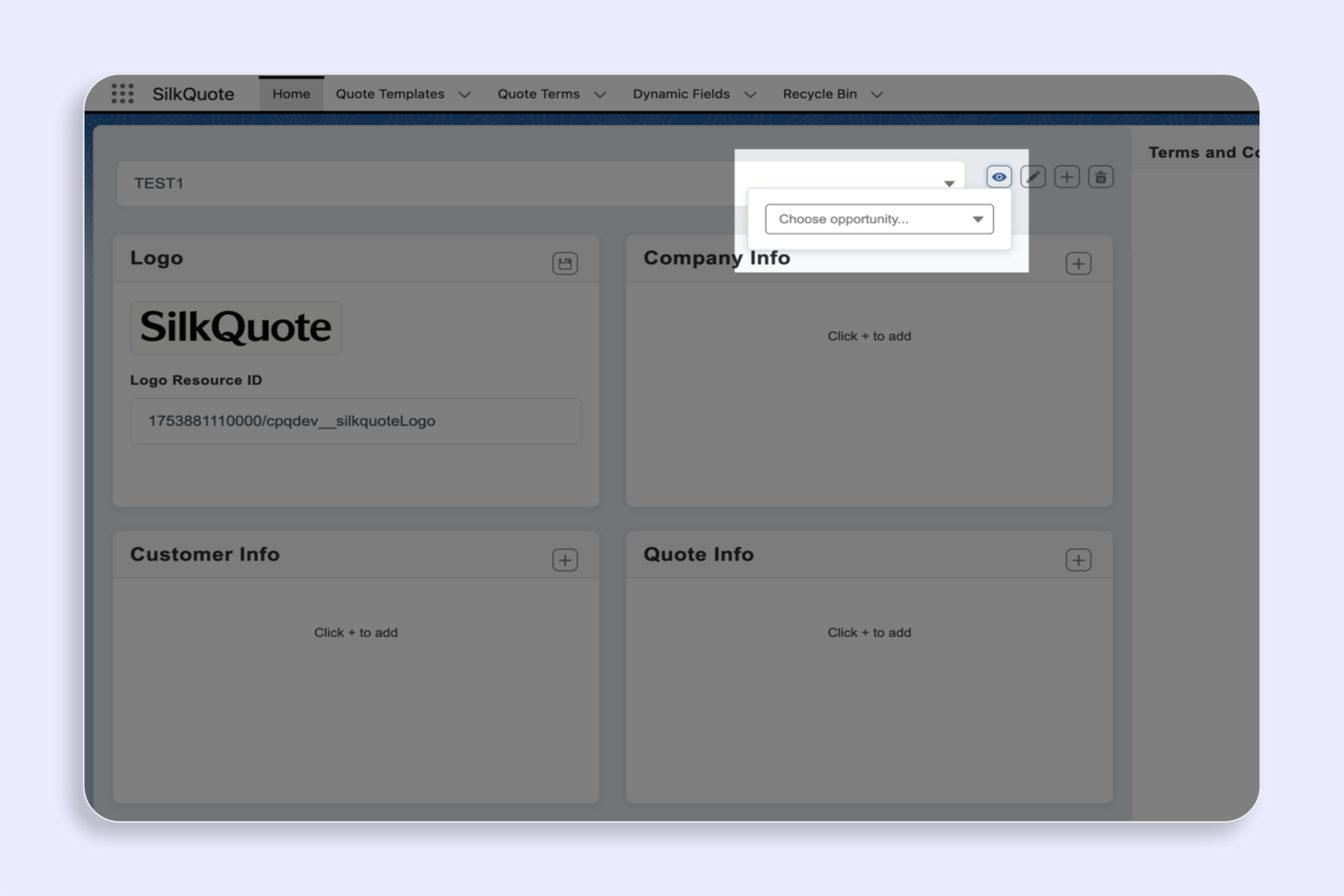
- In-Browser Preview: Review the PDF before saving or sending.
- Live Quote Preview: See the current quote in a live panel directly from the Opportunity.
- Stale Quote Indicator: Flag PDFs that are out of date with the current Opportunity data.
- Quote Version History: Retain all past quote versions per Opportunity.
Sharing & Acceptance
- Email Quote Links: Send prospects a direct link to their quote from the Opportunity.
- Prospect Acceptance: Prospects accept or decline quotes directly, no account needed.
- Email Open Tracking: Know when a prospect opens your quote email.
- Activity Tracking: Log every quote action: sent, viewed, accepted, declined.
Admin & Reporting
- Approval Routing Compatible: Build your approval processes around template selection.
- Configuration Validator: Scan templates, dynamic fields, and terms for problems.
- Dashboard & Reporting: Analyze opportunities, templates, and activity to spot success patterns.